









S-Docs for Salesforce vs Titan Docs | Salesforce Document Generation

Why S-Docs Salesforce Document Generation?
In case you are a first-time user of Salesforce, let us recap who Salesforce is and why document generation for Salesforce may be something you will need.
Salesforce is the reigning CRM tool, used mainly to assist you with daily business processes with ease and automation, for support, sales, and marketing teams within your organization. They help businesses use cloud technology to better connect with partners and customers.
Salesforce Document Generation — is the process of creating, signing, and managing documents automatically in Salesforce by combining data from different sources to generate S-Docs to PDF, Word or HTML document based on a template.
What kind of documents do you use for Salesforce S-Docs?
Your choice of a document generation tool for Salesforce will depend on the type of documents you use within your organization.
The more multifaceted your document requirements are, the more carefully you should investigate the possibilities of the different options.
Some document generation tools, such as S Docs and Titan Docs, can use data directly from Salesforce.
Looking for the best doc gen tool? – let’s dive in.
S-Docs – Who are they?
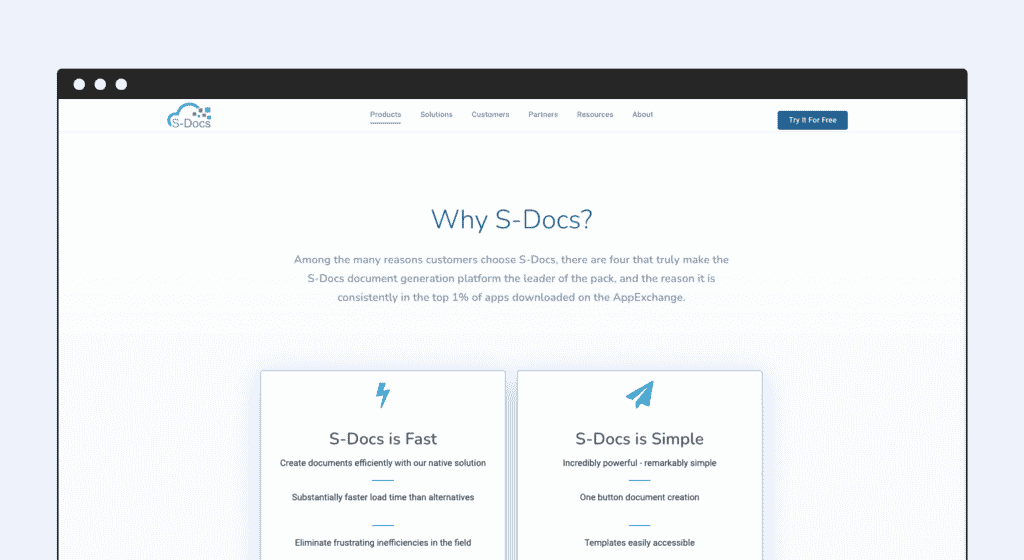
Founded in 2010, S-Docs is a Salesforce document management add-on solution that helps generate contracts, quotes, and invoices directly within Salesforce.
What is the hype about S-Docs for Salesforce?
When it comes to using Salesforce Native apps for Document generation, S-Docs helps you generate documents within the Salesforce platform.
Here’s why S-Docs is popular – it provides document storage S-Docs integration, helping you store documents on multiple platforms.
If you’re looking for a streamlined platform which integrates seamlessly with Salesforce and that offers great value for cost, Titan Docs is the way to go.
If you need a simple and fast document generation tool, you can opt for S-Docs.
Significant features worth noting
- With no server latency, S-Docs lives up to the Lightning Platform’s name. Generate data-driven documents in seconds.
- Fillable PDFs and password-protected PDFs are not supported.
- Generate documents without external data communication.
- Control document visibility across user profiles.
- Conditionally include or exclude portions of your documents with business logic.
Weaknesses to consider
- If your runtime prompt merge field result has rich text formatting, like bold red text, it won’t show up in the final template.
- PDF templates only support a limited number of fonts and CSS styles. To get the desired result, you may need additional editing time or are afforded some flexibility on the final output.
- Declarative table formatting is very limited. Not all options seem to be working, e.g., inserted images aren’t rendered, and inserting a related list does not always work.
- Certain characters display correctly in the template editor, but display incorrectly or disappear in the output document.
Is S-Docs HIPAA Compliant?
Yes, S-Docs is HIPAA Compliant.
S-Docs Pricing
S-Docs costs between between $20 – $40 per month.
Titan Docs’ advantages at a glance

Salesforce requires robust software to generate documents efficiently and professionally.
Something we all do like doing, is reports, which are a necessary but time consuming. Thankfully, Titan Docs’ generation tools will expedite the process while helping teams craft comprehensive reports with consistency.
100% Salesforce integrated – Titan Docs for Salesforce gives you the robust integration you need for document generation.
With Titan Docs, you extend your Salesforce solution with powerful, efficient document generation and more.
- Titan’s MS Word Add-in provides a fantastic user experience when creating templates.
- The MS Word Add-in is incredibly easy to use, once you insert this add-in, you can login with your Titan/Salesforce account and commence working.
- You will be able to generate documents based on your Salesforce data directly from Word, or create templates that will be used for business automation from Salesforce or Titan.
- Titan is a no-code tool, even for advanced logic. No need to copy-paste merge fields or write SOQL queries to filter results.
- Create flawless, ready-to-send documents according to corporate design with just a few clicks, directly from Salesforce using Titan’s simple, code-free document builder.
- Generate branded custom documents with live Salesforce data.
- Create stunning invoices, reports, contracts, quotes, and customer records with just clicks.
- Create branded Word templates with data from multiple objects.
Titan Docs combines all features to generate documents in Salesforce automatically. It’s a smart solution for your document generation needs and worth integrating into your Salesforce CRM.
If you decide to use Titan Docs, you are clear for take-off.
Side by Side Comparison
Build, Automate, and Interact with Titan Docs.
 |  | |
| Conditional logic/Dynamic Rendering |  | |
| Salesforce Integration | | |
| Data Collection using zero code | | |
| Document generation | | |
| E-Signature | | |
| Create custom layouts with clicks only | |  |
| Automate generation using Process Builder, Flow, APEX | | |
| Add dynamic tables to show data from multiple records in real-time | | |
| Merge templates to create single seamless documents | | |
| Generate PDF and word docs with interactive (fillable) fields | | |
Summing Up
And there you have it! A comparison between S-Docs and Titan Docs, with Titan Docs coming out as the winner once again.
Titan Docs- much more than a document generation tool!
If you’re still on the fence about whether Titan Docs is by far the very best S-Docs alternative, take a look at what our customers have to say.
“Super awesome doc generation tool with PDF, docx, and many more formats. Great customer support and tutorials. I have three words for Titan: simple, easy, and amazing.” – Suraj Patel.
Make sure to visit us on:
Disclaimer: The comparisons listed in this article are based on information provided by the companies online and online reviews from users. If you found a mistake, please contact us.
You might be interested in
Writing Your First Notarized Letter Like a Pro

How to Remove Track Changes in Word

Signee Vs. Signer Vs. Signatory: What are They?

All-in-One Web Studio for Salesforce