One Stack. One Source.
Clear Price.
Choose your studio. Titan keeps Salesforce as the source of truth, replaces scattered point solutions, and gives teams package pricing without the success tax.

Doc Gen

eSign

Workflow Automation

Proposals

CLM
Starter
Starting at:
$150per month
Document Generation or eSignature workflows with native Salesforce integration and Microsoft Add-Ins.
Growth
Starting at:
$350-$1,000per month
Add merge, bulk send, approvals, access control, and tracking to Salesforce document or signing workflows, with more control.
MOST POPULAR
Scale
Starting at:
$1,200per month
Document generation & eSign, sandbox availability, advanced storage, automation, workflow options, and compliance support.
Enterprise +
Starting at:
$2,000per month
For complex Salesforce workflows, compliance, and scale, with AI Builder, sandbox, advanced automation, and legal review.

AI Studio

Portals

Web Flows

Web Forms

Surveys
Starter
Starting at:
$250per month
Build Salesforce-connected forms and landing pages with payment integration, simple submissions, intake workflows, and API usage.
Growth
Starting at:
$450-$1,000per month
Expand into multi-page forms, portals, automated workflows, and API access, with conditional logic, 2FA, and synced user interactions.
MOST POPULAR
Scale
Starting at:
$1,200per month
Salesforce experiences at scale, automation, enterprise control, 2 builders, sandbox availability, API usage, and more environments.
Enterprise +
Starting at:
$2,000per month
Full Experience with AI Builder, complex automations, API Hub, HIPAA, PIPEDA, GDPR coverage, plus MSA, DPA, and legal review support.
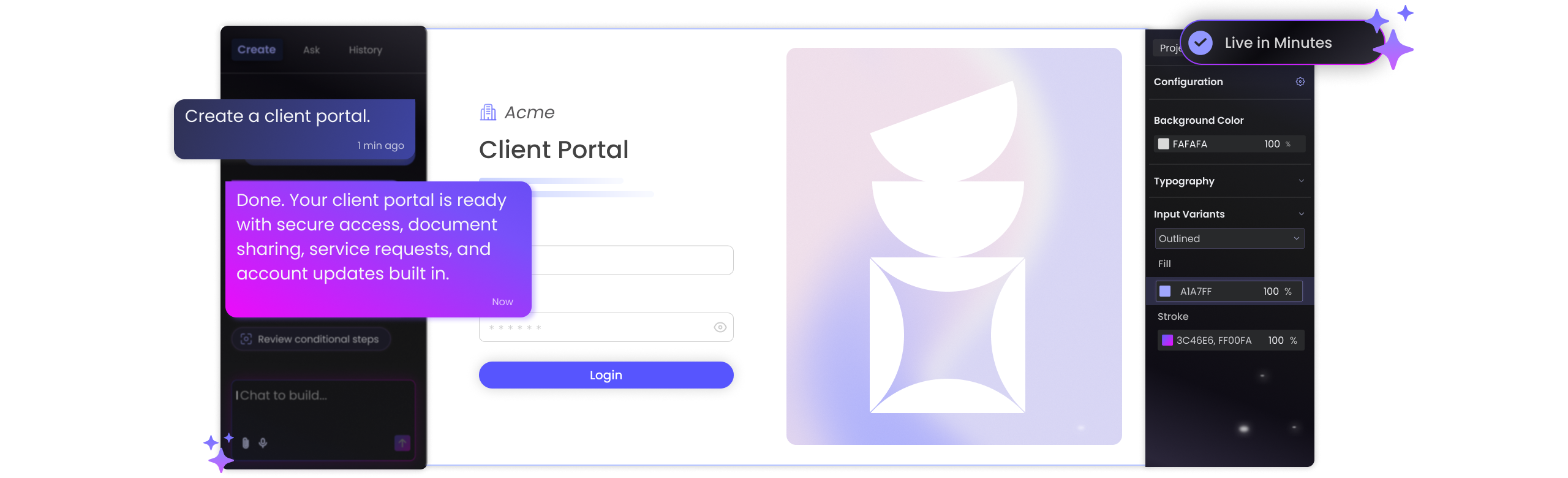
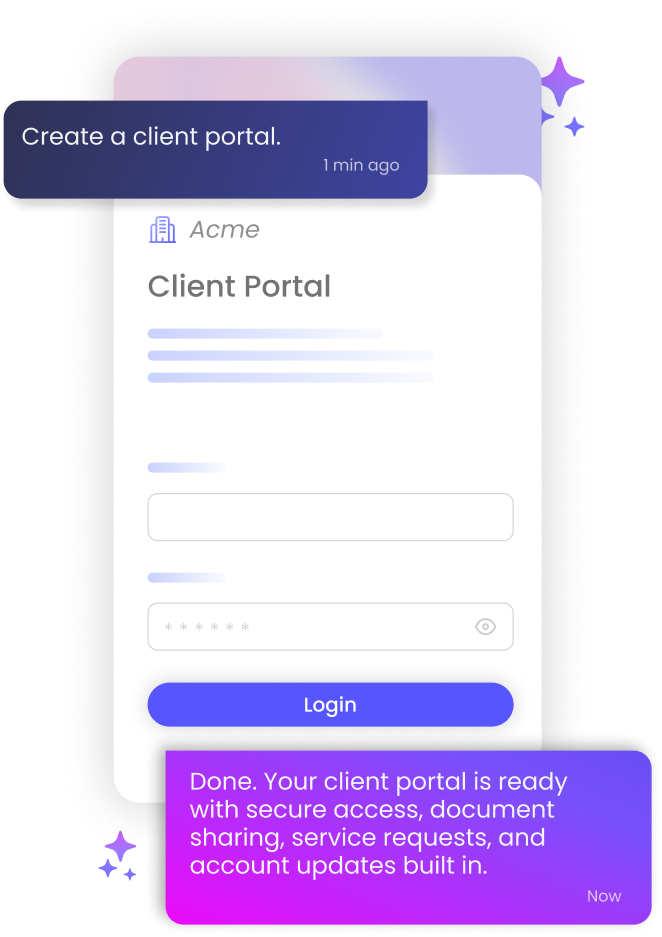
Idea In. Portal Out.
Start with a prompt and Titan turns it into a Salesforce-synced portal that
takes shape in real time.
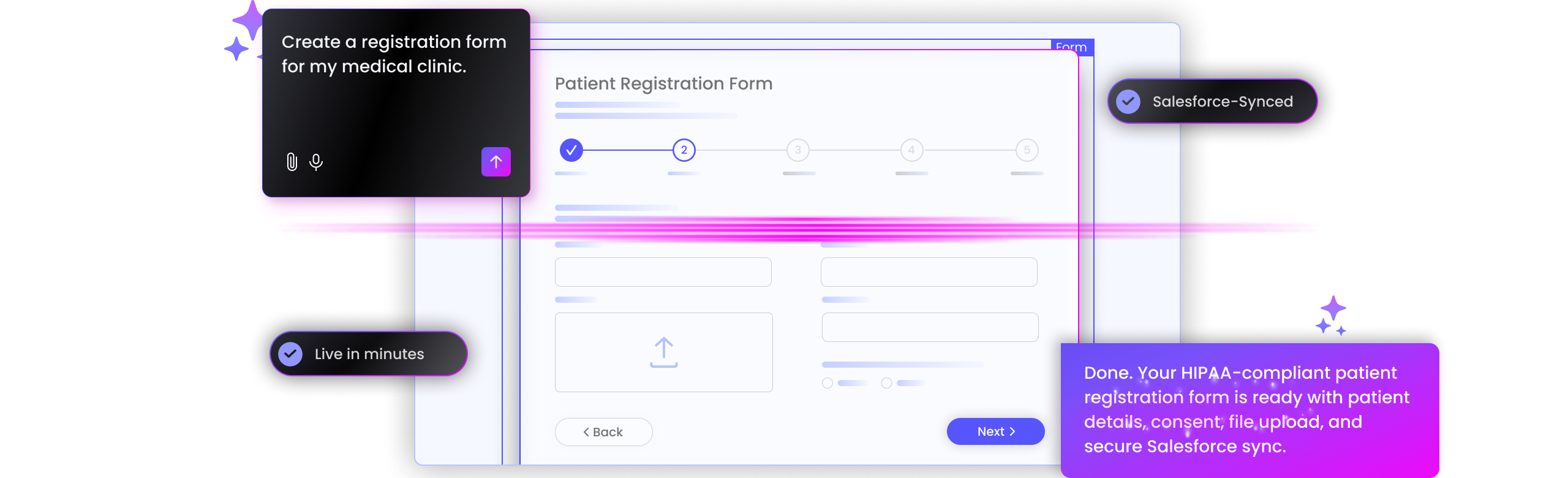
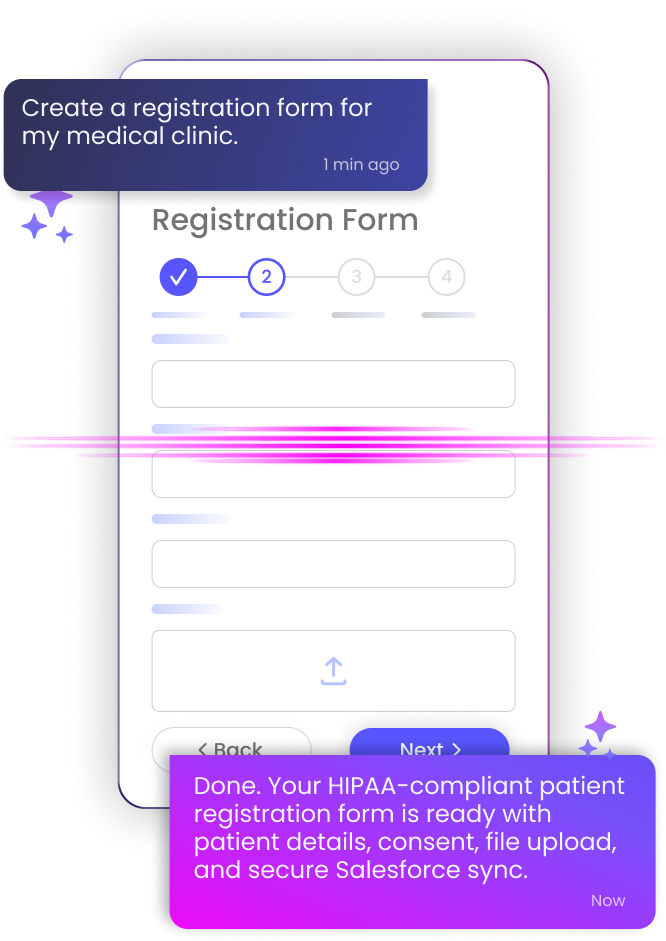
Ask. Form. Done.
Just type what you need and Titan turns it into a dynamic Salesforce-synced form in minutes.
Global Scale. Measurable Impact
Salesforce AppExchange rating
Documents generated directly from Salesforce
Salesforce API calls executed securely
Clients running Titan in production
 AppExchange-Loved
Customer Success

The platform knows to take all the data from different sources and create the logic we want. We received a very simple and cost-effective solution to a complex challenge.
We are thrilled with the efficiency of Titan in helping us take our mortgage process to the next level.
The team at Titan is very responsive, and when something arises, they are and have been there to help us along the way. UCLA’s success with Titan is outstanding.
Titan supports advanced use cases, like linking forms to Salesforce flows or Apex classes, which really expands what’s possible.
The timing was a key factor and using the Titan platform saved us a huge amount of time. It’s an incredibly powerful tool with endless possibilities.

We like the no-code aspect of Titan and also its flexibility with styling our grant applications.
4.99/5 on AppExchange for a reason. Titan is loved by 1,000+ Salesforce teams for deep integration, flexible experiences, and support that shows up.
TITAN, Accelerated by AI Studio
Just prompt for faster Titan builds, then refine with full drag-and-drop control.
Pricing FAQs
What are Titan’s expanded integration features?
How does Titan use access control to ensure safety and security?
Titan provides easy-to-use functionality that sets up permissions and security to determine who can access, edit, or manage different parts of Titan’s platform and its integrations with Salesforce. This ensures that only authorized users can view or modify sensitive data, forms, documents, portals, and workflows.
You can configure user roles and permissions in the Titan platform or use Salesforce-based access control.
What is API Foundational Analytics?
API Foundational Analytics refers to the core set of metrics, insights, and monitoring tools used to track, measure, and optimize API performance, usage, and security. It helps organizations understand how their APIs are being used, detect issues, and improve efficiency.
What are staging environments?
A staging environment is a replica of your production environment (live system) that is used for testing and quality assurance before making changes to the live environment. It serves as a final step to verify that everything works as expected without affecting real users or business operations.
By testing in a staging environment, you minimize the risk of errors, downtime, and disruptions in the live environment. It helps identify bugs or issues before they impact end users.
How does Titan Document Studio compare to DocuSign or Adobe Acrobat Sign?
Titan includes eSign functionality, integrated document generation, workflow logic, and Salesforce-native automation. This goes beyond the narrow focus of eSigning existing files that DocuSign and Adobe Acrobat Sign offer.
How is Titan different from Nintex for document automation?
Nintex requires a complex setup for document automation, while Titan provides a seamless end-to-end experience. You get doc-gen approval and routing in a Salesforce-native environment that’s easy to implement and scale.
Can Titan replace Conga or S-Docs for Salesforce doc gen?
Yes. Titan provides real-time bi-directional Salesforce sync, dynamic templates, and multi-step automation. It rivals Conga and S-Docs but offers a more intuitive no-code interface and fewer configuration dependencies.
Is Titan suitable for building proposal workflows?
Offering built-in approval logic, eSign, and proposal templates that all sync to Salesforce, Titan makes it easy to manage approvals end-to-end without jumping between tools.
How does Titan Experience Studio compare to Typeform, Jotform, or Google Forms?
Titan gives you the full power to build authenticated portals, web forms, and surveys directly tied to your Salesforce data, with no connectors needed and no limitations on logic or styling.
Is this better than Salesforce Experience Cloud or Power Apps for building portals?
Titan offers branded, authenticated portals without requiring developers. It’s faster to deploy than Salesforce Experience Cloud or Power Apps, while still offering SSO, embedded flows, and survey capture.
How does Titan compare to Formstack or FormAssembly?
Formstack is integrated with Salesforce via connections, but it can require external syncing and lacks native support for portals and flows. FormAssembly offers deeper Salesforce integration, but setup is complex and doesn’t include tools for embedded experiences, authenticated access, or document automation.
With Titan, you get all of the above in a unified, no-code platform that works natively with Salesforce from day one.
Can Titan handle embedded experiences and conditional flows?
You can embed logic-rich or multi-step forms inside websites or Salesforce pages while maintaining complete control over permissions, branding, and data flow.
Why choose the Enterprise Suite over piecing together other tools?
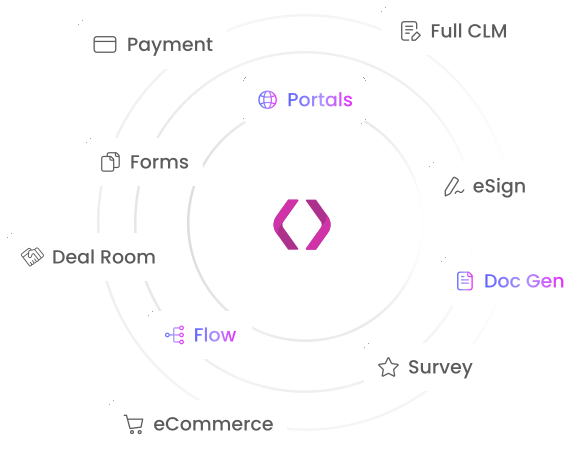
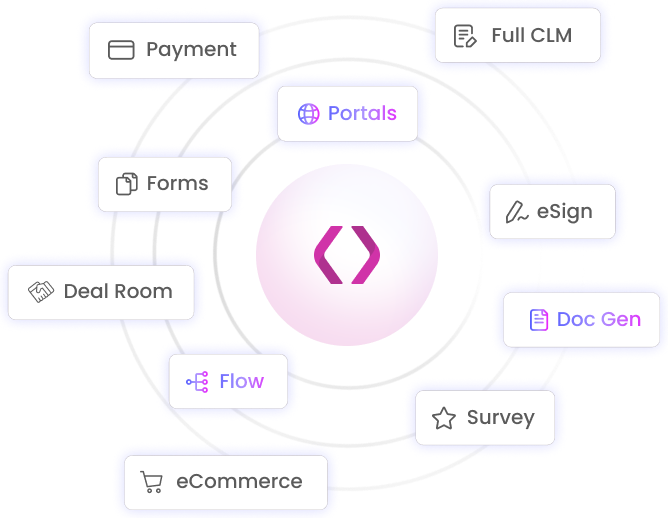
Titan unifies document generation, eSign, workflows, portals, and forms in one platform and is natively integrated with Salesforce. This replaces the need for multiple separate tools, streamlining your stack and lowering the total cost of ownership.
Can Titan Enterprise Suite replace both Conga and Formstack?
Yes. Titan gives you the functionality of Conga, Formstack, and more without needing custom API work or middleware.
How does Titan compare to Nintex in terms of enterprise automation?
Nintex is a robust platform that requires technical setup, developer support, and sometimes third-party tools to integrate with Salesforce. Titan is the no-code alternative that integrates with Salesforce and offers one cohesive platform built for business users.
How does Titan scale for large orgs or multi-team deployments?
Titan supports enterprise-grade needs such as SSO, permission control, quote management, secure portals, and custom workflows, making it a strong choice for teams across departments, use cases, and geographies.