










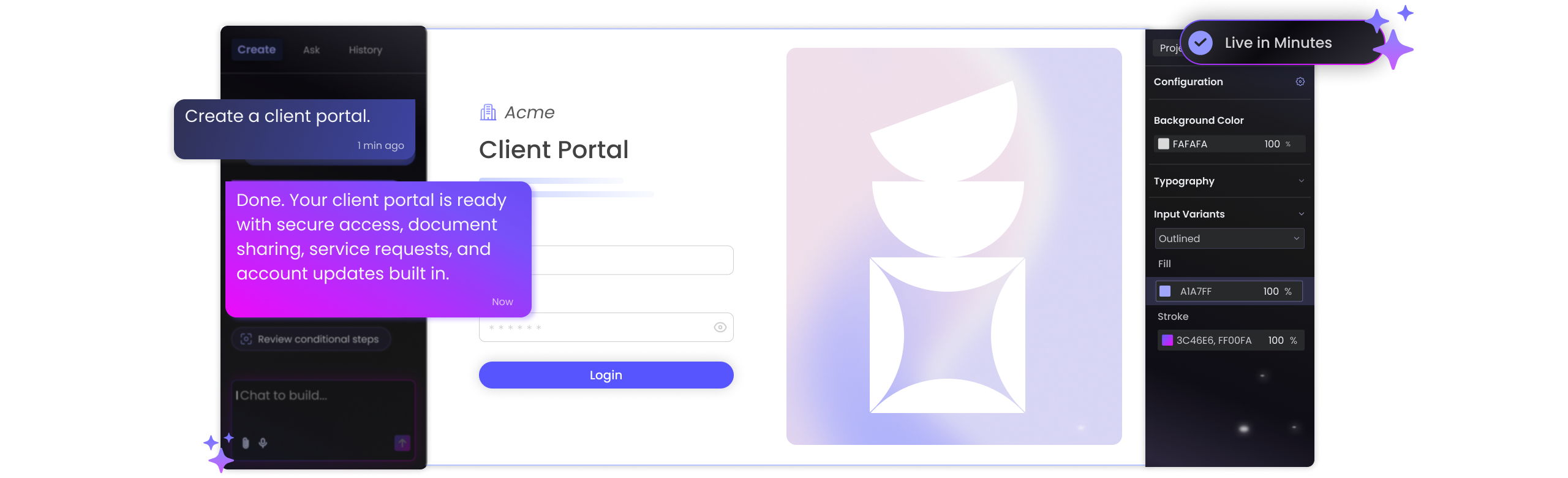
Idea In. Portal Out
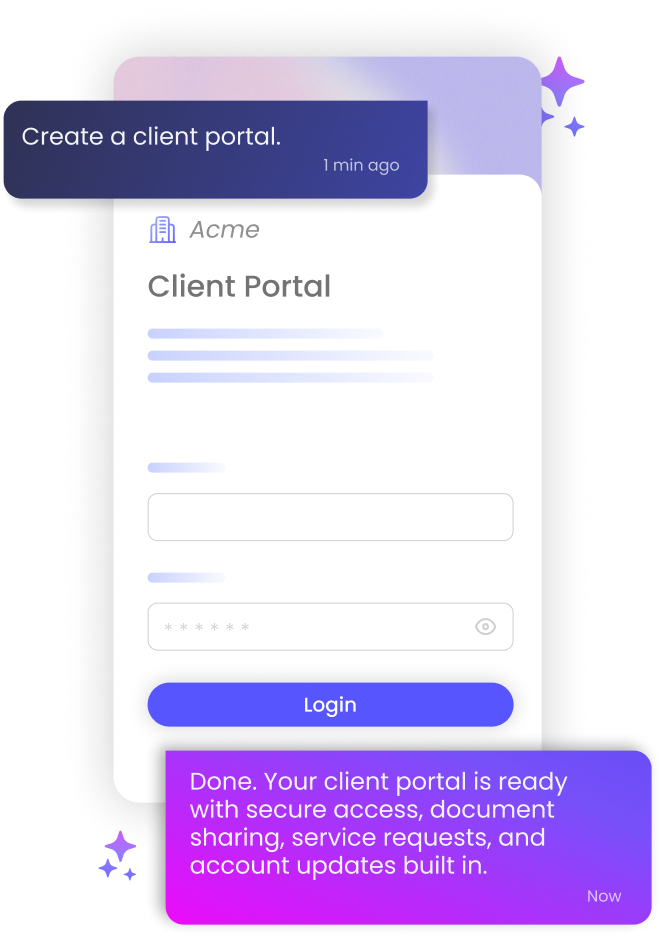
Start with a prompt and Titan turns it into a Salesforce-synced portal that takes shape in real time.
Why Titan?

No-Code Setup
Build secure customer, employee, and partner portals with a no-code portal builder connected directly to Salesforce.

Live Salesforce Data
Create dynamic Salesforce portals where users view, submit, and update records, with data kept in sync.

No AI Costs
Build with Titan AI Studio at no extra cost, and keep portal pricing clear as more users need access.

Smart Access Control
Set visibility, logic, and permissions for each user type and role, based on Salesforce data across each portal.

Fully On-Brand
Customize pages, layouts, and interactions so each portal feels like your business, from login to final action.

Enterprise Support
Get SLAs and deployment support for complex rollouts, compliance needs, and growing teams.
Ready. Set. Portal
Build, brand, publish, and connect AI-assisted Salesforce portals from one place, with visual tools and Salesforce field mapping built in.
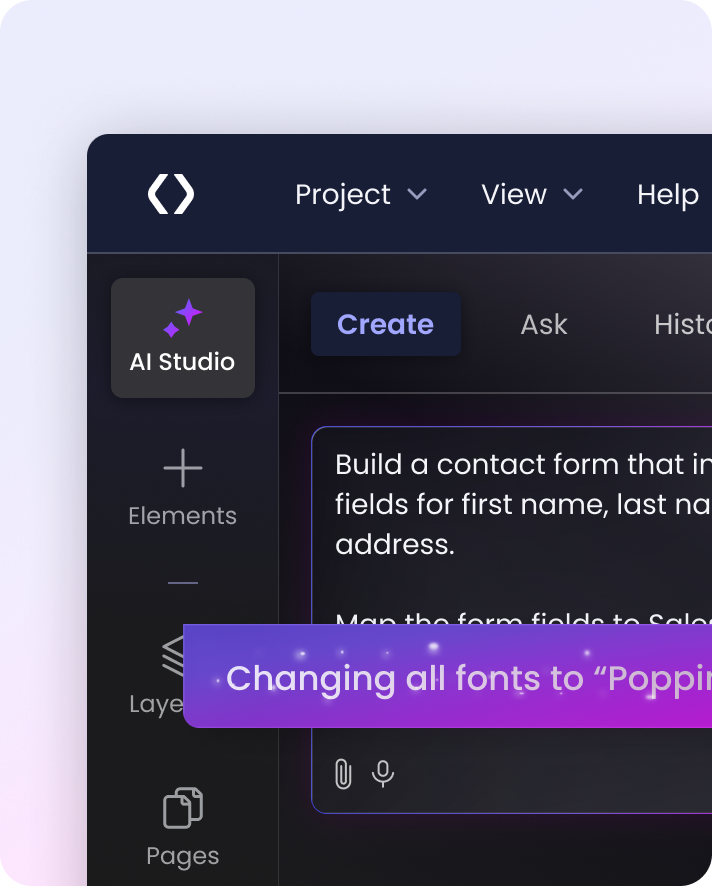
Prompt to Portal Start with the portal you want to build in Titan AI Studio, then refine pages, fields, and logic in Titan’s no-code builder to fit your Salesforce process, at no extra cost.
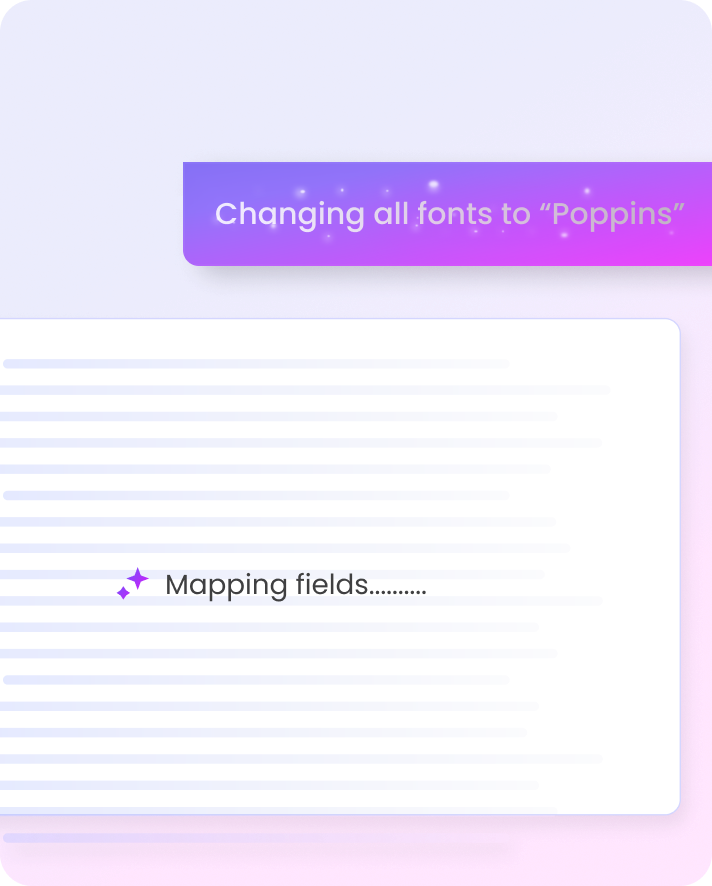
Map to Salesforce Titan AI Studio maps fields, forms, documents, and requests to your Salesforce data model, then you can adjust the setup in the builder.
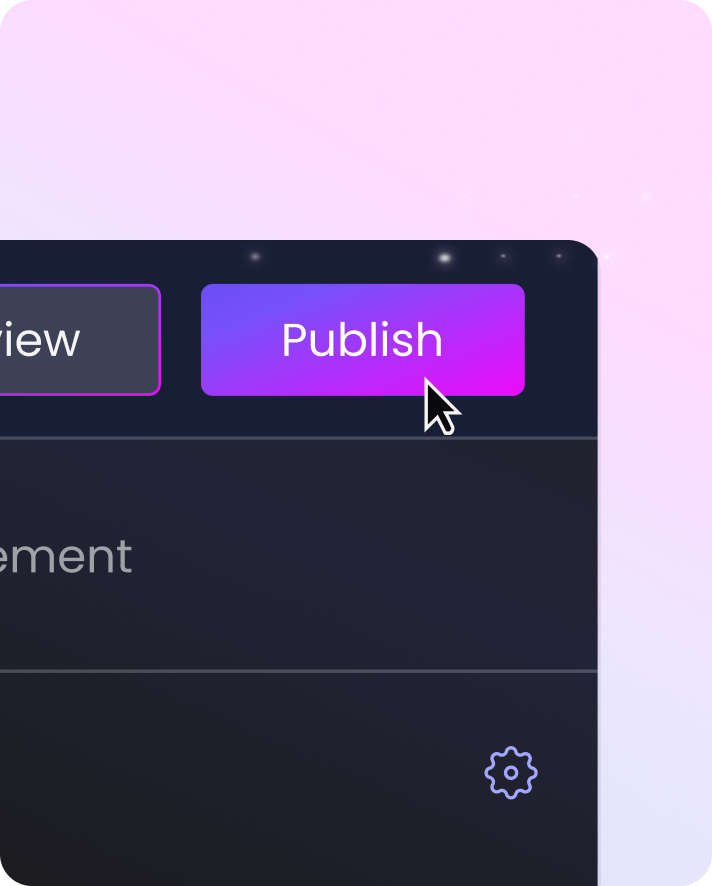
Fast Publishing Move from setup to launch without starting a custom development project. Build, test, and update portal pages as your process changes.
Portals That Handle Every Step
See how logins, documents, approvals, and Salesforce updates work together inside one portal.


Login & Generate Docs
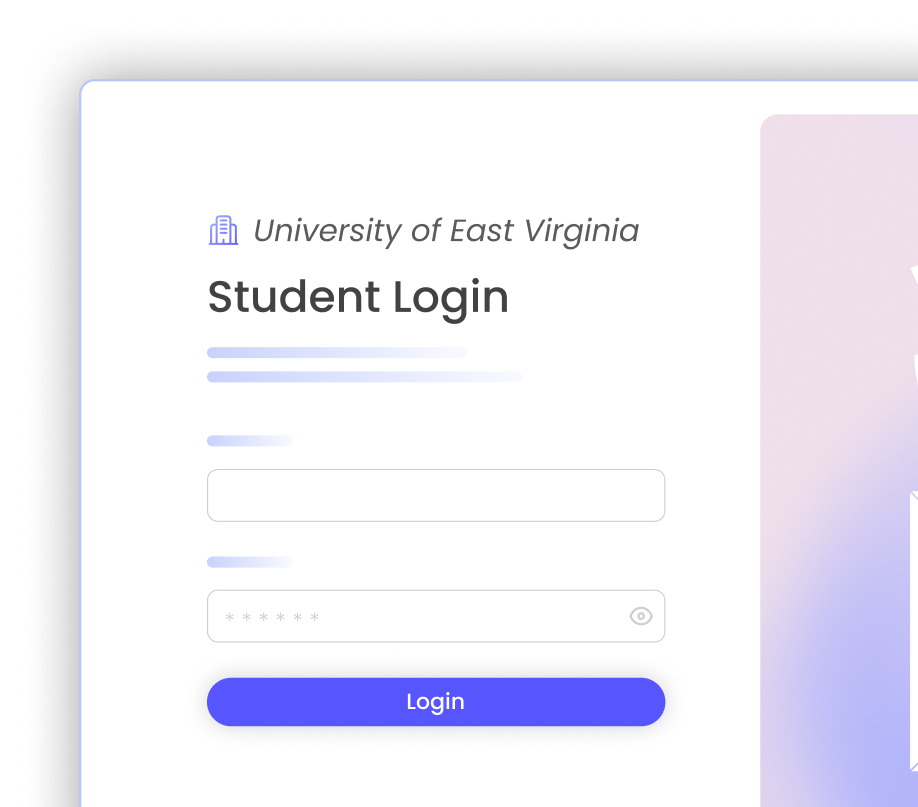
Let users log in, complete portal steps, generate documents, and send them for signature as part of one secure Salesforce-connected flow from start to finish.

Push & Pull Salesforce Data
Create bi-directional portals, documents, surveys, and forms that pull Salesforce data in and push submissions back in real time.


Built for Every User
Support customer, partner, team, and non-Salesforce user access with custom SSO, advanced 2FA, automation, progress reports, approval flows, and permissions.
-

-
-
-
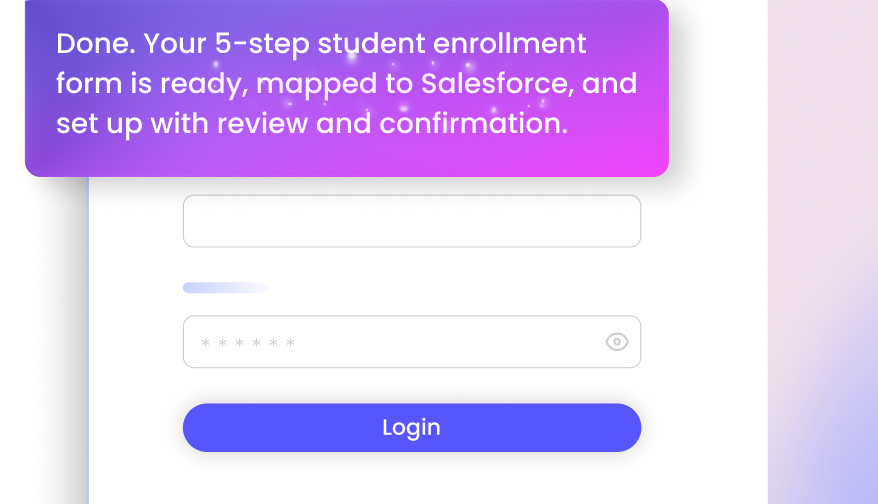

All-in-One Experience Cloud Alternative
Use Titan Portals with Experience Cloud, or as a flexible Salesforce Experience Cloud alternative for custom web apps and portals that need Salesforce data, secure access, and control.
Salesforce Customer & Partner Portals
Build Salesforce customer portal and Salesforce partner portal experiences, forms, and surveys where users submit information, upload files, complete steps, and keep Salesforce updated.

Customer Success
Titan supports advanced use cases, like linking forms to Salesforce flows or Apex classes, which really expands what’s possible.

We are thrilled with the efficiency of Titan in helping us take our mortgage process to the next level.

The team at Titan is very responsive, and when something arises, they are and have been there to help us along the way. UCLA’s success with Titan is outstanding.

The platform knows to take all the data from different sources and create the logic we want. We received a very simple and cost-effective solution to a complex challenge.

The timing was a key factor and using the Titan platform saved us a huge amount of time. It’s an incredibly powerful tool with endless possibilities.

We like the no-code aspect of Titan and also its flexibility with styling our grant applications.
4.99/5 on AppExchange for a reason. Titan is loved by 1,000+ Salesforce teams for deep integration, flexible experiences, and support that shows up.
Titan Portals FAQs
Can I build a custom portal with Titan Web?
Yes. Titan Web gives you a no-code Salesforce portal builder for custom portals and web apps with bi-directional Salesforce integration. You can control the look, feel, user journey, and Salesforce data users can read or update.
How do I build a portal without a developer in Salesforce?
Use Titan’s no-code Salesforce portal builder to create portals visually, connect them to Salesforce data, set permissions, and publish portal experiences without starting a custom development project.
Can AI help build a Salesforce customer portal?
Yes. Titan AI Studio can help create the first version of a Salesforce customer portal from a prompt, including pages, fields, access, and actions you can refine visually.
Can I use SSO to authenticate my Salesforce web application?
Yes. Titan Web supports custom SSO portal experiences, so non-Salesforce users can log in securely and access the portal built for them.
Can I create secure portal access with Titan Web?
Yes. You can create secure portal experiences with authenticated access, 2FA, user permissions, and logic that controls what different users can see and do.
Can I build a customer or vendor zone in Titan Web?
Yes. You can build customer, vendor, partner, or employee zones where users log in, complete steps, submit information, generate documents, and work with Salesforce data.
Can files be uploaded through the interface I create in Titan Web?
Yes. Users can upload files through the portal interface you create. Those uploads can support Salesforce-connected portal processes, depending on how your portal is configured.
What’s a good alternative to Salesforce Experience Cloud?
Titan Web can be used with Experience Cloud, or as a Salesforce Experience Cloud alternative for custom portals, web apps, forms, surveys, and Salesforce-connected journeys.
Is Titan Web compatible with my Salesforce Cloud?
Titan Web is built to work with Salesforce data and can support many Salesforce Cloud use cases. The best fit depends on your objects, permissions, users, and portal requirements.
How is Titan Web different from Salesforce Experience Cloud?
Salesforce Experience Cloud is Salesforce’s native digital experience product. Titan Web is used when teams want more control over portal design, Salesforce data actions, forms, documents, signatures, and branded user journeys.
Can I build a partner portal in Salesforce without OmniStudio?
Yes. Titan Web can be a strong option for teams building a Salesforce partner portal, forms, document flows, user journeys, and data updates with no code.
Do I need coding to build portals and apps with Titan Web?
No. Titan Web includes a no-code visual builder for creating portals and web apps connected to Salesforce. More complex projects can still include advanced logic, permissions, SSO, and enterprise rollout support.