










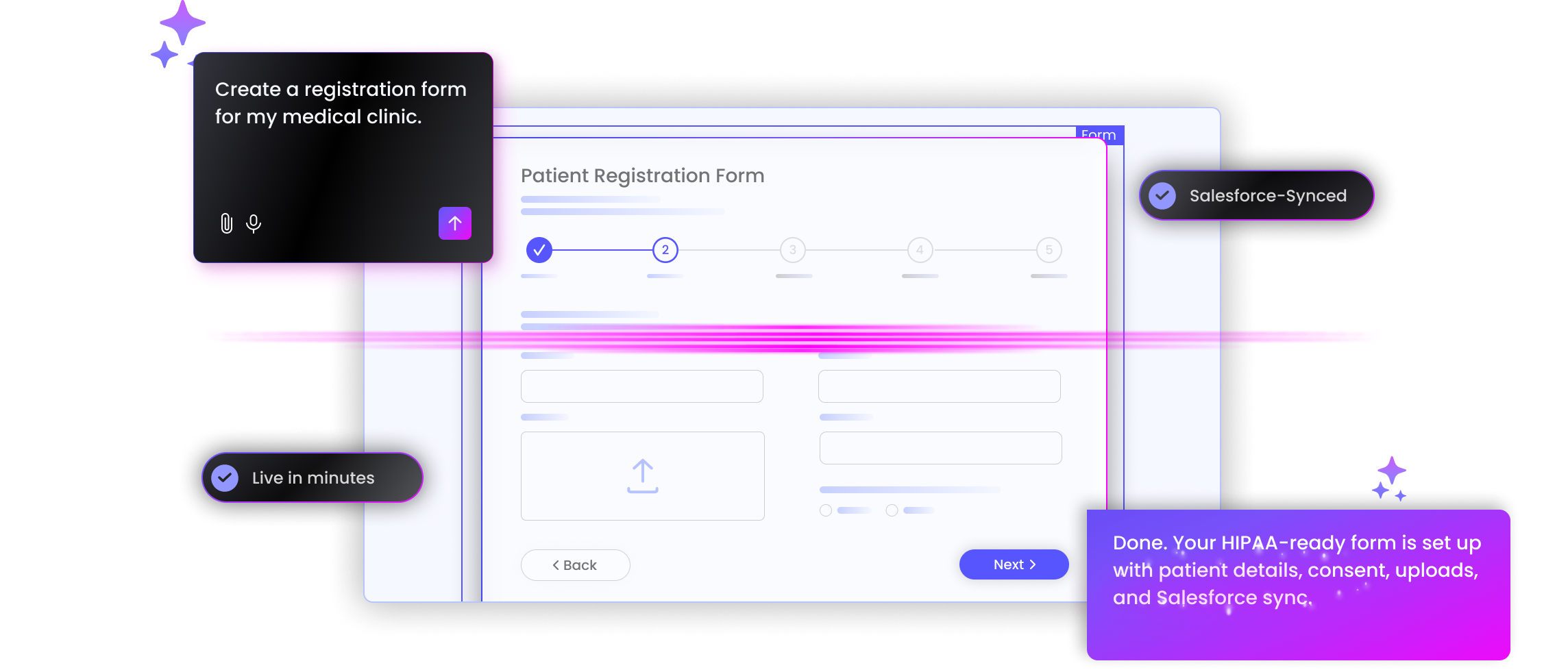
Ask. Form. Done
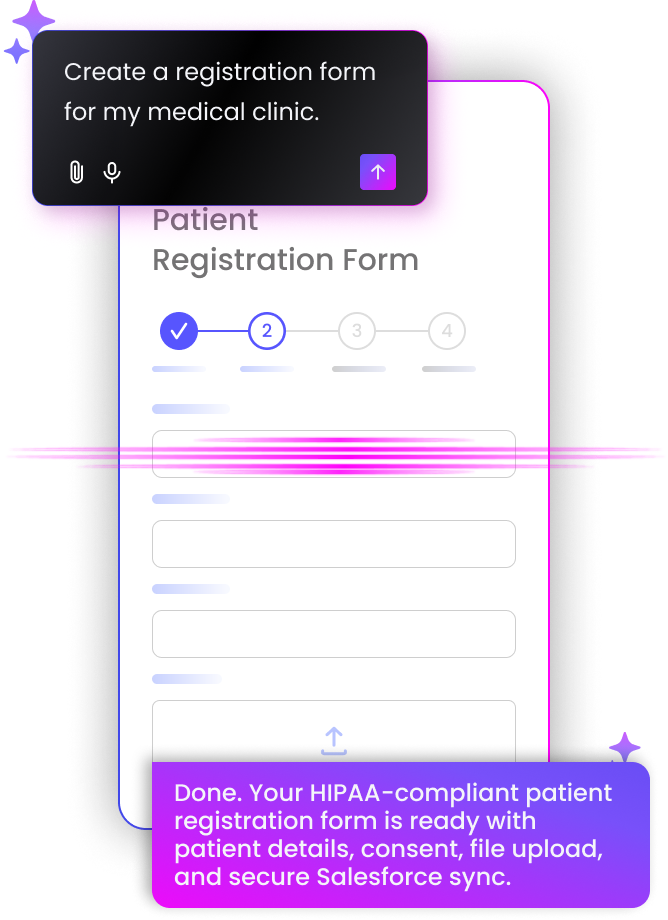
Any multi-step, parent, child, and cross-object forms, from a single prompt in Titan AI Studio.
Why Titan?

100% No Code
Create no-code Salesforce forms for lead-gen, surveys, registration, and case intake in a visual builder. No custom dev required.

Real-Time Integration
Pre-fill, create, and update Salesforce records in real time. No middleware or delayed sync with Titan’s AI forms for Salesforce.

No AI Costs
Build with Titan AI Studio included at no extra cost, and keep form pricing clear as more users need access.

Security & Compliance
Capture sensitive data through HIPAA-compliant, GDPR-compliant forms with audit trails and enterprise access controls.

Conditional Logic
Use CRM data or user answers to show the right fields and steps in dynamic Salesforce forms.

Forms for Every Screen
Create custom layouts for desktop, tablet, and mobile. Give every user a clear form experience.
Ready. Set. Form
Create dynamic Salesforce forms from a simple prompt, publish them fast, and map every field back to the right Salesforce record.
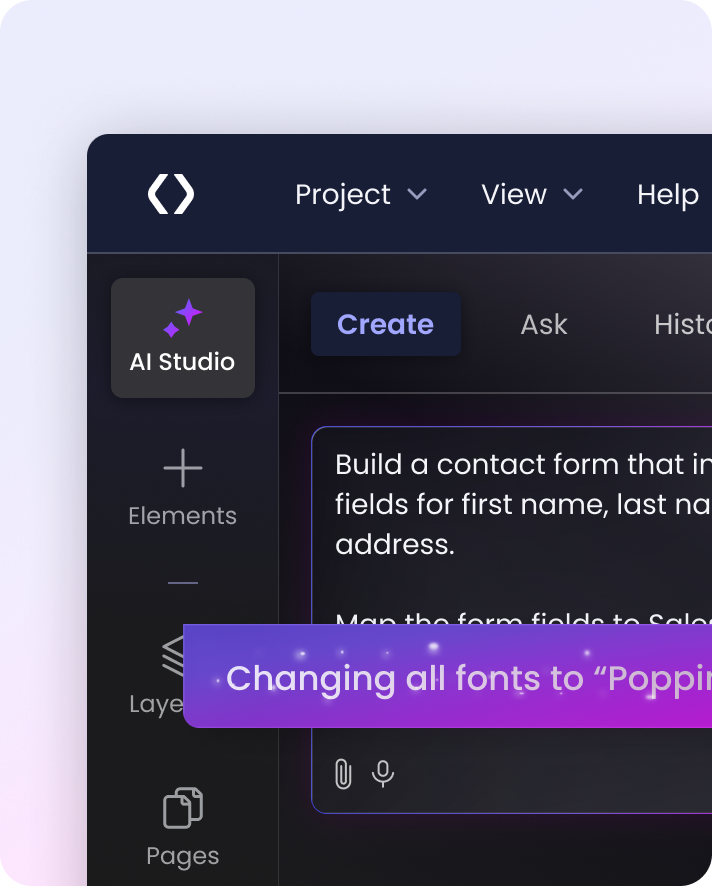
Describe the Form From registration to case intake, AI Studio creates the first draft with fields, structure, and logic ready to refine before your team edits the details.
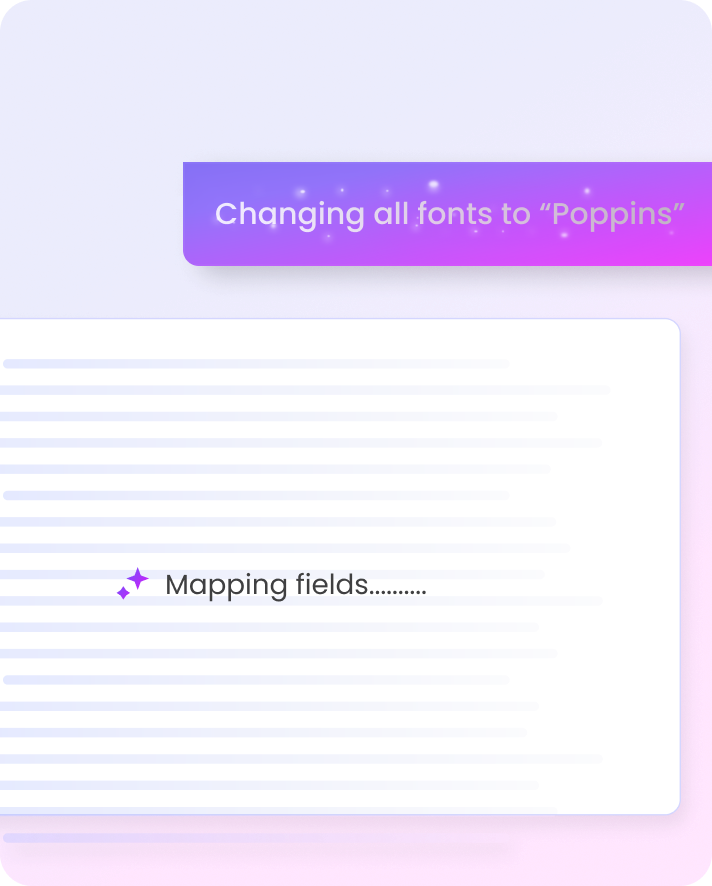
Map Fields to Salesforce Titan AI Studio maps fields based on your Salesforce data model. Review the object and field matches, adjust what you need, and sync submissions in real time.
Publish the Experience Review the form, adjust the layout, and publish when it is ready. Teams can move from idea to usable form without a custom build, while keeping control of the final experience.
Dynamic Forms For Salesforce Data
Explore Salesforce forms that sync in real time, embed on websites, portals, and route submissions into approval flows.


Salesforce Forms for Any Use Case & Object
Create custom Salesforce forms for leads, cases, registrations, surveys, and intake. Collect new information, pre-fill existing data, use conditional logic, and connect each submission to the right standard or custom object.
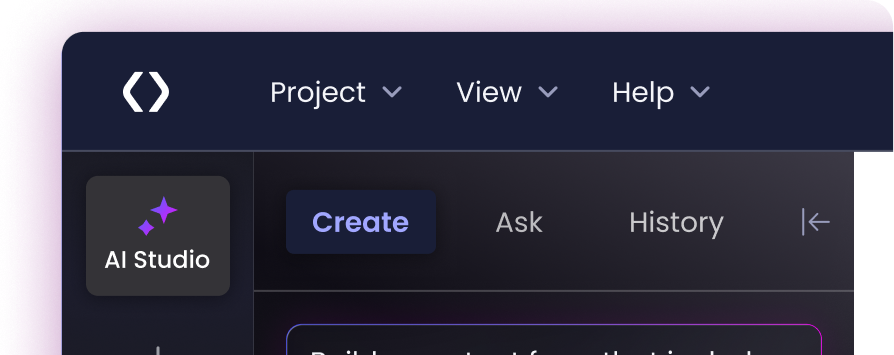


Push & pull real-time Salesforce data
Pull current Salesforce data into your form and send submissions back to Salesforce in real time. Titan Forms can create records, update records, and work across related objects without middleware.

Embed Salesforce Forms in your Website
Publish responsive Salesforce forms to your website, portal, or document with script or iFrame. Every submission stays connected to Salesforce.

Real-Life Solutions with Salesforce Form Builder Features
Build forms that read and write across multiple Salesforce objects, including lookup fields, junction objects, related lists, list views, formulas, and one-to-many or many-to-many relationships. Add grid views, bulk record editing, and file uploads when basic forms fall short. Keep Salesforce data structures connected through one form experience.
-

-
-
-
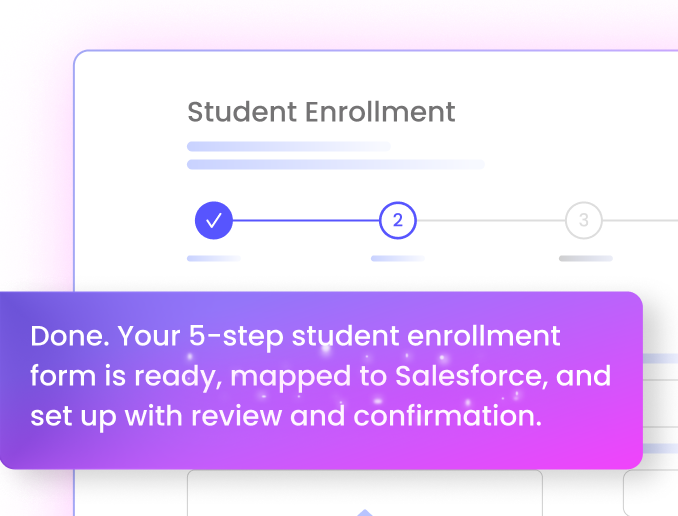

Automate Salesforce Actions After Submission
Use Titan Forms to create records, update fields, route and score leads, and create reports from submissions. Each submission can move into the right Salesforce step without manual re-entry. Teams can use data to keep lead follow-up, reporting, and record updates connected in Salesforce.

Made for Teams & Everyone In Between
Create secure form experiences for teams, customers, partners, and non-Salesforce users. Support approval flows, SSO portals, 2FA, and tracking so each group can submit, review, and update information.
-
-
-

Explore Titan Form Builder
Take a deeper dive into Titan Forms with customer success stories, real-world use cases, and Salesforce form guides.
Customer Success

The timing was a key factor and using the Titan platform saved us a huge amount of time. It’s an incredibly powerful tool with endless possibilities.

We are thrilled with the efficiency of Titan in helping us take our mortgage process to the next level.

The team at Titan is very responsive, and when something arises, they are and have been there to help us along the way. UCLA’s success with Titan is outstanding.

Titan supports advanced use cases, like linking forms to Salesforce flows or Apex classes, which really expands what’s possible.

The platform knows to take all the data from different sources and create the logic we want. We received a very simple and cost-effective solution to a complex challenge.

We like the no-code aspect of Titan and also its flexibility with styling our grant applications.
4.99/5 on AppExchange for a reason. Titan is loved by 1,000+ Salesforce teams for deep integration, flexible experiences, and support that shows up.
Titan Forms FAQs
Can I use Titan to create web forms and contact forms?
Yes. Titan lets you build Salesforce forms for web forms, contact forms, lead capture, surveys, case intake, subscriptions, and more. Each form can be customized, embedded on your site, and connected directly to Salesforce.
How do I build a form that syncs with Salesforce in real time?
Use Titan’s Salesforce form builder to pre-fill data, validate submissions, and send form data back to Salesforce in real time. Forms can create records, update fields, and connect each submission to the right Salesforce object.
What’s different about Titan’s Salesforce Form Generator?
Titan’s Salesforce form generator uses an AI form builder for Salesforce to turn a prompt into a dynamic Salesforce-connected form with fields, structure, and logic ready to refine. Teams can adjust the layout, publish the form, and map fields back to Salesforce.
How do I create AI-powered forms in Salesforce?
Describe the form you need, and Titan can create AI-powered Salesforce forms with fields, structure, conditional logic, and Salesforce integration ready to refine. Teams can use it for lead capture, event registration, case intake, and other dynamic Salesforce forms.
What’s the best no-code form builder for Salesforce?
The best choice depends on your process, but Salesforce teams should look for real-time sync, conditional logic, object mapping, embedded forms, and secure access. Titan supports no-code Salesforce forms with visual editing and direct Salesforce integration.
Can I create Salesforce forms without a developer?
Yes. Teams can create no-code Salesforce forms for lead capture, Salesforce web-to-lead forms, event registration, surveys, and intake without custom development.
Can I build AI forms that integrate with Salesforce?
Yes. Titan helps create AI forms that integrate with Salesforce, including AI lead capture forms for Salesforce and AI event registration forms for Salesforce that create, update, and sync Salesforce records in real time.
How does Titan support compliance for Salesforce forms?
Titan supports secure form experiences with HIPAA-compliant and GDPR-compliant forms, audit trails, access controls, and secure user access. Teams can create HIPAA-compliant AI forms for sensitive intake while keeping submissions connected to Salesforce.
Can I automate flows after my form submission?
Yes. Titan Forms can use submitted data to create records, update fields, route and score leads, and create reports. Each submission can move into the next Salesforce step without manual re-entry.