How can we help you?
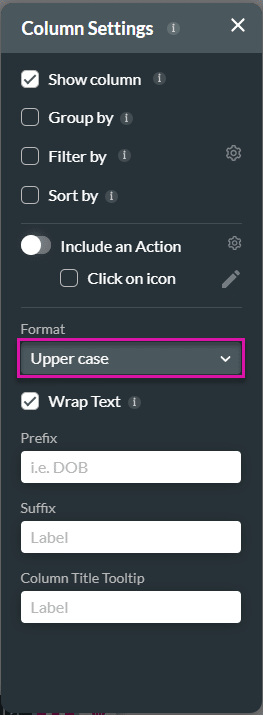
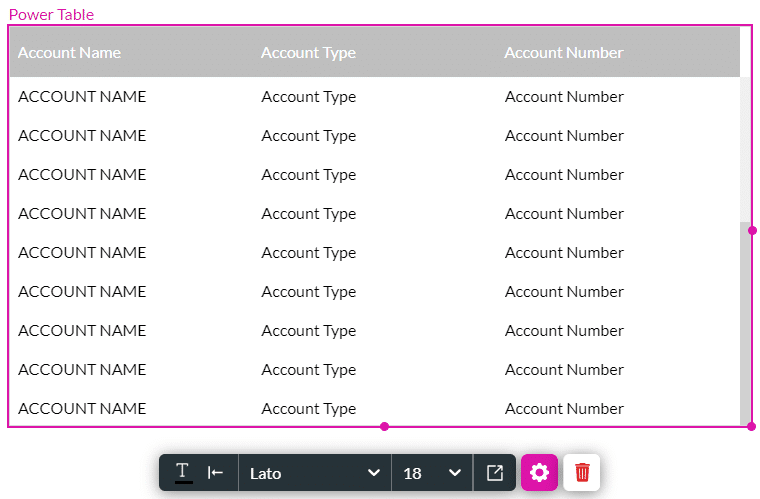
The Format option is available for the Power Table element in the Column Settings. This option allows you to configure various formats based on their type.
Prerequisite:
Configure a power table to the Web project.


The options available in the Format drop-down list depend on the type of column you added to the power table.
For a column that has date and time information, you will be able to select different date/time formats, for instance:
For a column with text, you will be able to select different text formats, for instance:
For a column with numbers, you will be able to select different text formats, for instance: