How can we help you?
When you need to accept online payments and connect payment activity to Salesforce, you can use PayPlus payments with Salesforce through Titan. This helps you collect payments from users while keeping payment details connected to the records and processes your team already manages.
PayPlus can be used for payment flows such as product purchases, service payments, registration fees, marketplace transactions, or other online payment processes. Once the payment is completed, your project can continue to the next step automatically, such as confirming the payment, redirecting the user, or updating Salesforce.
Titan lets you add PayPlus as a payment option in your project and connect the payment process to Salesforce. You can configure payment settings based on your business needs, including different currencies and payment types such as single payments or installments.
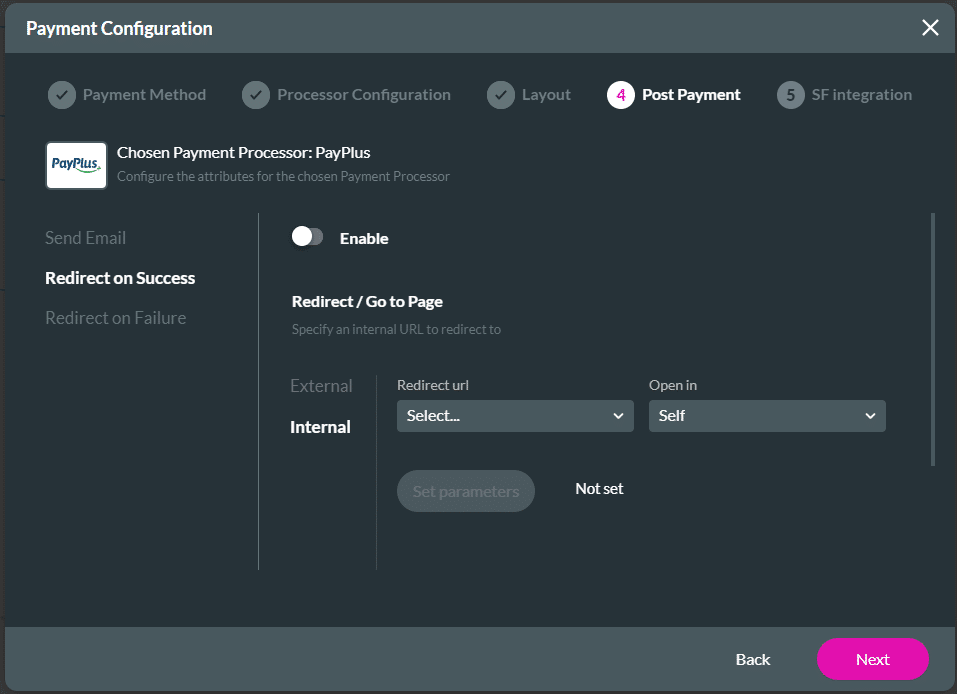
You can also define what happens after payment. For example, you can send an email, redirect the user to another internal or external page, or push payment data to Salesforce. This helps you manage the payment process and keep your Salesforce records up to date without having to handle each step manually.
Note:
Prerequisites:

Note:
You can select “Dynamic” to provide a flexible currency option tailored to the customer’s needs.
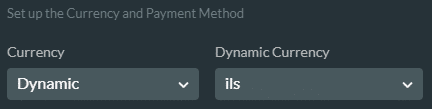
The dynamic value must have been added as a variable. The string must be as follows, for instance:
PayPlus will reject any other values. Please refer to the API for the currency string values.
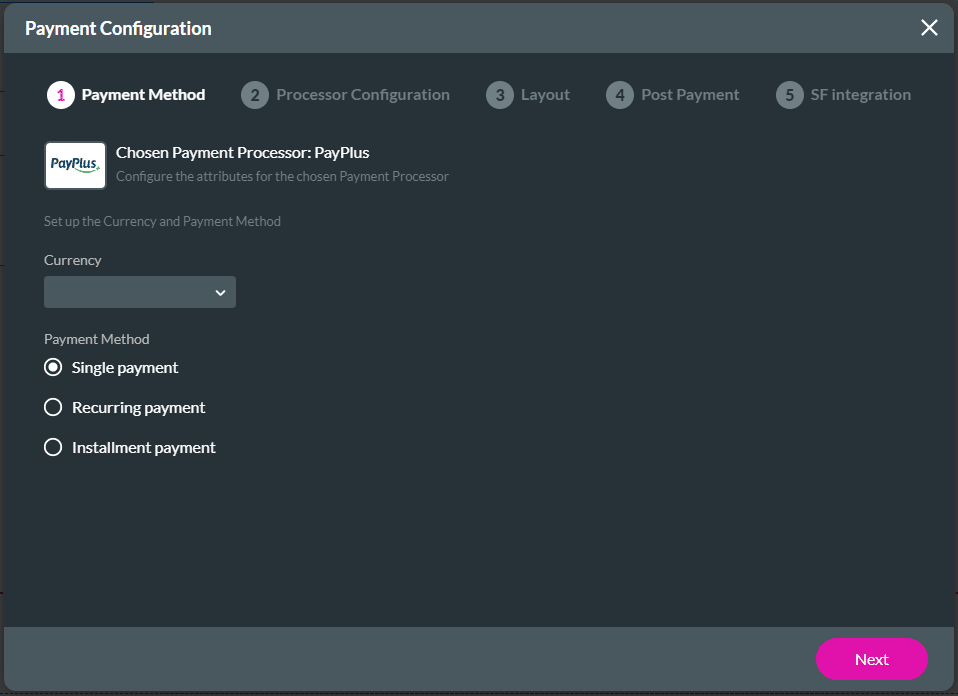
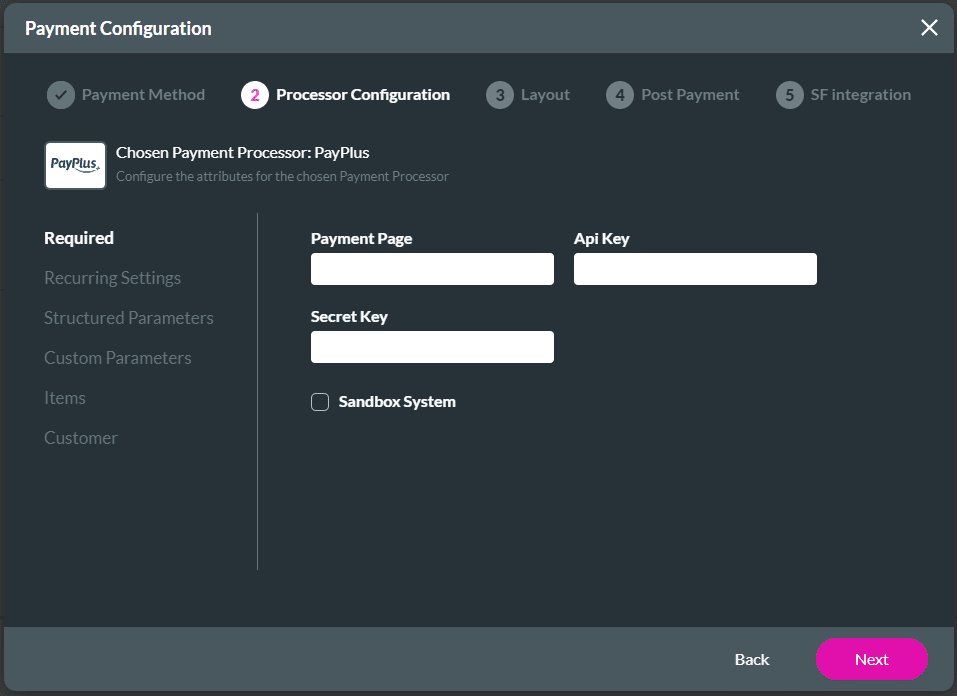
Configure the following as necessary:
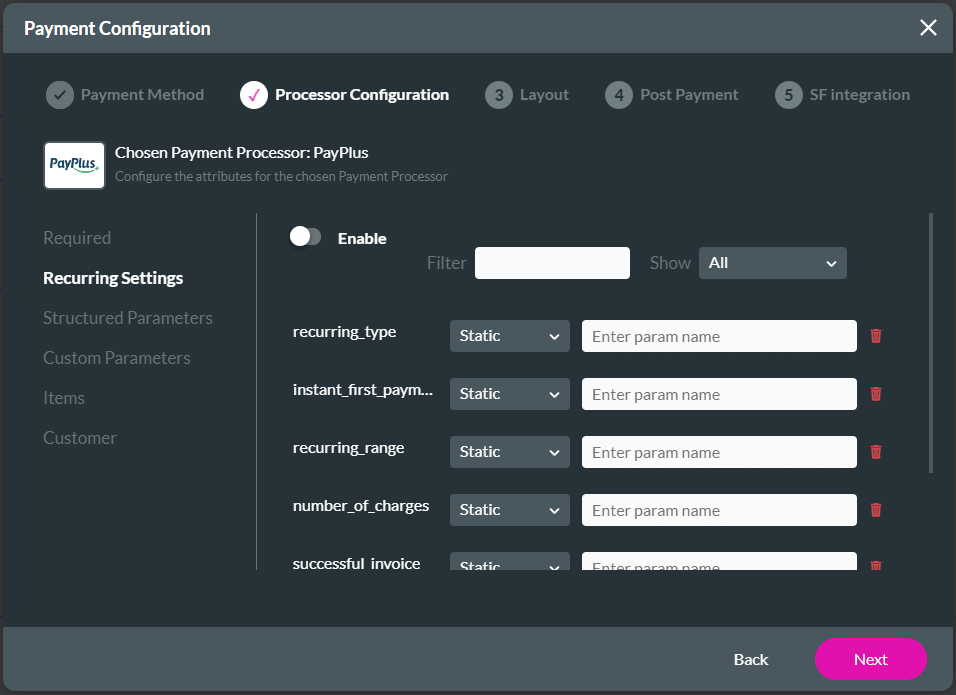
| Attribute | Type | Description |
|---|---|---|
| recurring_type | number | 0 – daily, 1- weekly, 2- monthly |
| instant_first_payment | number | The initial first payment will be immediately. |
| recurring_range | number | The range is 1 if the payment must run every month, 2 if the payment must run every second month, etc. |
| number_of_charges | number | The number of charges in the recurring payment. It is a number from 0 to unlimited. |
| successful_invoice | boolean | In case the invoice company is integrated, this is the initial invoice for every successful payment. |
| start_date | number | The date that the recurring payment will be started. This must be a number from 1 to 28. |
| end_date | string | The date that the recurring payment will stop in the format 2028-01-16. |
Also, refer to the API – Generate Payment Link for more information on the recurring payment attributes.

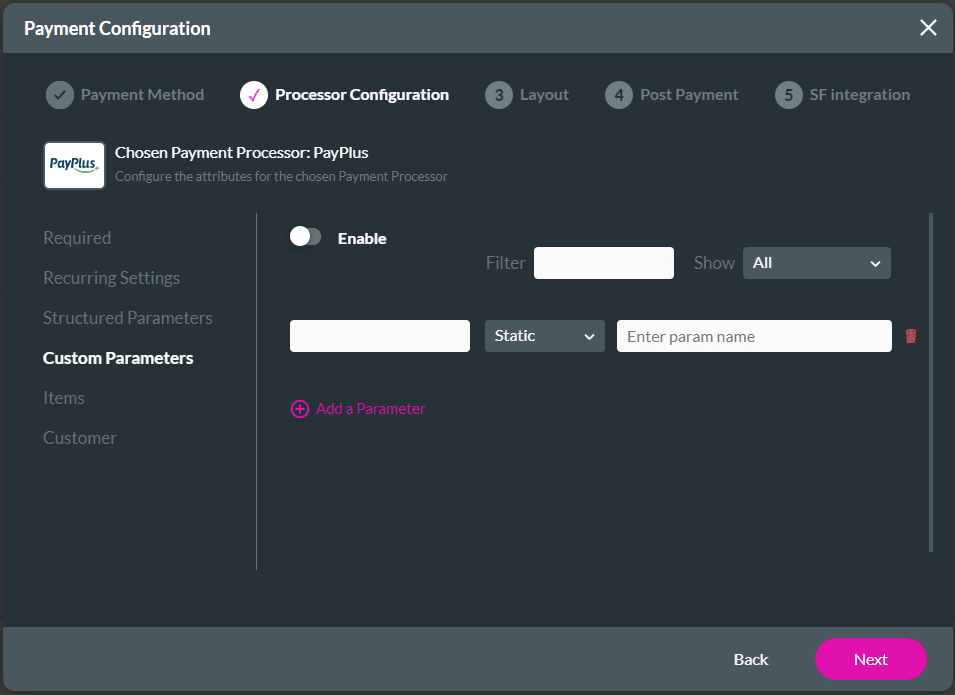
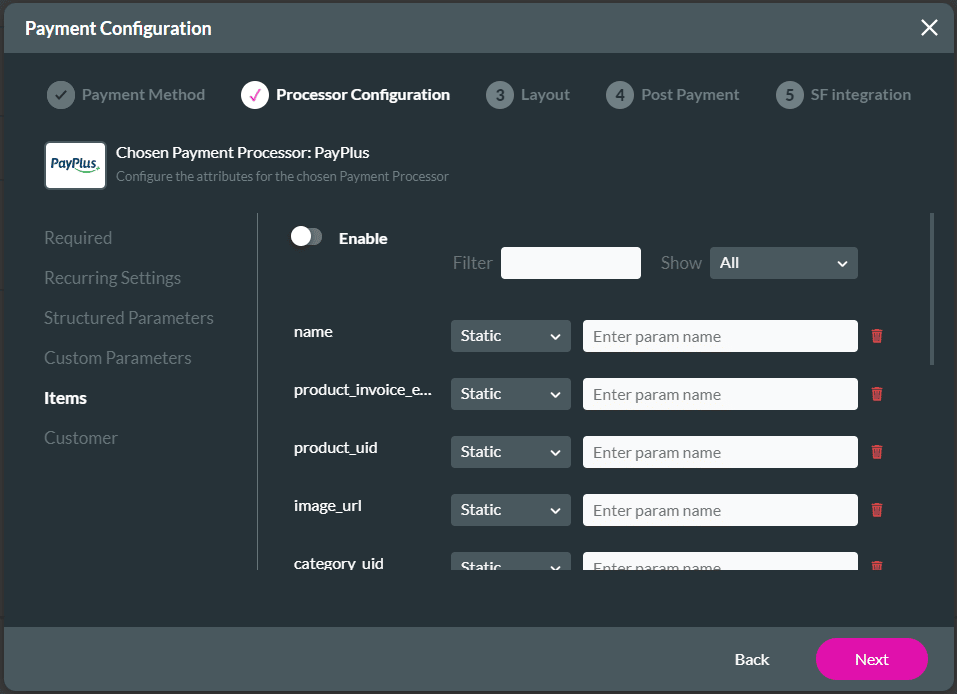
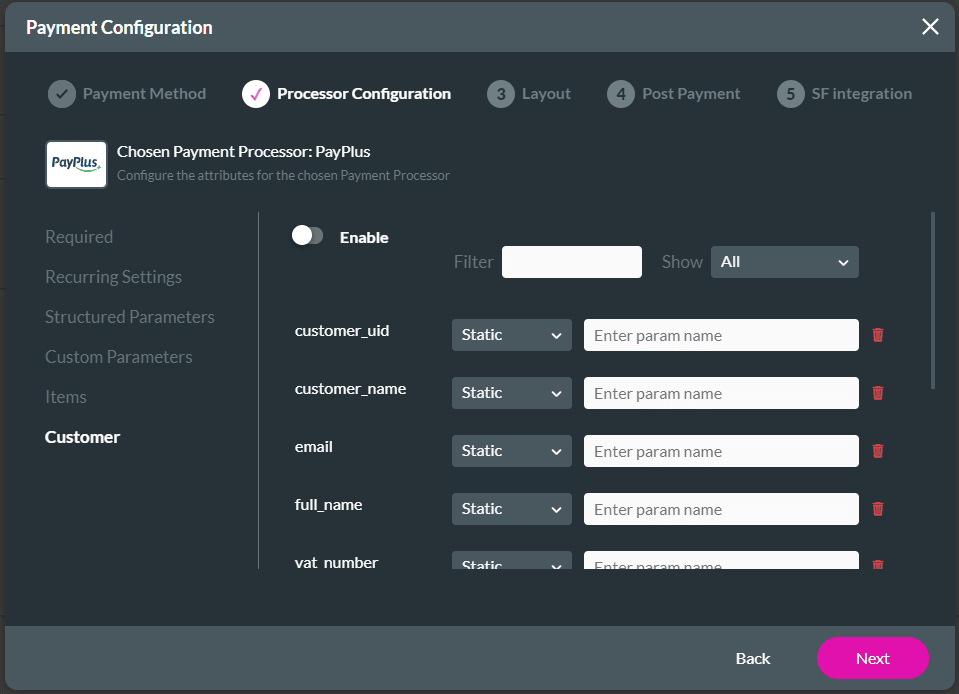
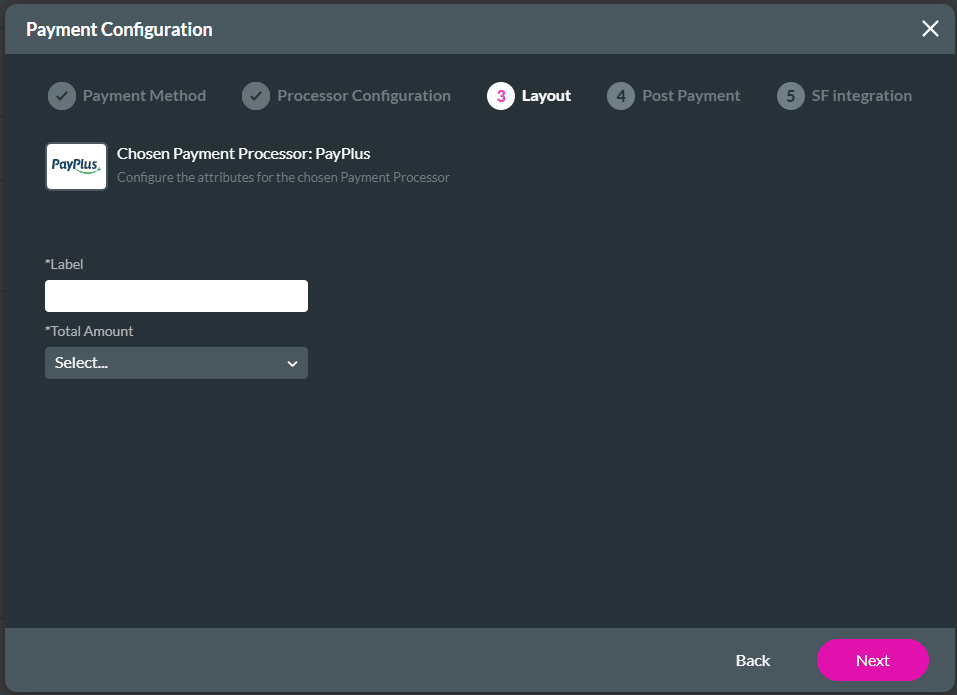
You can do the following:


On this page









