How can we help you?
When a document moves through multiple collaborators, review rounds, and signers, you need a clear way to track document signing in Salesforce. This is especially important for contracts and agreements where every document update, approval, and signature step must be easy to review later.
Document tracking helps your team follow the full signing process, keep a record of changes, and confirm when the document is complete.
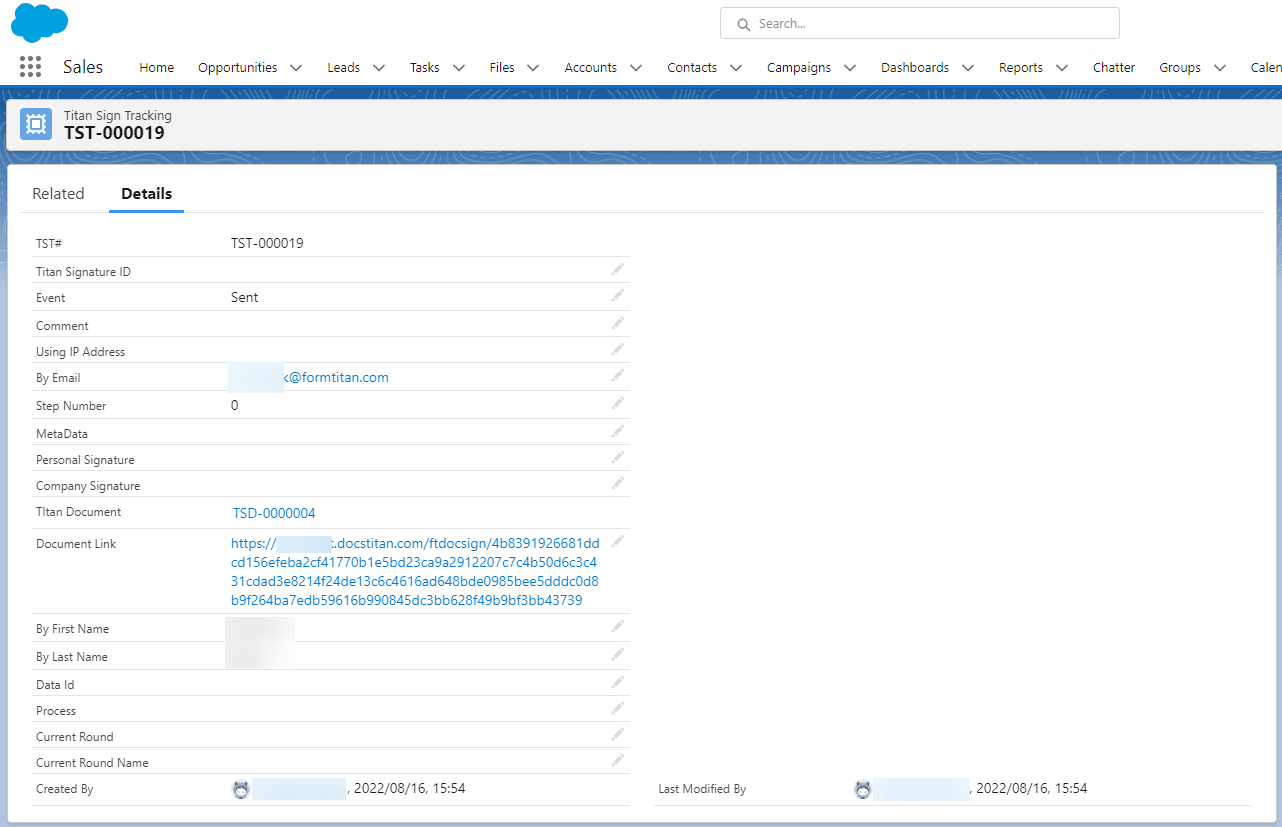
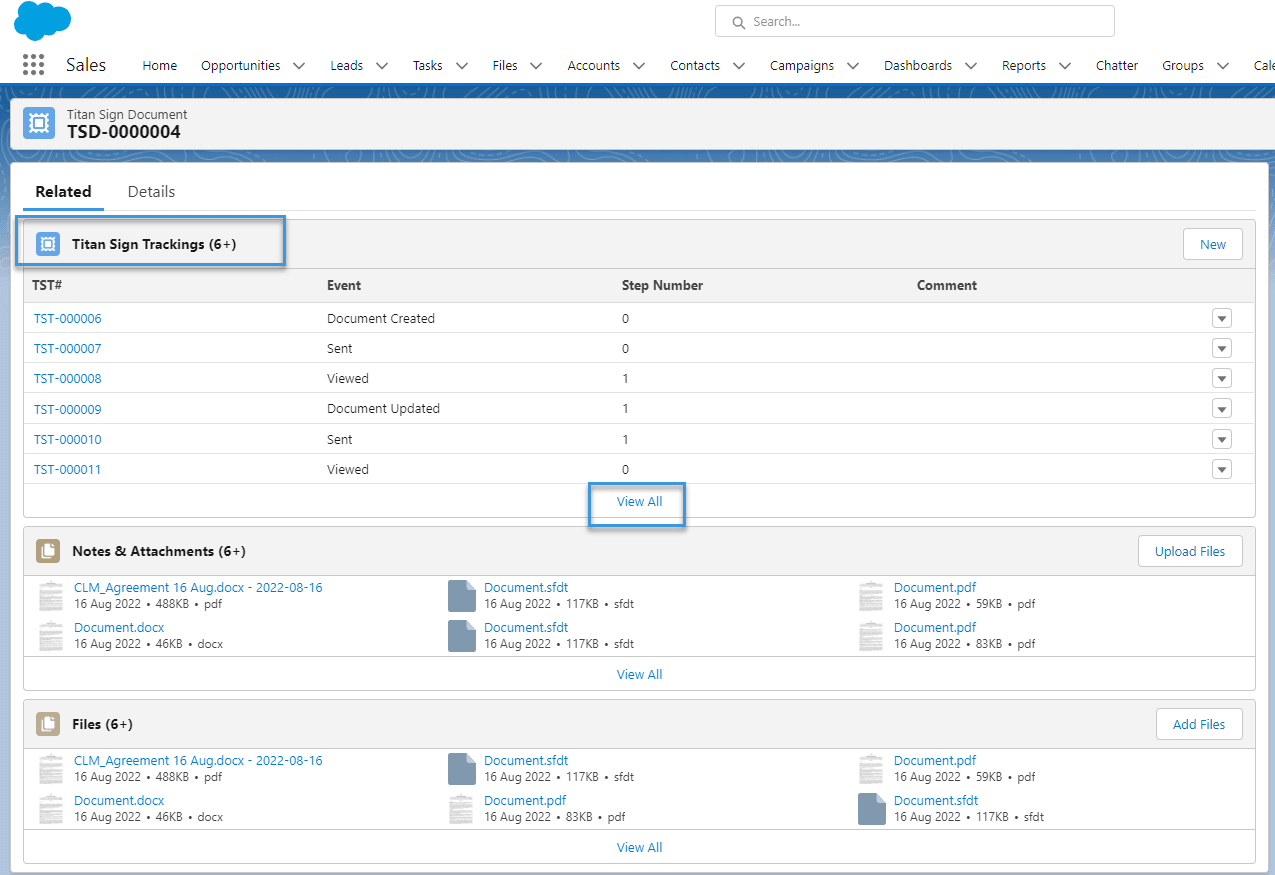
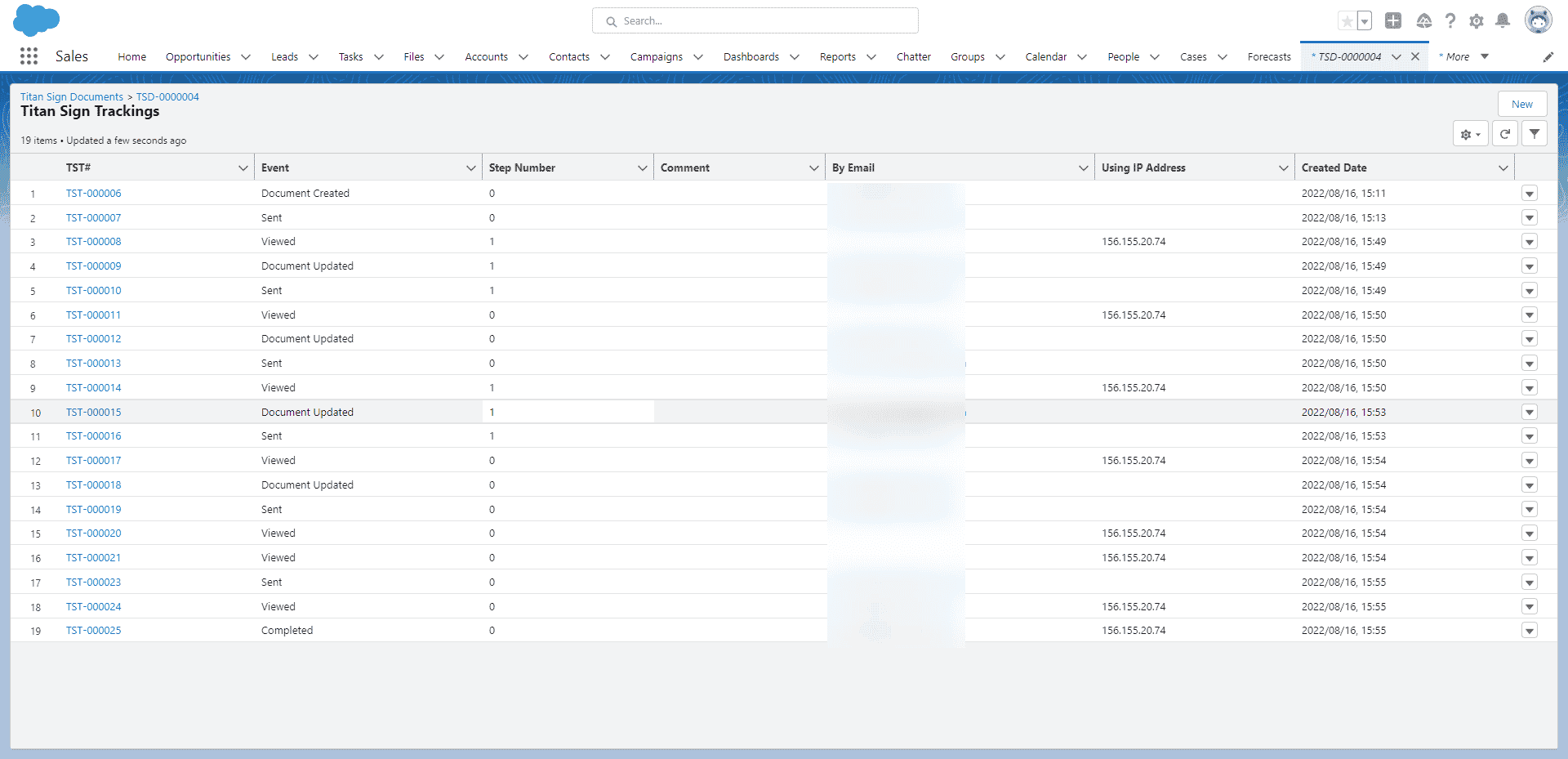
Titan Sign Tracking lets you track the full collaboration and signing process in Salesforce, from document creation to completion. You can follow the document as it moves through collaborators, review rounds, and designated signers.
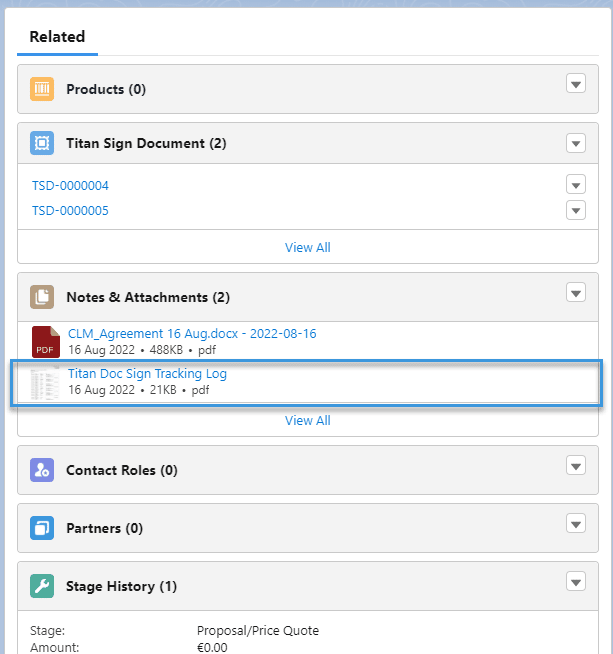
For every Document Updated event, Titan stores the relevant update under Files and Notes & Attachments in PDF, DOCX, and SFDT formats.
This gives your team a traceable record of the document process, helping you review updates, confirm progress, and keep signing activity connected to Salesforce.
Titan Sign Tracking is created for Titan Sign projects and for Titan CLM projects that include a collaborative signing process.

Note:
When you have multiple signers, the partially completed document is sent to Salesforce after each signer signed. For instance, if you have three signers, the document is sent to Salesforce after the first signer signs (containing their signature), after the second signer (containing the first and second signers’ signatures) and after the third signer with all three signatures.
On this page









