How can we help you?
When you need to update multiple records or items, you can use a loop to repeat an action for each item in a list. This is useful when your project needs to evaluate records one by one, update rows in a table, or create, update, or delete multiple records within
the same process. A loop lets you apply the same action to multiple items without having to setup each action separately.
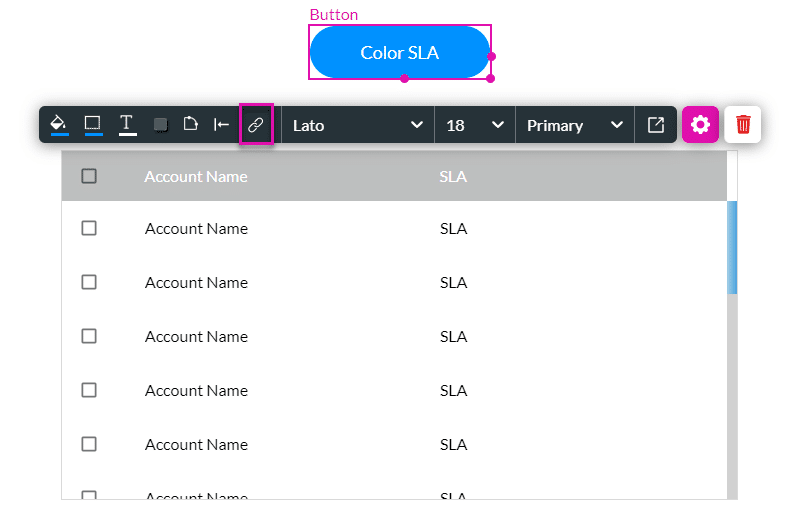
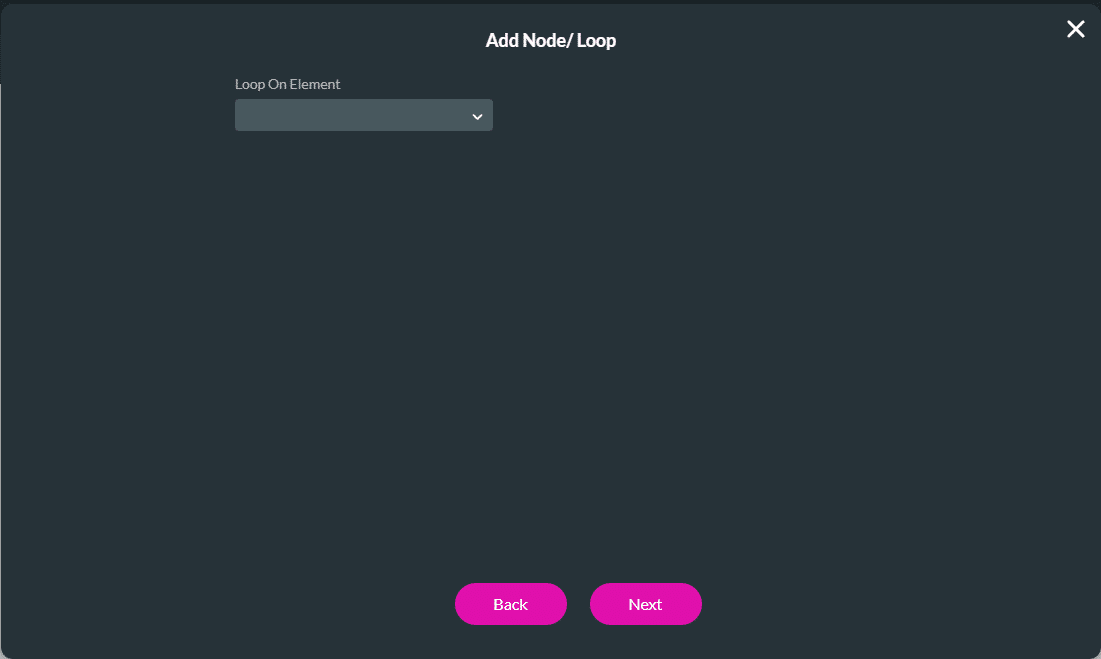
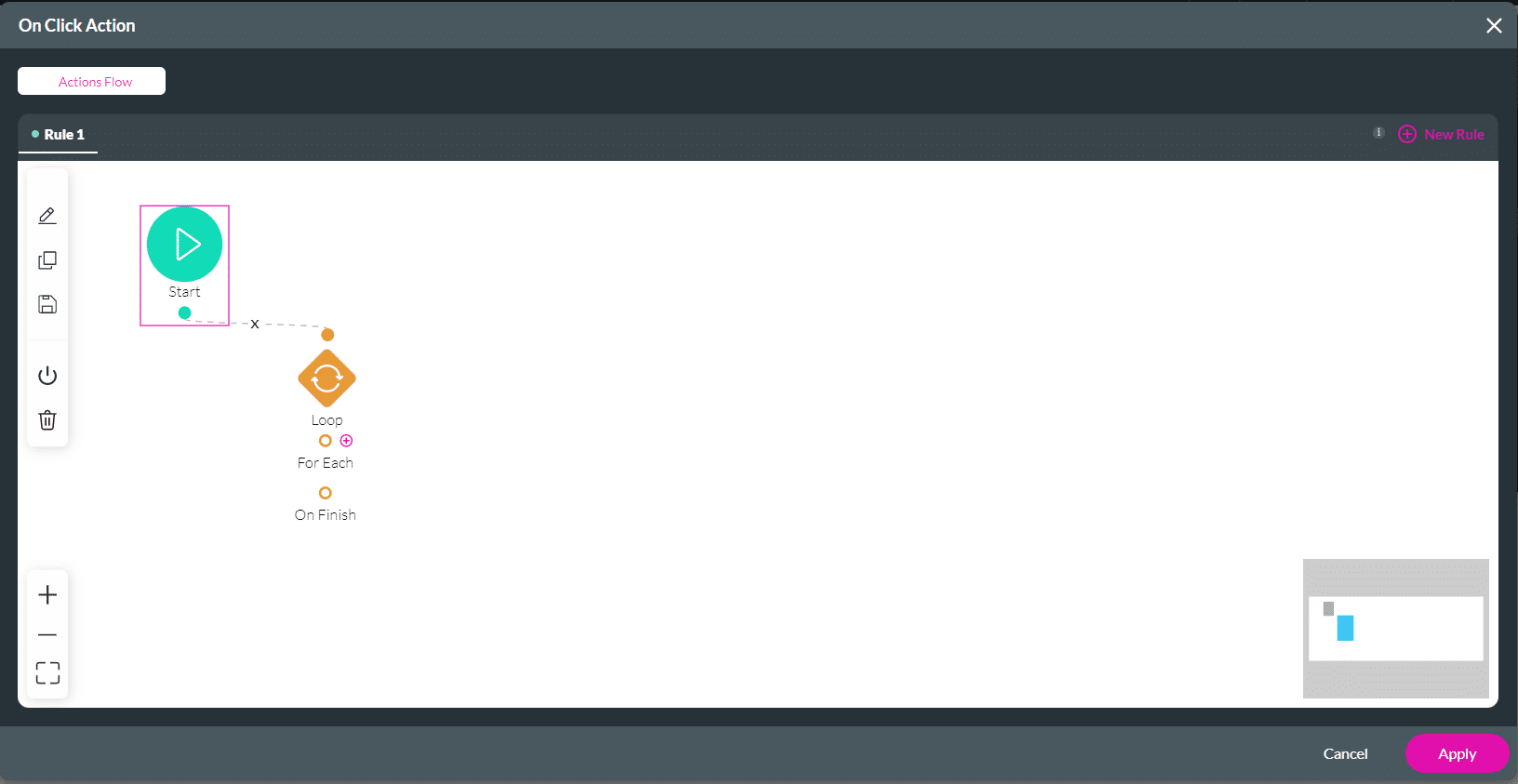
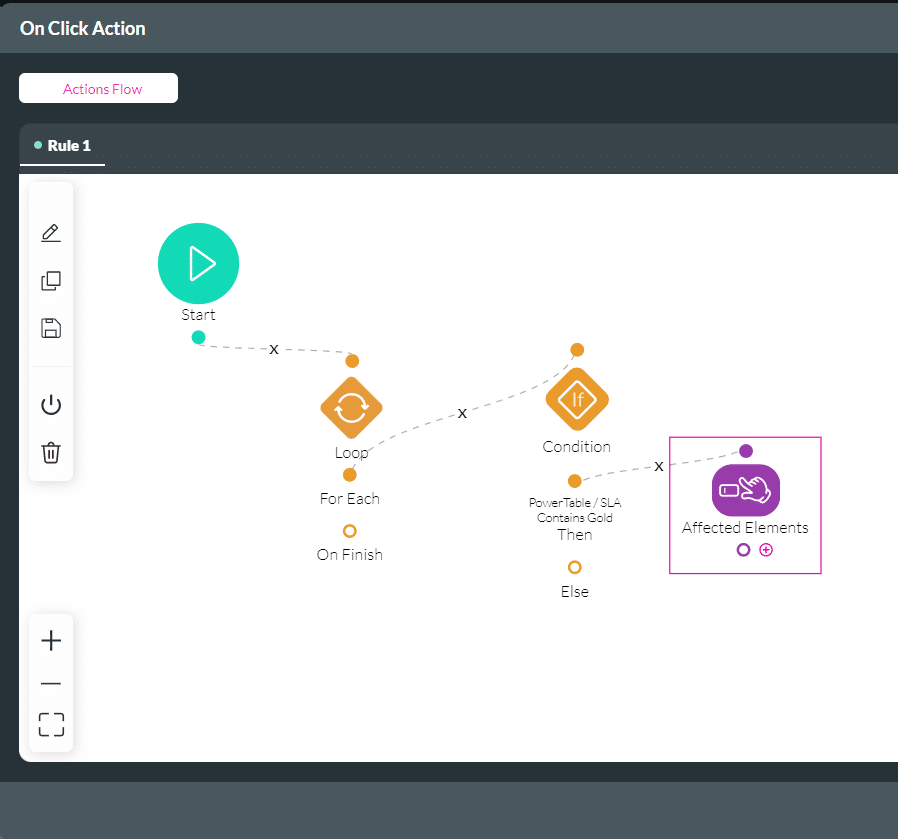
Titan lets you add a loop to your project so you can iterate over a list of items. The list can come from a repeat strip, a variable, rows in a Power Table, or another supported data source.
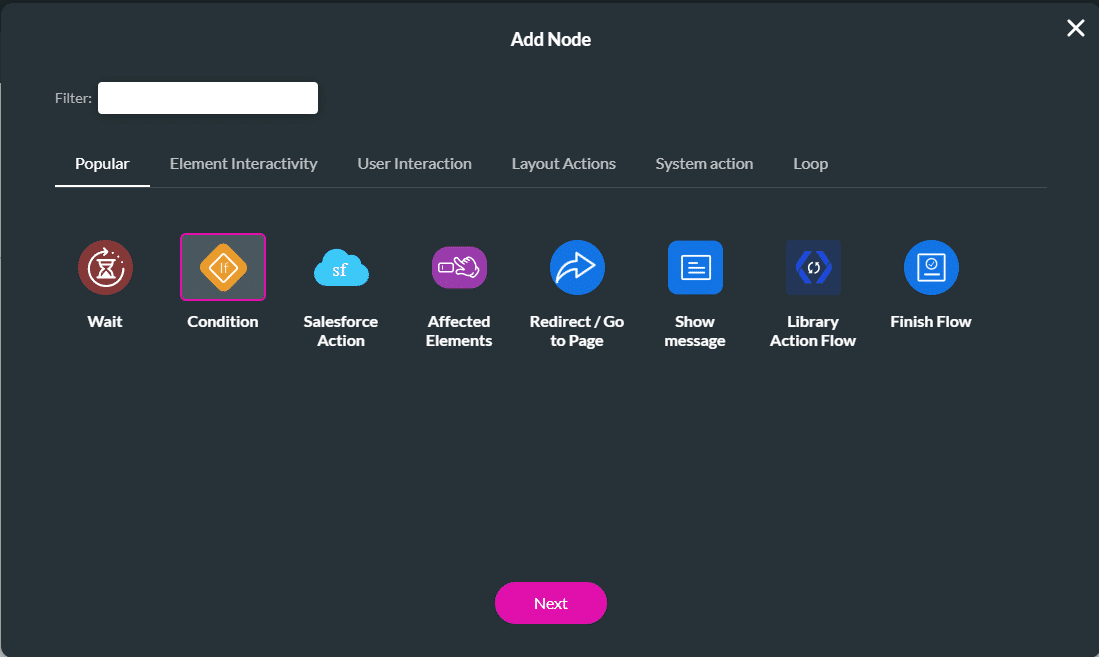
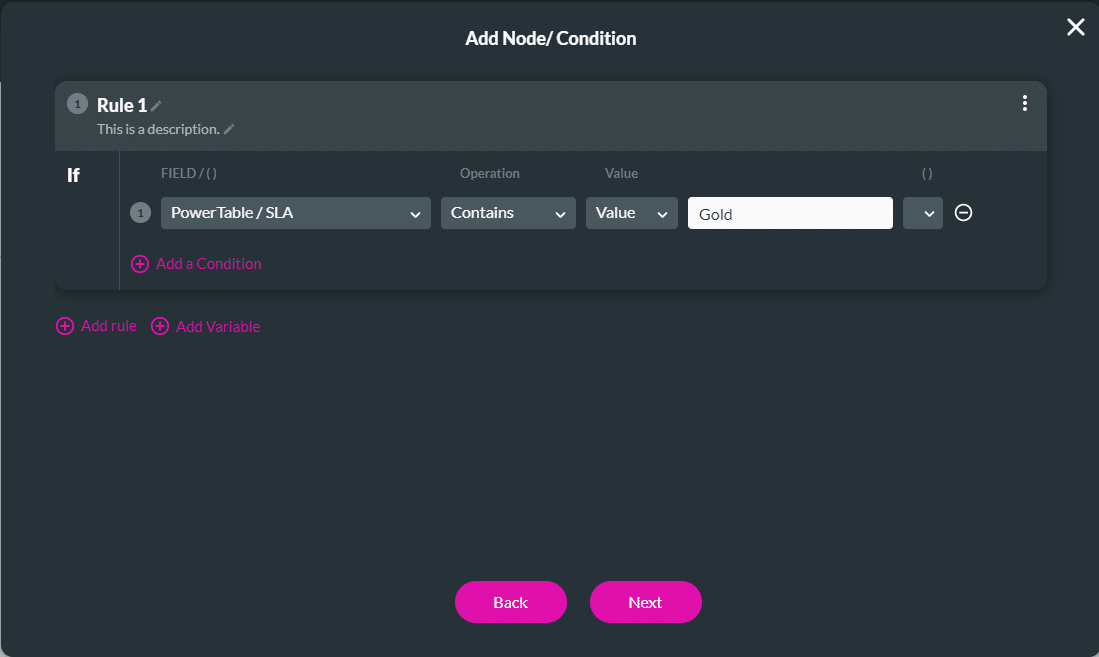
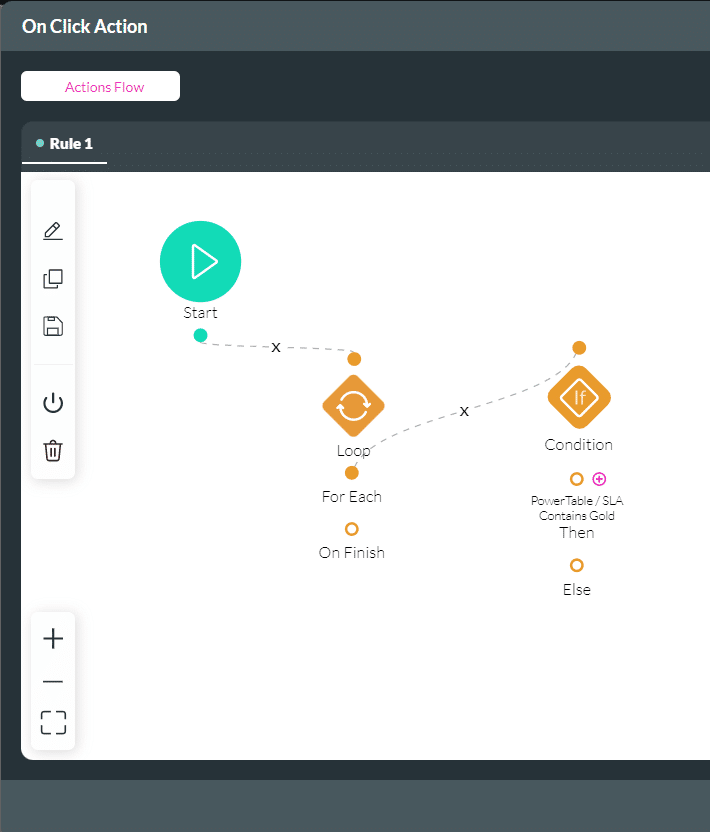
You can then add actions to the loop, such as creating, updating, or deleting records, changing table rows, or applying logic to each item in the list.
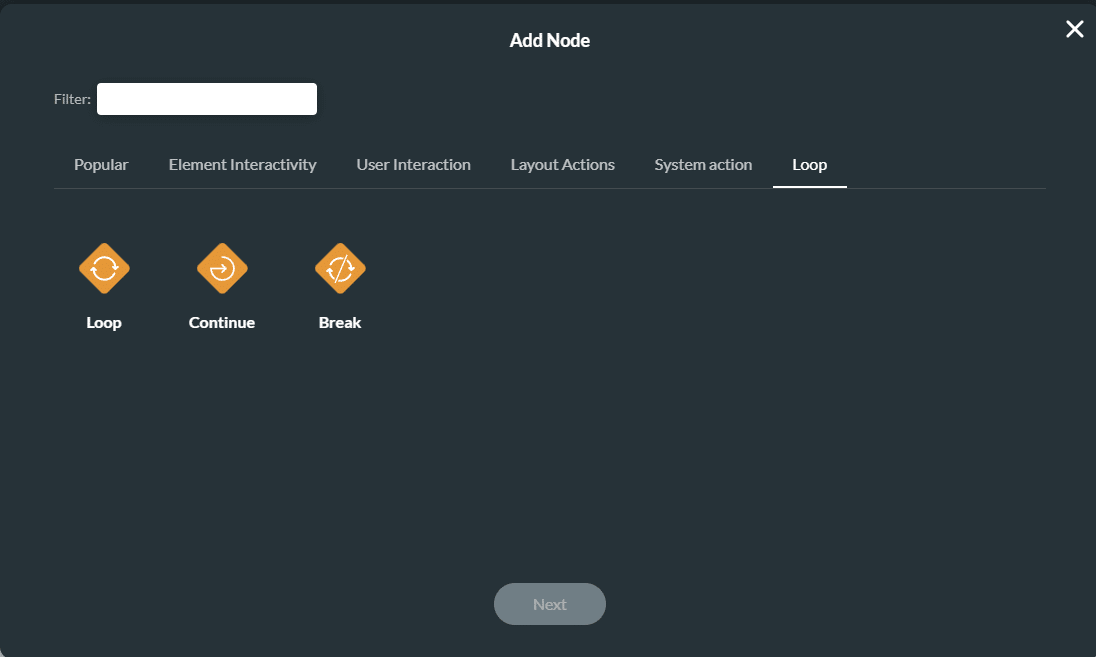
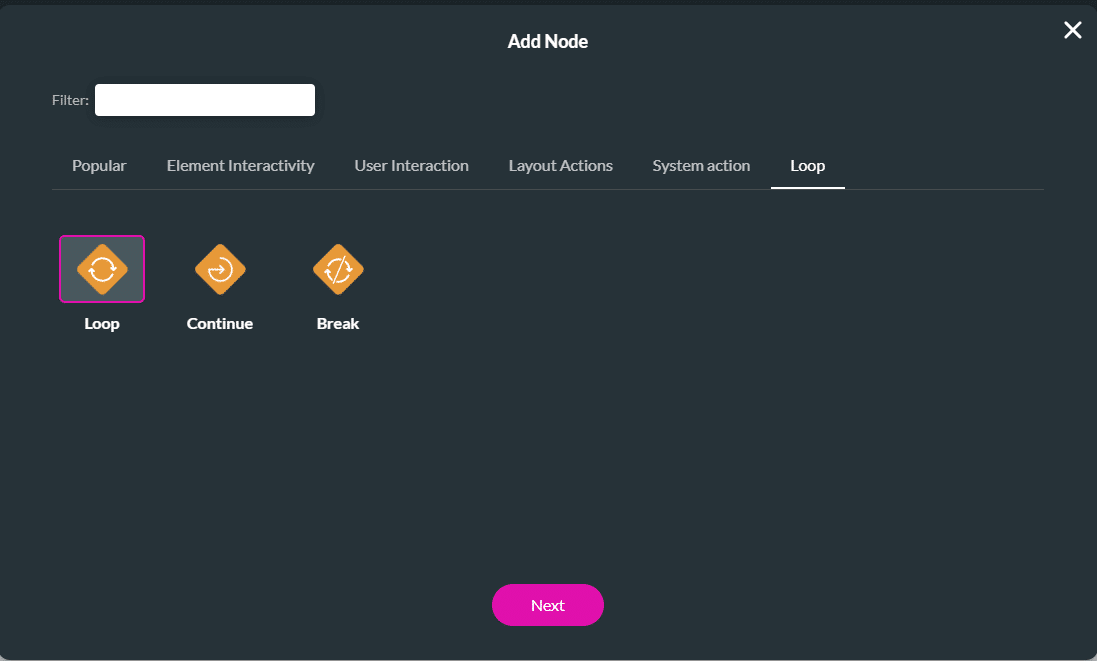
The following options are available:



Learn more about Titan for Salesforce.
On this page









