How can we help you?
Streamline and automate the creation of various types of documents, such as contracts, proposals, invoices, reports, and letters, automatically based on predefined templates and data inputs.
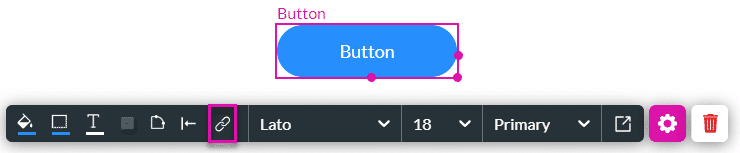
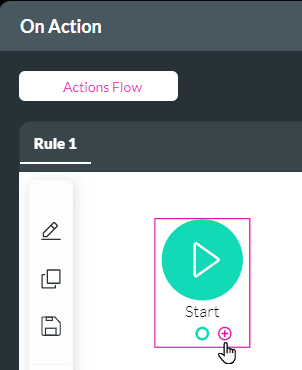
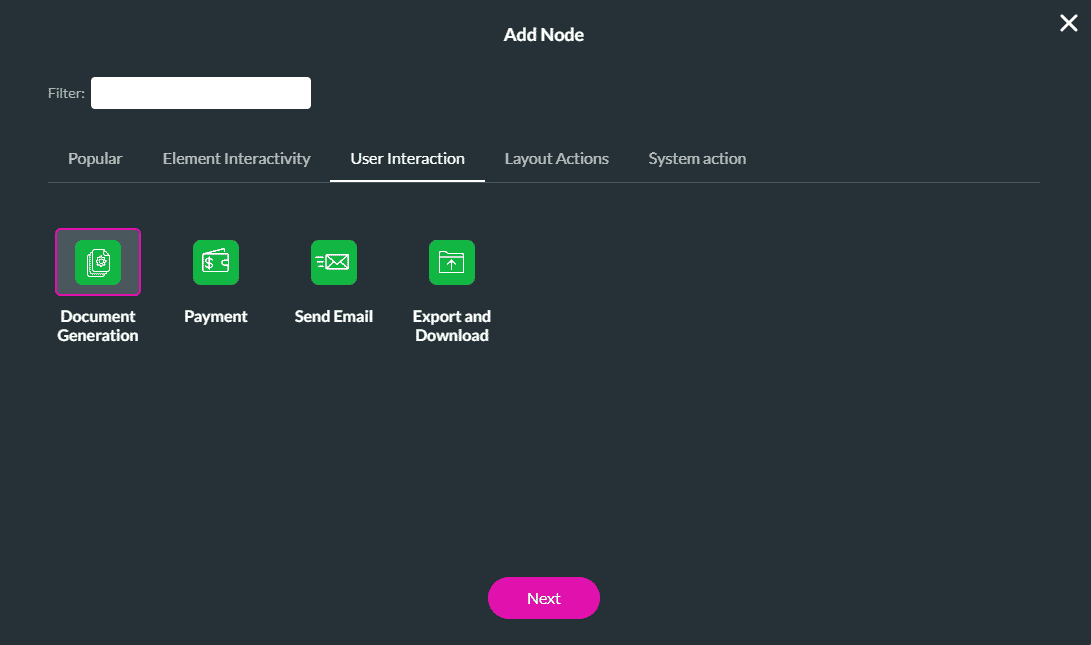
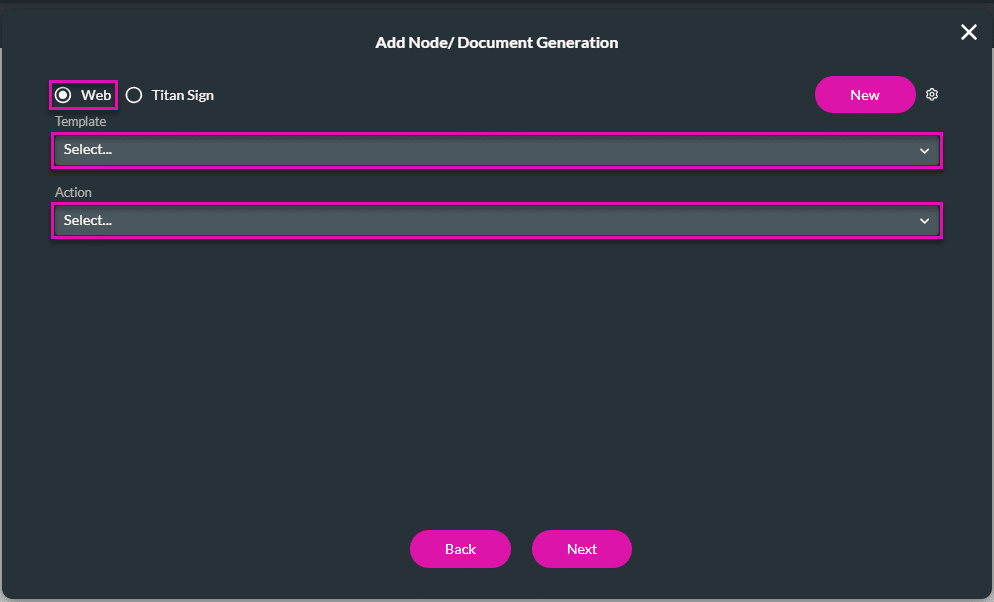
With Titan Web, you can add an on-click action to trigger document generation using a template from a Web project or a Titan Sign project.


Note:
The interactive input fields (with their field IDs) in the Sign project are listed on the left of the Configure Parameters screen.


Note:
The em unit is relative to the font size of the parent element. For example, if a parent element has a font size of 16 pixels (16px), 1em is equal to 16px. If a child element within the parent is set to 2em, it will have a font size of 32px (2 * 16px).The em unit cascades, so if the child element has its own child element with a font size of 1em, it will be 32px (1 * 32px).
The rem unit, which stands for “root em,” is relative to the font size of the root element (<html>). This means that 1rem is equal to the font size of the root element. By default, the font size of the root element is typically 16px, so 1rem is equivalent to 16px. Unlike em, the rem unit does not cascade, so a child element set to 2rem will always be 32px (2 * 16px), regardless of its parent’s font size.

You can configure more nodes to be triggered during Run, On Sign Complete, and Cancel, for example.

Note:
Check out our article on Configuring Actions for Document Generation.
On this page









