How can we help you?
Translations let you display your Titan Web project in multiple languages without creating a separate project for each language.
You can translate:
Your project structure, actions, and Salesforce logic remain the same across all supported languages.
Use translations when customers, partners, or team members need to complete forms, submit requests, update Salesforce records, or access a portal in their preferred language.
Clear translations help people understand what information to provide and what to do next. This can reduce incorrect submissions and remove the need to maintain duplicate projects for different audiences.
Make sure the text you want to translate has already been added to your project. Translation Settings displays the existing pages, elements, project items, and configured Salesforce actions.
The Salesforce translation section is only available when the project contains a Salesforce Get or Push integration.
You can set up translations in your Web project for the following:
You can also bulk translate a project.
First, enable the translation feature and add the languages that your project will support.
The Translation Settings screen opens.
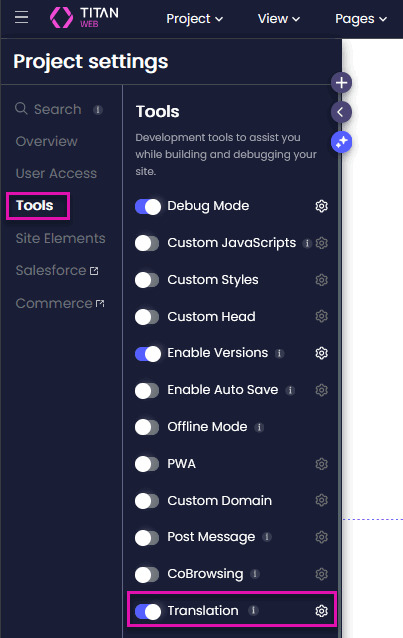
The default language is used when the project first opens, unless another language is selected or applied.
Add all required languages before entering translations or importing a CSV file. This ensures that Titan creates the correct translation fields for each language.
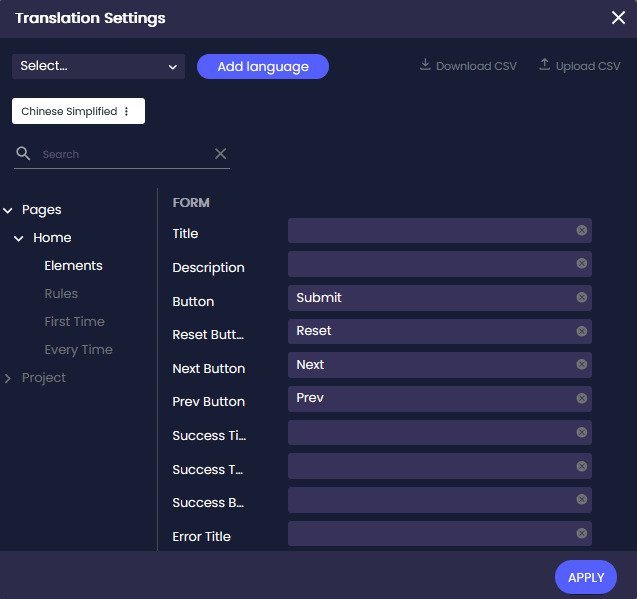
Use the Pages section to translate text displayed on individual project pages. This may include field labels, buttons, instructions, and validation text.
Titan filters the list so you can find a specific element without scanning every item on the page.
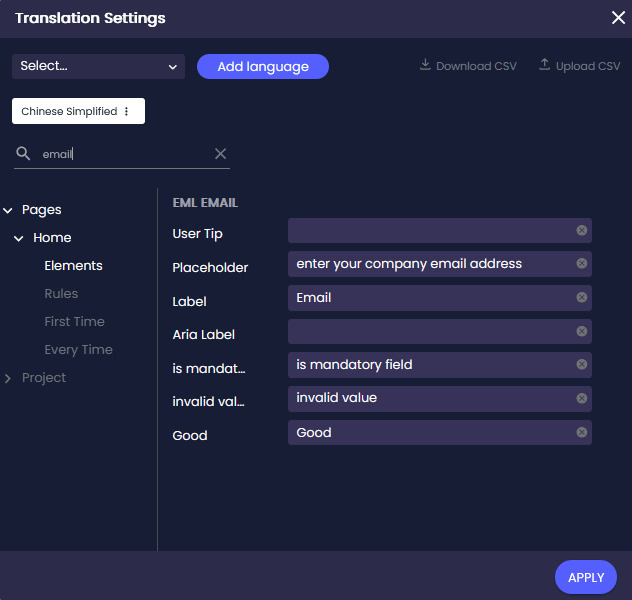
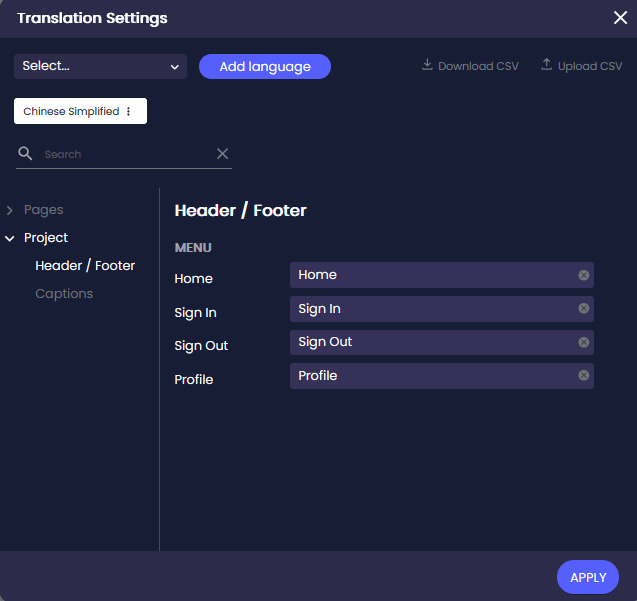
Use the Project section for text that belongs to the wider project rather than a single page.
Depending on your project configuration, this section can include:
To add translations:
This section helps you keep shared project content consistent across pages.
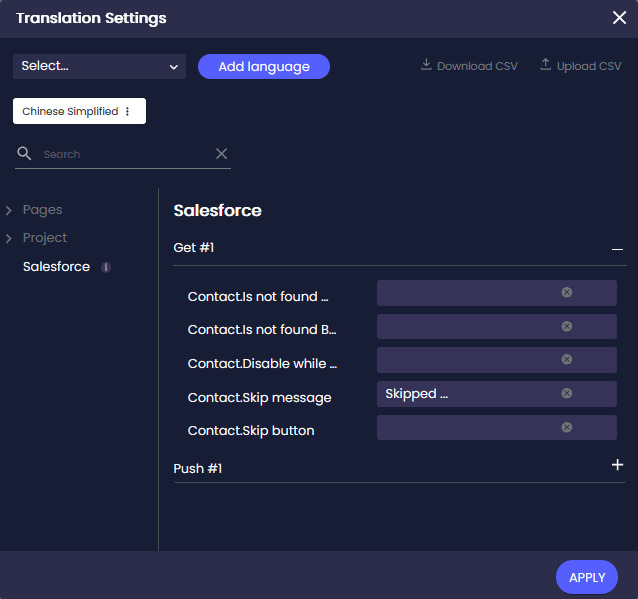
Use the Salesforce section to translate text connected to Salesforce Get and Push actions. This can include messages, buttons, skipped-step text, and other content displayed when the project reads from or writes to Salesforce.
This option appears only when a Salesforce Get or Push integration has been configured in the project.
Translating this content helps keep Salesforce-related messages clear and consistent with the rest of the project.
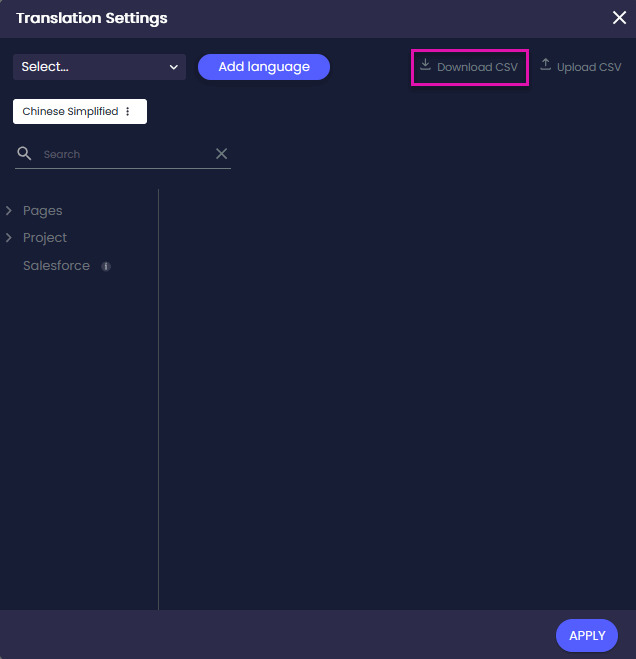
Use Bulk Translate when you need to update many values. You can download the project’s translation content, complete the translations in Excel, and import the updated file into Titan.
Add any additional languages before downloading the CSV so the file contains the translation fields you need.
Each row represents a translatable value in your project.
Use the Lang column to identify the language associated with the row. When the CSV contains multiple languages, check this column before entering a translation to ensure that you update the correct language.
Enter the translated text in the corresponding Value column.
Keep the Lang column and all other identifying information unchanged. Titan uses these columns to match each translation with the correct language, page, element, project item, or Salesforce action. Changing these values may cause the translation to be assigned incorrectly or prevent it from importing.
Repeat this process for each language included in the CSV file.
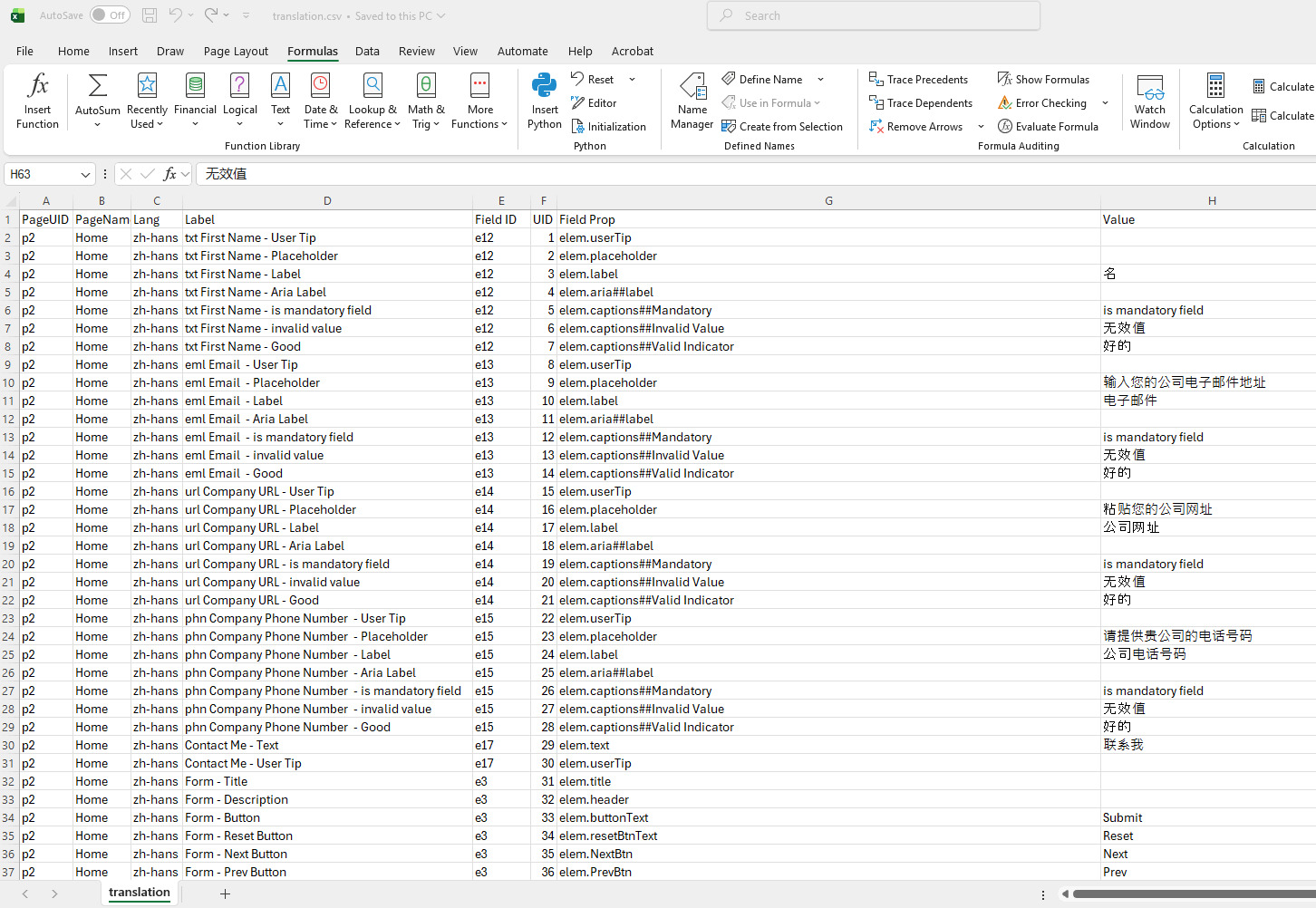
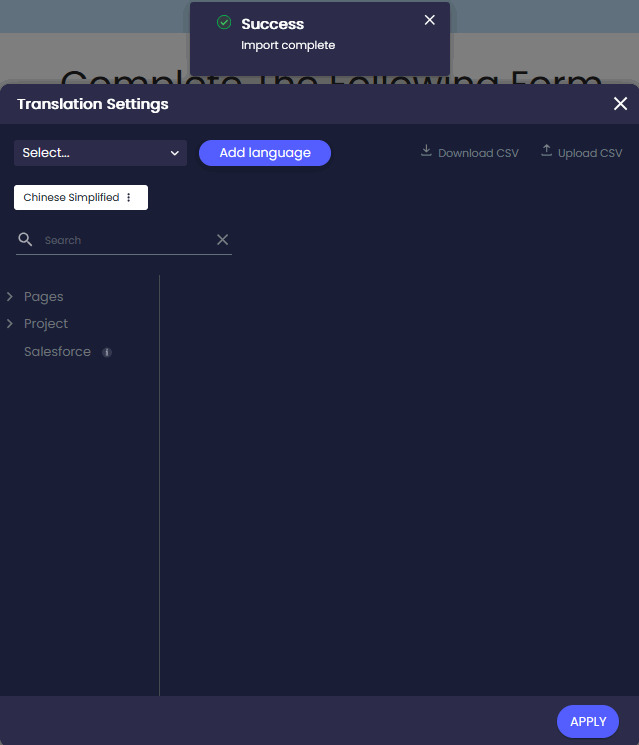
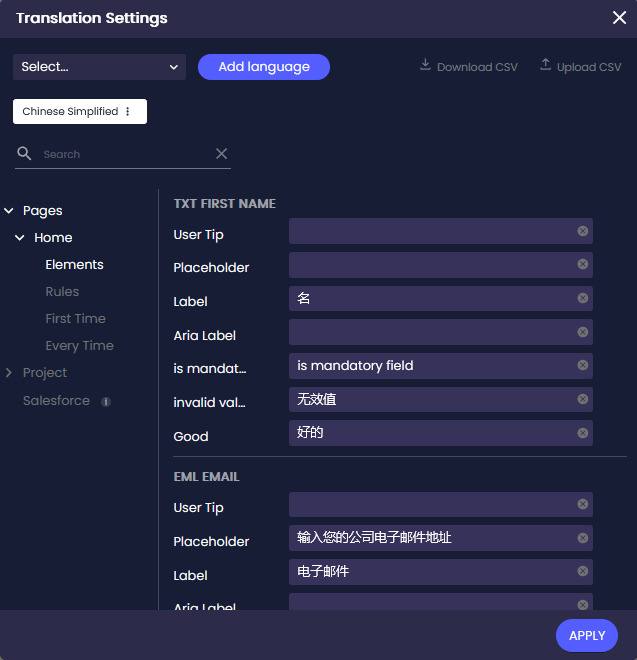
You need to translate a form containing First Name, Email, Company URL, and Company Phone Number.
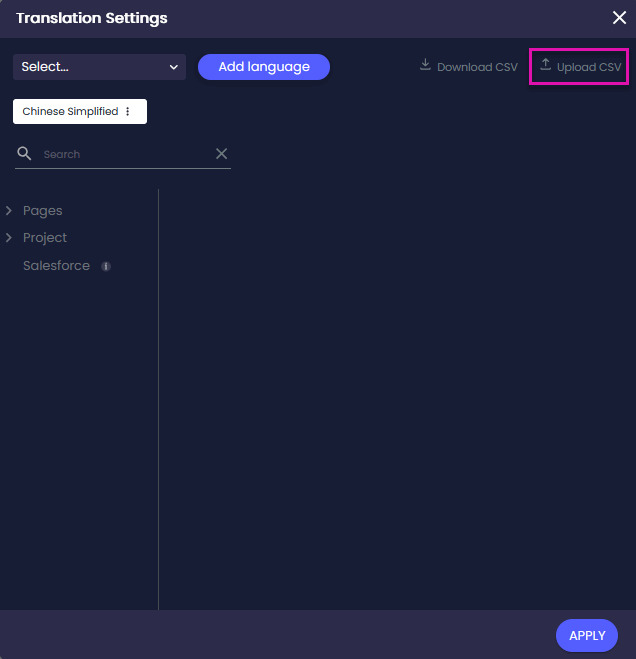
Instead of finding and updating each field separately, download the translation CSV file and add the translated labels to the Value column. After you upload the completed file, Titan matches the rows to the correct form elements and updates the corresponding fields in Translation Settings.
Yes. Add each required language in Translation Settings. You can then enter or import translation values for each language without creating separate projects.
You can translate page elements, project-level text, and content linked to configured Salesforce Get and Push actions. Available fields depend on the pages, elements, settings, and integrations in your project.
The Salesforce section only appears when the project contains a configured Salesforce Get or Push integration.
Yes. Download the translation CSV file, add translations to the Value column, and upload the completed file. This is useful when translating a large project or working with an external translator.
No. Only update the Value column. Titan uses the remaining columns to match each translation to the correct page, element, project item, or Salesforce action. Changing this information may prevent values from importing correctly.
No. Translations change the text displayed in the selected language. Your project structure, actions, conditions, and Salesforce integrations remain unchanged.
Confirm that the success message appears, then review the affected fields in the Pages, Project, and Salesforce sections. This helps you verify that Titan matched and imported the translations correctly.
On this page









