How can we help you?
Standard Salesforce Flows are limited when it comes to passing dynamic parameters into external automation systems. As business processes grow more complex, requiring actions like conditional document processing, customized email handling, passing parameters through different sections, and record-level control, these limitations lead to rigid workflows, manual intervention, and higher development overhead. Without a flexible way to pass structured data and conditions into automated processes, organizations struggle to scale and adapt their operations effectively.
Titan solves this challenge by enabling Salesforce Flows to pass custom parameters into Titan Flows through a no-code, secure integration. This allows teams to design intelligent, conditional workflows – such as deciding whether to attach a file to a record or send it by email (and much more), based on values received from Salesforce. With Titan’s Apex-defined parameter support and dynamic input handling, businesses can easily orchestrate multi-step logic, automate file operations, and customize output actions, all without writing code. This streamlines operations, reduces manual work, and empowers non-technical users to build highly flexible, scalable automation.
Be sure to also read about Triggering a Titan Flow from a Salesforce Flow.
Call a Titan Flow from a Salesforce Flow and pass parameters from the Salesforce Flow into the Titan Flow. In this example, the Titan Flow merges files attached to an account record in Salesforce. Based on the values of the parameters passed from a Salesforce flow, a series of actions occurs.

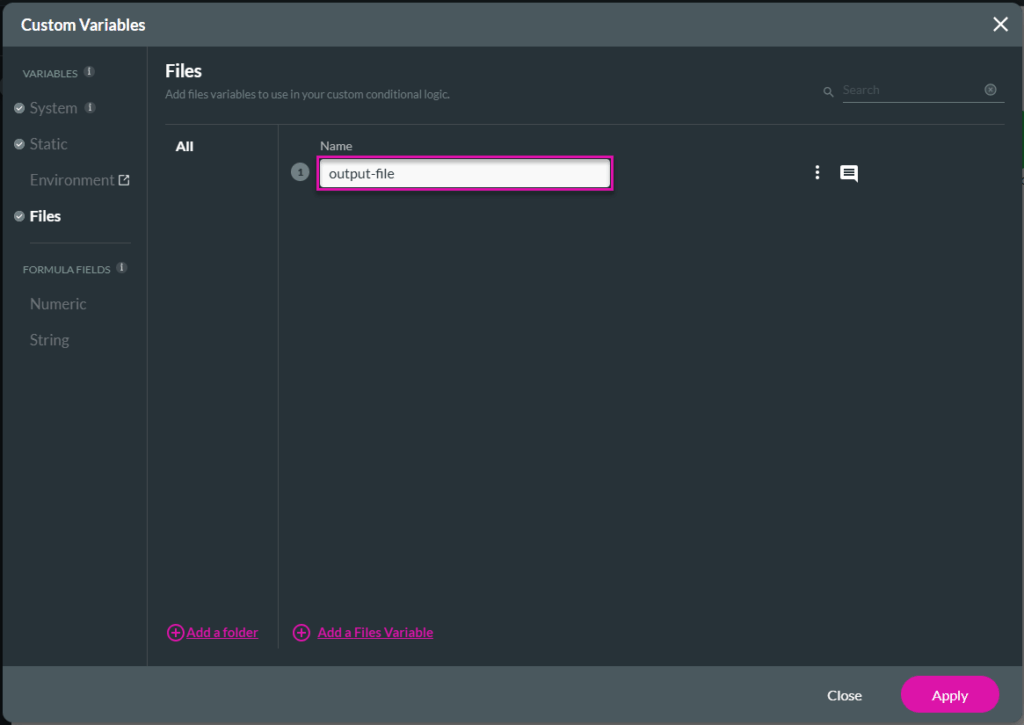
The first variable will hold the document IDs.
The other three variables will be used for the following actions in the Salesforce Flow:


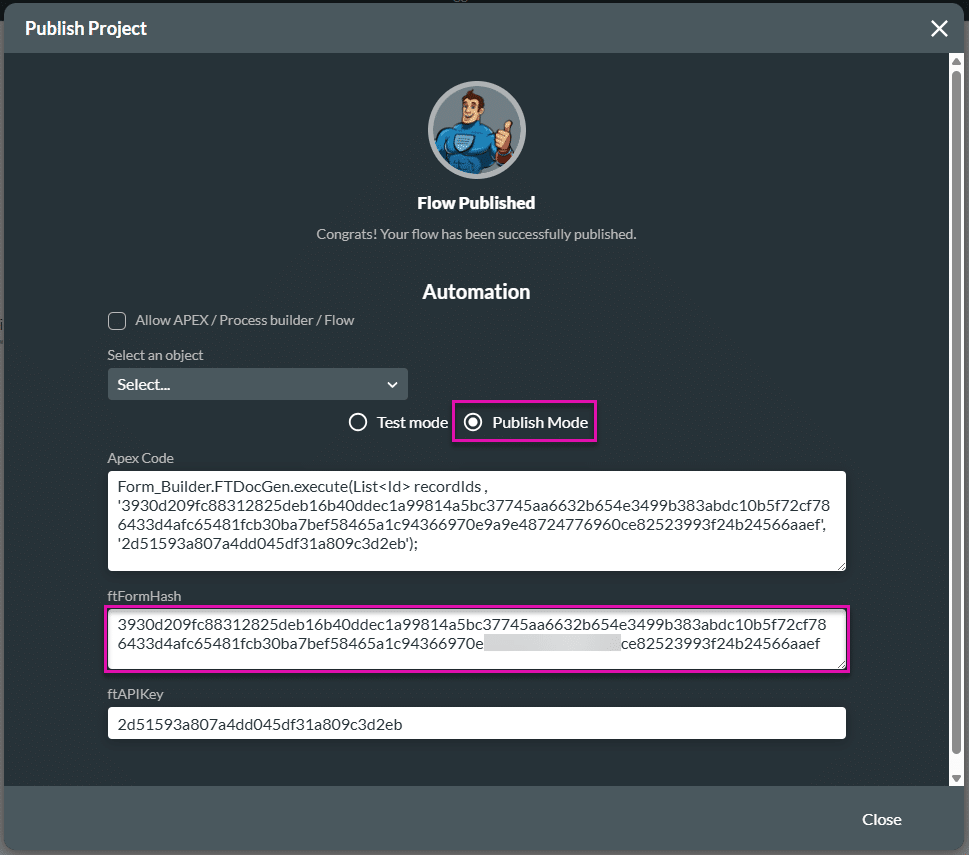

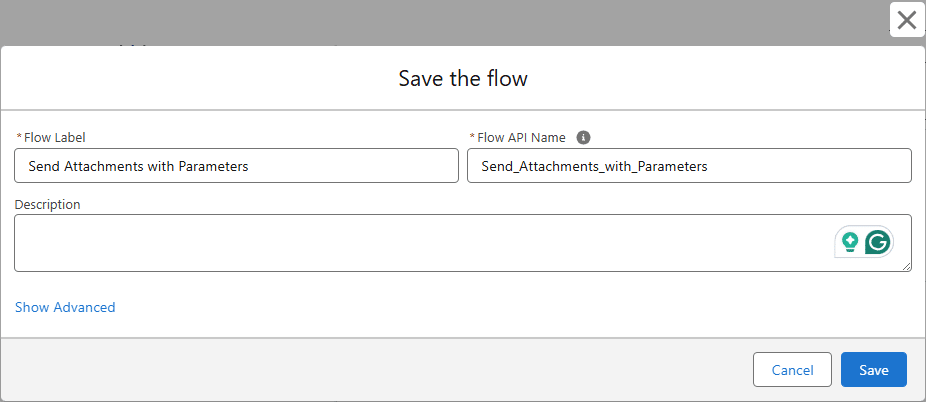
The Salesforce Flow will be triggered when the Send Attachment with Parameters custom checkbox is checked.


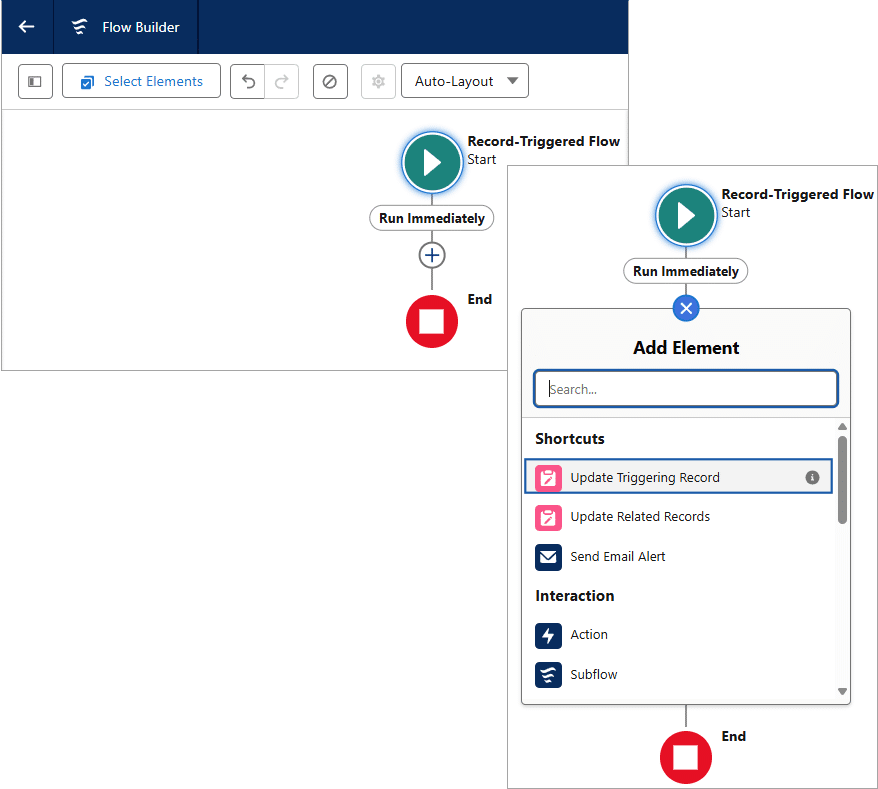

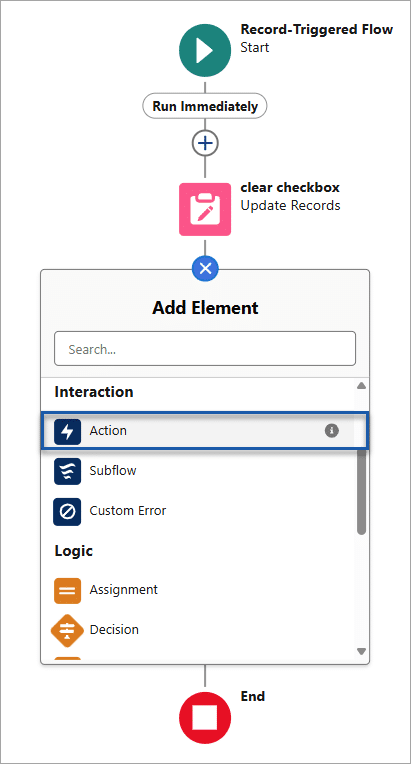
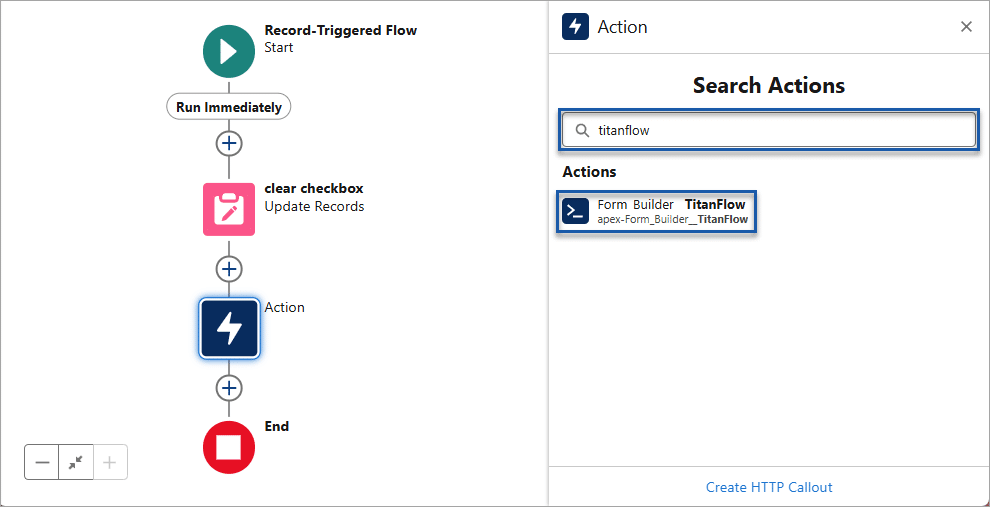


A series of resources must be created to add parameters to the Salesforce Flow.
An Apex-defined variable must be created for each of the following Titan Flow variables:

Apex-defined variables are simply variables that you define within Apex code to store data temporarily during the execution of a program. These variables hold different types of data, such as numbers, text, Boolean values, objects, or collections of data. Variables in Apex are declared with a specific data type and can be initialized with values.
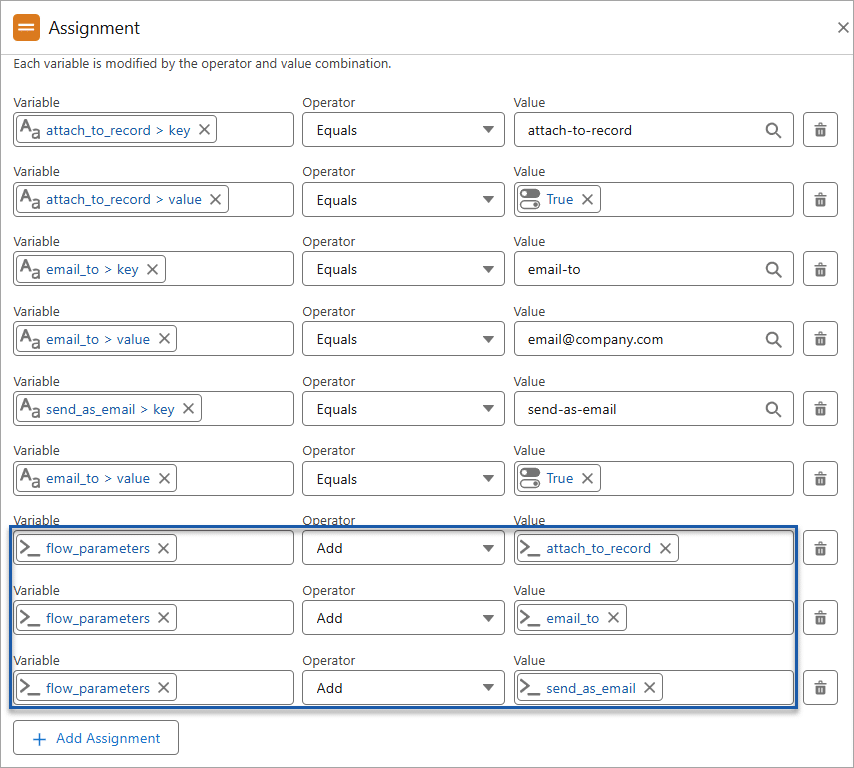
An Apex variable collection must then be created to hold all these variables.
Apex variable collections are containers that hold multiple values in a single variable. They allow you to store and manipulate groups of related data items together. The main types of collections in Apex are lists, sets, and maps.


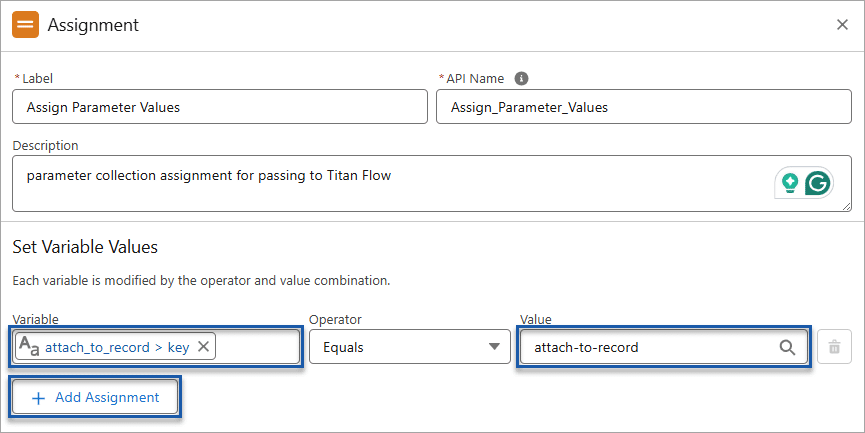
Assign keys and values to the Apex-defined variables and add them to the collection variable. The collection variable is then passed to the Titan Flow using the parameters on the Salesforce Flow.





On this page









