How can we help you?
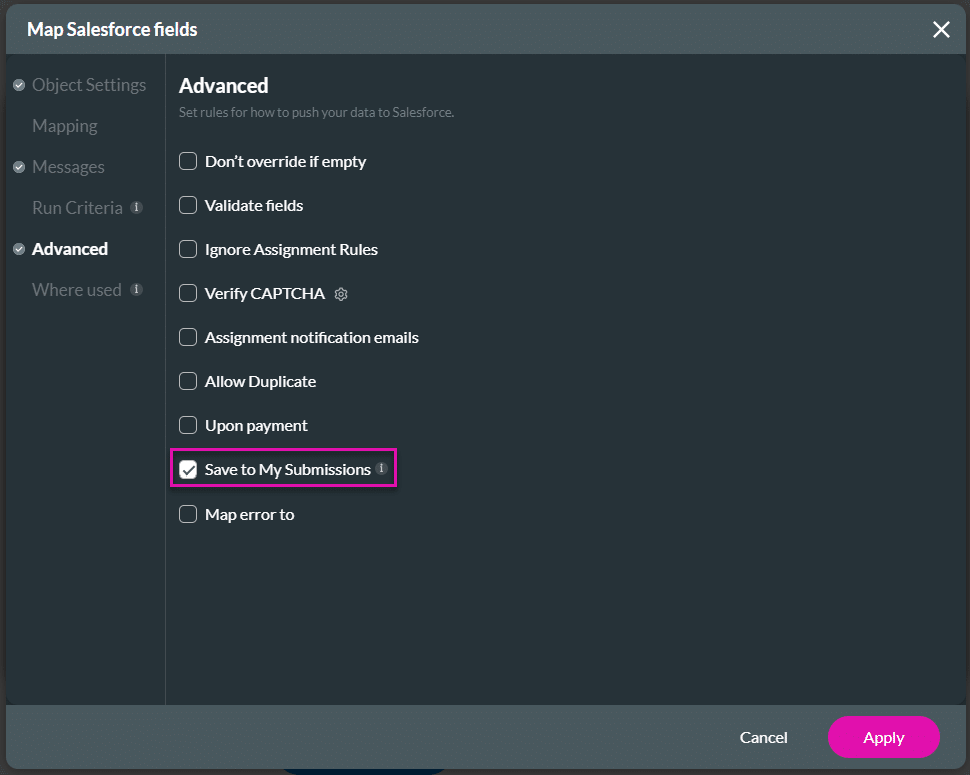
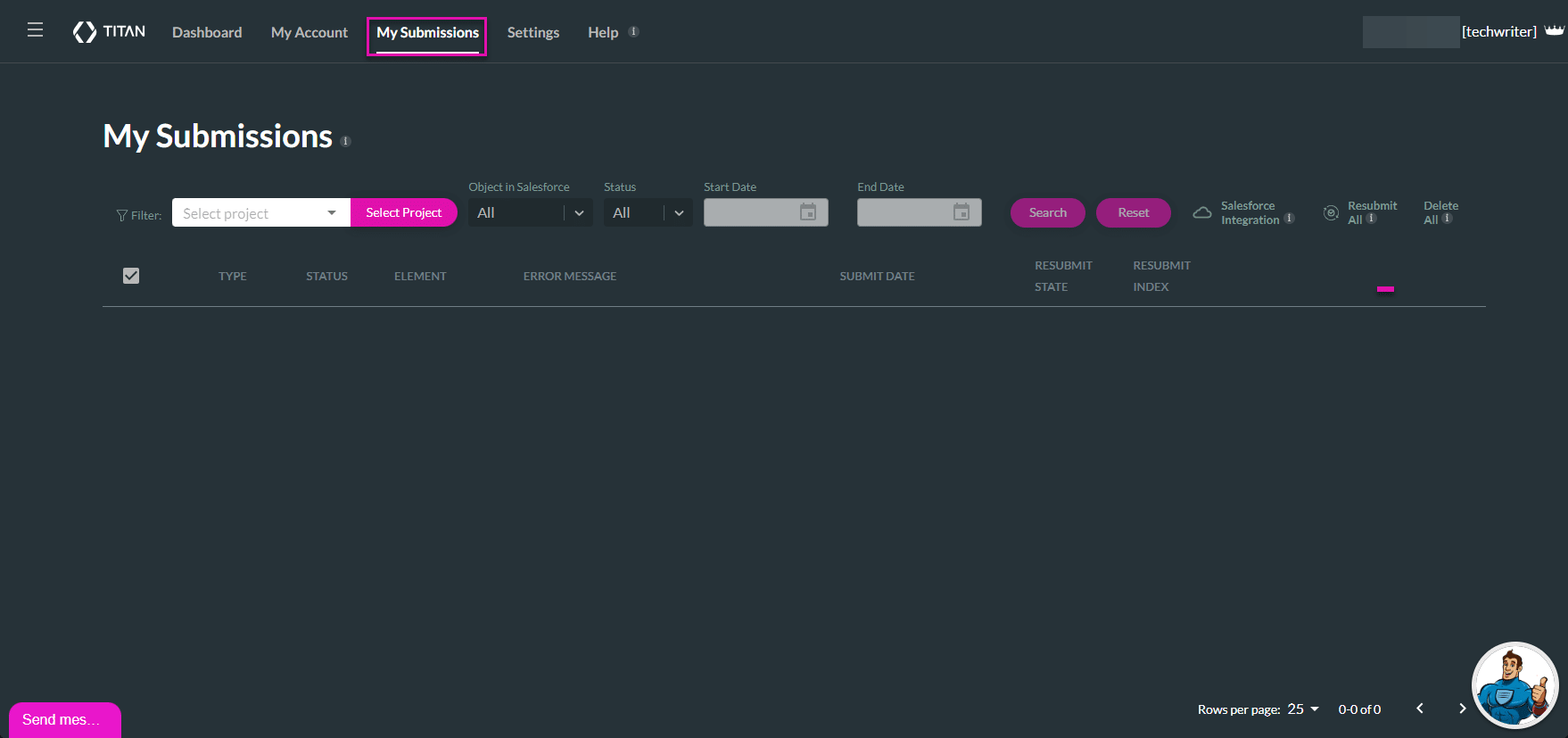
My Submissions helps you manage form submissions in Salesforce by storing end-user submitted data and files in your project. This information can be reviewed, saved as a draft, or synced with Salesforce based on your setup.
My Submissions lets you keep a record of submitted input so you can return to it when needed. You can save data in draft mode before pushing it to Salesforce, continue working on a saved submission, or store raw submitted data for review, resubmission, or tracking.
| Option | Link page |
|---|---|
| Filter submissions | Visit Filter submissions to learn how to find specific data and files using search criteria. |
| Resubmit | View Resubmit to find out how to sync updated data to Salesforce to ensure submissions are successful. |
On this page









