How can we help you?
Store information as a draft on the user’s local browser or review the contents before saving it to Salesforce.
Local storage and session storage are part of the web storage API. It allows web applications to store data in the user’s browser with no expiration date – unless specified differently. This means the data persists even after the browser window is closed or the user navigates away from the site.
Using local storage provides a convenient way to enhance user experience by maintaining state across visits and sessions without relying on server-side storage solutions.
Titan lets users temporarily save information as a draft on their local browser. They can review the content before saving it to Salesforce.
Note:
Titan suggest that you rather use the Submissions functionality as it is more robust and has better security features.
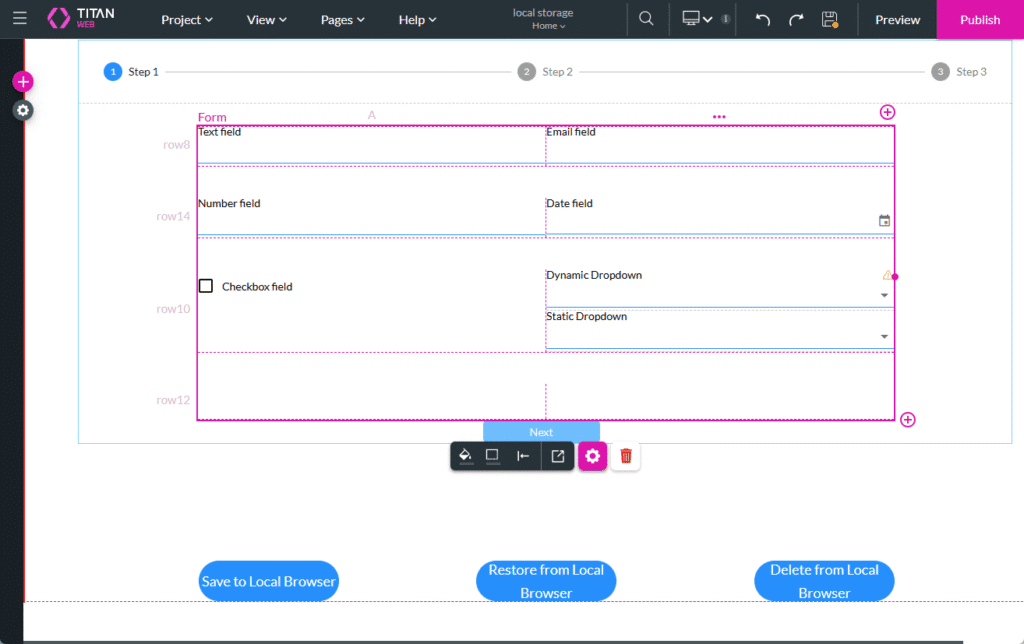
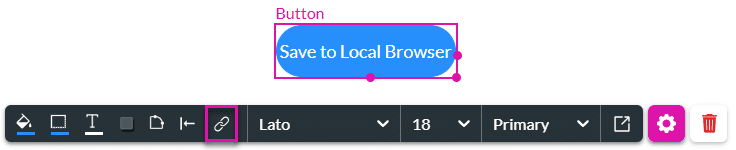
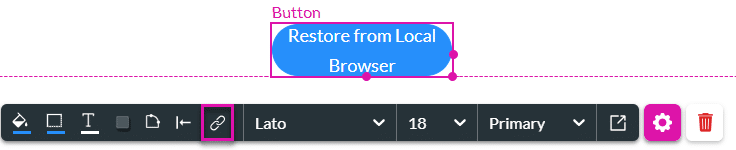
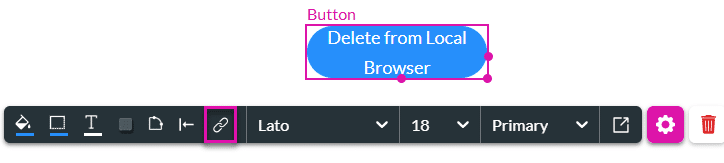
In this example, we have a form element in a stepper container where a customer can complete information fields, and three buttons with on-click actions, with the following actions:






On this page









