How can we help you?
Publish your Titan Docs Word template with a Salesforce record ID to generate documents using data from a specific record. You can also publish without a record ID when the template must be available from any app page in Salesforce.
Create and configure your Word template in Titan Docs before publishing it.
Use a record ID when the generated document must retrieve data from a specific Salesforce record. The record ID connects the template to the correct record and supports automated document generation.
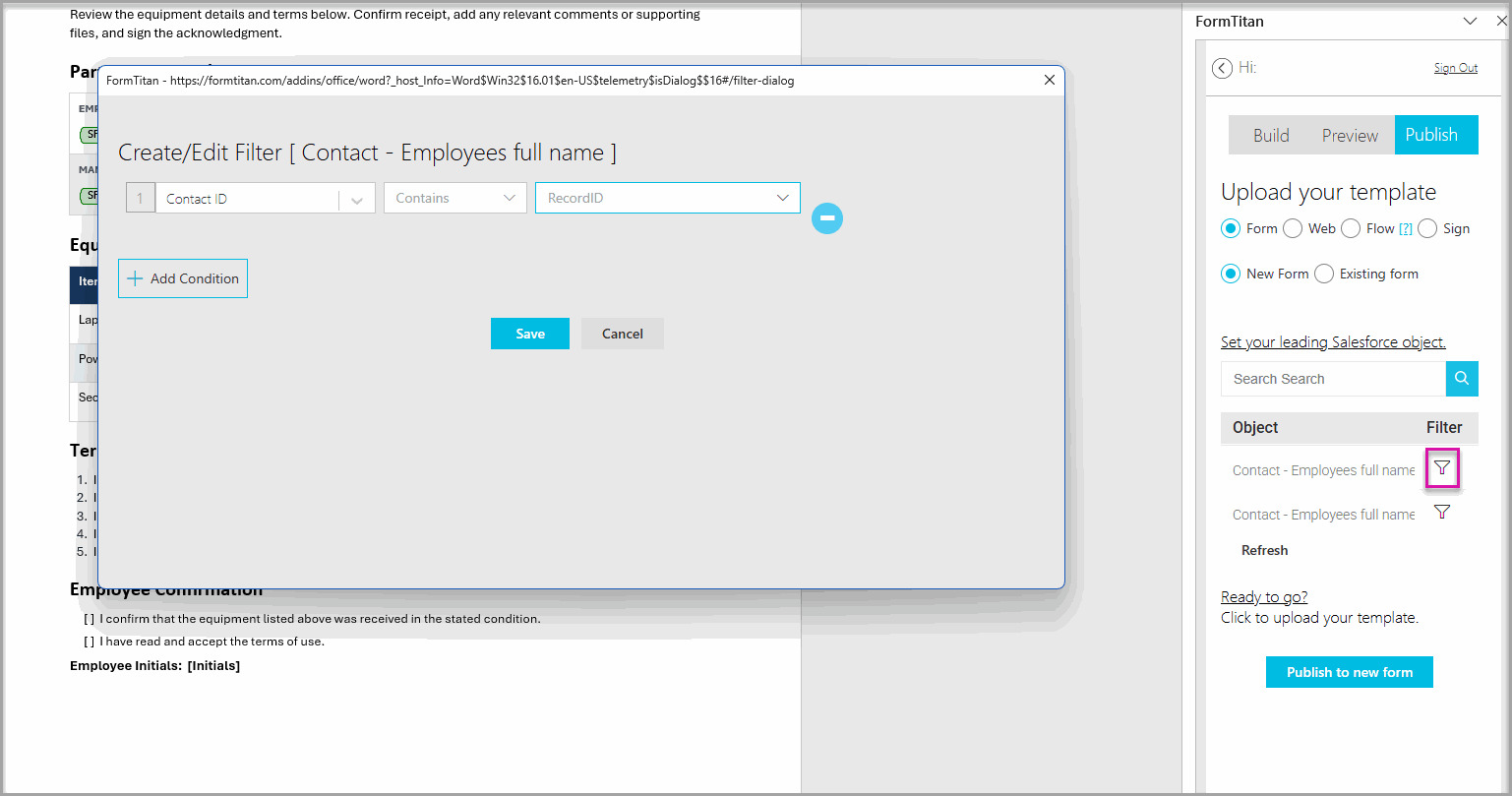
Because the template contains the RecordID value, Titan publishes it without displaying a confirmation message.
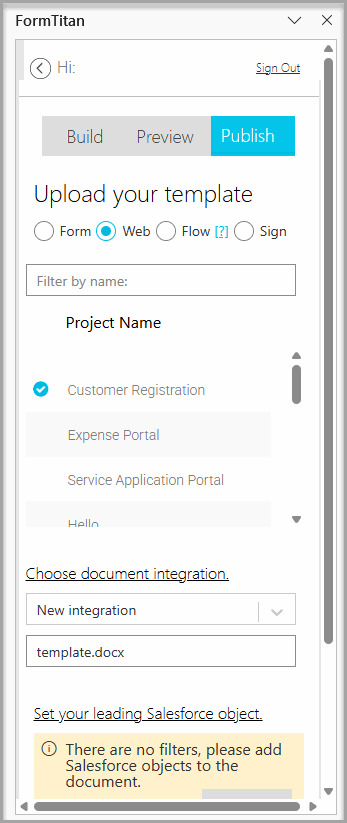
Publish without a record ID when users must generate the document from any Salesforce app page rather than from a specific record.
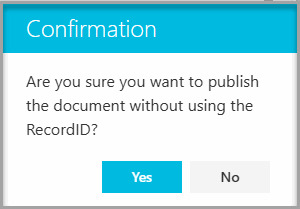
The confirmation message helps prevent you from accidentally publishing a template that is not connected to a Salesforce record.
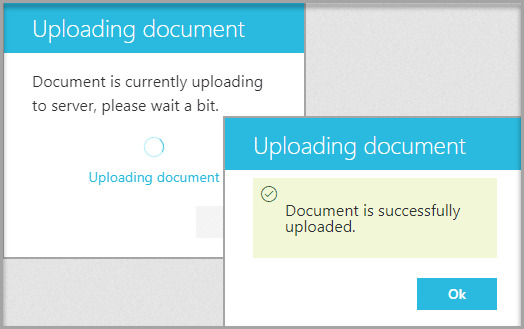
The Word template is published using your selected configuration:
Publish with a record ID when the document must use data from a specific Salesforce record. The RecordID value connects the document-generation process to that record.
Publish without a record ID when users must generate the document from any supported Salesforce app page, and the document does not need to start from a specific record.
Titan displays the message when it does not detect a RecordID condition. This check helps prevent you from unintentionally publishing a template without a connection to a Salesforce record.
Yes. Select Yes in the confirmation message, enter a name for the template, and continue publishing.
The template may already contain a condition using the RecordID value. Titan does not display the warning when it detects this configuration.
Yes. Update the template configuration and publish it again. Confirm that the template uses the correct option before making the updated version available to users.
On this page









