How can we help you?
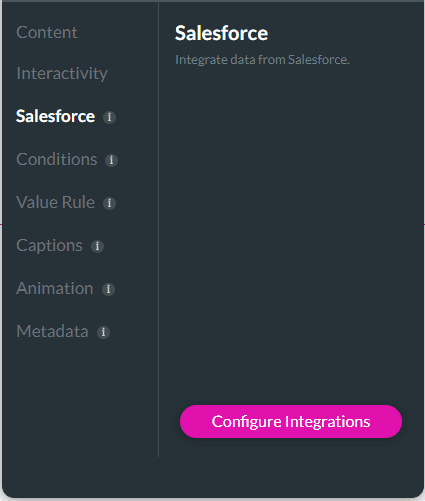
Use Configure Salesforce Integration to sync form data with Salesforce by mapping input fields to Salesforce records. This lets your project retrieve existing Salesforce data, update records, and keep submitted information connected to your Salesforce process.

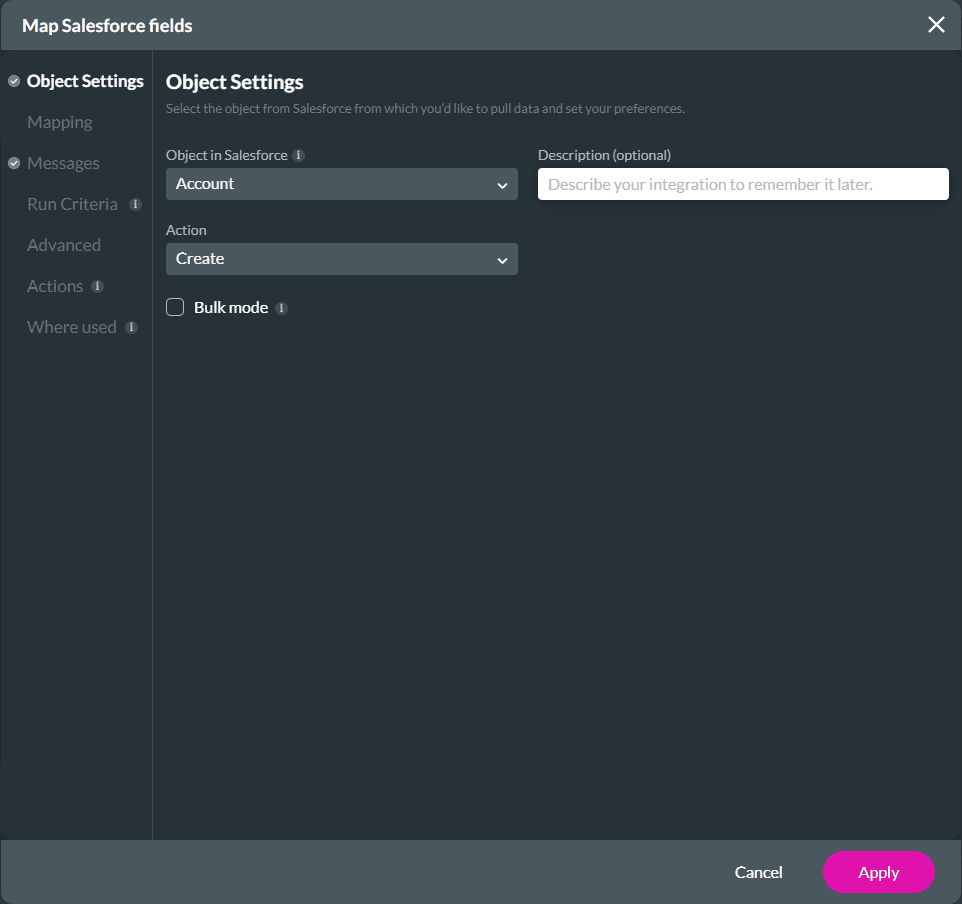
The Push will show on the Salesforce Integrations screen.

Note:
Please note that conditions are not cloned.

The cloned integration is added underneath the Push integrations with an incremental number.

The Push integration that is cloned as a Get is added to the Get integrations list.


Note:
Please note that conditions are not cloned.

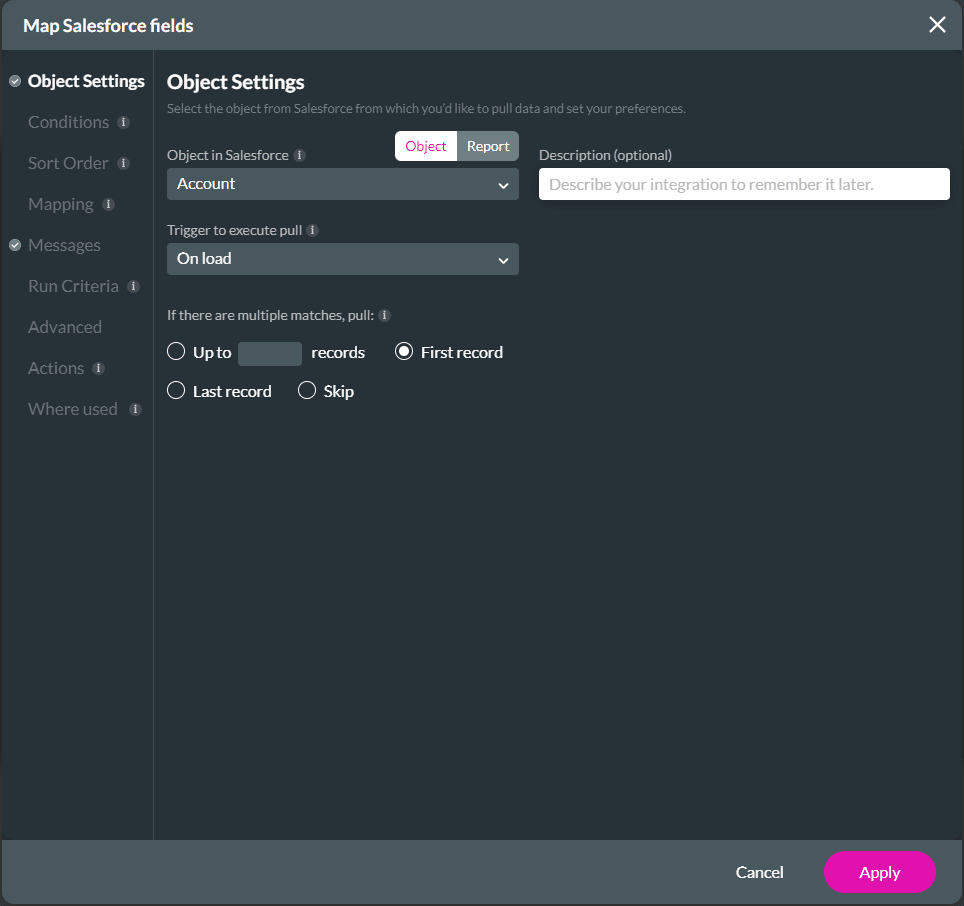
The cloned integration is added underneath the Get integrations with an incremental number.

The Get integration that is cloned as a Push is added to the Push integrations list.

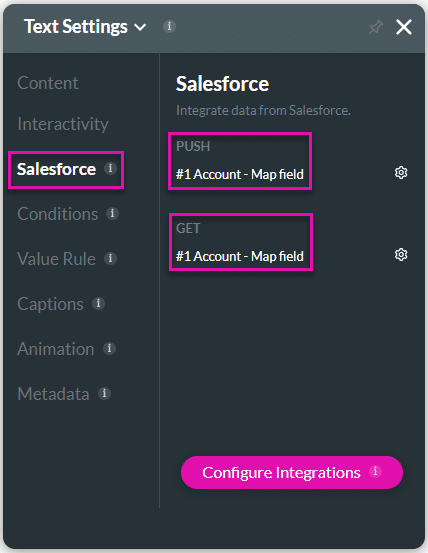
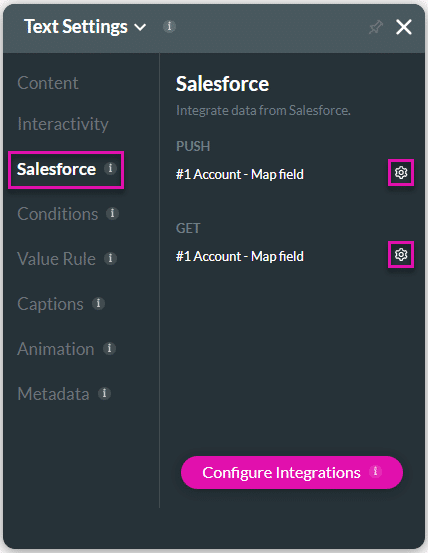
The created Get and Push will show under the Salesforce option on the Settings screen of an element.
Note:
Use the Push or Get Gear icon as a shortcut to edit mapping.
On this page









