How can we help you?
Use Configure Conditions to control when an action runs. You can add one or more rules based on user input, field values, or project data.
Note:
Alternatively, you can add a condition on an On Click Action.

Note:
You can create as many conditions as needed in an action flow.
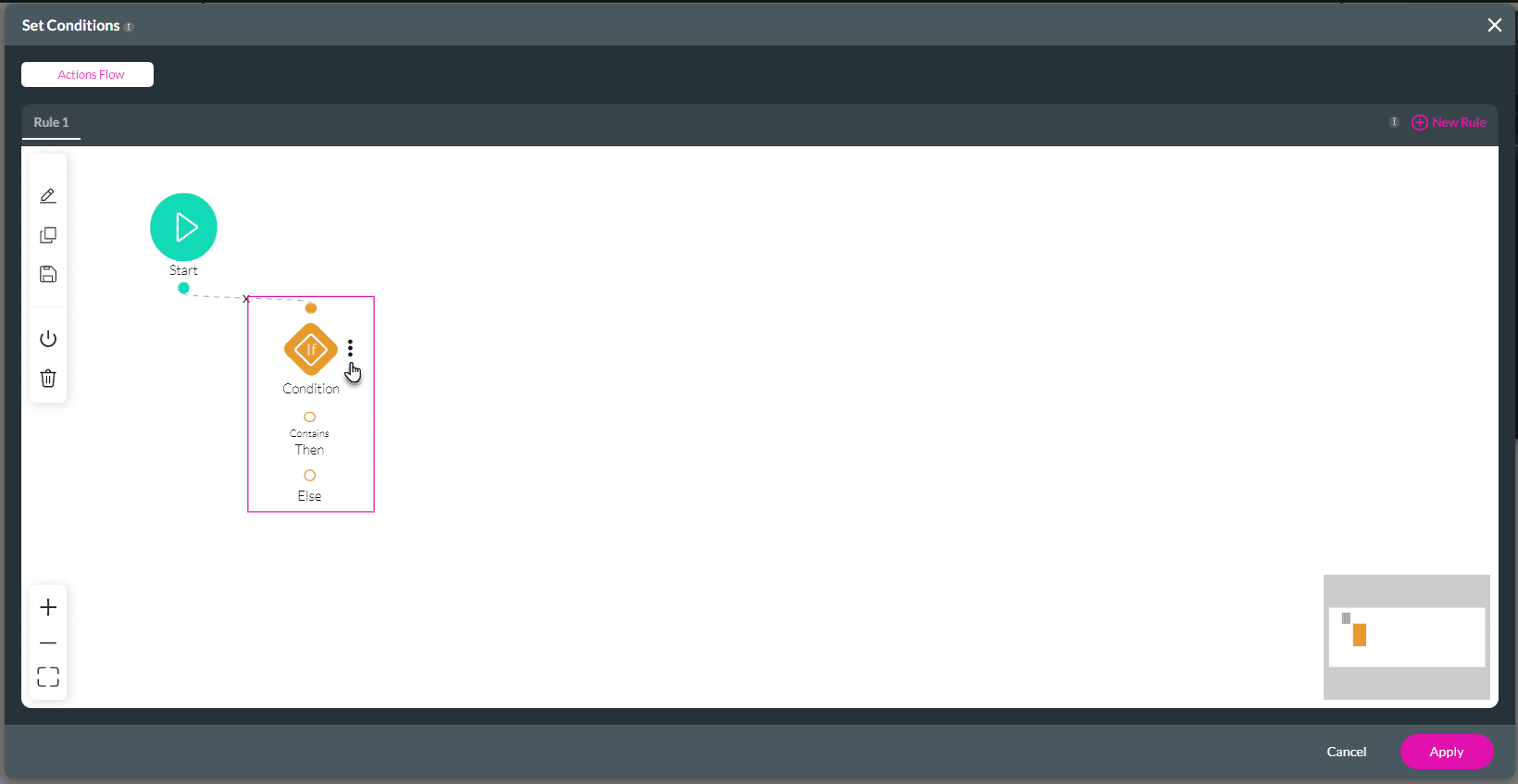
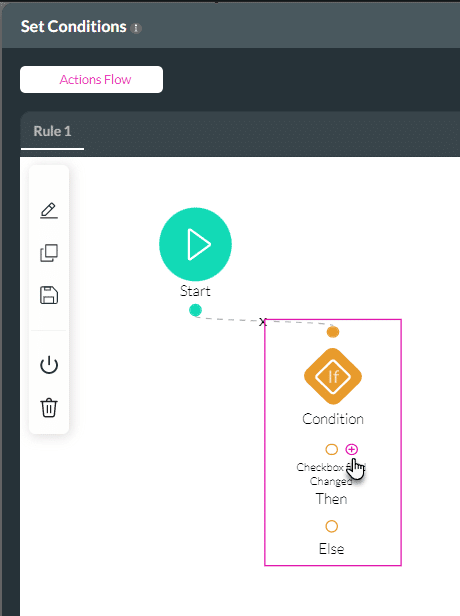
The Condition Rule Node is split into different parts:
Note:
Click the Kebab icon to open the modal. You can do the following:


On this page









