How can we help you?
Website security is more important than ever.
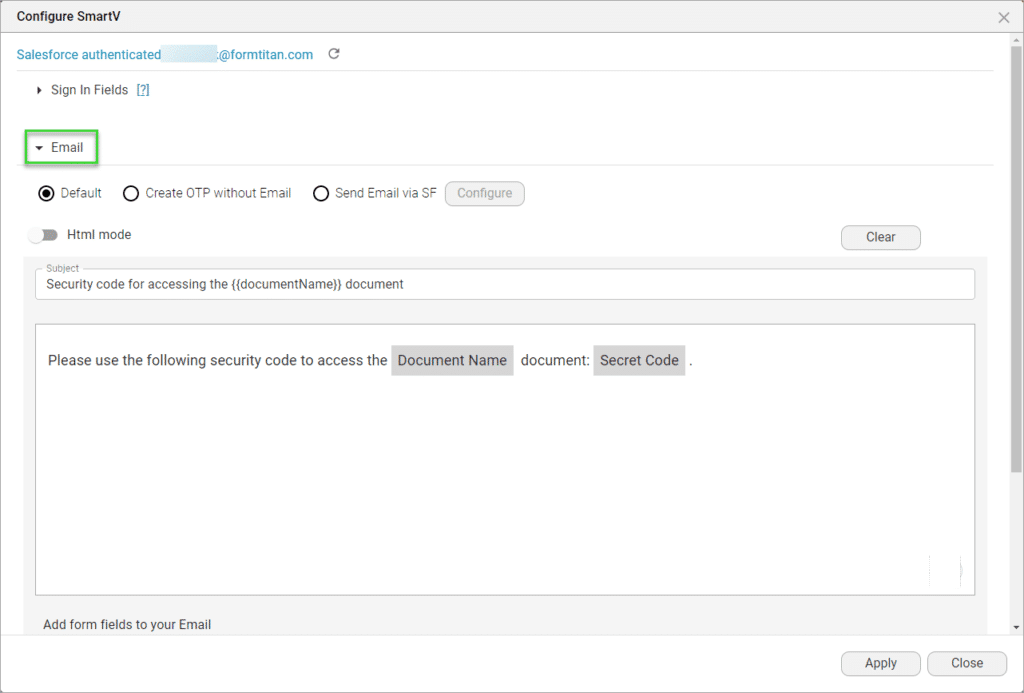
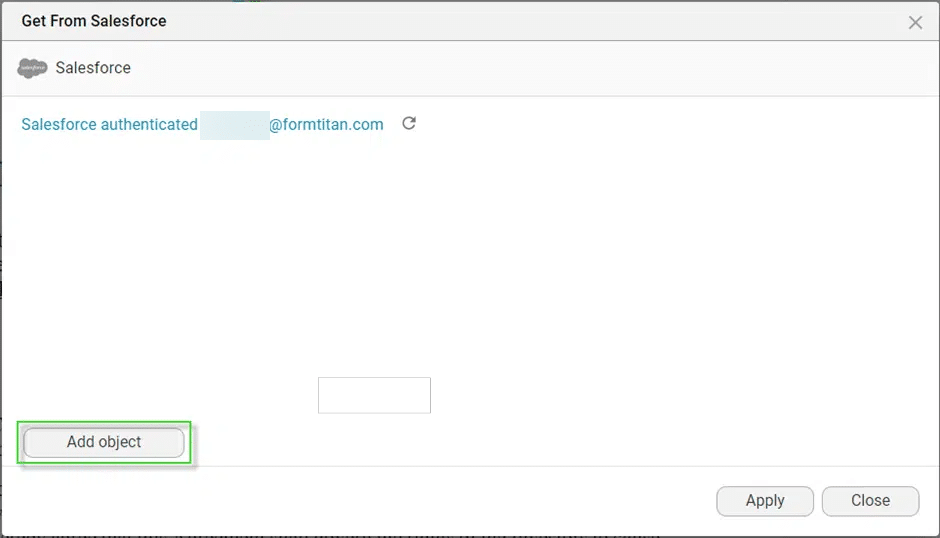
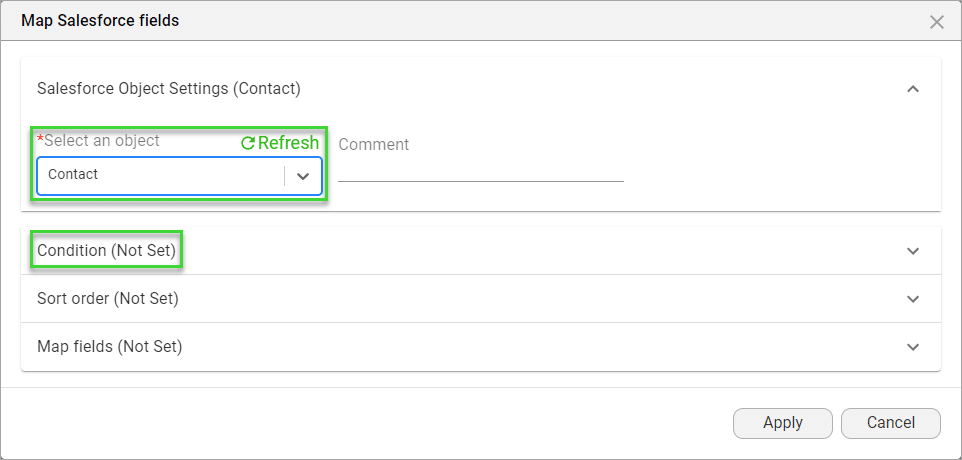
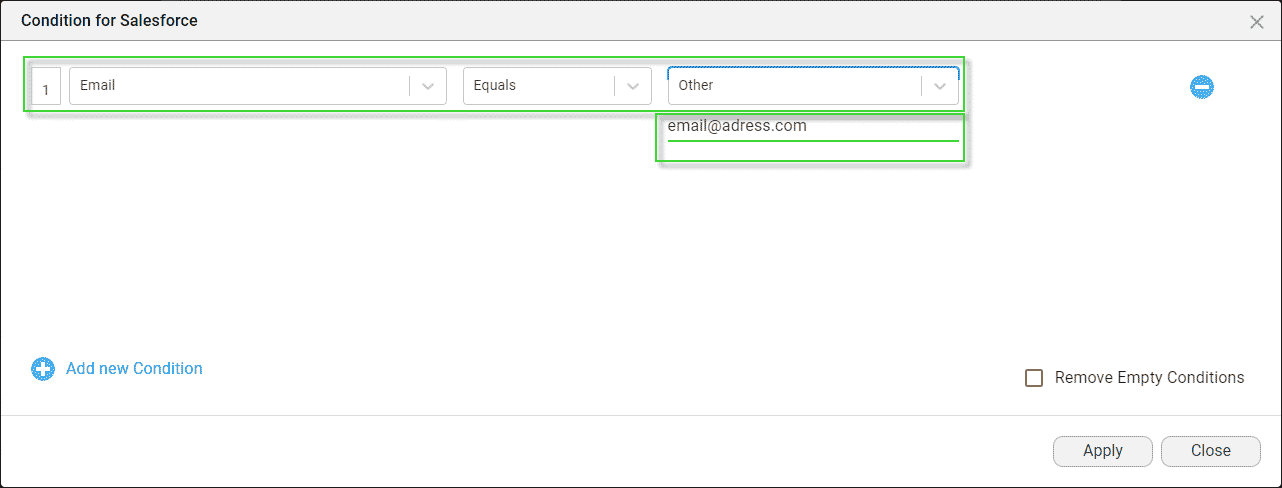
Follow the steps:

Note:
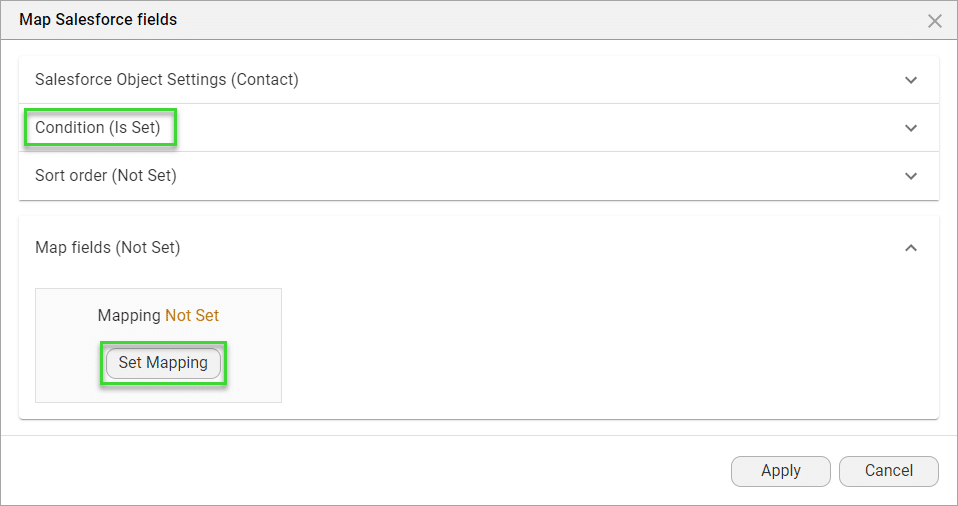
You must create a six digit field in Salesforce to store the two-factor authentication. You will map this field here.



Note:
The fields used to configure the SmartV must be unique. If there are multiple records with the same last name and email fields, there will be multiple matched records and the users will not be able to log in.

The signers will receive an email with a link to the document. When they click on the link, a web page will open where they will have to enter the parameters that were configured (for instance, email address and last name). If the correct email and last name are given, the screen will change and the signer will have to enter the verification code that was sent via email.
Interested in our Titan/ Salesforce Integration? Read about Titan’s Salesforce Forms.
On this page









