How can we help you?
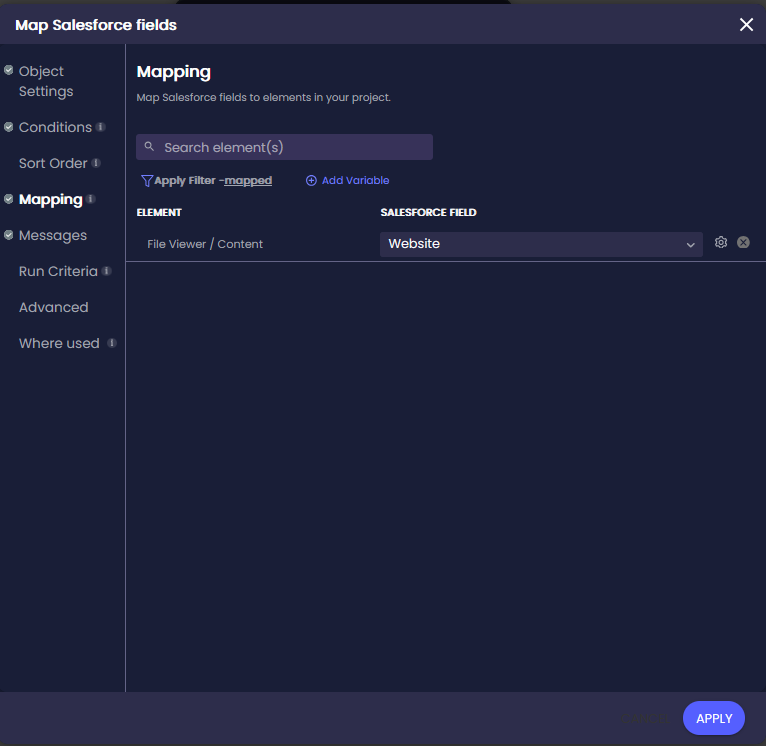
Use the File Viewer element to display files in your Titan project when they are stored outside Salesforce, but their URLs are saved on Salesforce records.
Titan uses the Salesforce URL to load the correct file in the File Viewer.
This setup lets users view external files directly inside a Titan form, portal, or workflow. They do not need to download the file, open another system, or search for the correct document manually.
It also helps teams keep files in their original storage locations while still making them available to users in Titan.
Note:
You do not need to use this option if your files (also known as Content Versions) are stored directly in Salesforce on the File tab.
Learn more about mapping Salesforce files to the File Viewer.
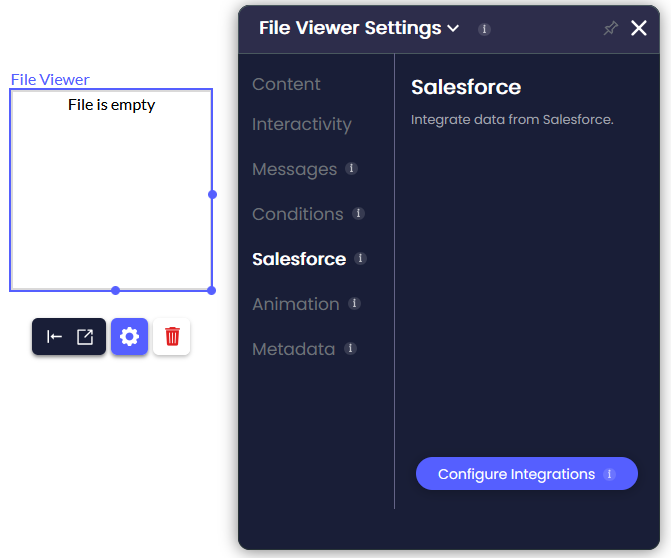
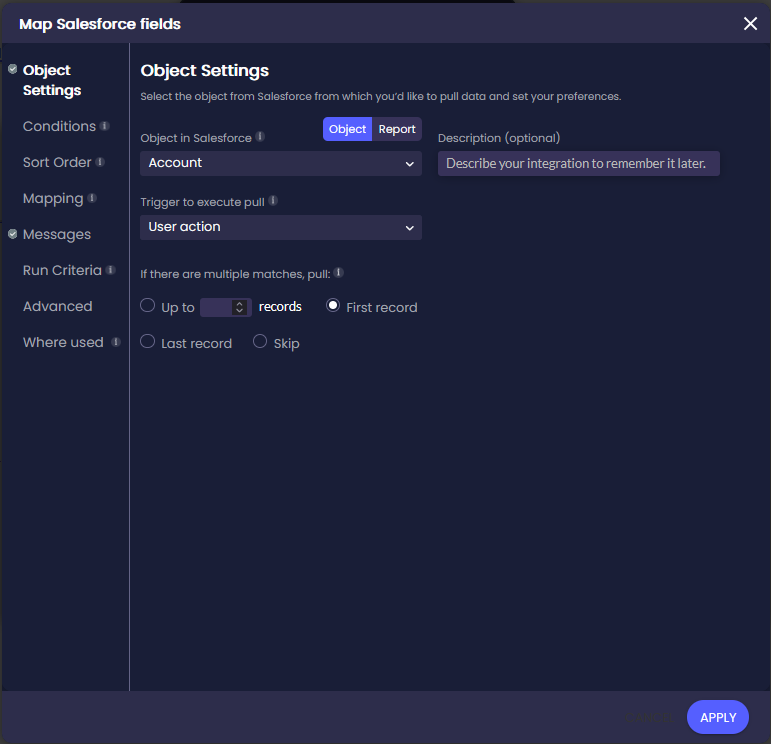
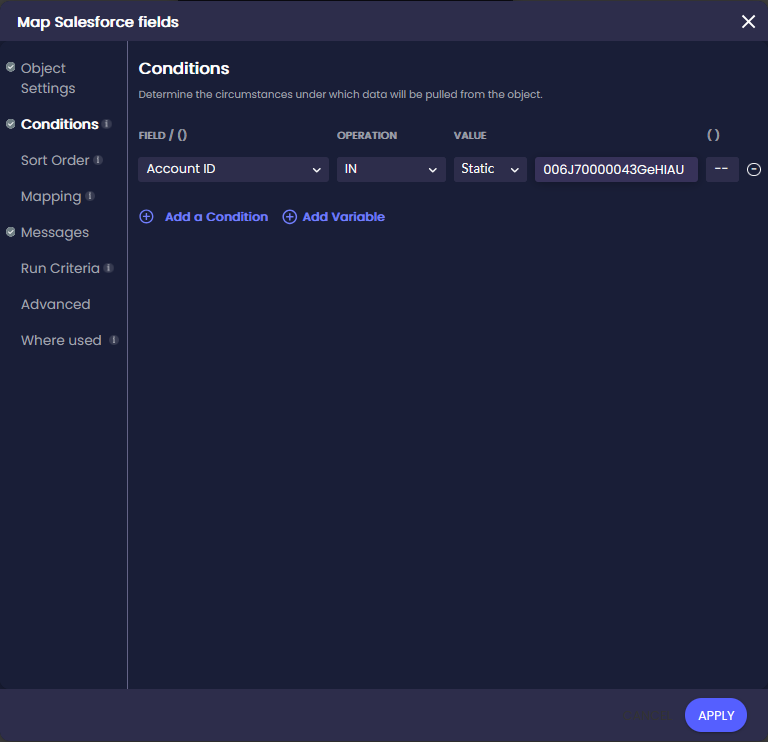
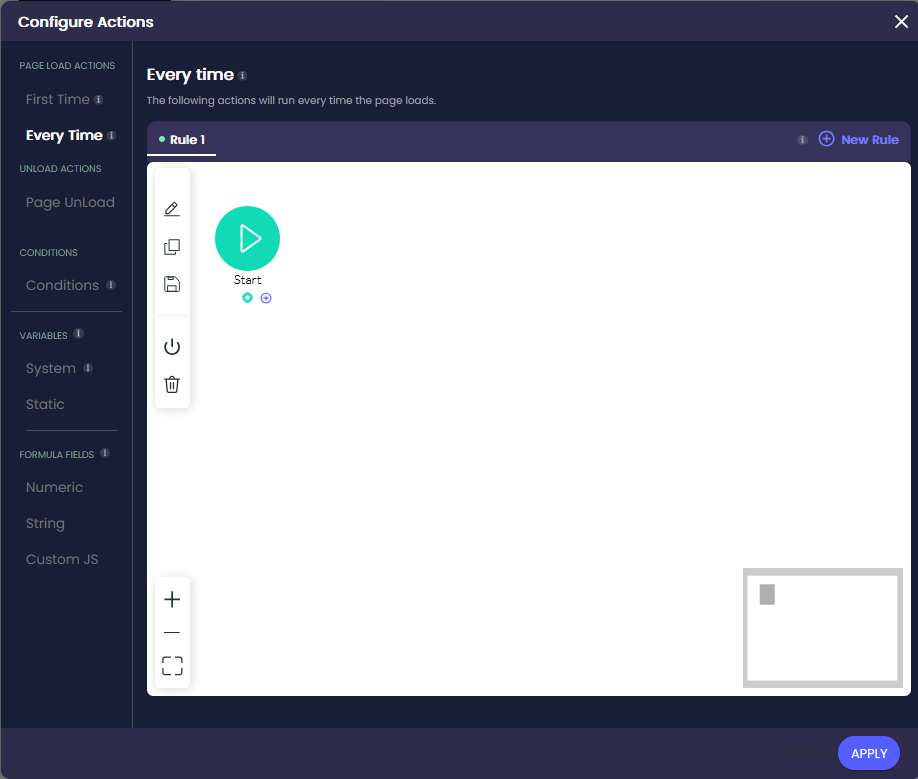
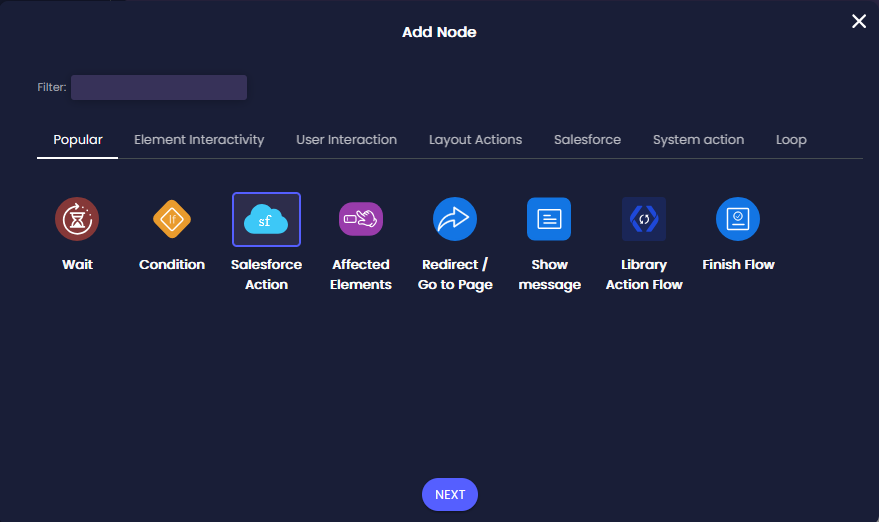
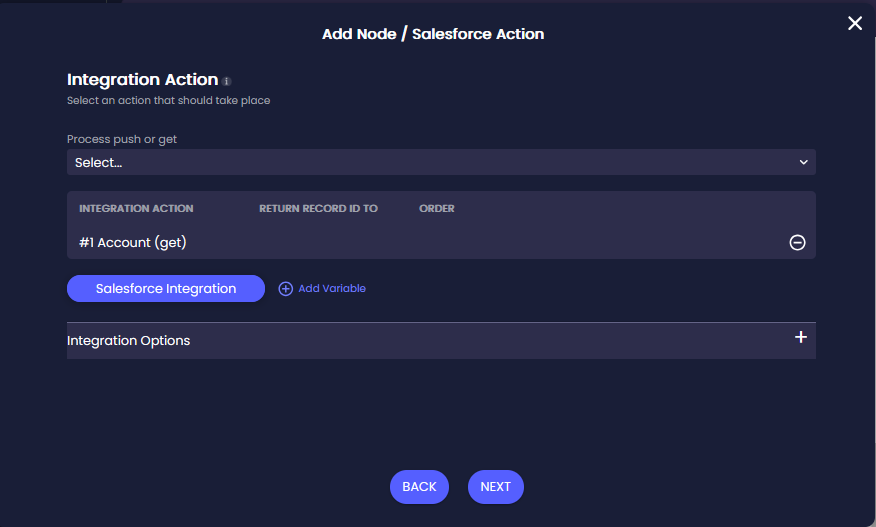
For dynamic file URLs, do the following:
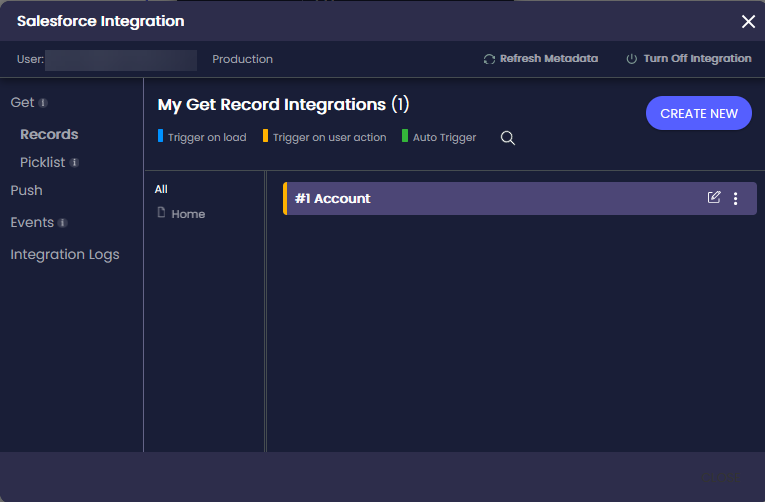
Note:
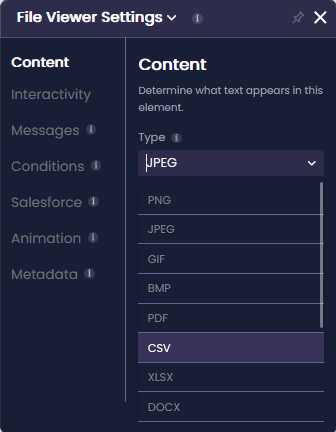
Note:
This option only works for dynamic files.
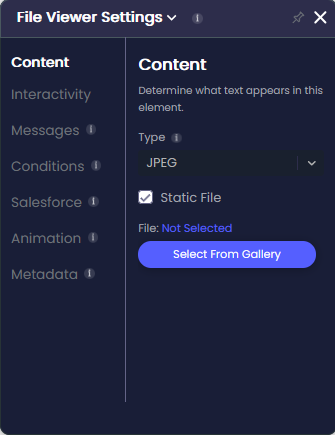
When Static File is selected, the drop-down list is no longer active.
On this page









