How can we help you?
When you submit data or process requests, your internet connection may drop before the request reaches Salesforce. Without a way to recover the failed request, you may need to enter the same information again.
Offline Mode in Titan helps prevent data loss when your connection is unstable. Failed requests are saved so you can restore and resubmit them once your internet connection is available again.
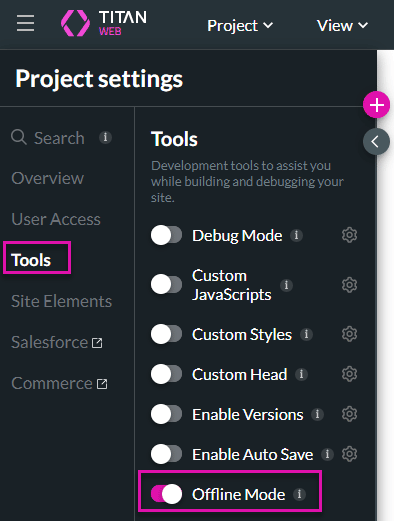
Titan lets you enable Offline Mode so you can recover failed requests and resubmit them after your internet connection is restored. This helps you keep working when connectivity is unreliable and reduces the risk of losing Salesforce data.
Note:
Prerequisites:
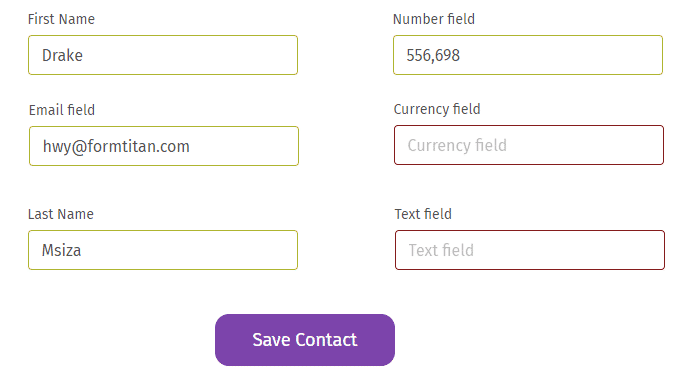
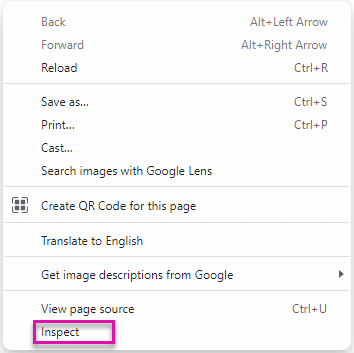
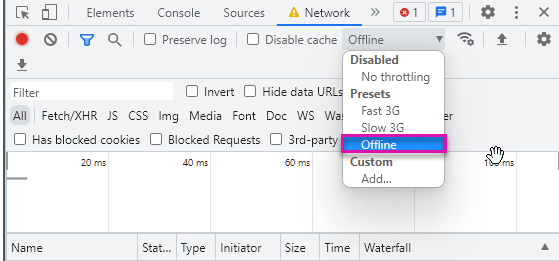
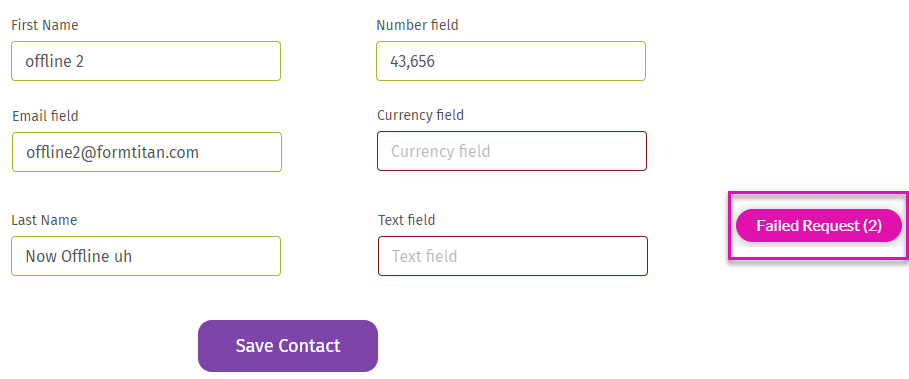
You can only view details of the failed request on the screen when you are offline. The screen shows that you are currently in offline mode.

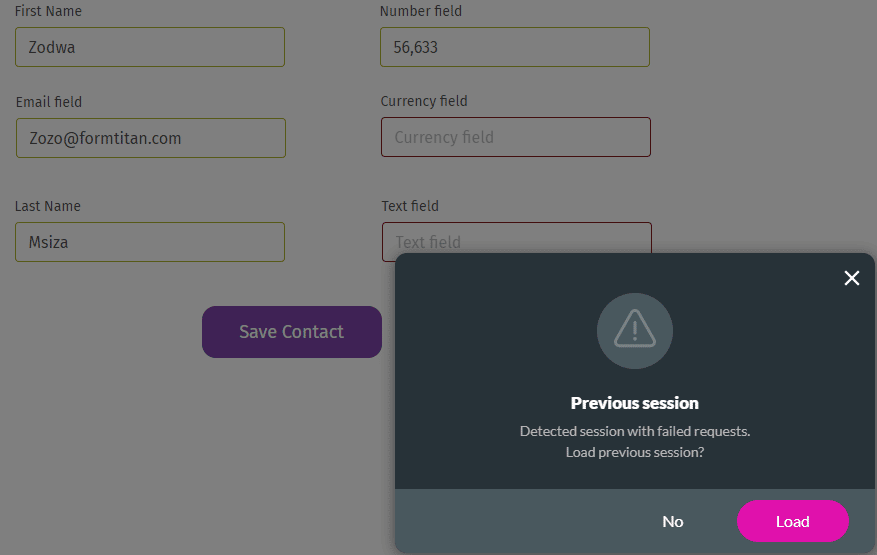
When you are back online, Titan will show the last session of your request. You can click the Load button and reload the previous session.
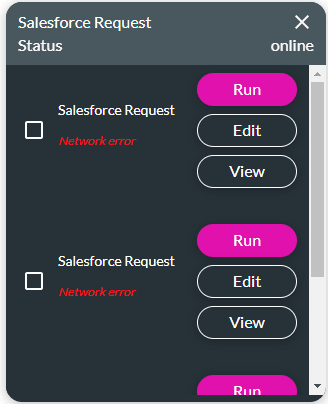

When you are back online, you can select a request to run and click the Run button. The requests will be automatically removed from the list.
On this page









