How can we help you?
Do you need to send clients messages even when users are not actively using your website? You can send web push notifications that are displayed as pop-up alerts on the user’s screen and can be used to promote new content, special offers, or other updates.
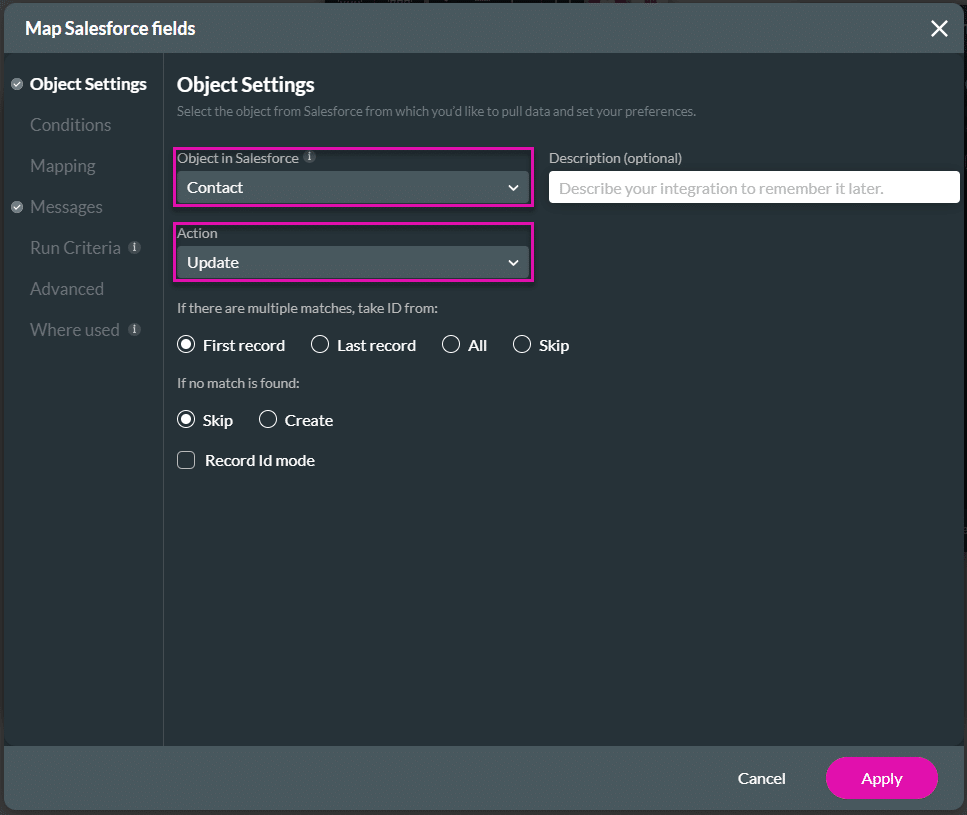
With Titan, you can push web notifications to a client’s device when certain conditions are fulfilled, with no code, and in a few clicks. For instance, whenever a contact updates their details in Salesforce, you can send a notification confirming that the update was made.
Web push notifications will only be sent when the user has given permission.
Note:
Prerequisite:
The custom field in Salesforce that will be updated with the hash value must be able to contain at least 1500 characters.
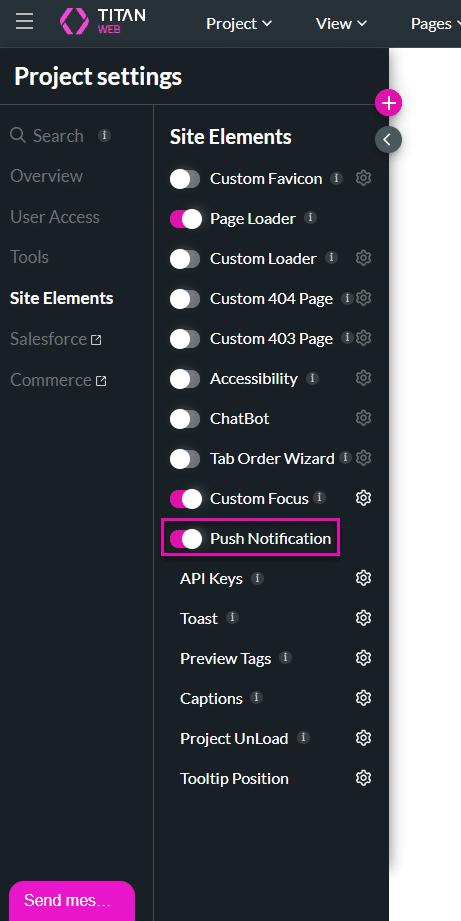
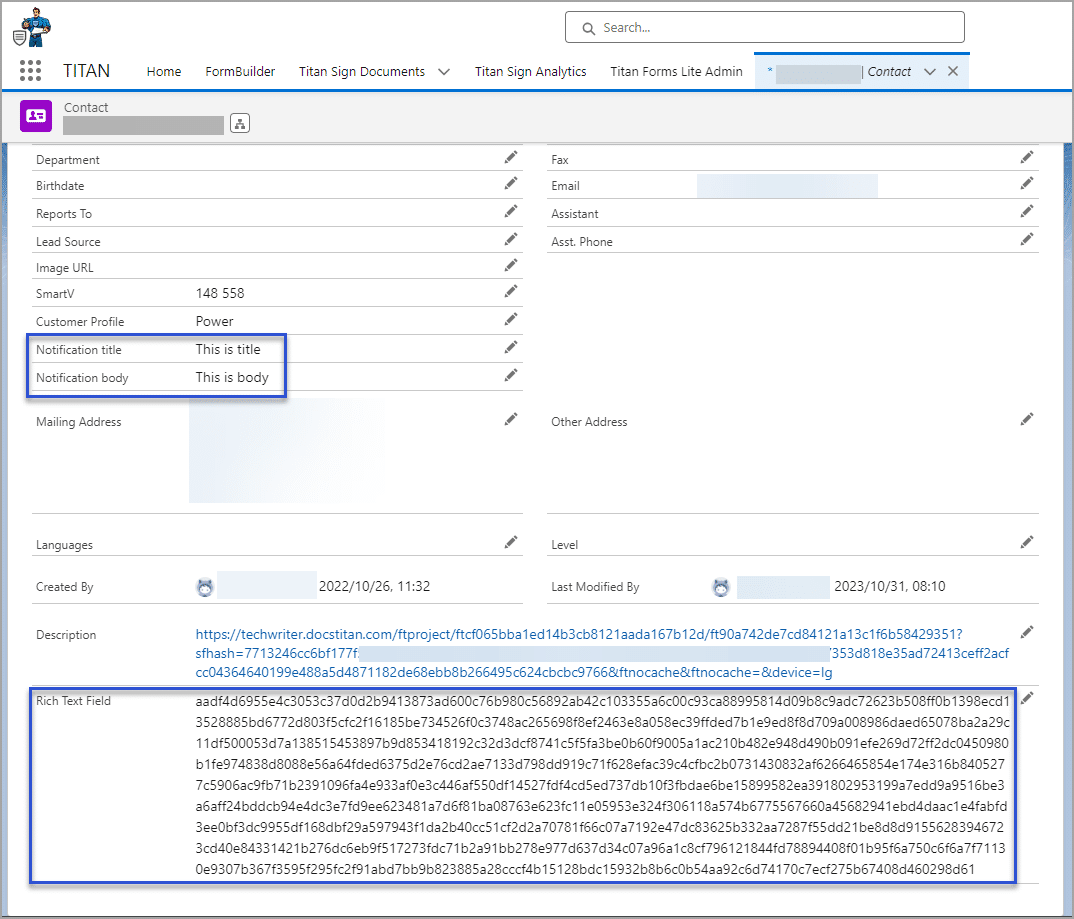
When enabling the Push Notification, a hash value (ft-webPush) is created in Salesforce. The hash is the current instance of the device and browser using Titan Web.

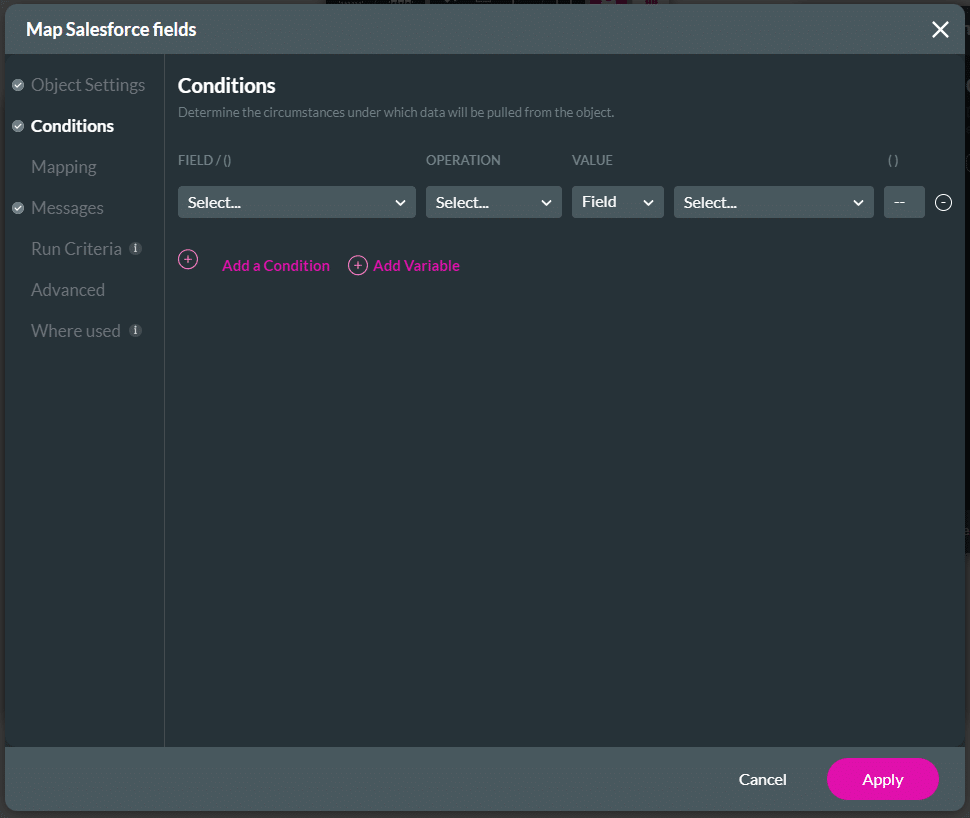

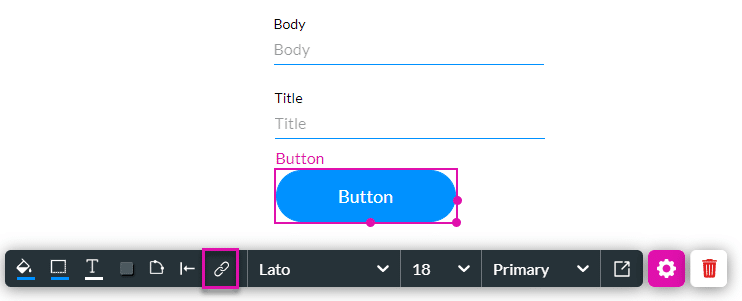

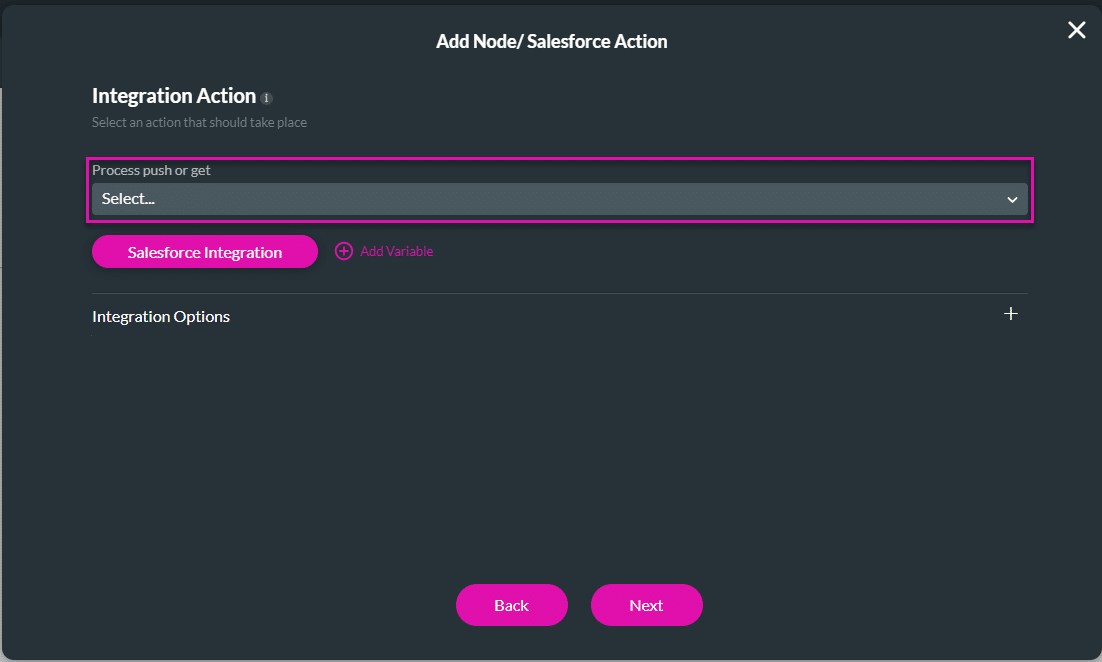
In order to trigger the push notification, you need to run a Flow automation in Salesforce. Follow the steps below to see how a Flow example was set up.
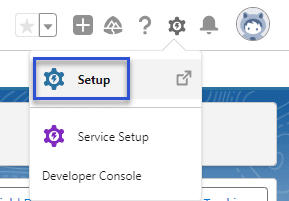
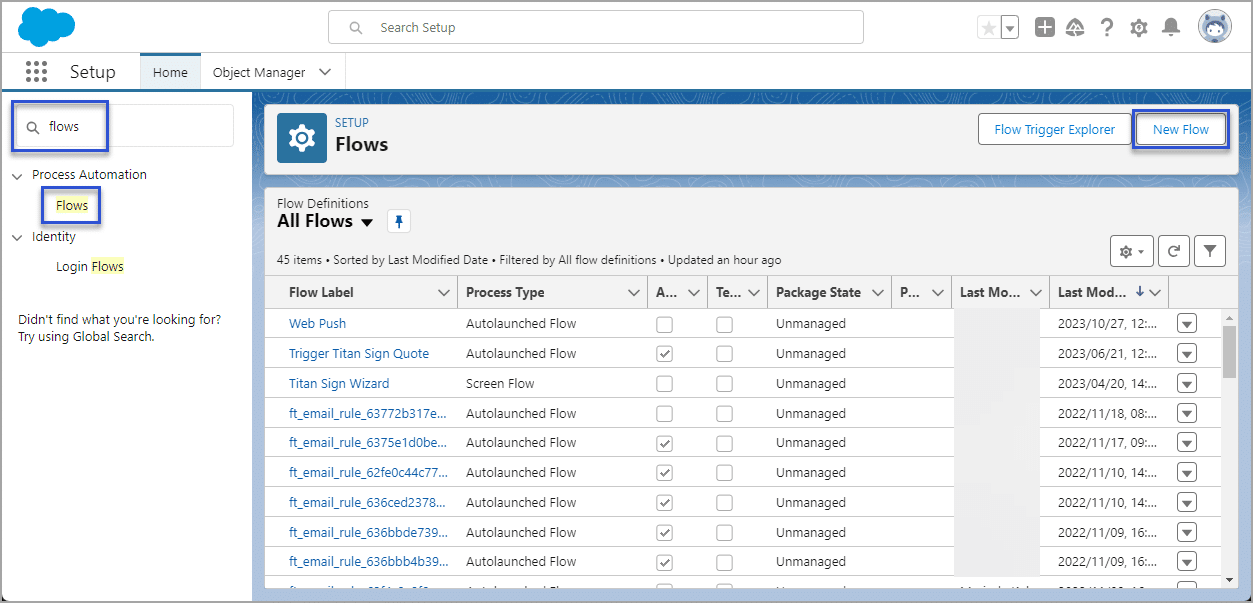
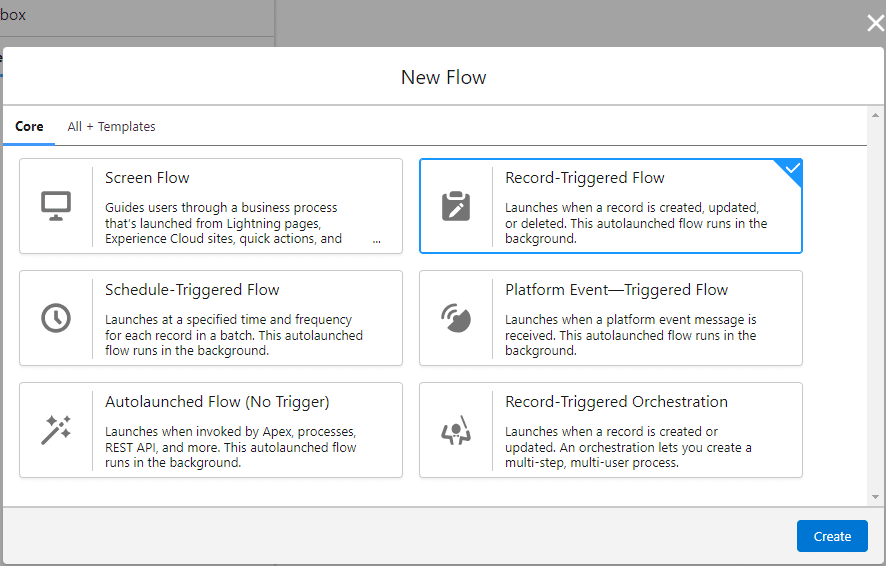
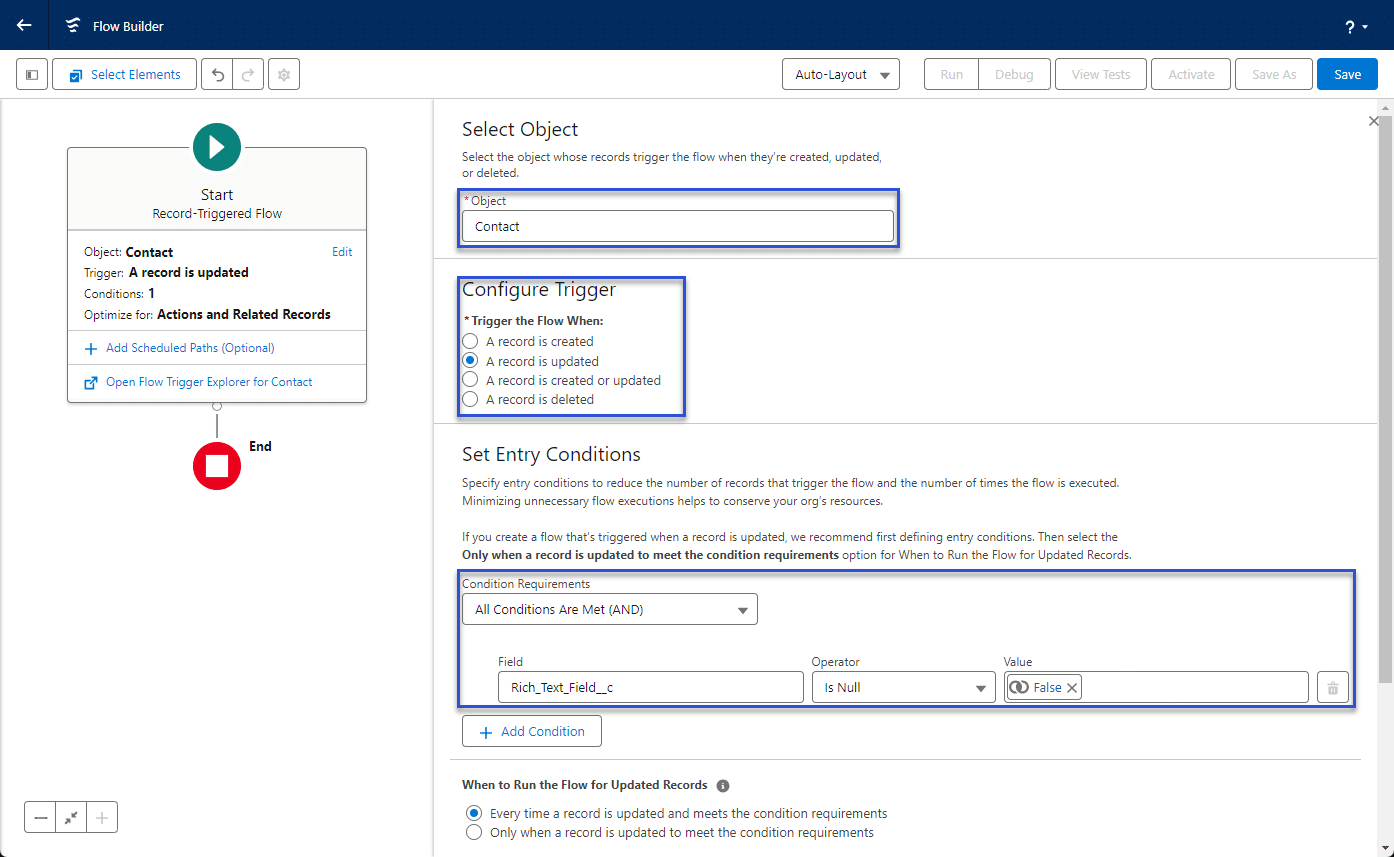
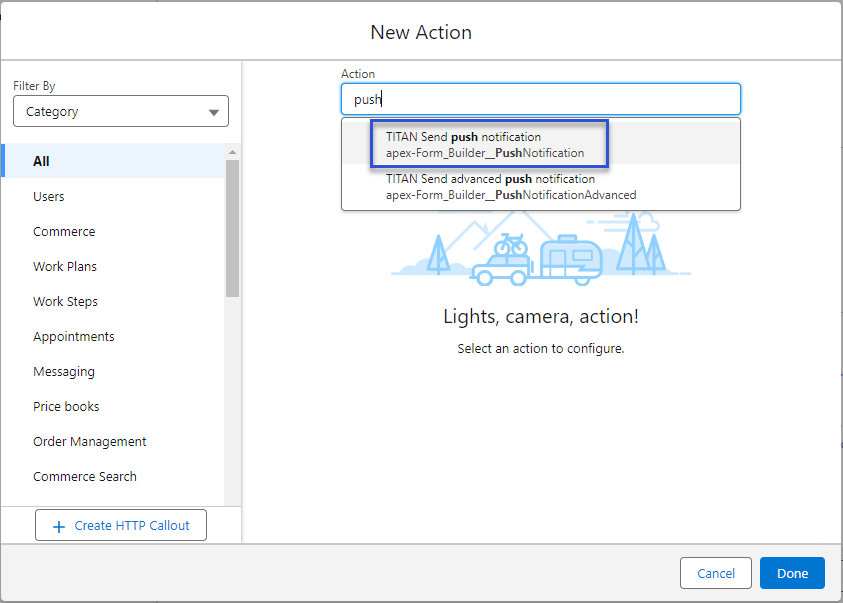
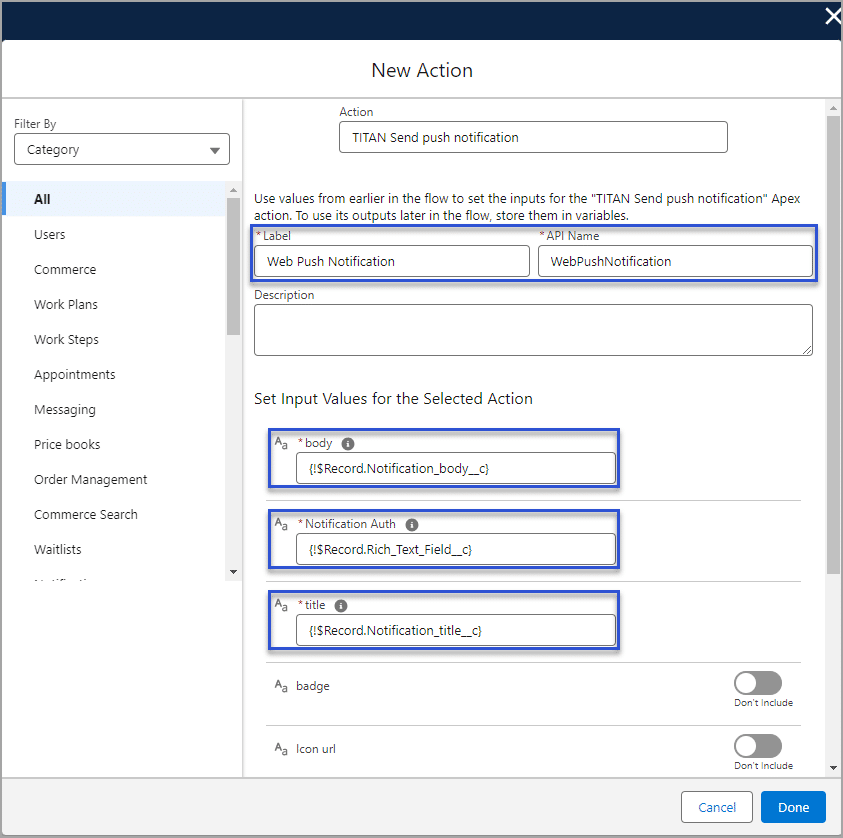

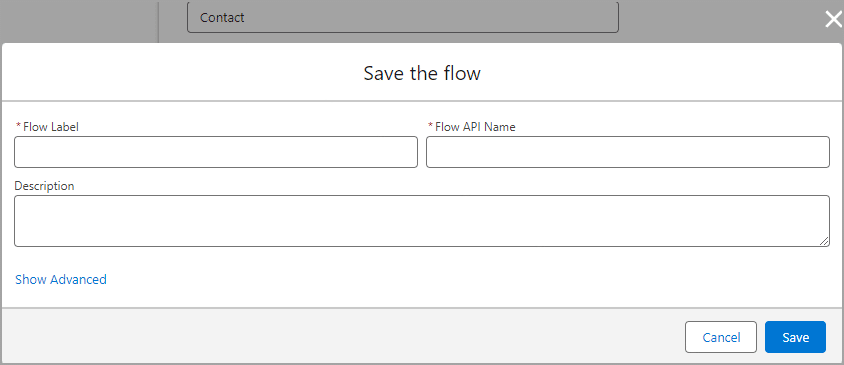
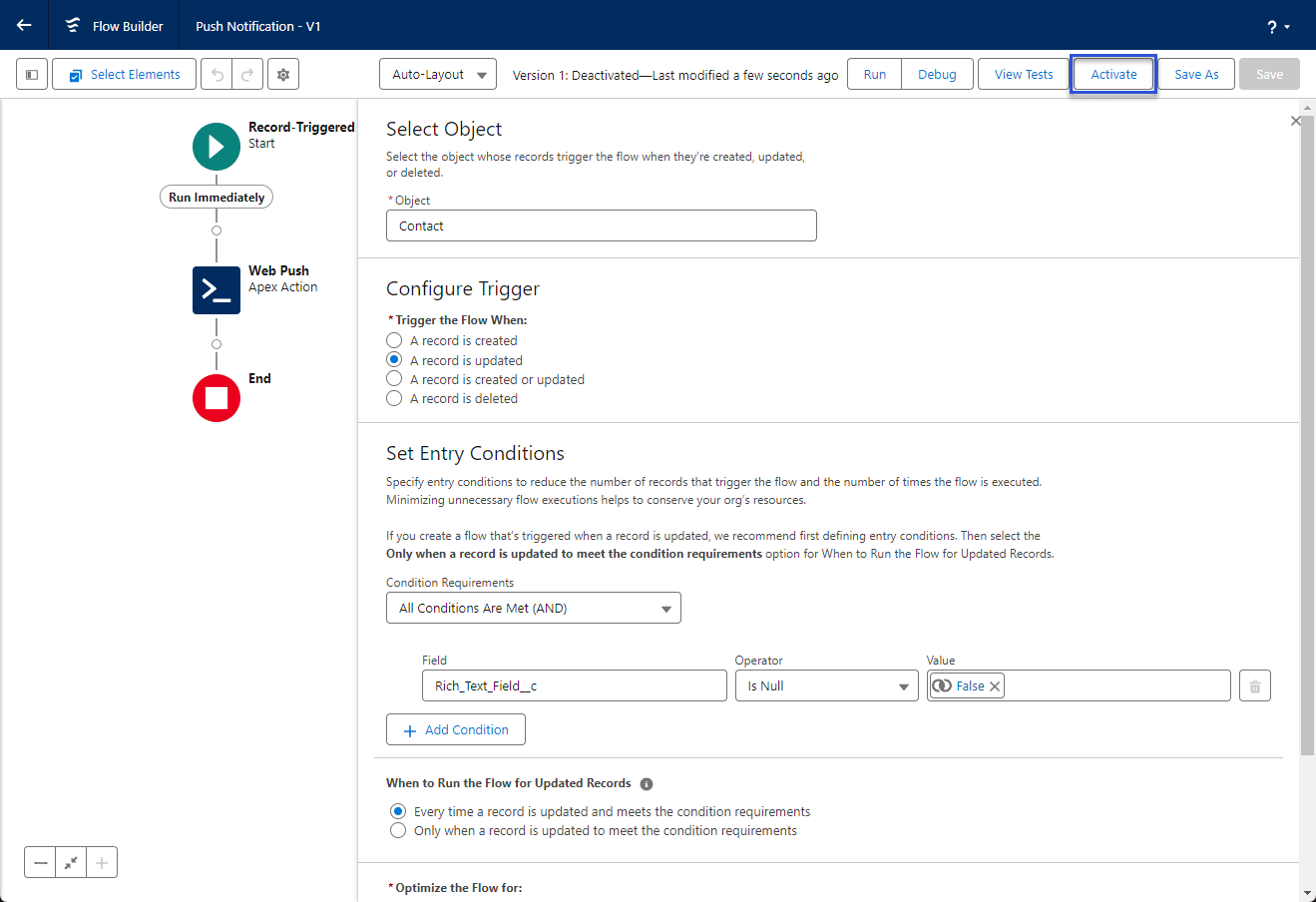
When the user makes changes, the Salesforce field is updated with the hash value, the Salesforce Flow is triggered and a web push notification is sent.
This is an example of the notification:

Also, look at how to Configure Salesforce Integration with Platform Events.
On this page









