

Generate, Sign, and Automate Salesforce documents with real-time sync

Build portals, apps, and forms directly in Salesforce with Dynamic data flow and adaptability

How can we help you?
Do you want to audit and monitor transactions performed through Titan using your business logic and store these transactions in your own systems? Now you can!
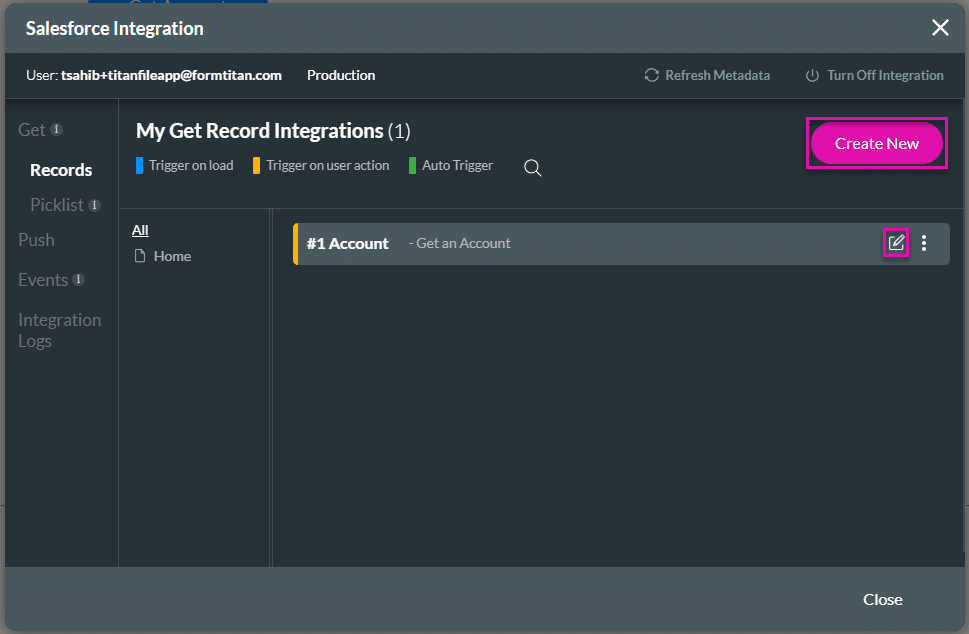
You can map the error information into a Titan variable for any Salesforce action (Get and Push) and then send this information to your auditing and monitoring systems. For example, you can now represent a group of Salesforce actions into a single audit record or have an audit record per Salesforce action.
Titan’s solution provides you with the ability and flexibility to achieve your auditing objectives.
You can use this feature together with disabled integration and account logs.


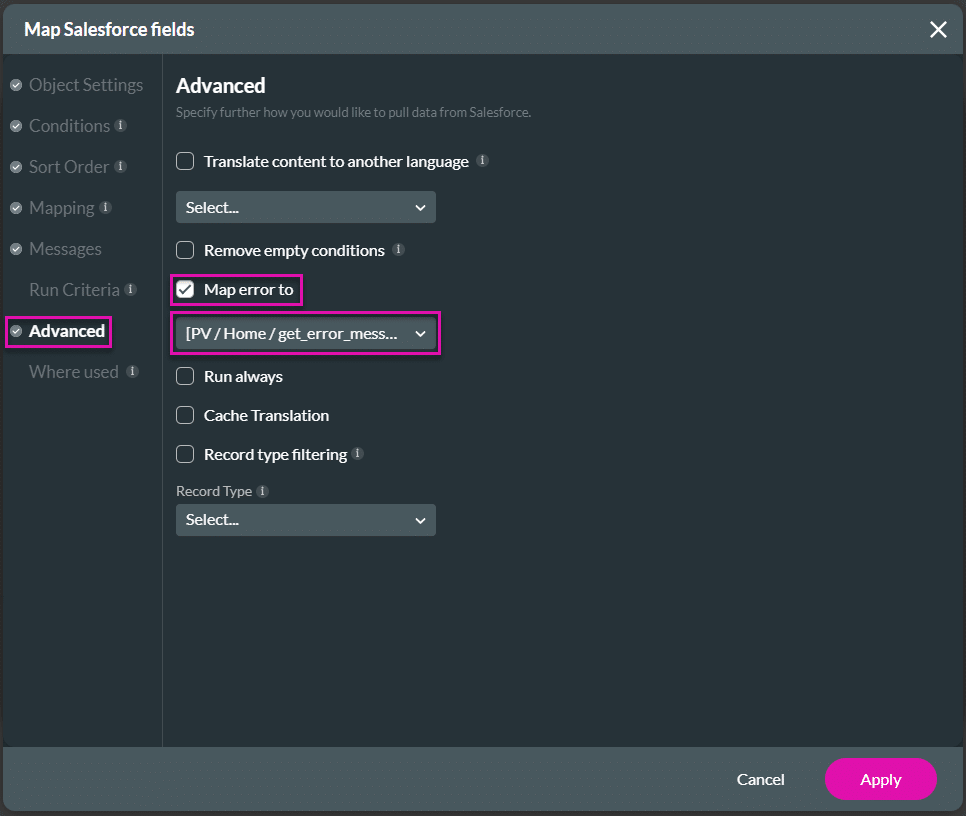

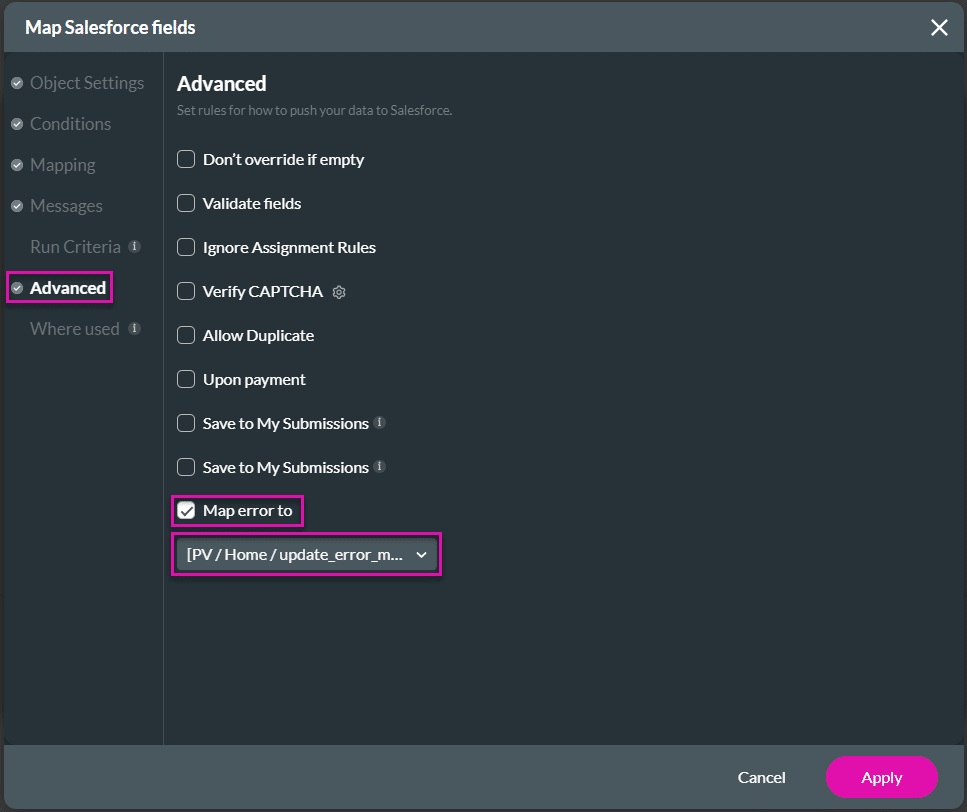
You can use the mapped variables in an Action Flow to send an email with the error message. Alternatively, you can configure the Generate File node in Titan Flow to generate the error message and push it to external cloud storage services.
See an example of how to use the Generate File Flow in Titan Web.
Learn more about System Variables and how to use variables in Titan.
On this page
The Only Forms Solution Built 100% in Salesforce.


