How can we help you?
Collaborate with another company to share information using a Titan Flow.
With Titan, you can invoke a flow from a different environment with different permissions.
In this example, the following Titan projects are used:
Path:
Project settings > Tools > Custom Variables > Gear icon


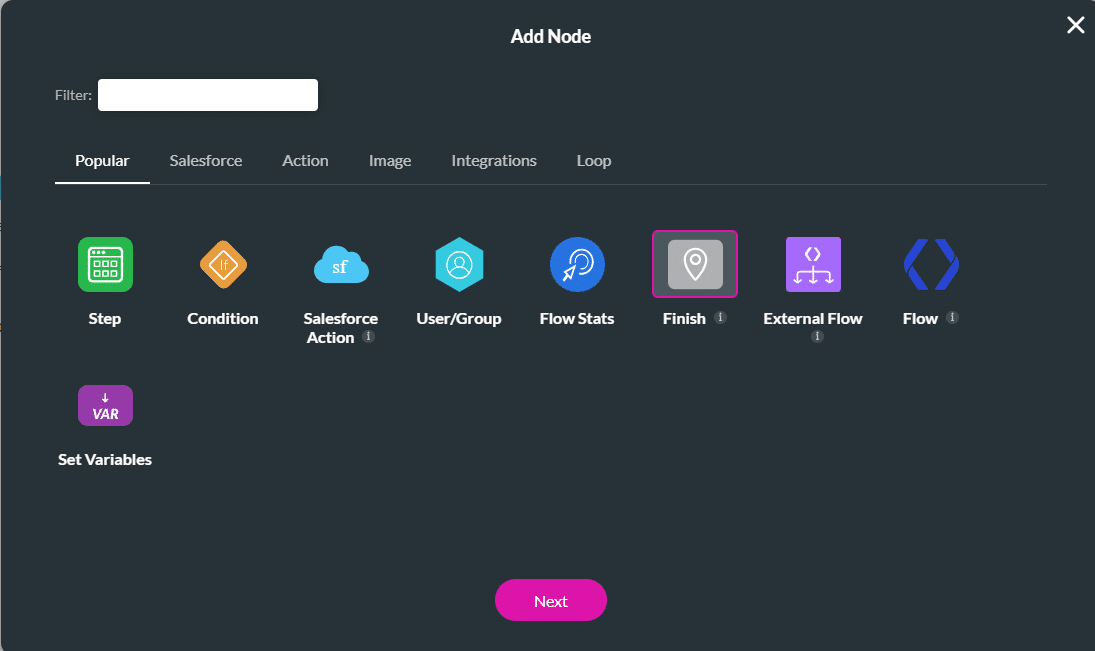


Note:
Project settings > Tools > Custom Variables > Gear icon


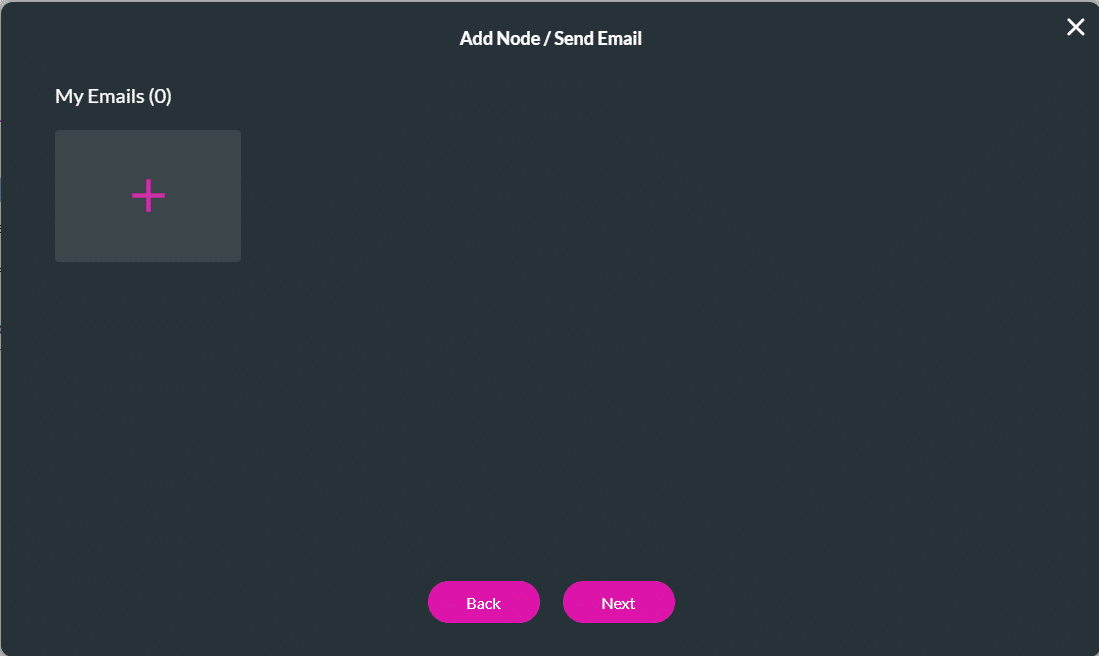


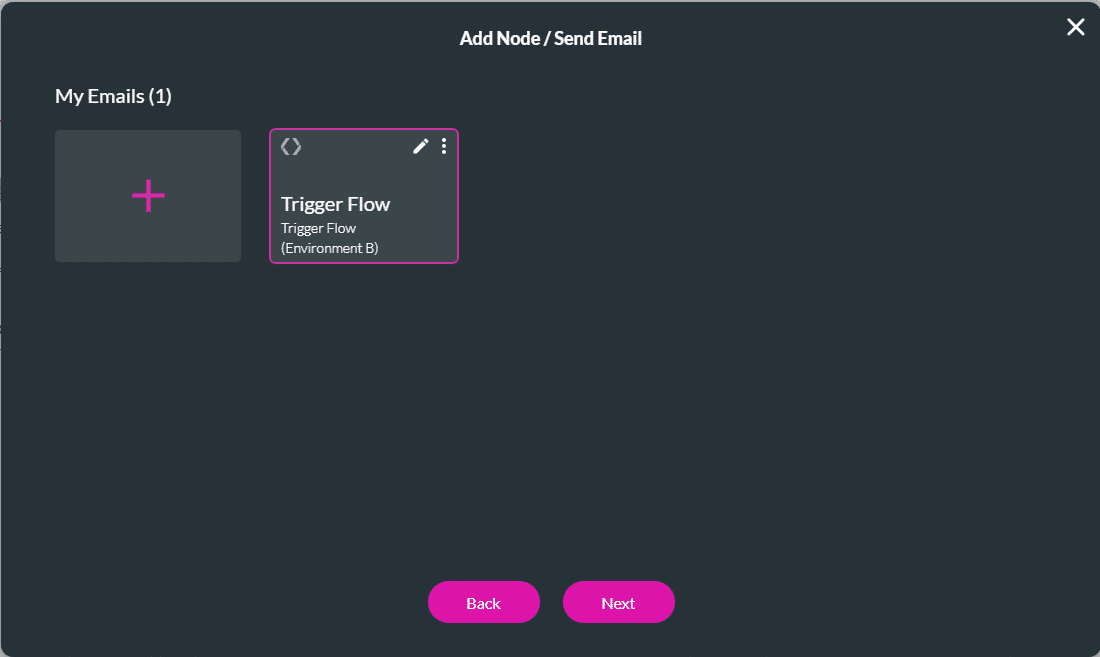

Note:
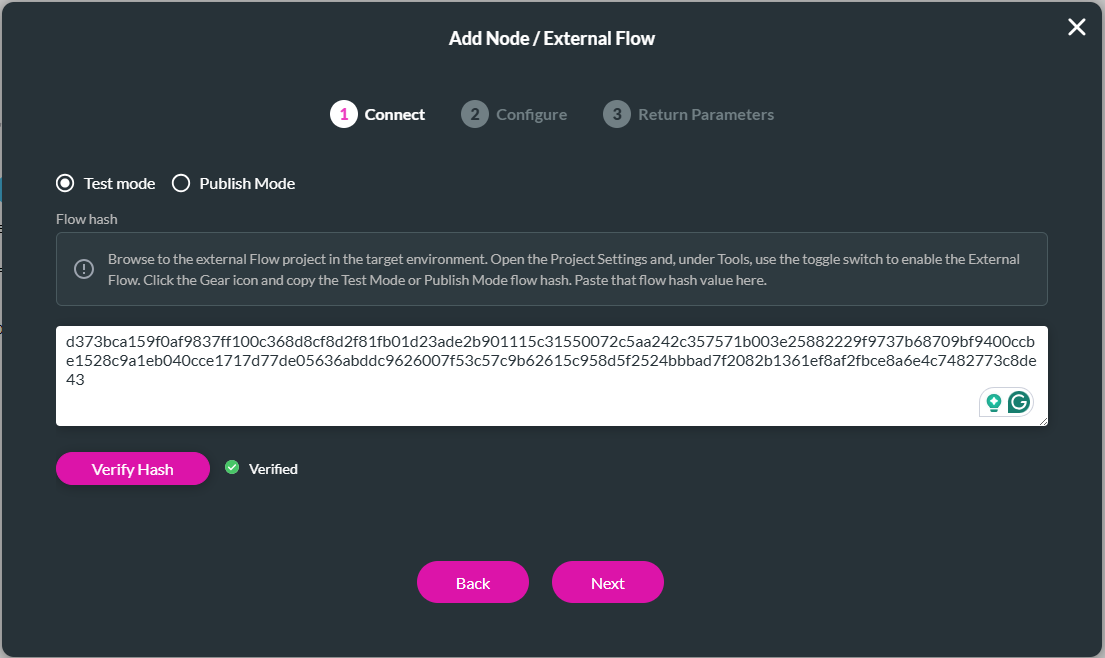
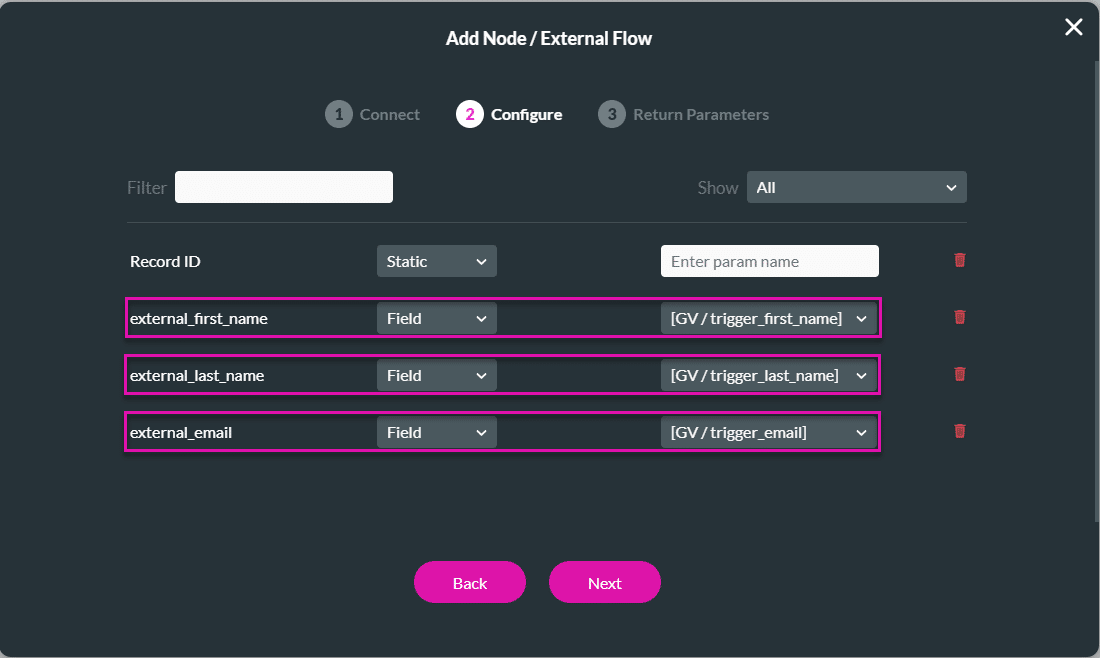


Make sure that you create the web project in the same environment as the project that will trigger the external flow.


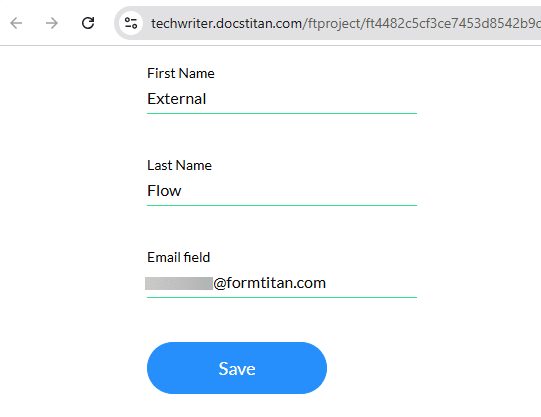
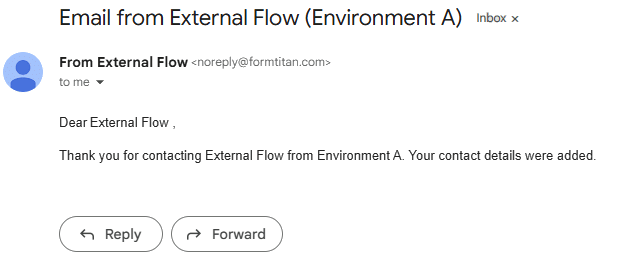
When the user completes the fields on the webpage and clicks the Save button, the following happens:


On this page









