How can we help you?
In some implementations, you need to run a Titan Flow without a user interacting with the Titan UI. This typically happens when automation must be triggered by another system rather than a person.
You might be calling a Flow from your own website, a backend service, an integration tool, or a scheduled process. In these scenarios, the Flow needs to be started programmatically in response to an event, a data change, or a timed job. Titan supports this by allowing existing Flows in your account to be invoked externally, while the workflow logic itself remains fully defined and managed in Titan.
This approach lets you run automation as part of a broader system architecture without duplicating or rewriting Flow logic outside the platform.
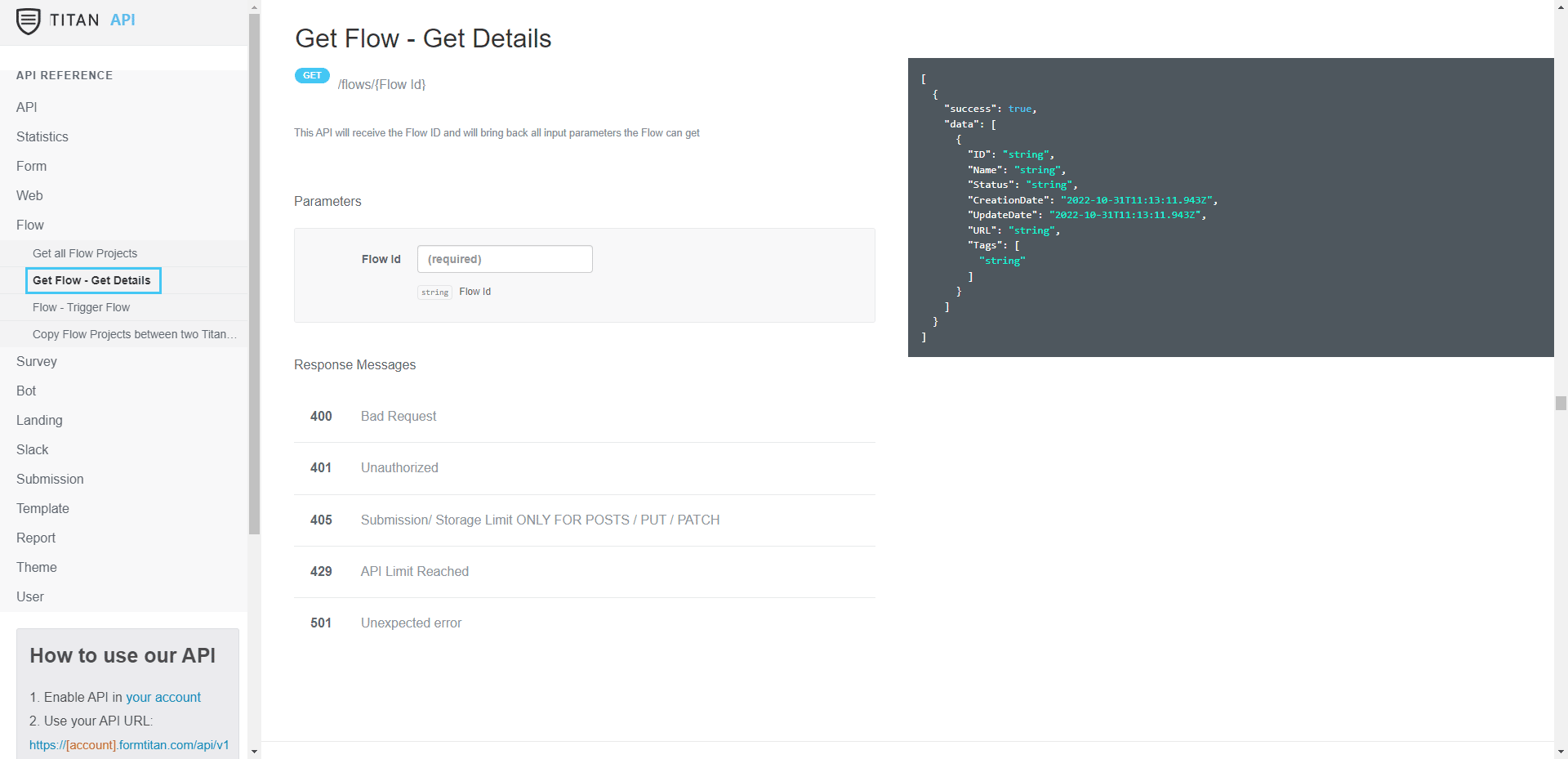
Titan provides a Flow API that exposes your Flow projects as callable automation units. Through this API, external systems can discover available Flow projects, identify them by project ID, and retrieve the input parameters required to run a Flow.
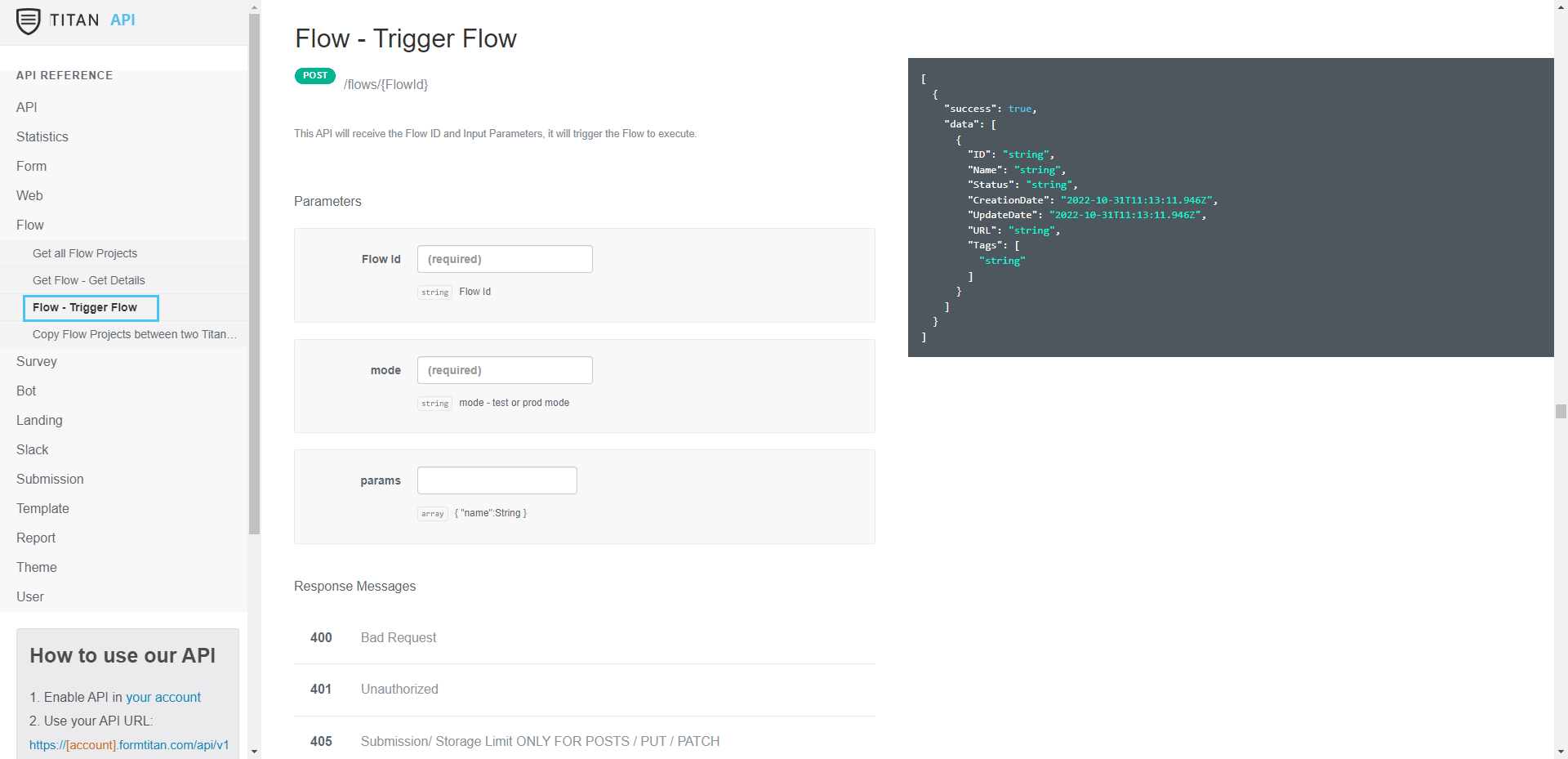
Once the required inputs are known, an external system can trigger Flow execution by passing runtime values and then receive any output parameters returned when the Flow completes. The same API can also be used to programmatically promote Flow projects between Titan environments.
By separating execution from the user interface, you can reuse the same Flow across multiple systems, automate environment management, and keep all workflow logic centralized in Titan without duplication.
The Titan Flow API supports the following operations:
These operations are designed to support execution, inspection, and lifecycle management of Titan Flows within automated systems.
Do the following:



On this page









