How can we help you?
Make sure that users complete all the mandatory fields or columns before submitting information in a power table.
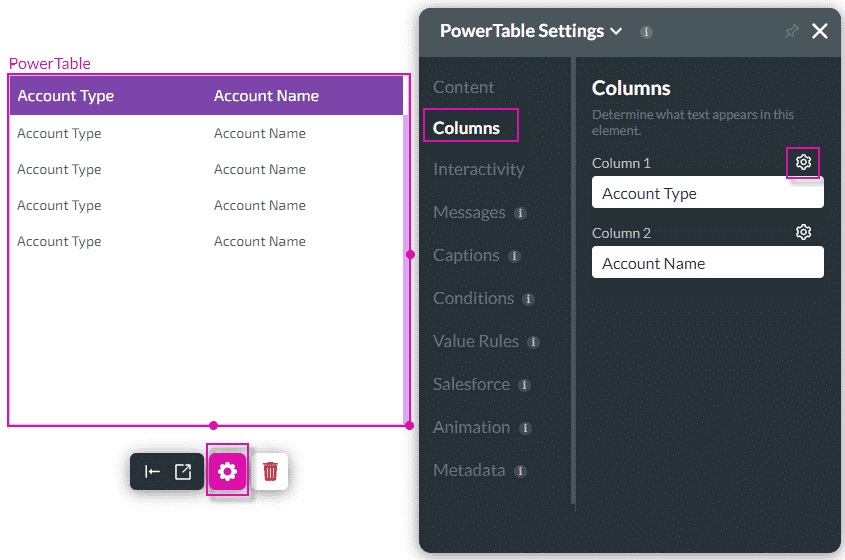
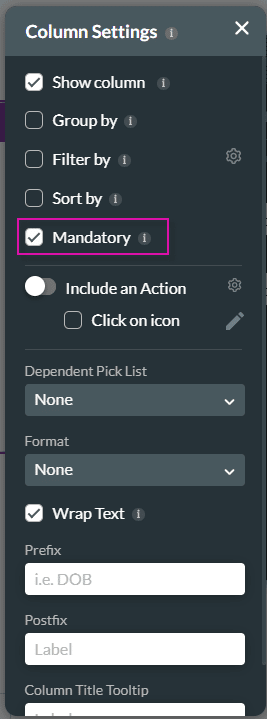
Titan Web lets you add mandatory validation to fields or columns on a power table.
The user would not be able to submit the page if all the editable mandatory fields or columns in a row are not validated.
There are multiple editable mandatory fields or columns in a row to validate all before allowing a user to submit edited information.
Note:
Prerequisite:
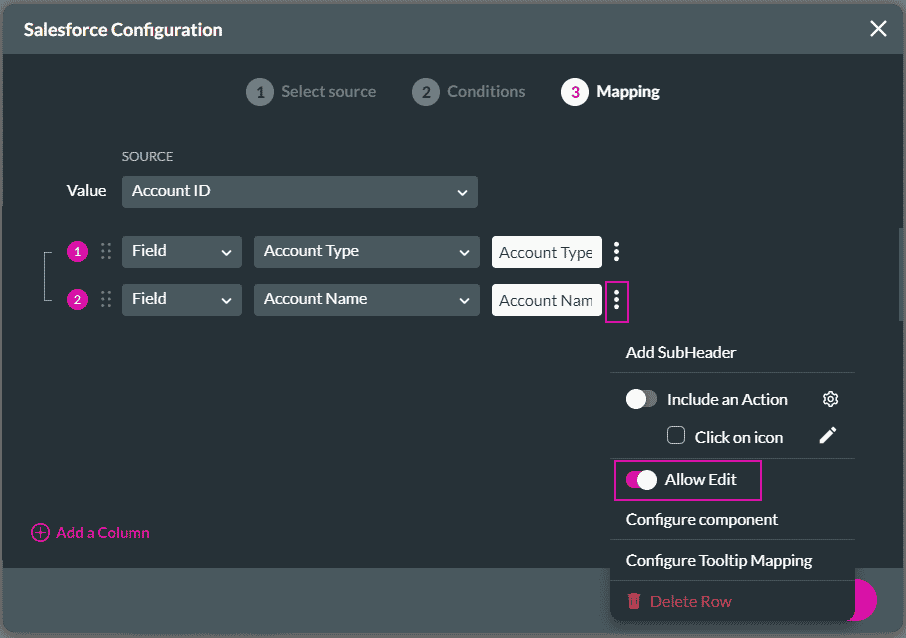
The Allow Edit options must be on for each column where validation for mandatory editable fields or columns will be enforced.
Path:
Power Table > Gear icon > Content > Edit Mapping button > Salesforce Configuration screen
On this page









