How can we help you?
When you need to display Salesforce data in a searchable, sortable, and editable table, you can configure a Power Table to help users work with records in one place. This makes it easier to review and update structured information without opening each record individually.
This is useful when your project needs to display Salesforce records, customer lists, product data, applications, requests, or any dataset that users need to review or update.
Titan lets you configure a Power Table with advanced table features for viewing and managing data in your project.
Note:
Compare to a list view and a table view.


Note:
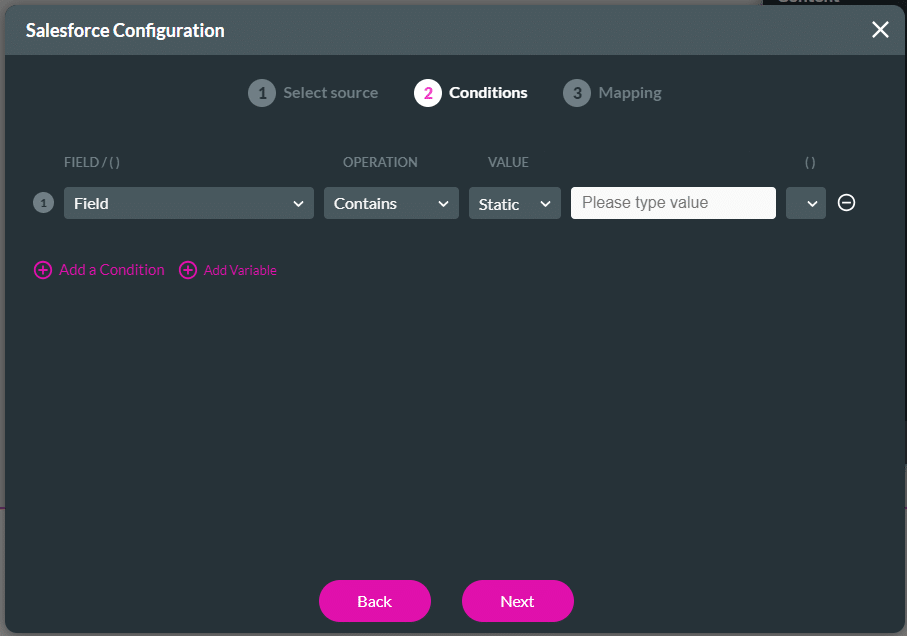
The Value field will usually be the Record ID for your object. This value sits behind the scenes for each row on your Power Table.


On this page









