How can we help you?
The Action Flow Library provides a collection of predefined actions that control what happens after a rule is triggered.
Each action allows you to define a specific outcome, such as navigating between steps, updating data, or guiding users through different paths. This library helps you build structured flows by selecting and configuring the actions that match your use case.
Titan centralizes all available actions in one place, making it easier to build and manage logic without relying on scattered rules. Instead of configuring behavior across multiple areas, you can select actions from the library and apply them within a single structured flow.
This approach keeps your logic consistent and easier to maintain, while giving you full control over how users move through your experience and how actions are executed.
Use the Action Flow Library when you need to:
If your requirement is limited to simple visibility changes for a single element, use standard rules instead of the Action Flow Library.
Condition evaluation in the IF node works differently across Titan products.
In Titan Flow, IF conditions are evaluated sequentially. The first condition that returns TRUE is applied, and all remaining conditions in the same IF node are ignored.
Save a rule to the Library using an action. Some examples of actions in Titan Web include the following:
In this example, an action is added to a button element.

Note: Add a Finish node before attempting to save the rule.
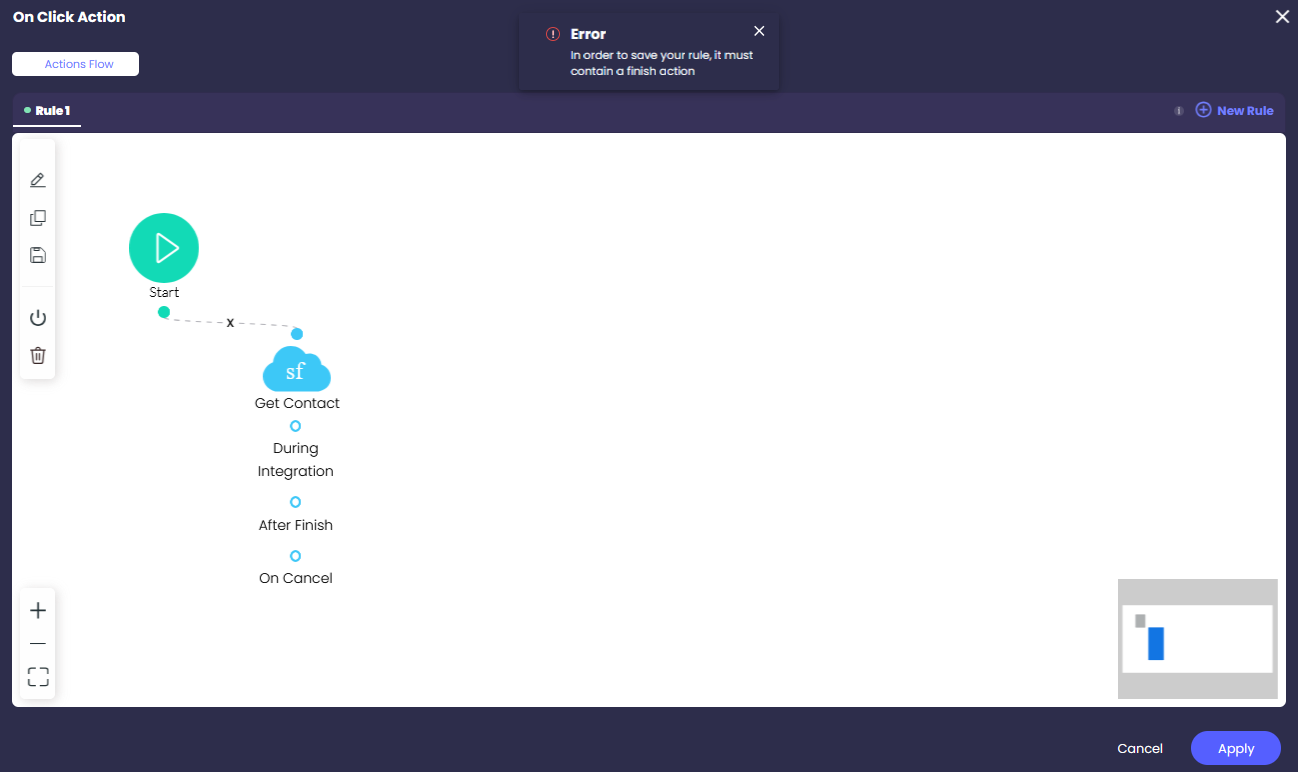
You can save an action flow to the Actions Flow Library for future use on all project pages. You can use a rule of the same flow in different parts of the same project. You can edit and reuse it.
4. Click the Save to Library icon.
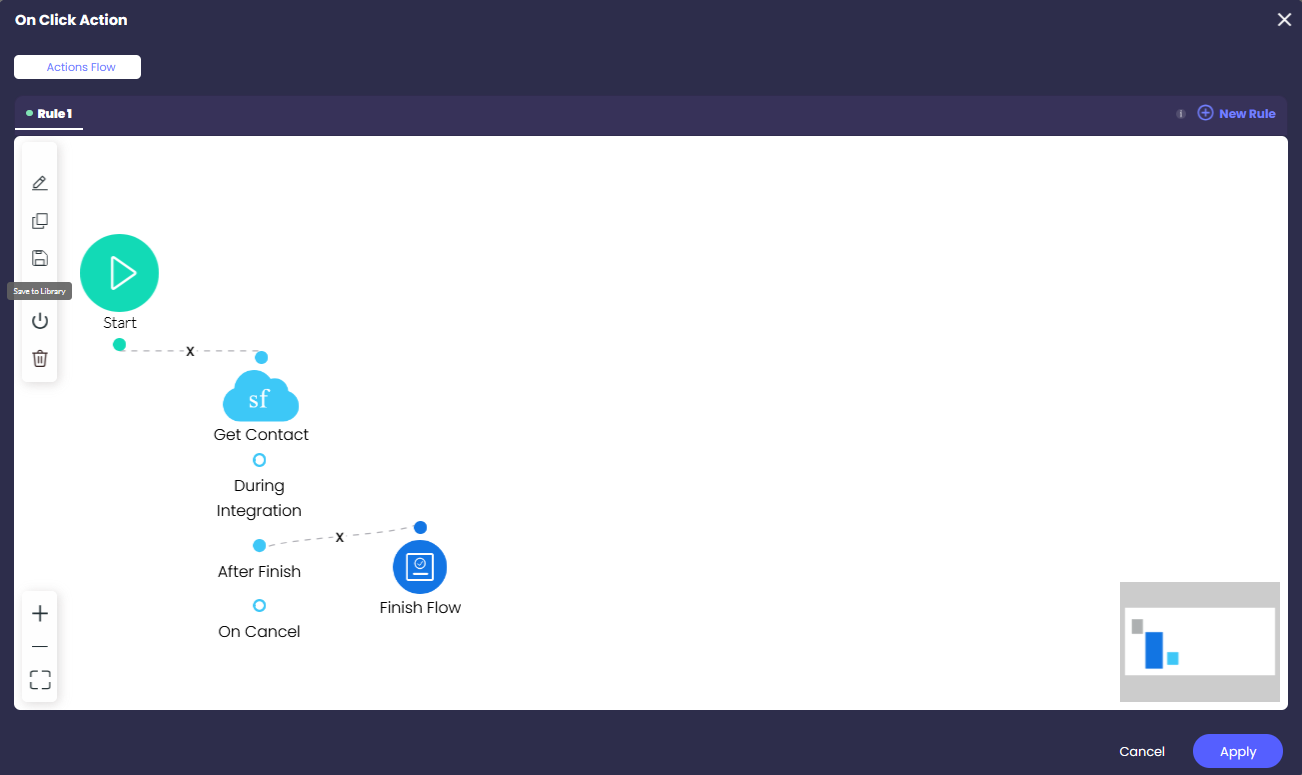
5. Type a name and click the Save icon.

6. Click the Apply button.
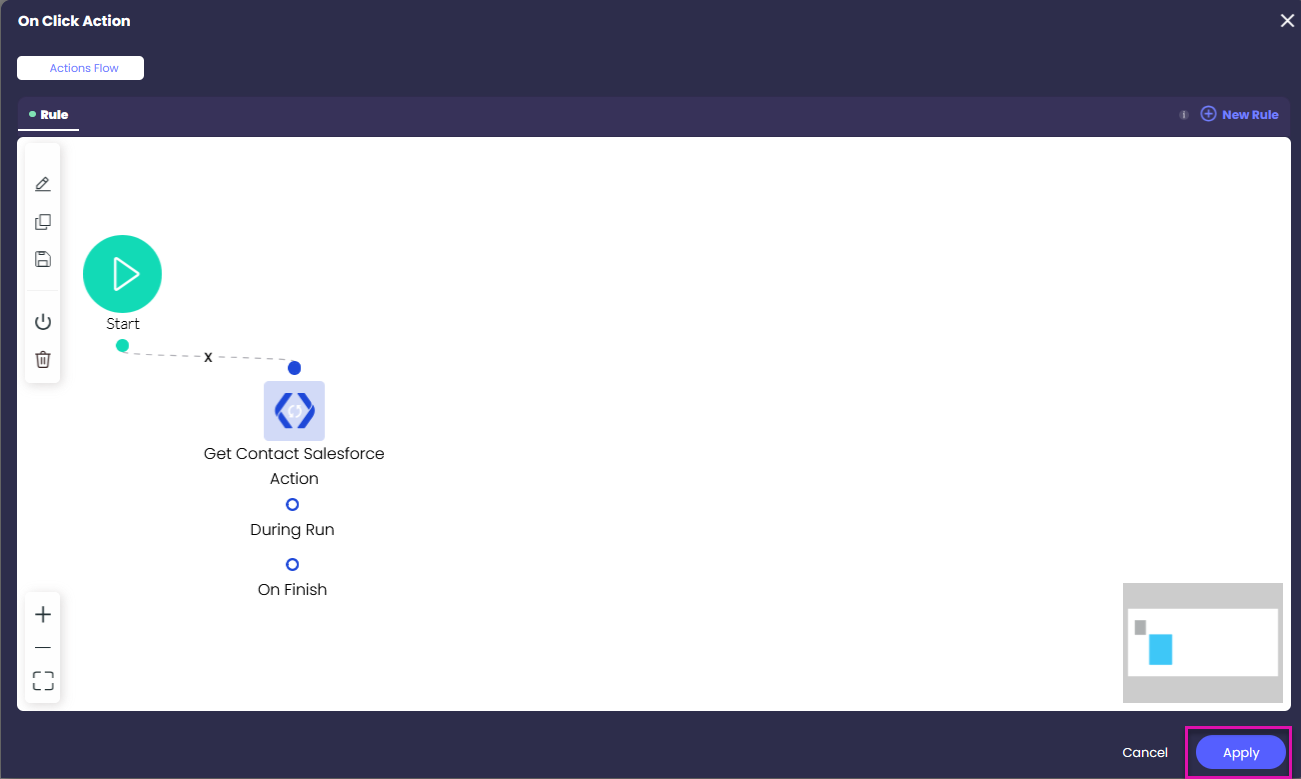
Note: The library is currently limited to a project and will not be available across different projects.
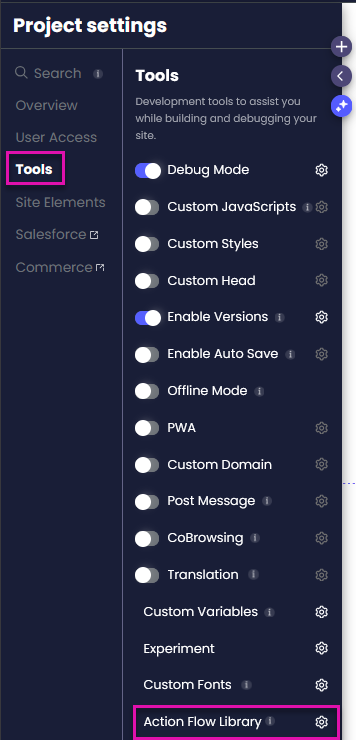
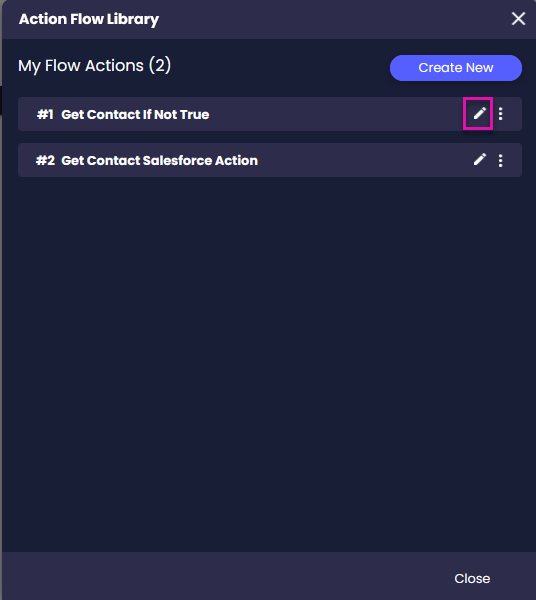
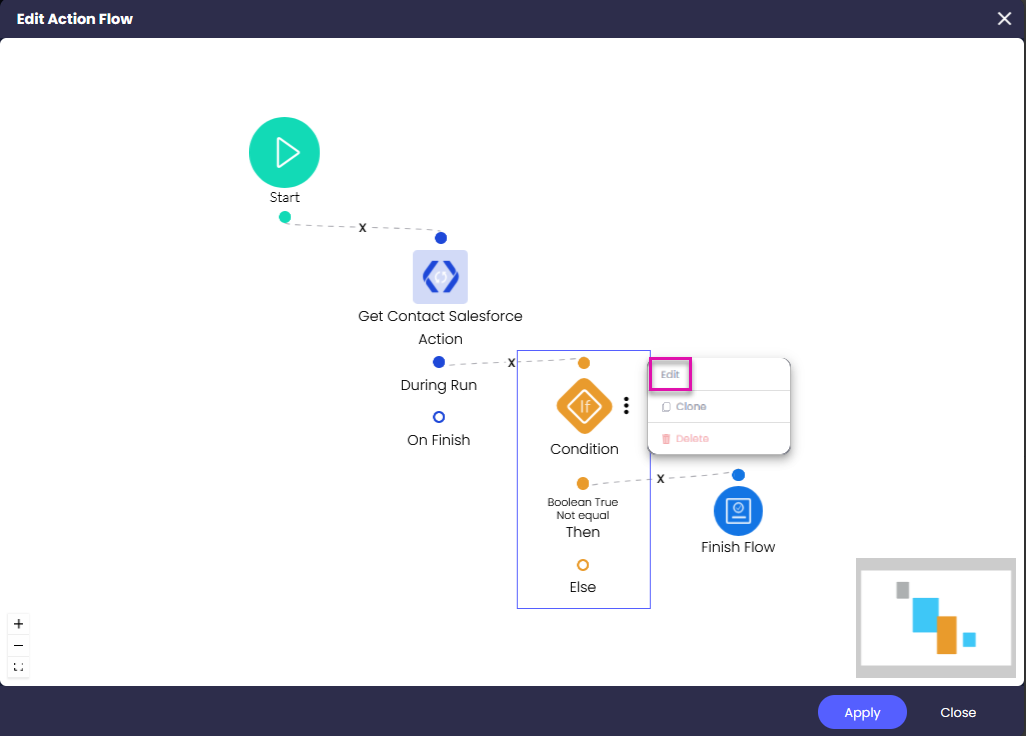
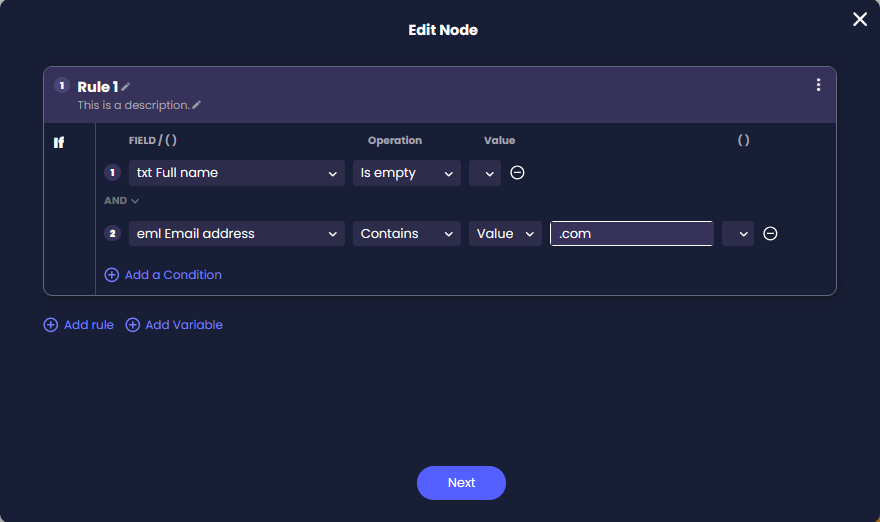
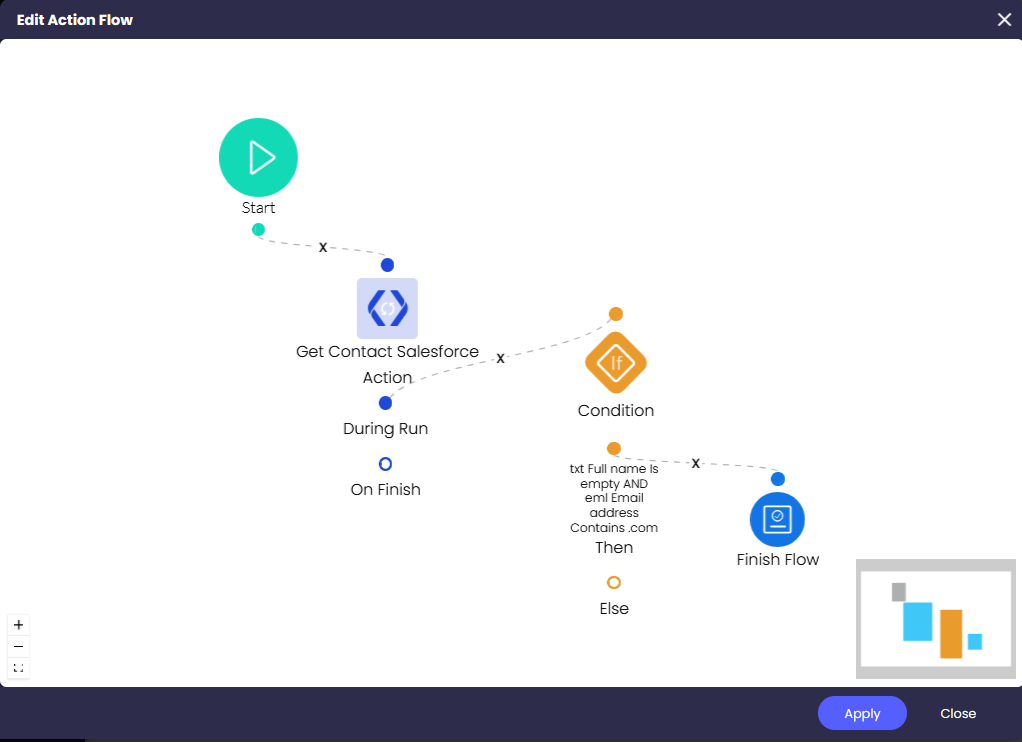
Note: Updating a rule in the Action Flow Library will update it everywhere it is used in the project.
On this page









