How can we help you?
When you create a project for customers, partners, or internal users, the font choices should match your brand and support a clear user experience. Custom fonts help keep your project consistent with your brand style while making text easier to read across forms, pages, buttons, labels, and other content.
This is useful when your project needs to follow brand guidelines, use approved typography, or maintain a consistent look across different screen sizes and devices.
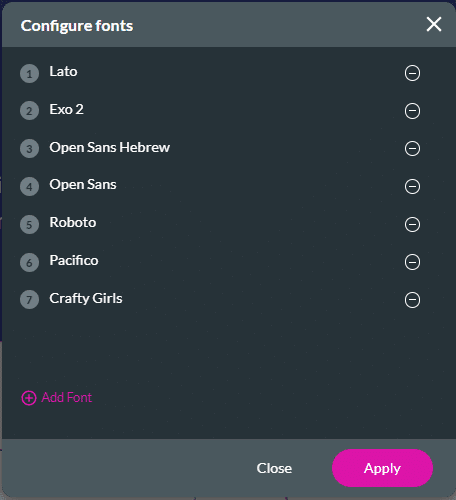
Titan lets you use custom fonts in your projects and manage them from the font configuration screen. Fonts used in the project are automatically detected and listed, making it easier to see which fonts are applied.
You can configure a font based on your brand requirements or select a predefined font. If you remove a configured font, any element that uses it switches to the Titan default font. You can also use different font types in the same project and review them from the font configuration screen.
You can add predefined or custom fonts.
Do the following to add a Predefined font. This is the default option.
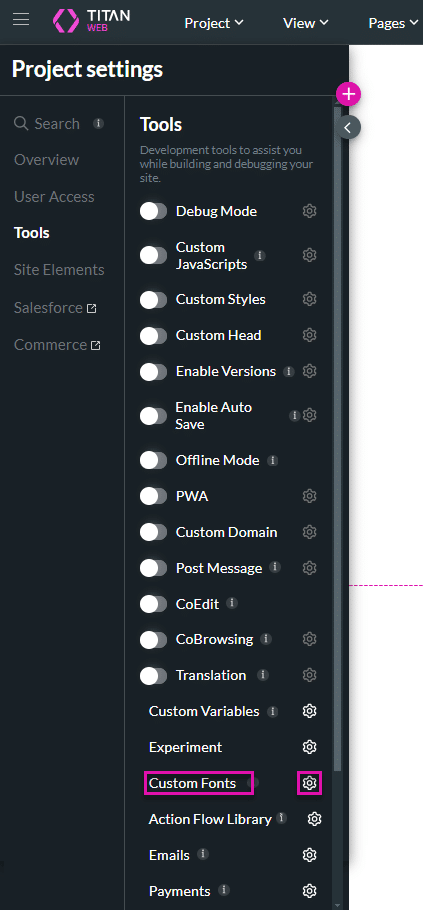


Note:
Prerequisite:
Get a custom font. You can find a wide range of free and paid custom fonts from various sources online, such as:
Important Considerations:
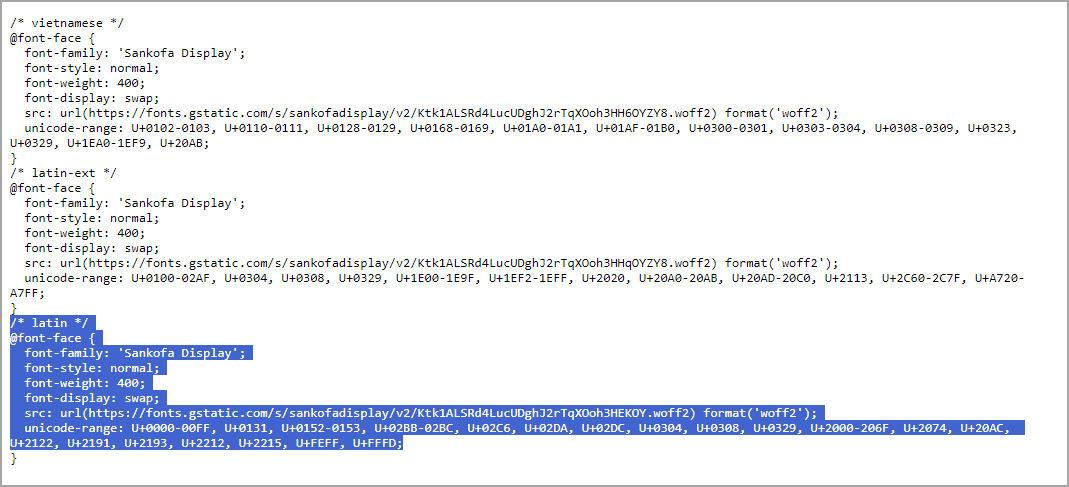
Do the following to add a Custom Font.
In this example, a Google custom font is used.




On this page









