How can we help you?
When your project needs behavior that is not covered by standard settings, you can use custom JavaScript to add your own logic. This is useful when you need to control how elements behave, respond to user actions, adjust page behavior, or support a specific business requirement.
Custom JavaScript should be used carefully, especially when it affects user input, data handling, or Salesforce-connected processes.
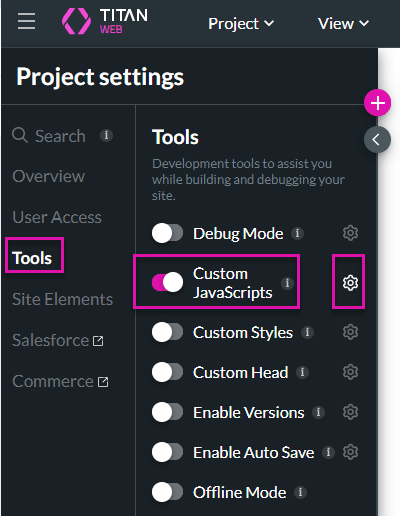
Titan lets you add custom JavaScript to your project manually or load a script from an external source. You can use custom scripts to extend project behavior where supported and align the experience with your technical requirements.

Note:
You can use ftGetEnvParamValue() for an environment variable when using custom JavaScript.
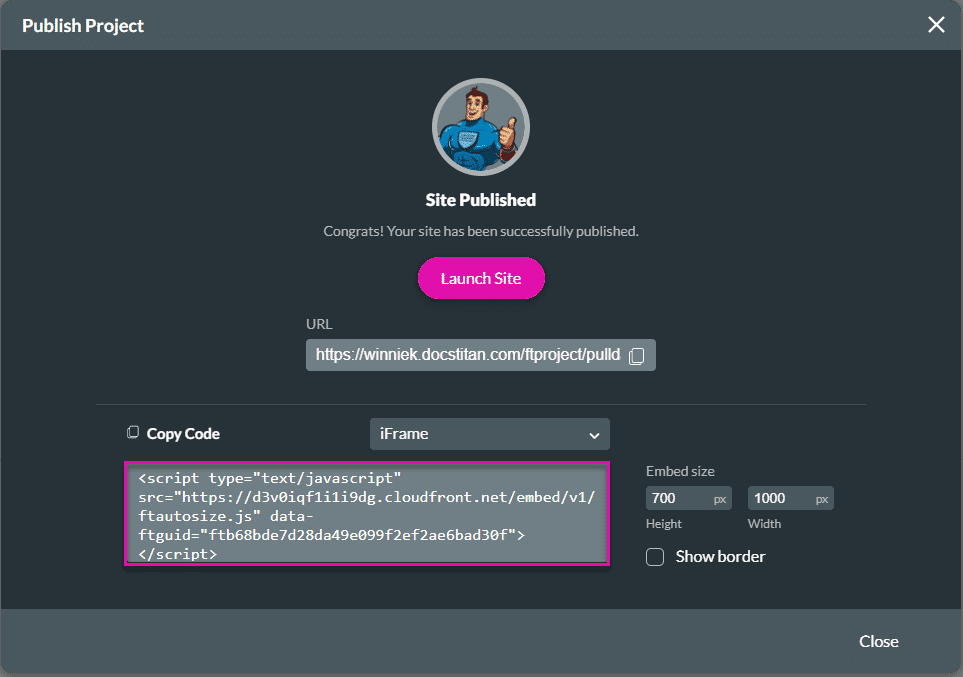
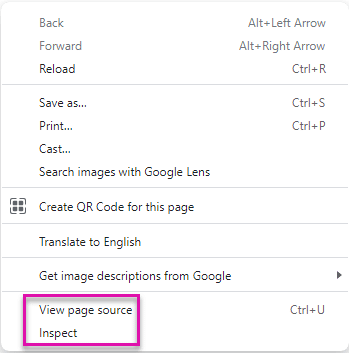
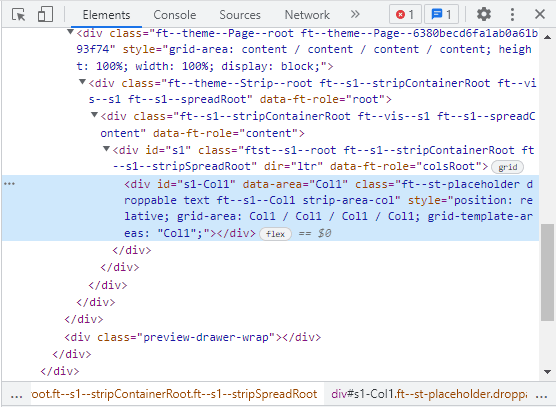
The JavaScript screen will show under the Elements tab
On this page









