How can we help you?
When you need to display repeating Salesforce records, you can use a repeat auto-fit container to show multiple records inside a container element. This is useful when your project needs to show lists, grouped records, related items, or repeated information without using a repeat strip.
A repeat auto-fit container lets you map a Salesforce data collection to a container and dynamically repeat its content. You can use it to display records vertically or horizontally, depending on how the information should appear in your project.
Add a repeat auto-fit container to a container element when you need to repeat Salesforce data within it. You can configure the layout direction, map the Salesforce data collection, and apply conditions based on your process.
This gives you more control over how repeated data appears in elements such as steppers or other supported containers, while keeping the data connected to Salesforce Get and Push actions.


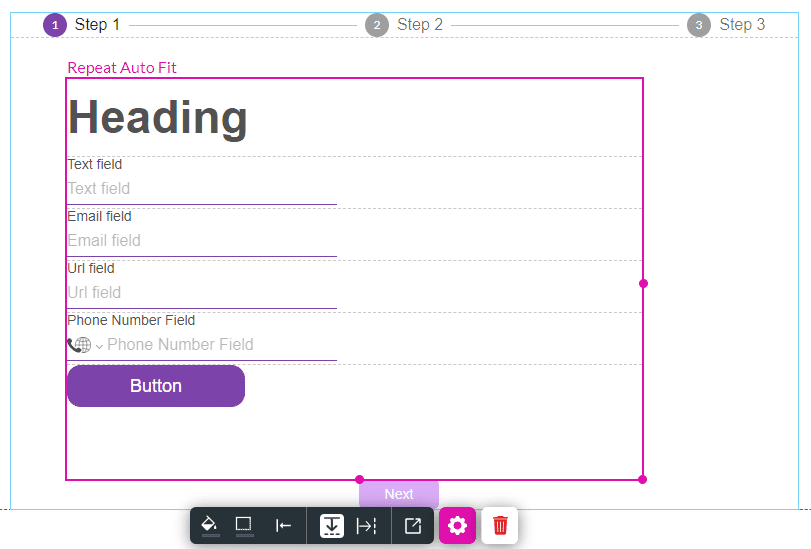


When the Salesforce Get runs, the repeat auto-fit container will be repeated for the number of records in the Get.
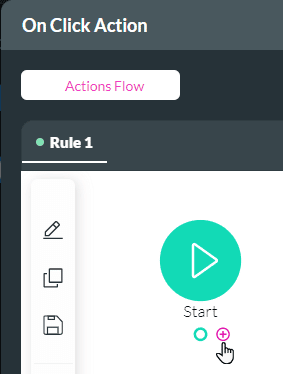
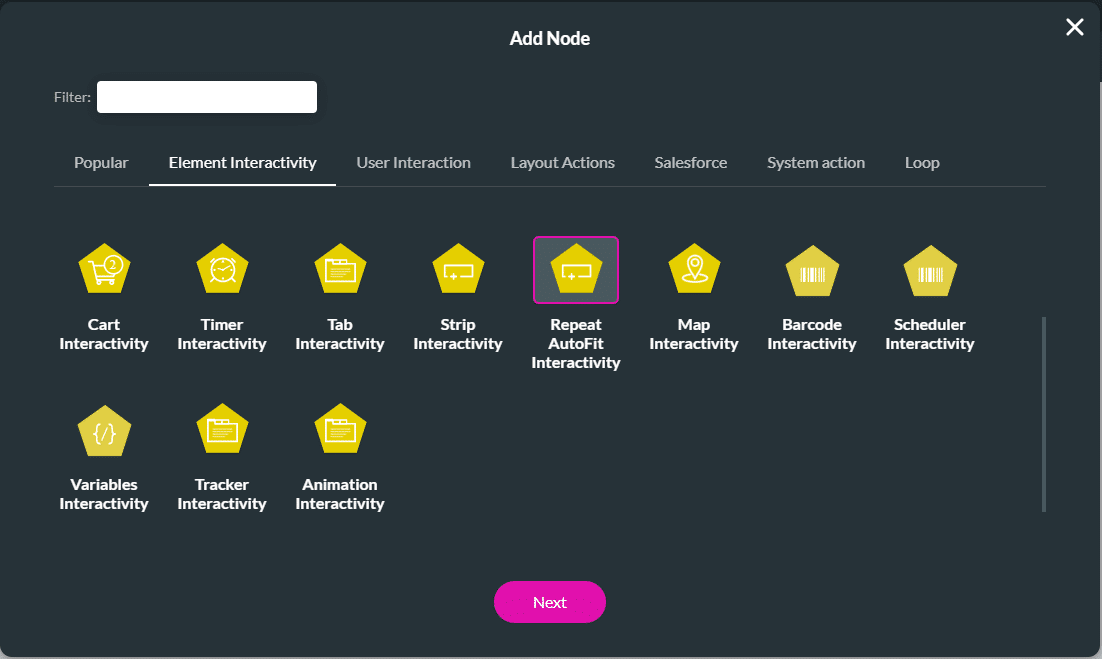
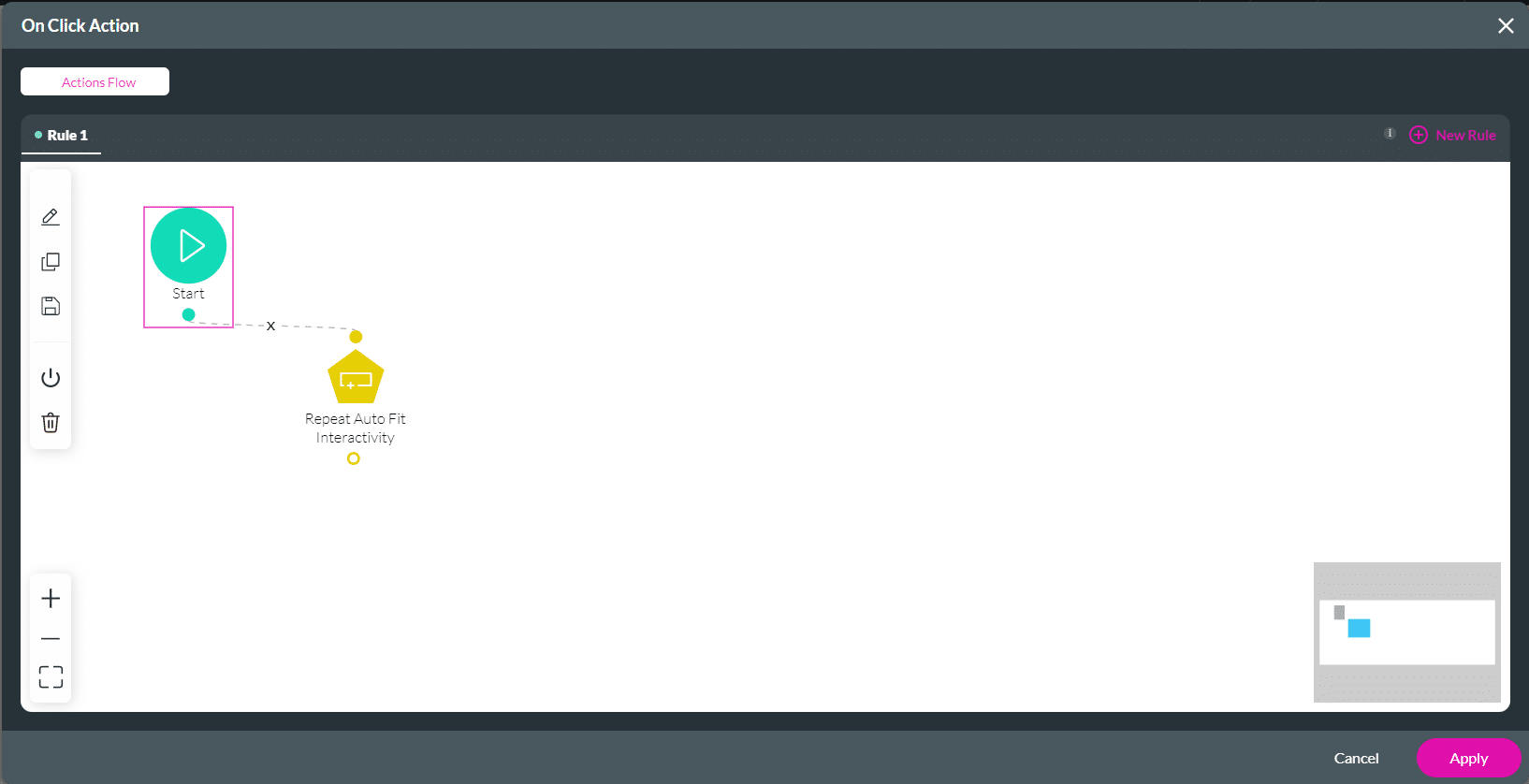
You can insert, delete or reset indices in the repeat auto-fit container using interactivity.


On this page









