How can we help you?
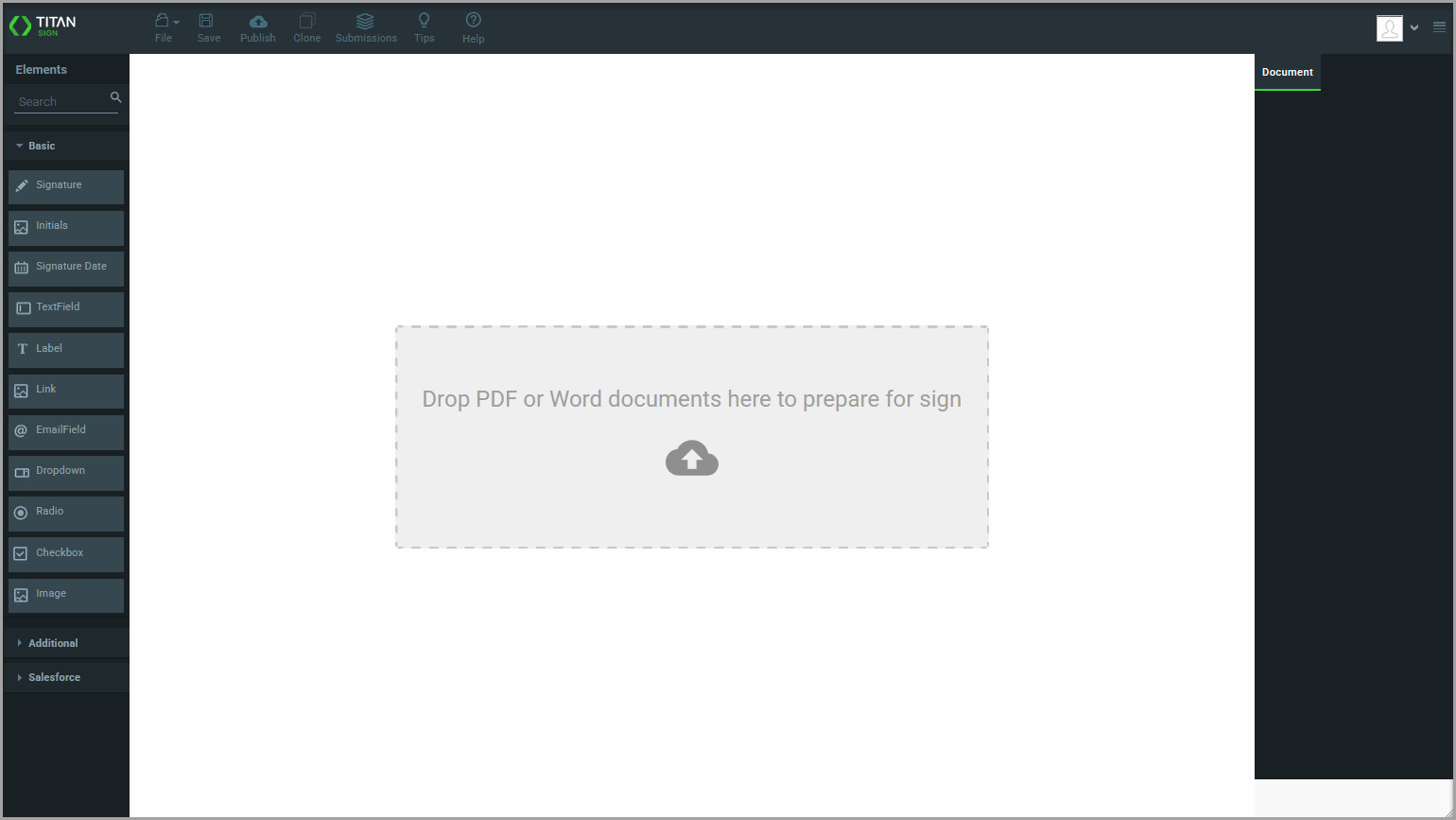
Create a Titan Sign project using a PDF or Word template based on the type of document you need to send for signing.
Use a PDF when the document’s layout and content must remain fixed. Use a Word template when the document must be adjusted based on dynamic Salesforce data.
For a Word project, create the template using the Titan Word add-in and include Salesforce fields. You cannot upload a Word template that does not contain fields configured with the add-in.
You can also complete the one-time email header and footer setup to apply standard branding, contact information, or legal text to emails across your Titan Sign projects.
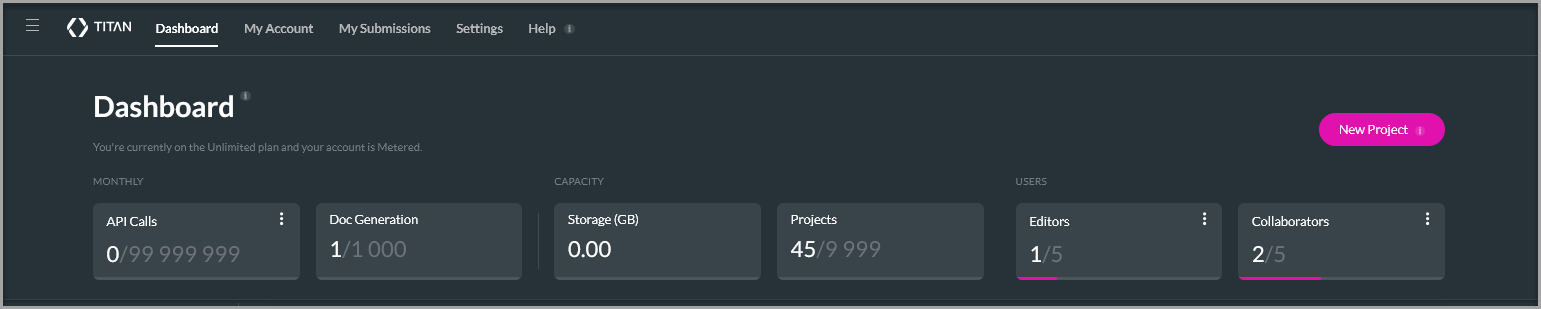
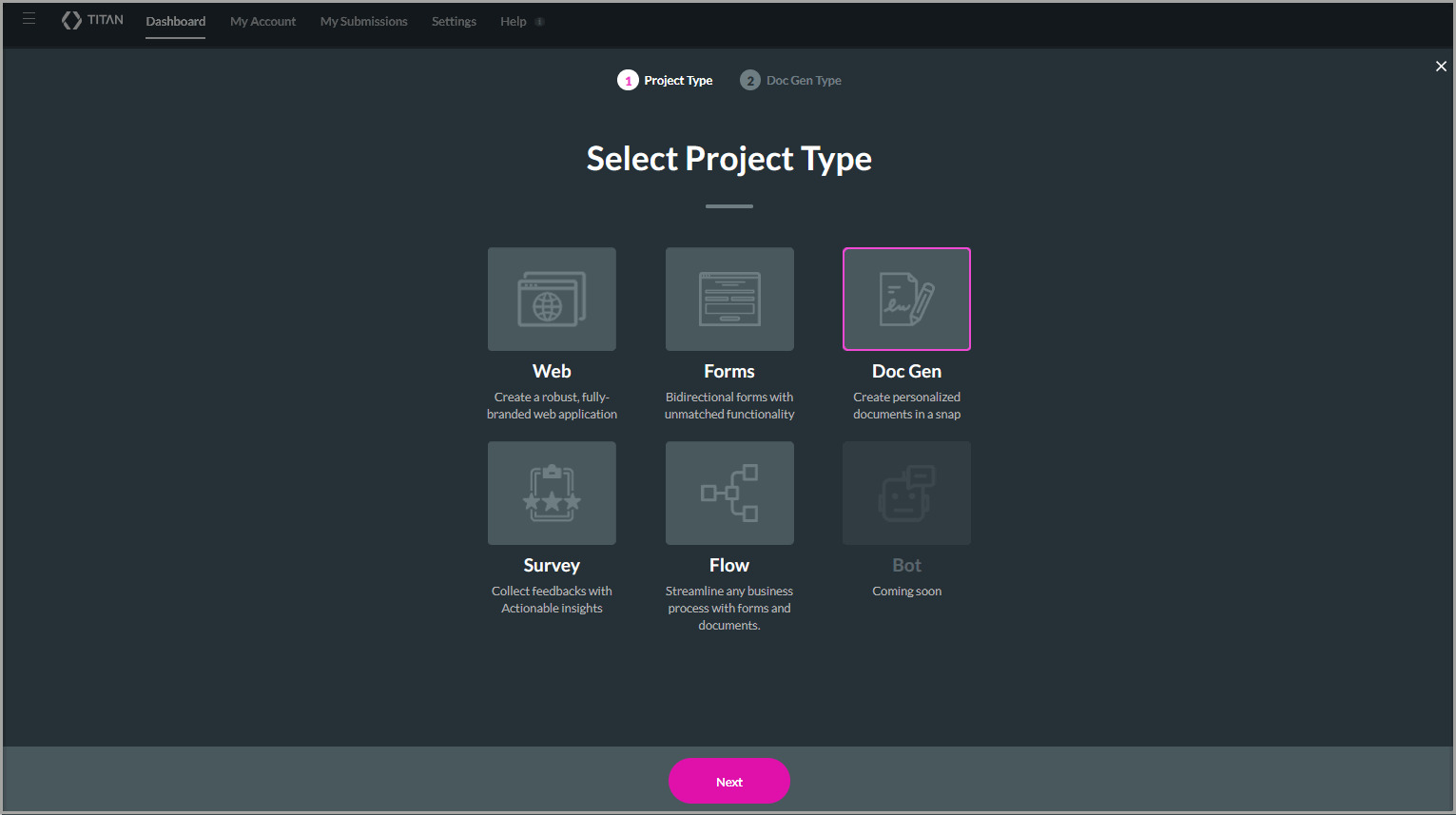
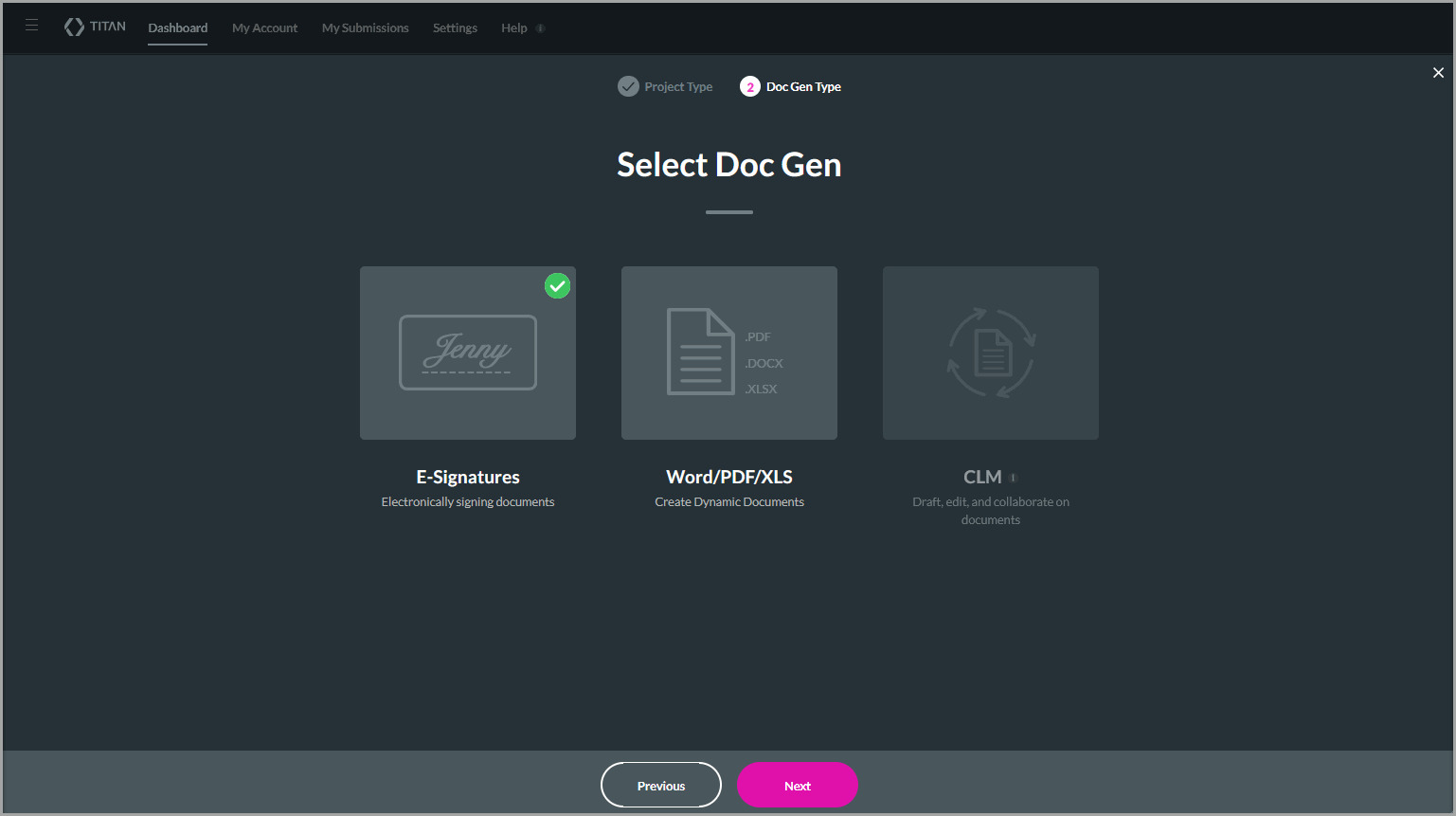
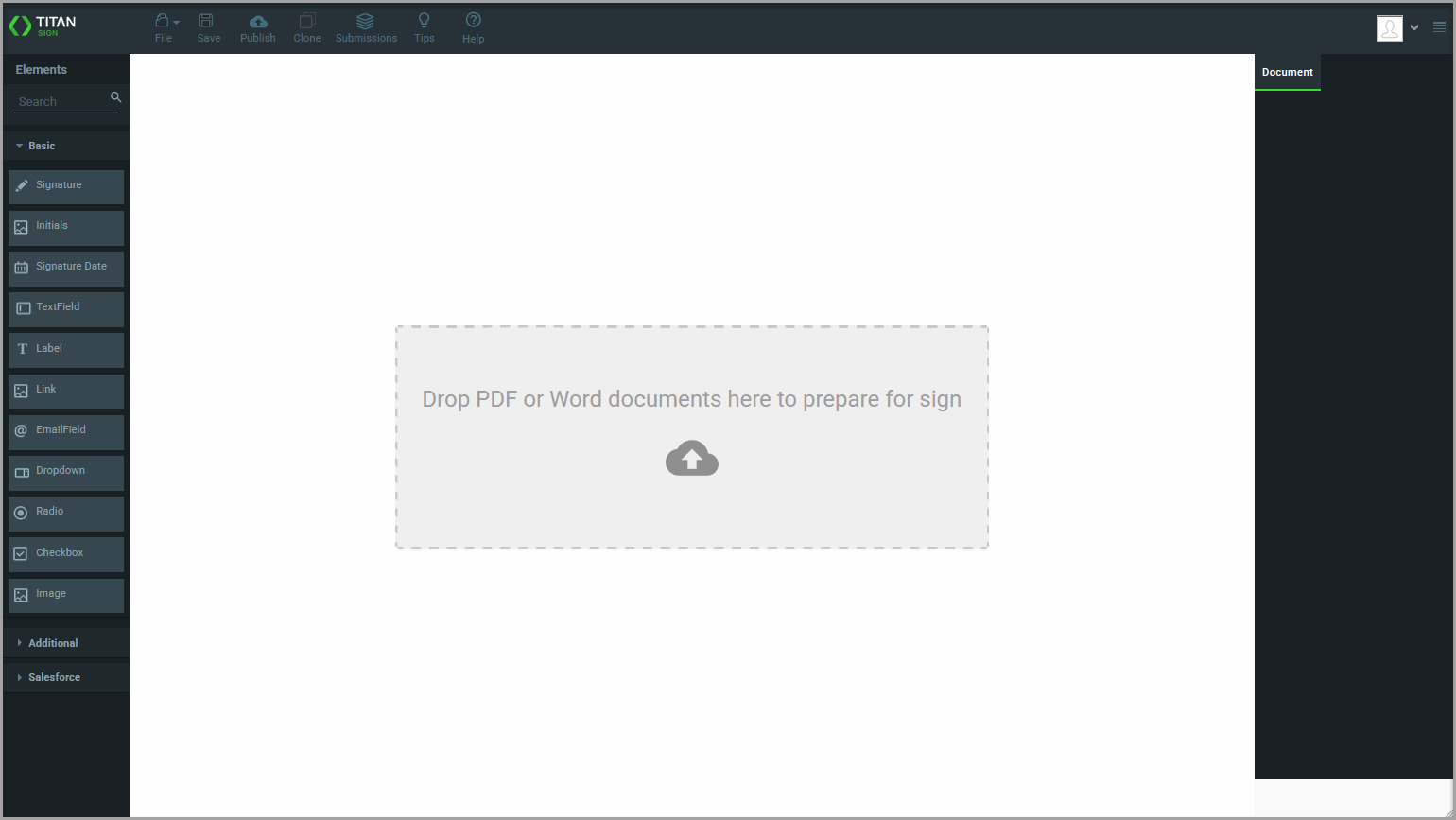
Use a Word template when the document must combine fixed content with dynamic Salesforce data. When Titan generates the document, it replaces the configured fields with Salesforce data and adjusts the document to reflect the returned information.
For example, a document that returns five Contact records will be shorter than one that returns 20 Contact records.
For Word templates, use the right-side menu to choose whether the document uses dynamic Salesforce data or static content.
A Titan Sign project is created using a fixed PDF or dynamic Word template. You can continue configuring the signers, fields, document access, and signing process.
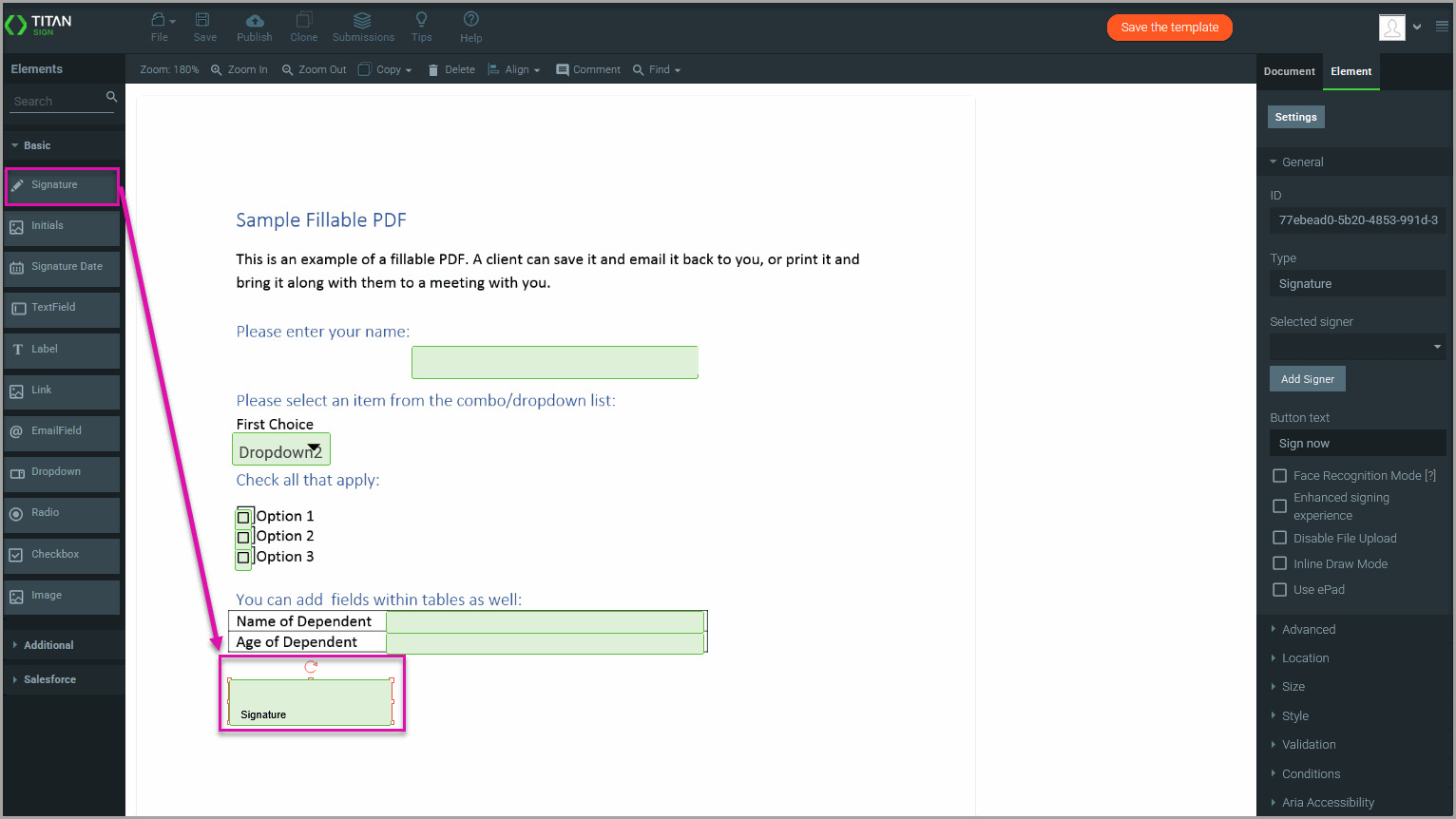
No. The PDF retains its original content, structure, and layout. You can add and position fields for signers without changing the underlying document.
The Word template must contain fields configured using the Titan Word add-in. Confirm that the template includes supported Salesforce fields before uploading it again.
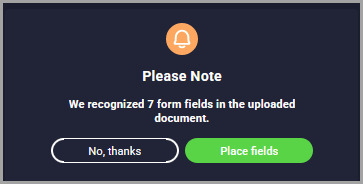
Yes. When Titan detects fillable fields, select Place Fields to add them automatically to the Sign project.
Select the access type based on how signers open the document and whether Salesforce data is used:
Word template projects require dynamic access.
Yes. You can use Salesforce fields to populate the document with existing data or send information entered by signers back to Salesforce. The available configuration depends on the document and access type.
Yes. Configure collaborator permissions when additional participants must access or work with the document during the process.
On this page









