How can we help you?
Collaboration is dynamic. There are different collaborator types that can be assigned.
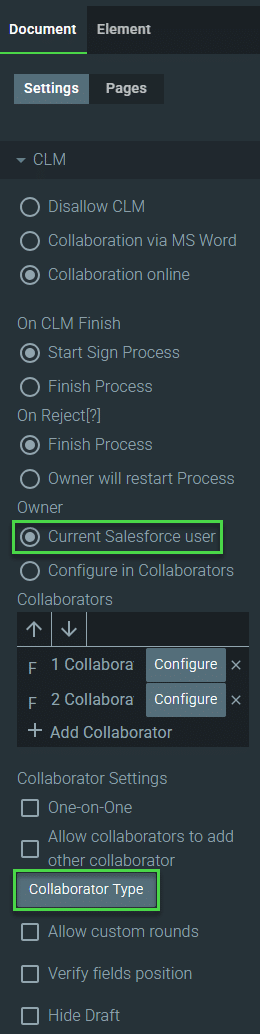
Use one of the following options to change the collaborator type during the collaboration process:
Note:
Prerequisite:
Collaborators can edit the contents of a document or can add comments before the signing process starts.
Note:
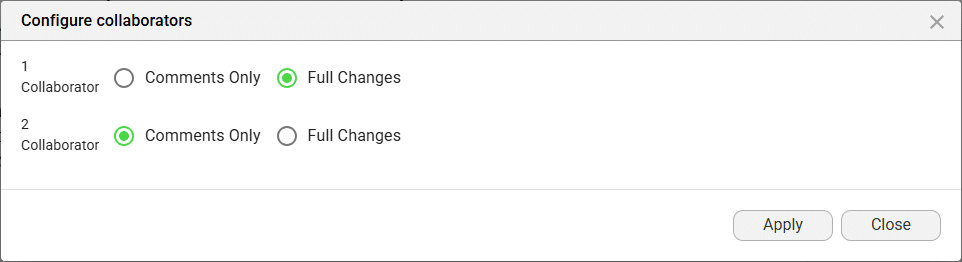
The Collaborator Type screen changes according to the definition of the Owner (Current Salesforce user / Configure in Collaborators)

Note:
You can select which collaborator must be the owner on this screen. Only one collaborator can be an owner and there must be at least one owner.
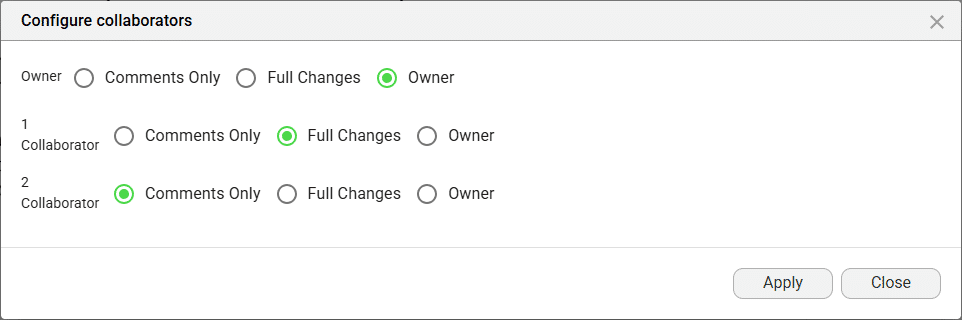
This collaborator can use all the options on the document toolbar as well as the formatting tools on the right of the screen.
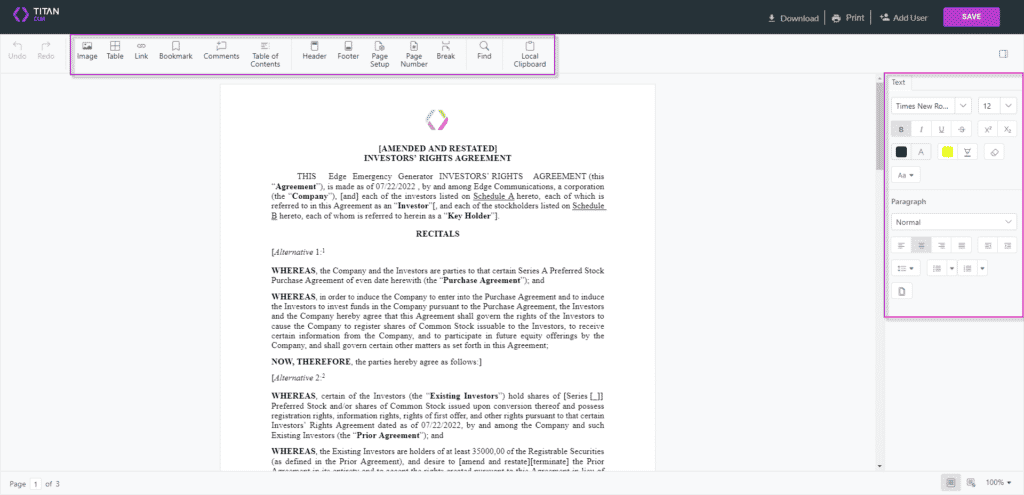
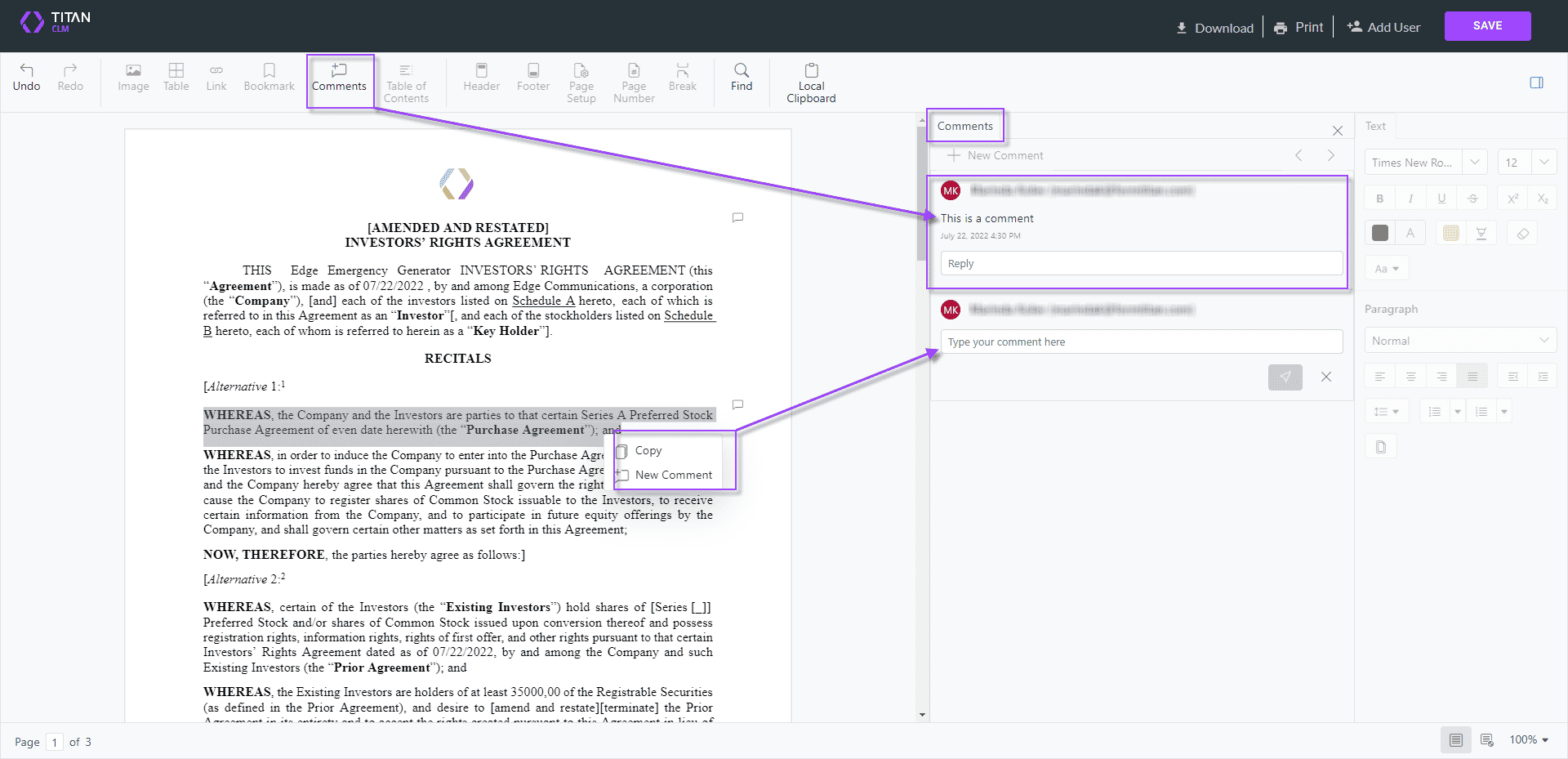
This collaborator can only use the Comments option on the document toolbar. All the other toolbar options and the formatting options on the right of the screen are disabled.
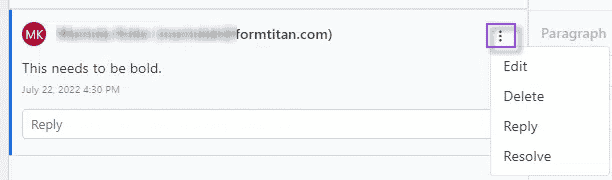
The document has an active Comments option on the toolbar and a Comments tab where comments are shown.
Note:
A comment can be edited, deleted, replied to, and resolved.