How can we help you?
An environment variable is a value that users can define to affect how processes behave on a computer. These variables are part of the environment in which a process runs.
Environment variables can be used as follows:
The environment variables are shared across your Titan environment and can be accessed from any Titan project. They can be exported to another Titan environment and can be changed without modifying the project.
You can use environment variables instead of hardcoded record IDs.
Environment variables are used for the following:
Path:
Titan Dashboard > Settings > Environment Variables
Note:
You can use ftGetEnvParamValue() when configuring a custom head or using custom JavaScript.
A static variable holds a string of text.

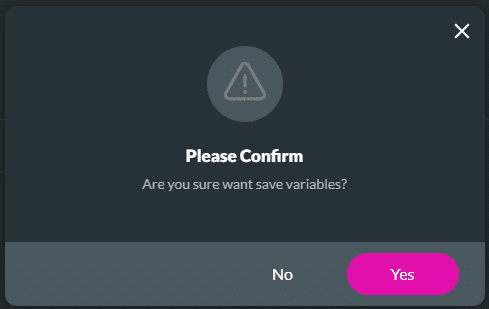
See the example of a static variable:

Learn how to use environment variables to do Salesforce Integration in Titan Web.
Learn how to use environment variables to do Salesforce Integration in Titan Sign.
A project variable references a certain published Titan project.


See the examples of project environment variables:

Learn how to use environment variables to redirect to another Titan Web project.
Learn how to use environment variables to trigger a sign action from Titan Web.
Learn how to use environment variables to trigger a Titan Flow project from Titan Web.
Learn how to use environment variables to redirect a Titan Sign project to a URL.
Learn how to use environment variables to trigger a Titan Flow project from Titan Sign.

This is the default option.
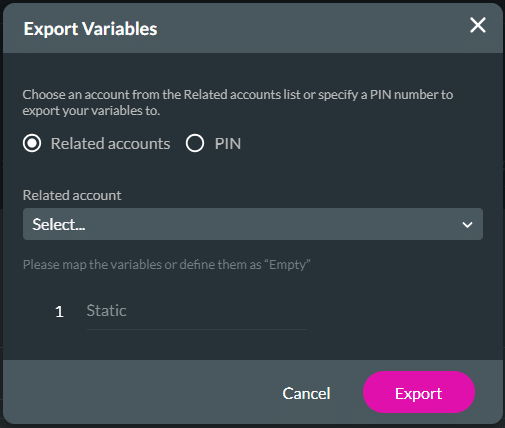
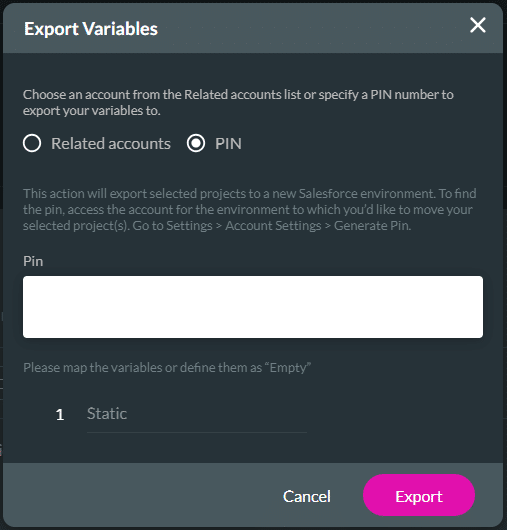
Static variables are exported to the new account with the exact same value.
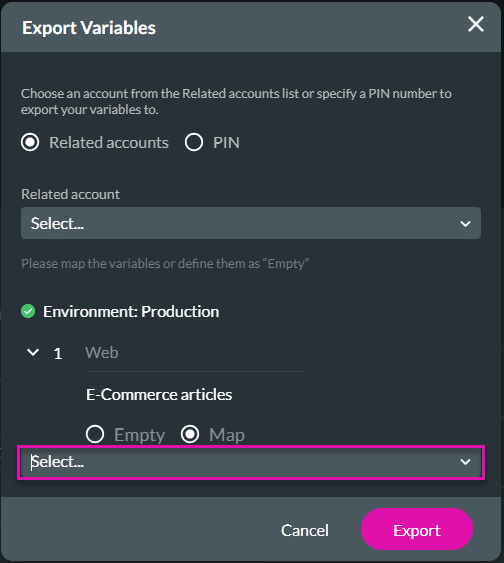
For project variables, you can configure the new value in the target account.
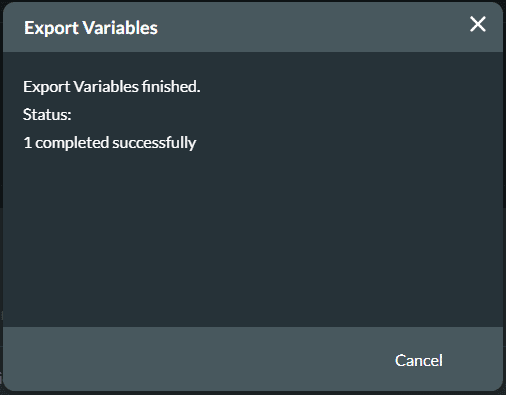
You will see the confirmation message when the variable is exported successfully.
Note:
Prerequisite:
Copy the code: Titan > Settings > Account Settings > Generate PIN > Copy Code


Learn more about custom variables.









