How can we help you?
Prerequisites:
The settings made in the CLM Wizard override the settings made in the Titan CLM project.
The Titan CLM project is not affected by the CLM Wizard changes.
You can edit the following:
These collaborators were configured in the Titan CLM user interface.
The default owner is the current Salesforce user who started the Titan CLM project in the wizard. The others are the collaborators with the collaborator type configured in the Titan CLM project.
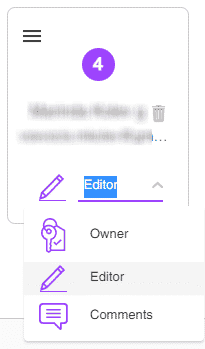
You can change the owner and collaborator type by clicking on the drop-down arrow to open the list and selecting an option.
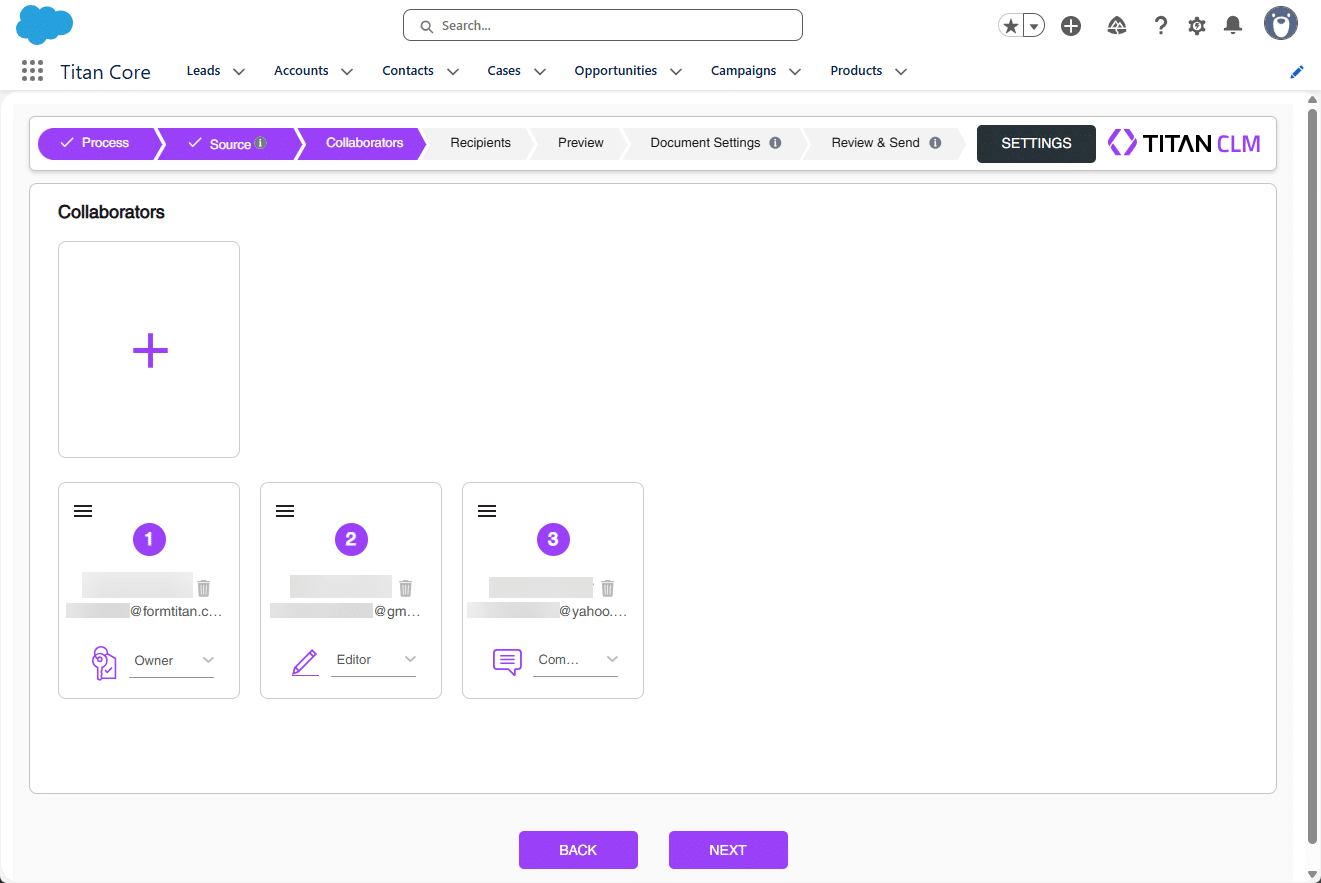
There must be an owner.
You can drag and drop collaborators to change the order if necessary. You can delete a collaborator if required by clicking on the Delete icon.

These collaborators were configured in the Titan CLM user interface.
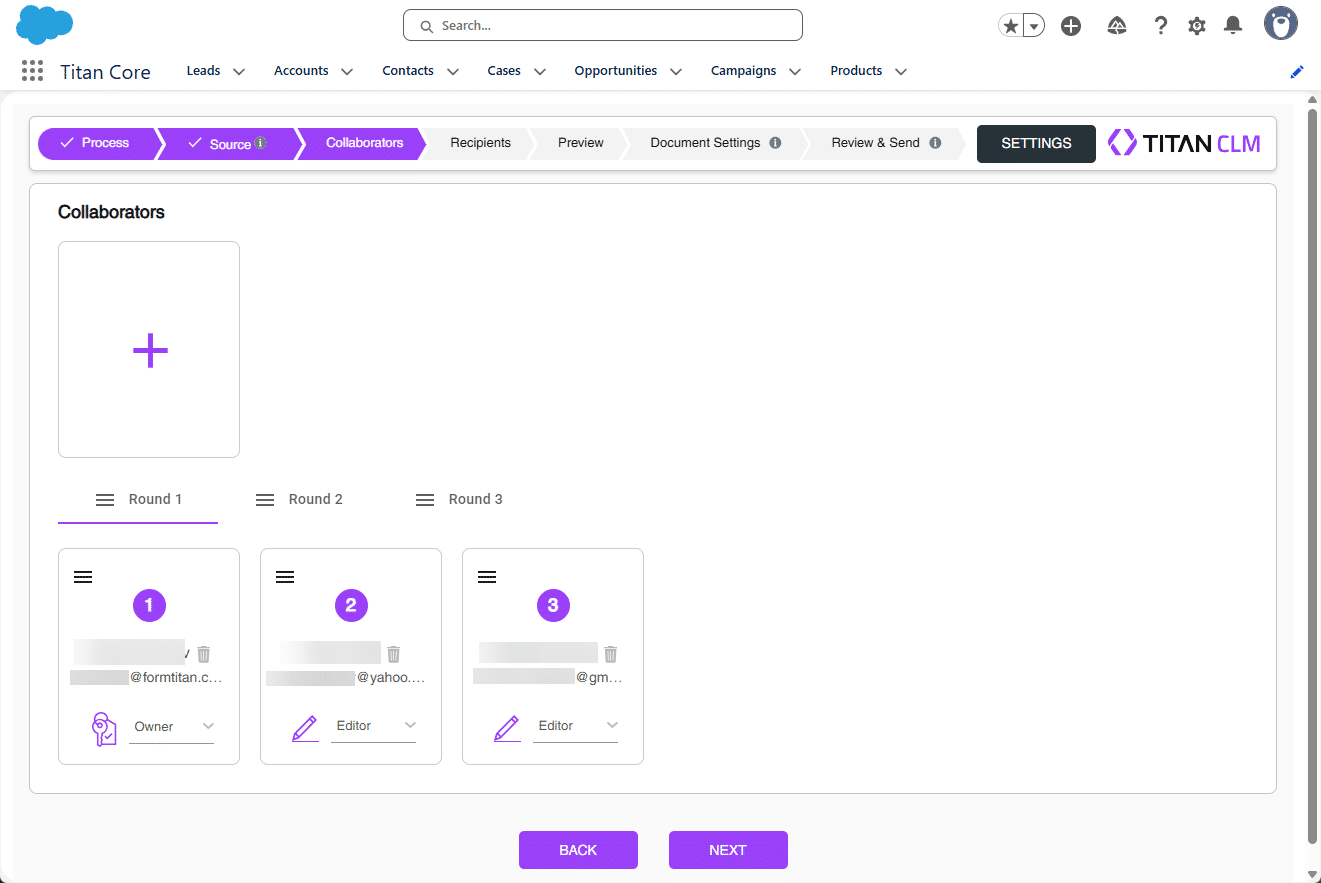
Each round must have an owner.
The steps for adding collaborators to rounds are the same.
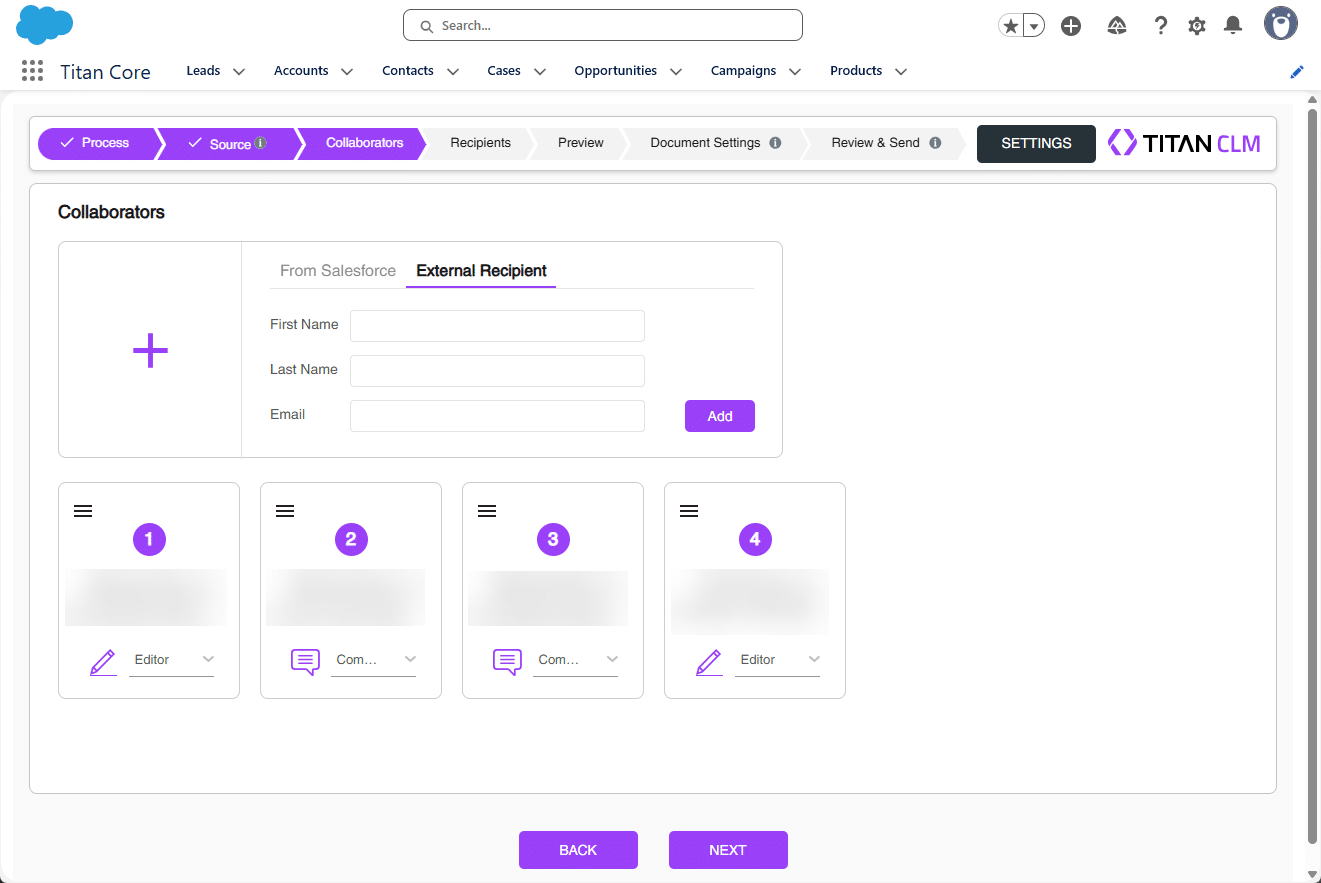
From Salesforce is the default option.
You can add Users, Leads, or Contacts.


The steps for adding collaborators to rounds are the same.