How can we help you?
Allow various collaborators to provide input and make edits or comments to the contract, with a few clicks.
Make sure that the Collaborate online radio button was selected:
On the CLM project > Document > Settings > CLM

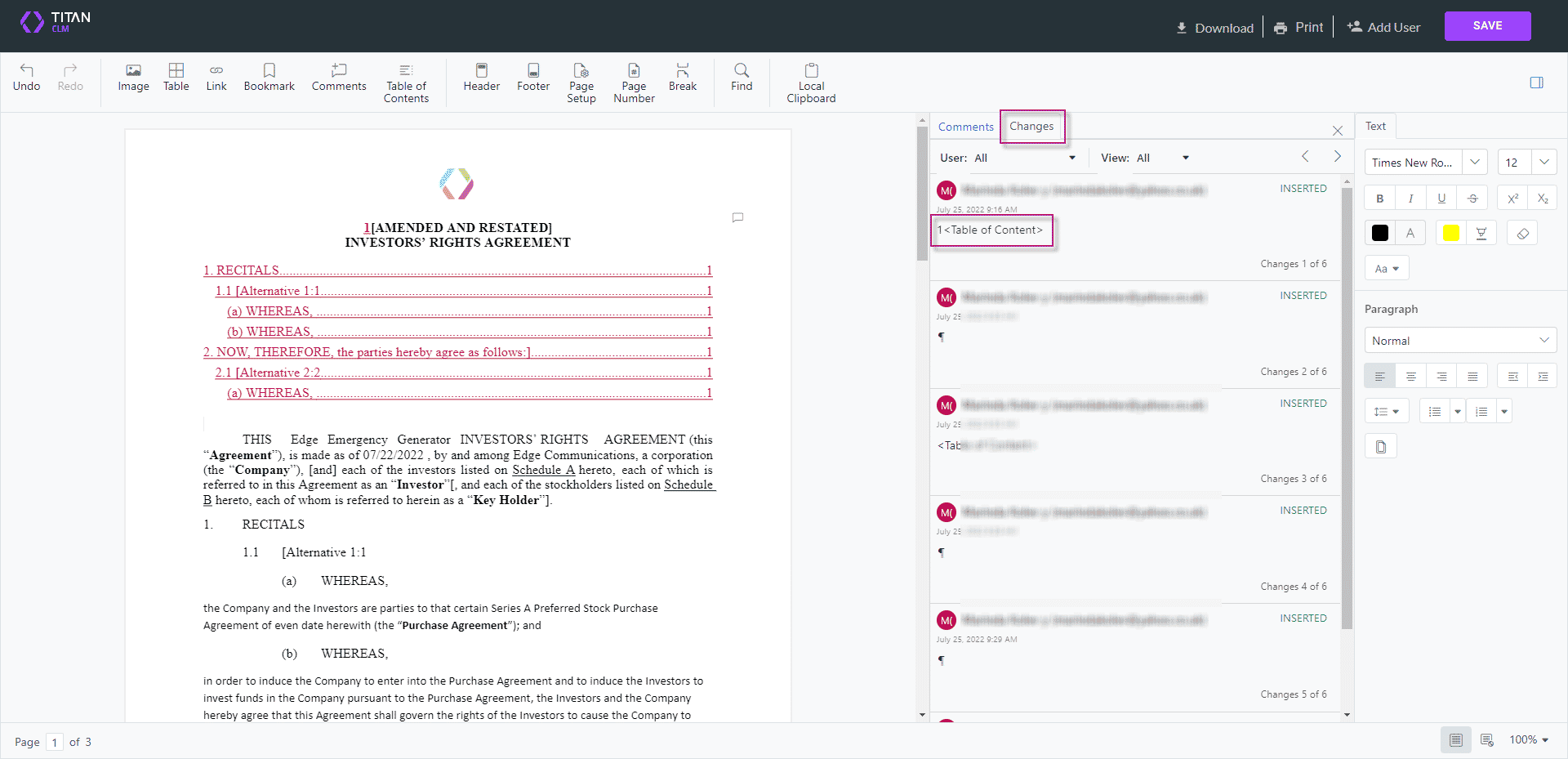
The document is displayed on the browser, and a collaborator can edit and/or add comments and/or sign (if enabled) on the browser.
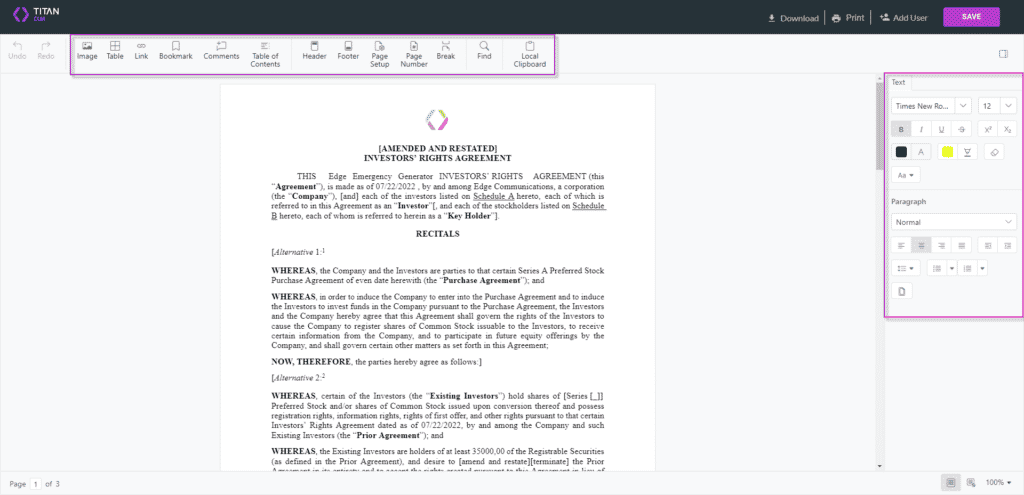


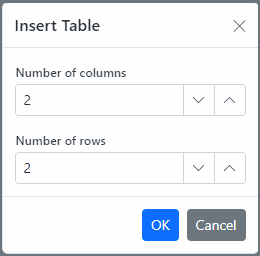
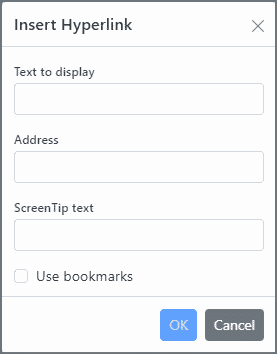
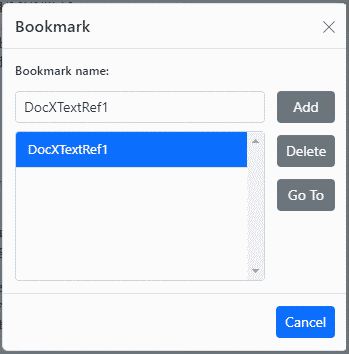

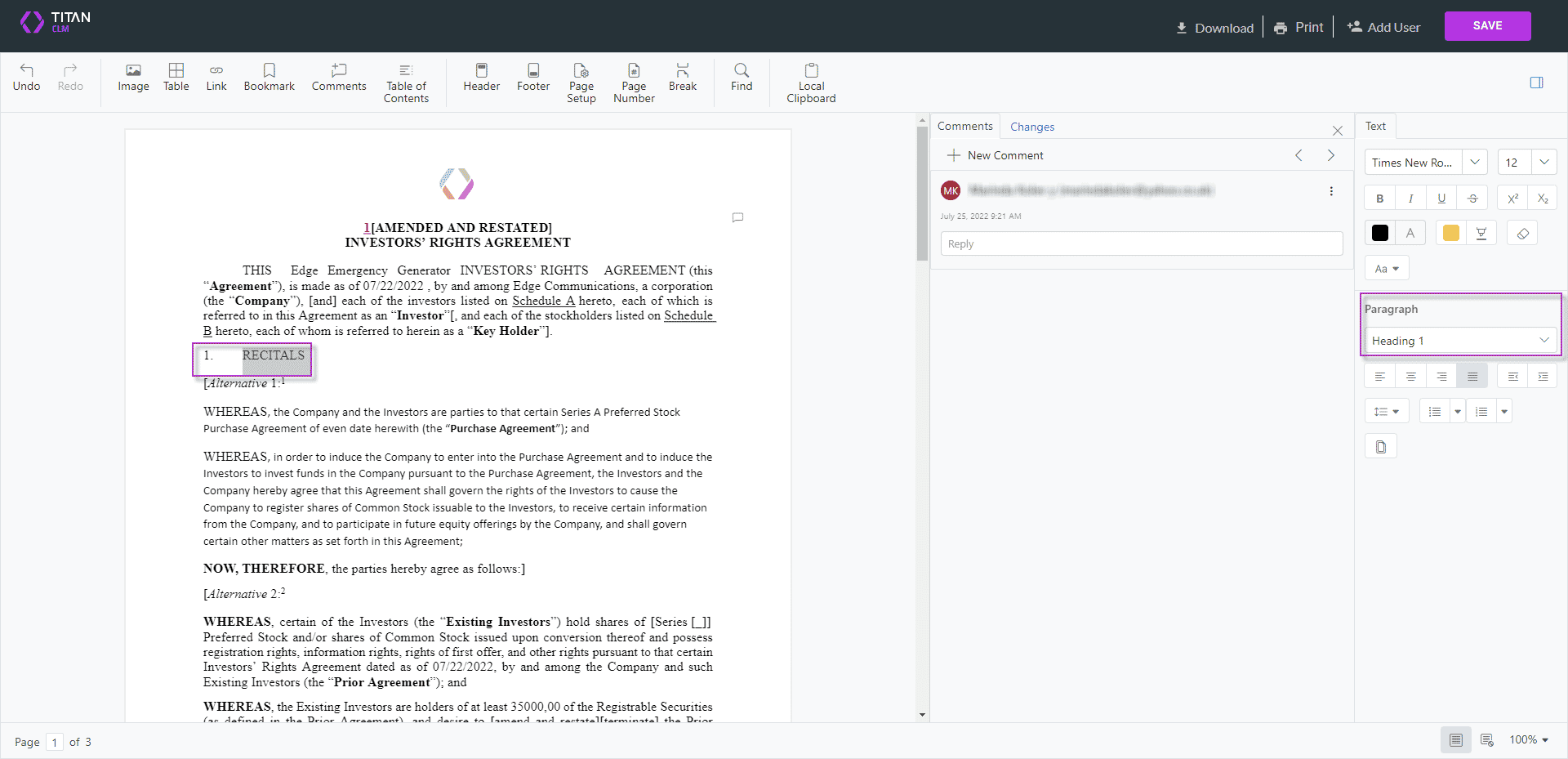
These changes are not tracked on the Changes tab.
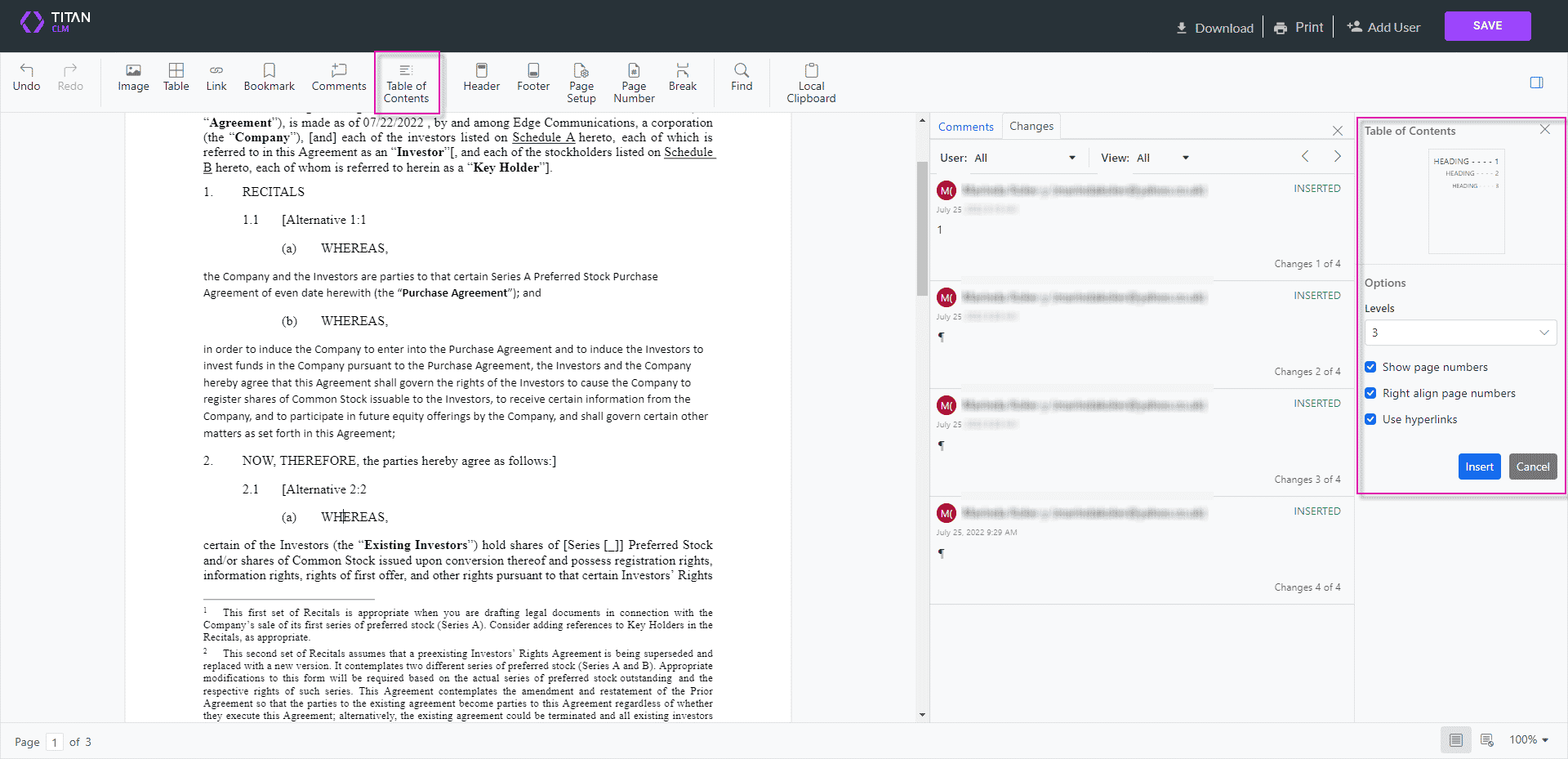
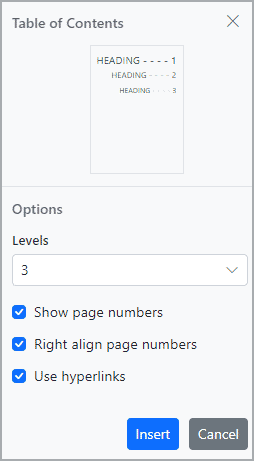
The table of contents is added and there is tracking of the changes that were made under the Changes tab.
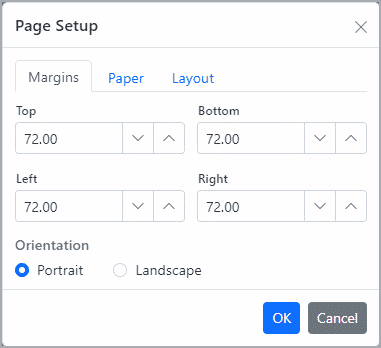
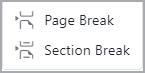
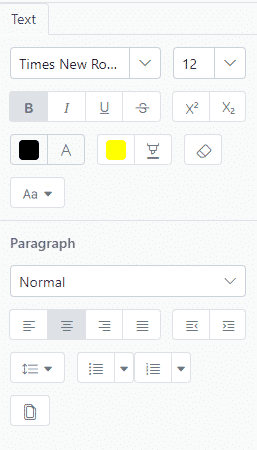
These options are on the right side of the screen.
Changes made using the text formatting and styling options are not added to the change tracking.