How can we help you?
The Titan Files Wizard gets you up and running with Titan Files so you can enjoy advanced file management for Salesforce Flows.
Titan Files for Salesforce Flows is our dedicated file automation tool that enables seamless file management. Using this product, you can perform several powerful actions, such as scanning files for viruses, uploading files to cloud-based storage, or converting a Word document into PDF. With Titan Files, you can perform advanced file management tasks using zero code. The Titan Files Wizard introduces you to Titan Files and makes the setup process seamless.

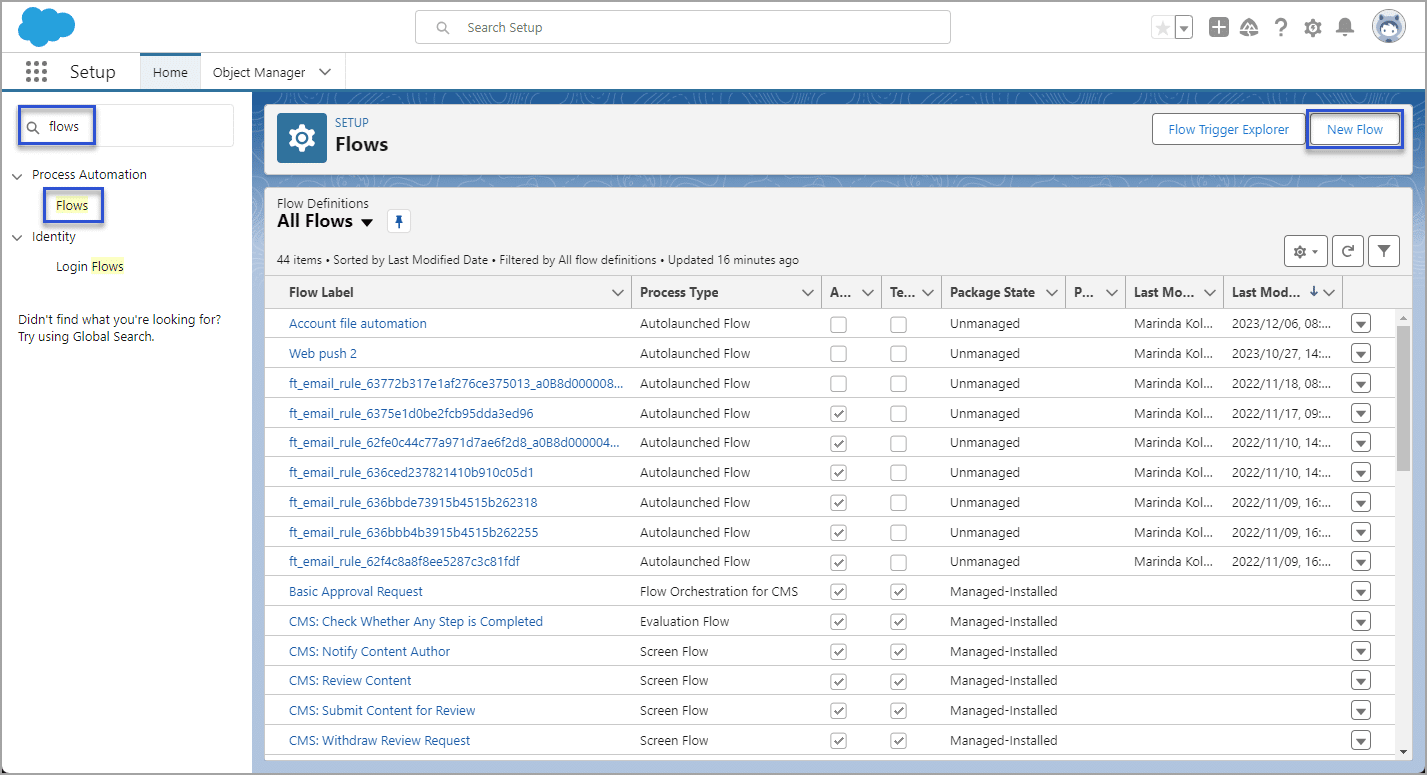
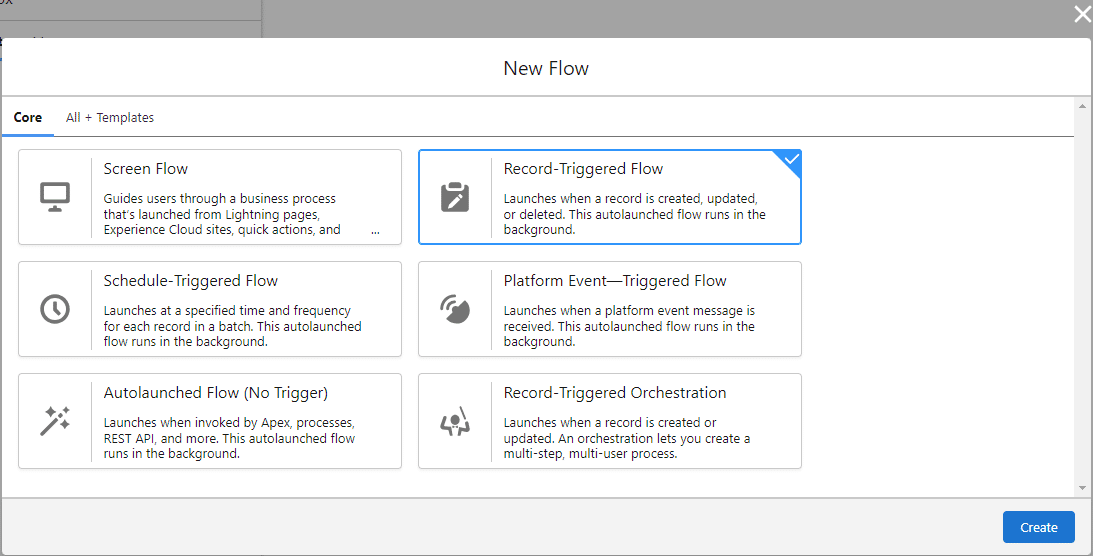
A TFile record is created whenever you upload a document to any object that is configured with Titan Files. You can see important information about the TFile Object by navigating to your object manager and selecting TFile. In the Fields & Relationships tab, there are the following labels:
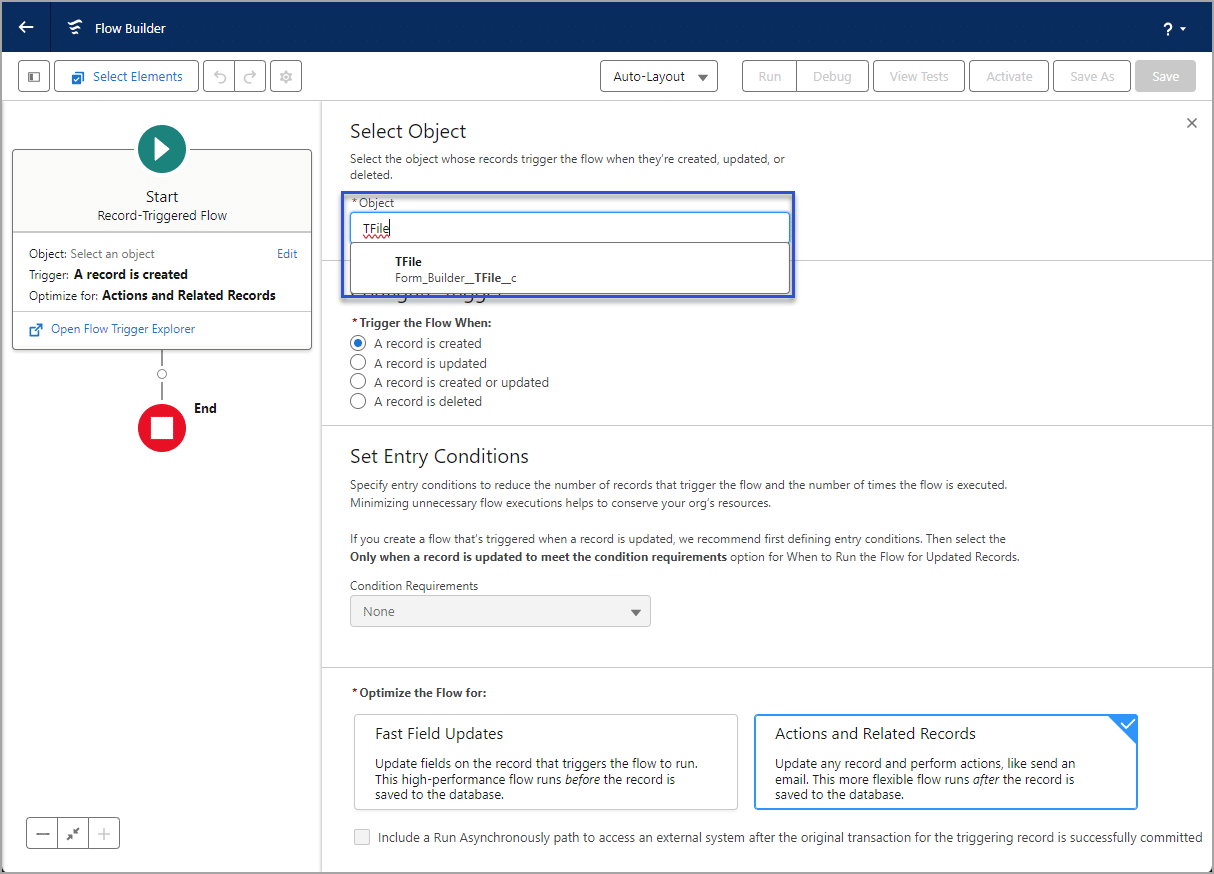
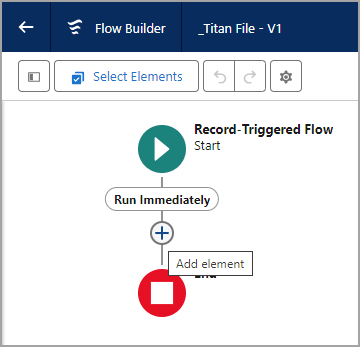
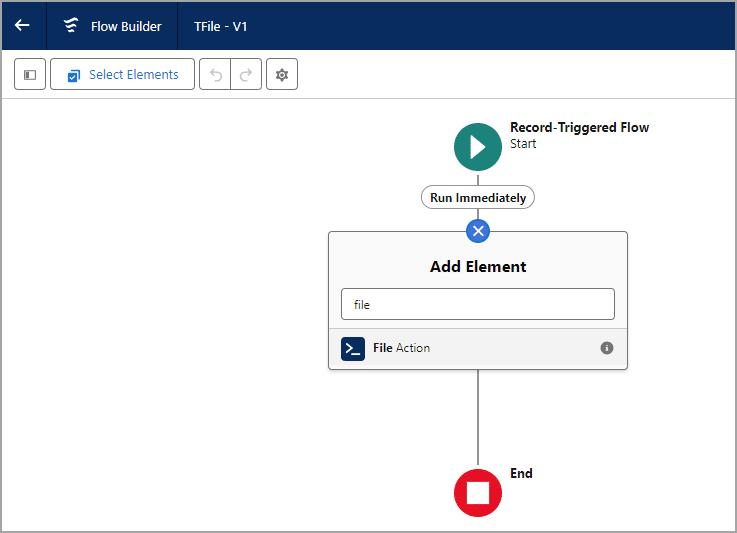




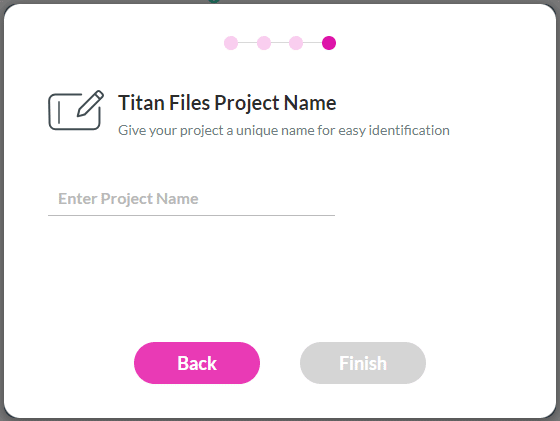

You will receive an email notification that you have successfully installed Titan Files. You can now start working with Titan Files for Salesforce Flow.

Check out our Academy for more information on Titan Files.









