How can we help you?
Titan Enterprise account holders enjoy the privilege of having multiple environments. This enables them to switch between environments using the Switch User option. Use the Edit Environment Name option to easily identify which environment you are currently working on, especially when you have multiple Titan environments. When the environment’s name changes, you can view the name when you Switch users on the environment screen and the Titan Dashboard.

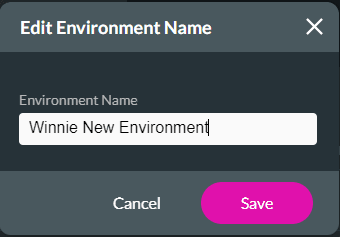
You will be able to see the environment name under Your Environment screen.

You will be able to see the environment name on the Dashboard.

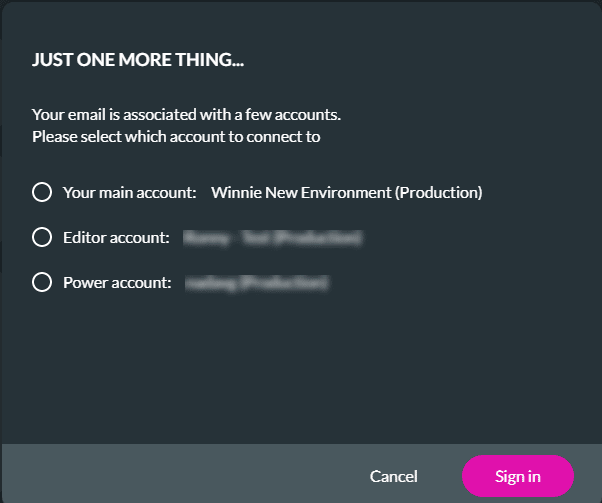
You will be able to see the environment name when you switch users.
Check out these articles for more information on Environments:









