How can we help you?
You will need to connect Titan to your Salesforce in order to make use of both the FormTitan and Titan Survey packages. Once you can access Salesforce from within Titan, and vice versa, you will be able to push and pull live data to and from Salesforce. Create Salesforce forms, build web apps, generate dynamic documents, send out surveys, sign documents, automate workflows, and much more with Titan’s powerful Salesforce integration.
You can make this connection in just a few simple steps.

If you are connecting to Salesforce Sandbox, select Salesforce Sandbox.
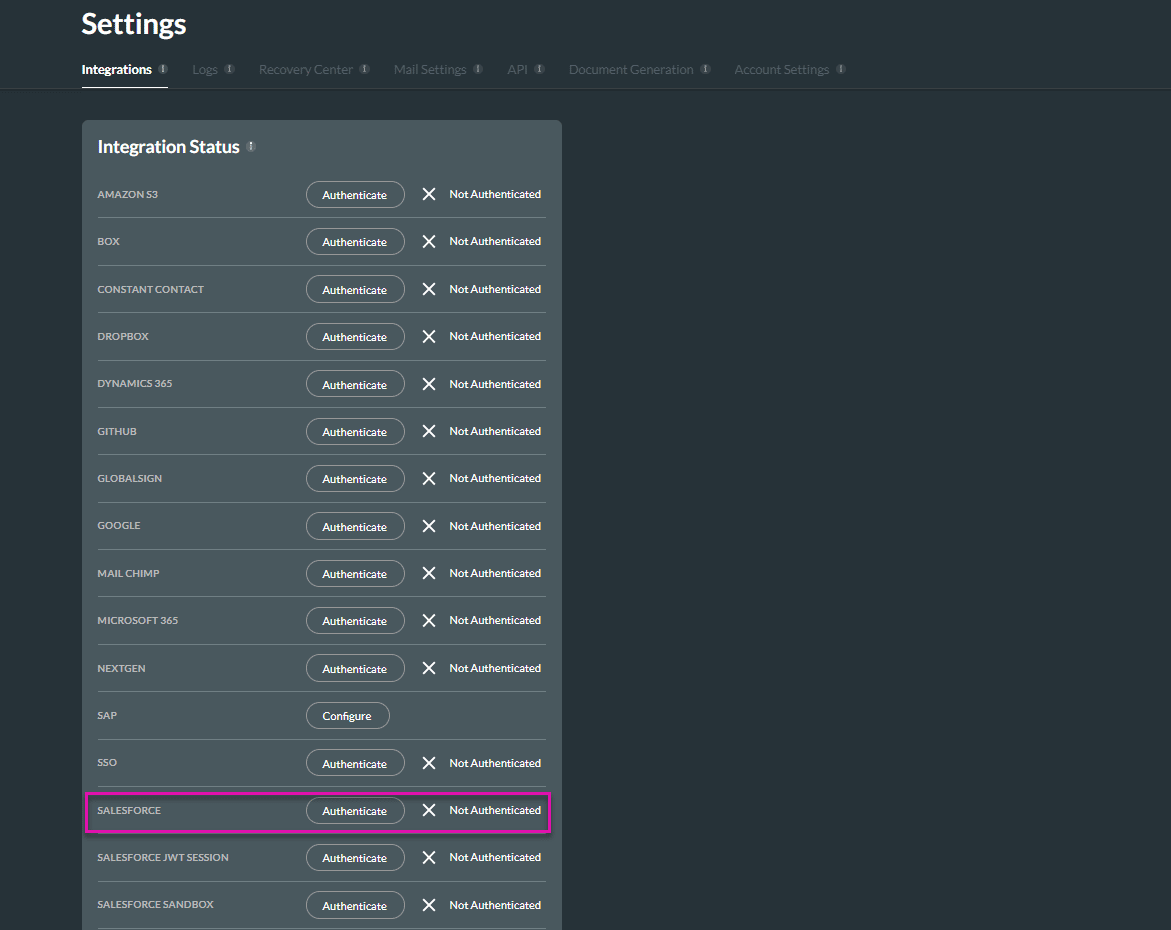
When you connect to Salesforce, Titan receives an access token with a refresh token, so it can communicate with the Salesforce org. Under no circumstance does Titan save your username and password.
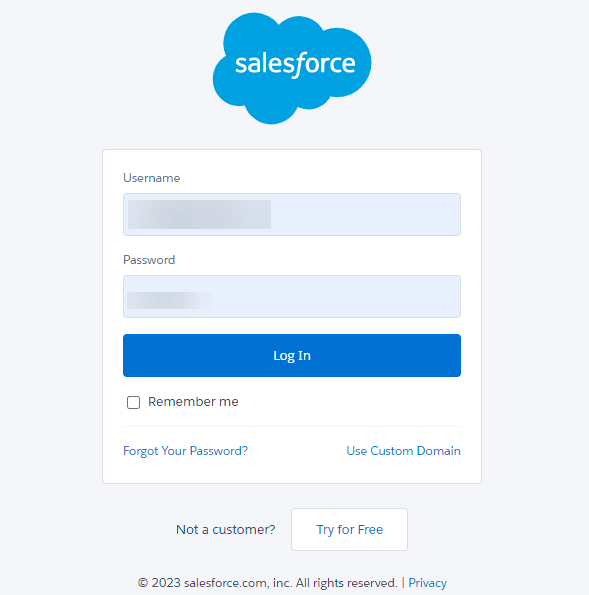
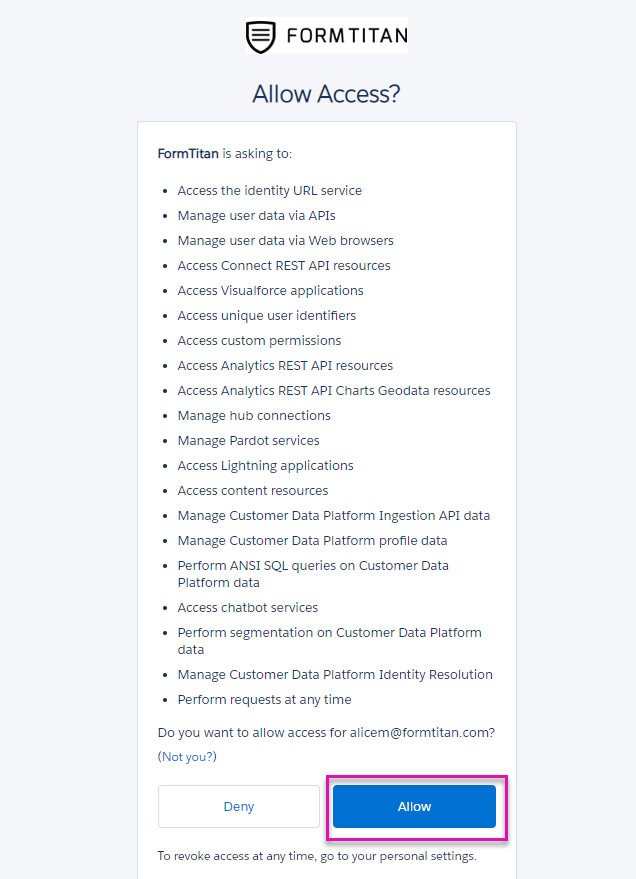
The Salesforce user that you have chosen to authenticate will dictate the level of access Titan has to objects, fields, records (sharing rules) etc. For example, if the authenticated user does not have read access to an object, it will not be visible in the push/get menu. Furthermore, if the user has read access and you try and update the record, you will get a permission error. The same applies for field level permissions. It is recommended to authenticate a user with the level of permission needed for your Titan projects.
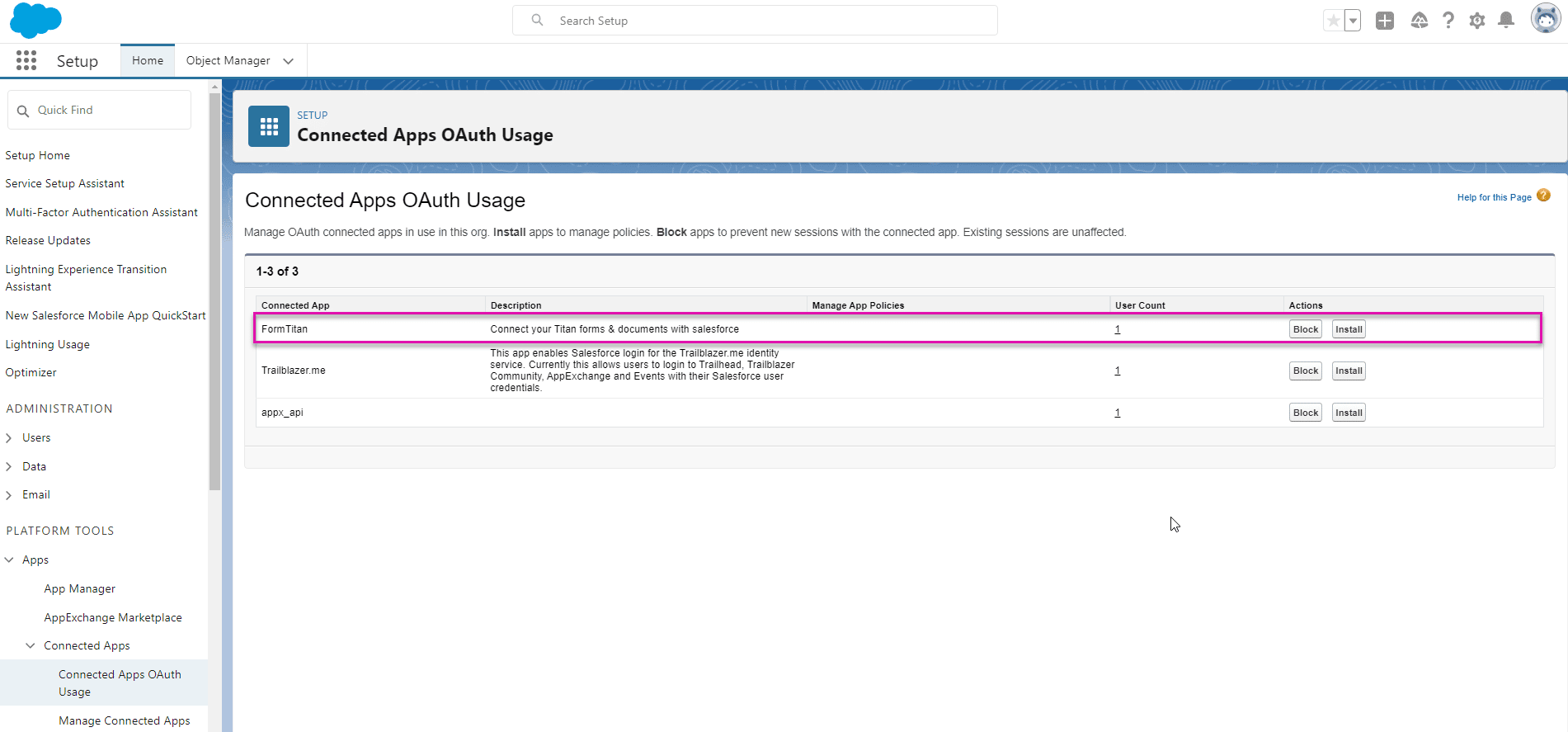
A connected app will be automatically added to the Salesforce org. This connected app can be seen under Connected Apps OAuth Usage in the Salesforce setup:
You are now ready to start creating Salesforce dynamic forms, web projects, signature processes, and more.









