How can we help you?
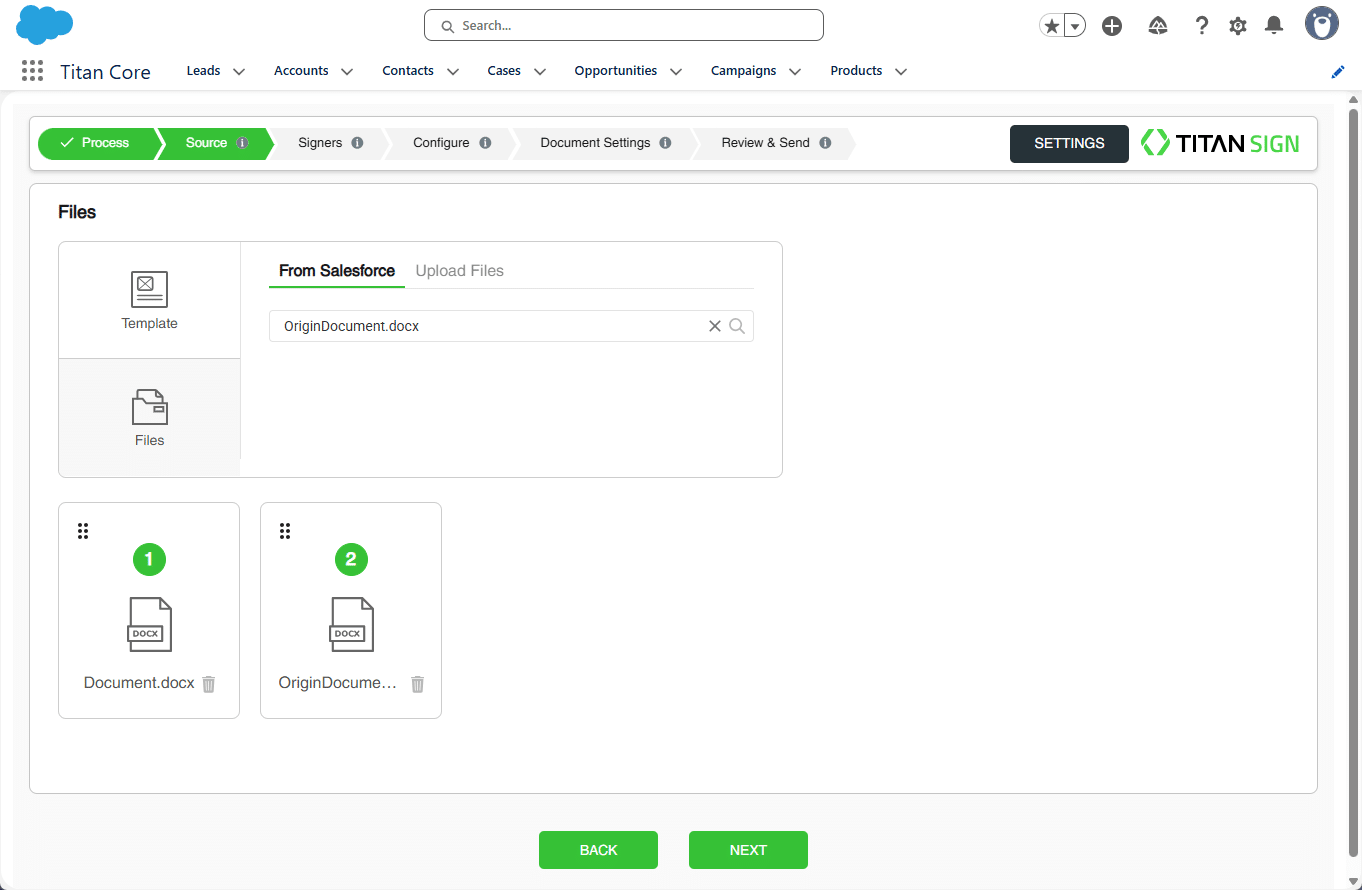
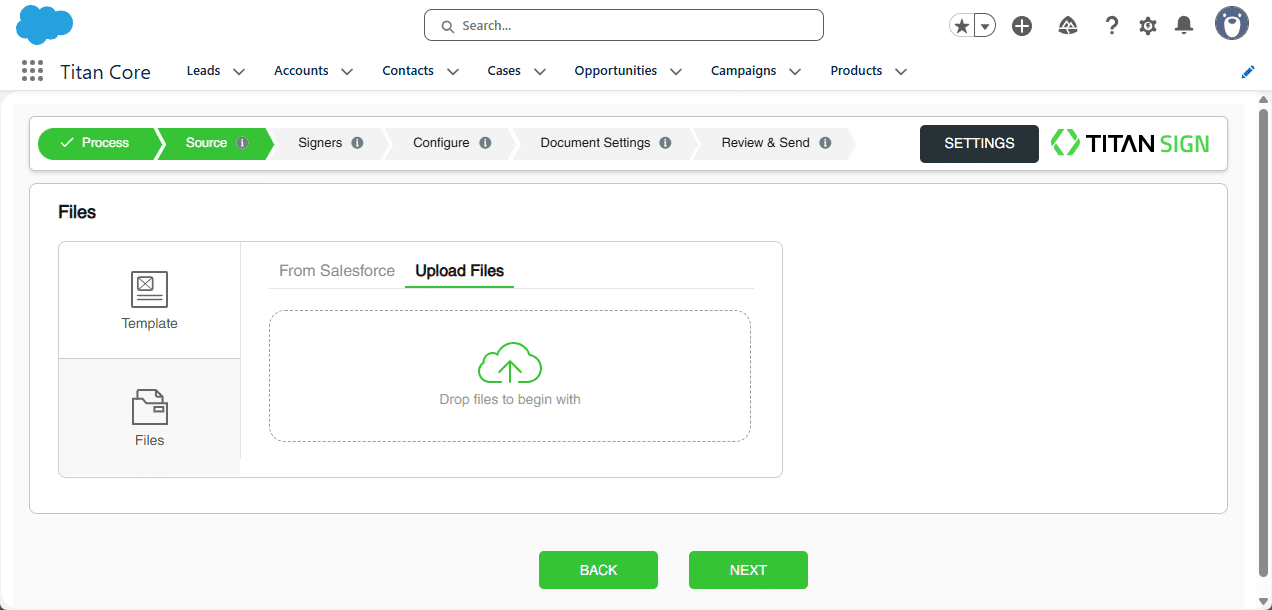
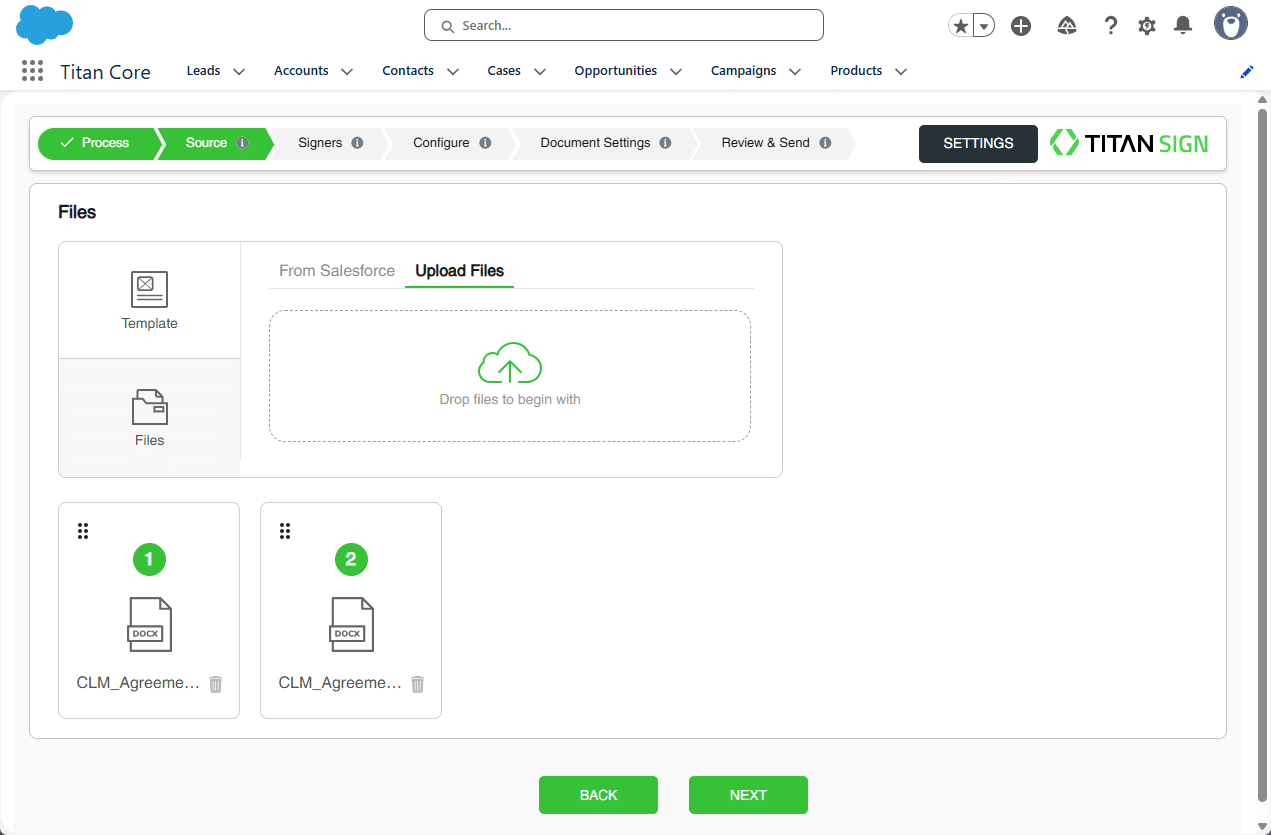
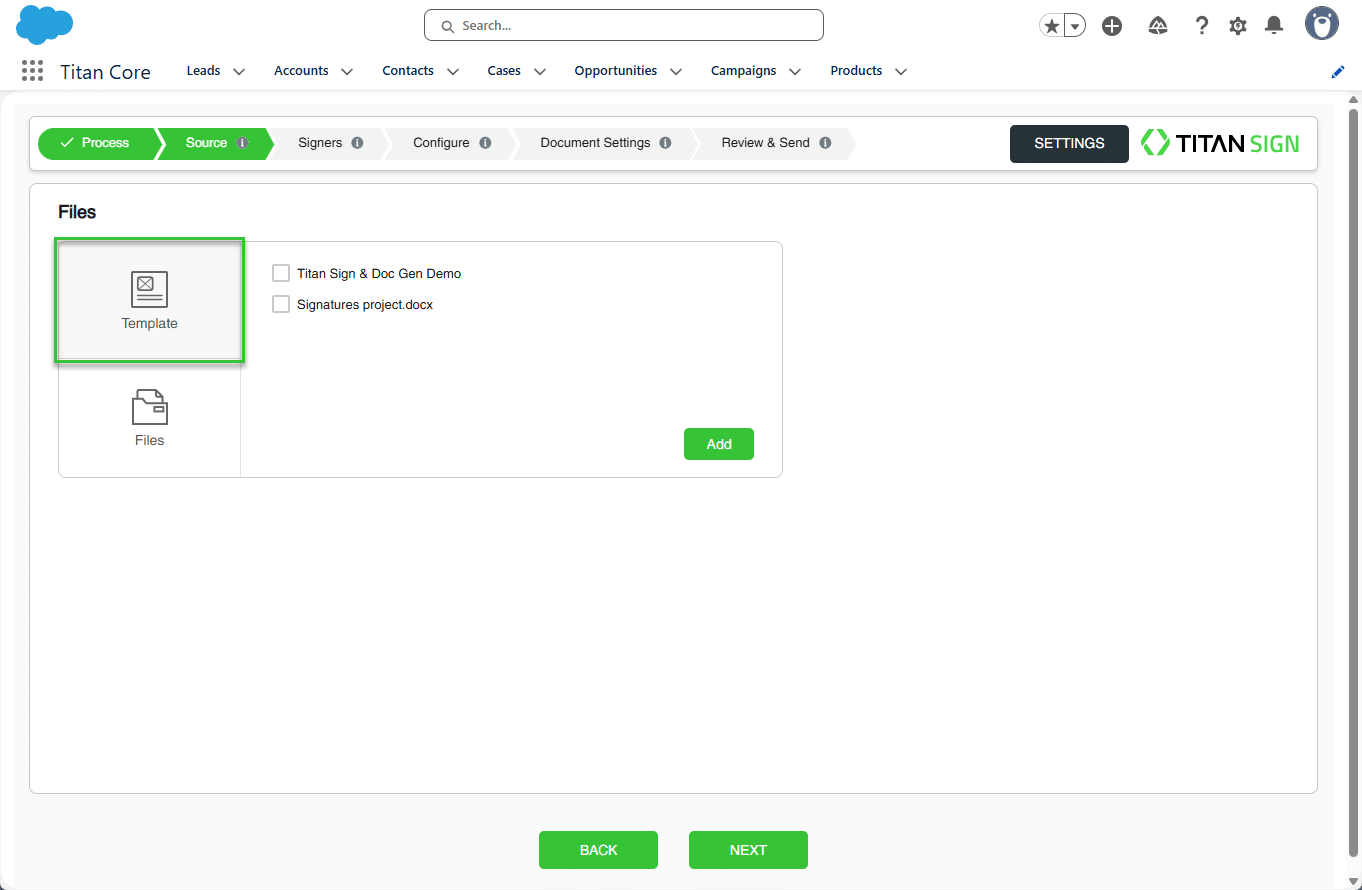
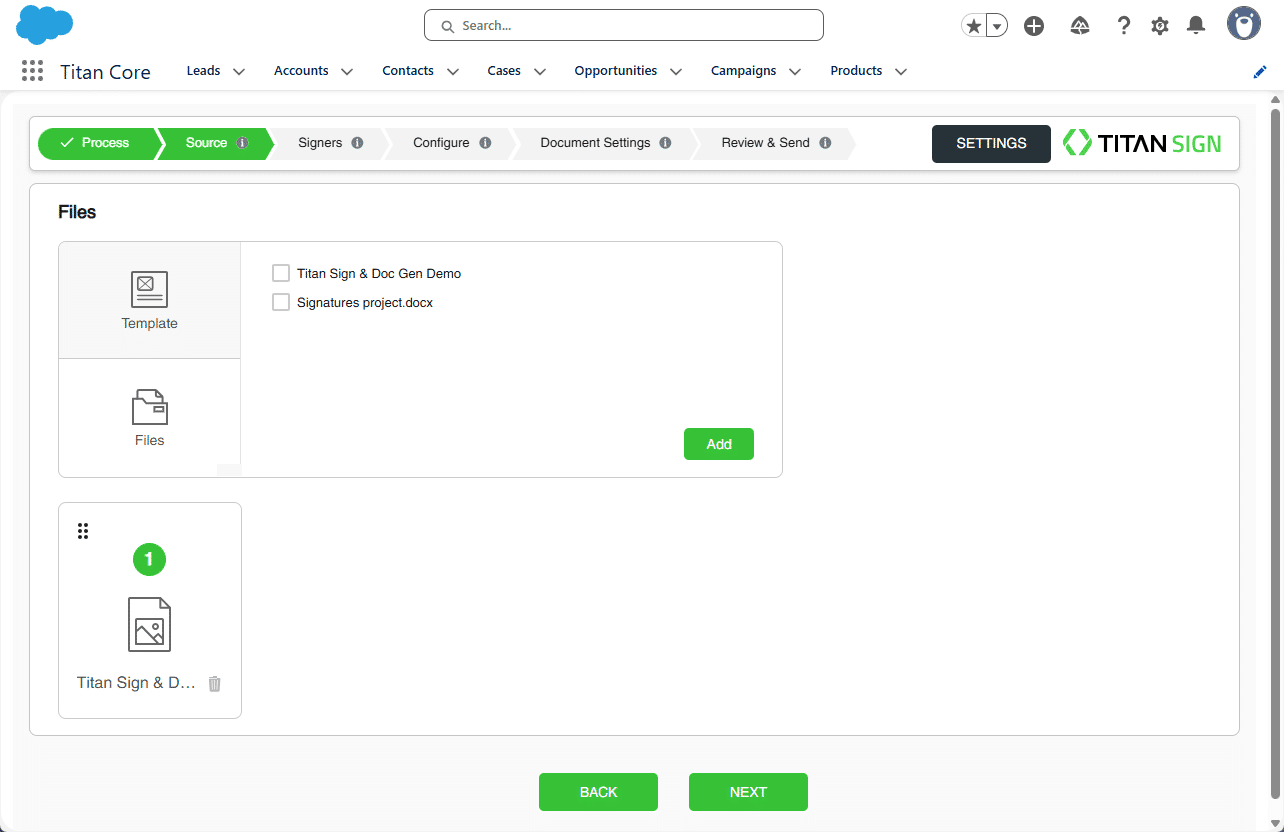
You can choose whether to use your own template and/or upload a file.
Titan Sign Wizard lets you seamlessly add a variety of documents. Whether using a template or uploading a file, Titan Sign Wizard makes the signing and approval process faster and easier to track.
Prerequisite:
Make sure you have completed the Sign Project setup process before proceeding.
The settings made in the Sign Wizard override the settings made in the Titan Sign project.
The Titan Sign project is not affected by the Sign Wizard changes.
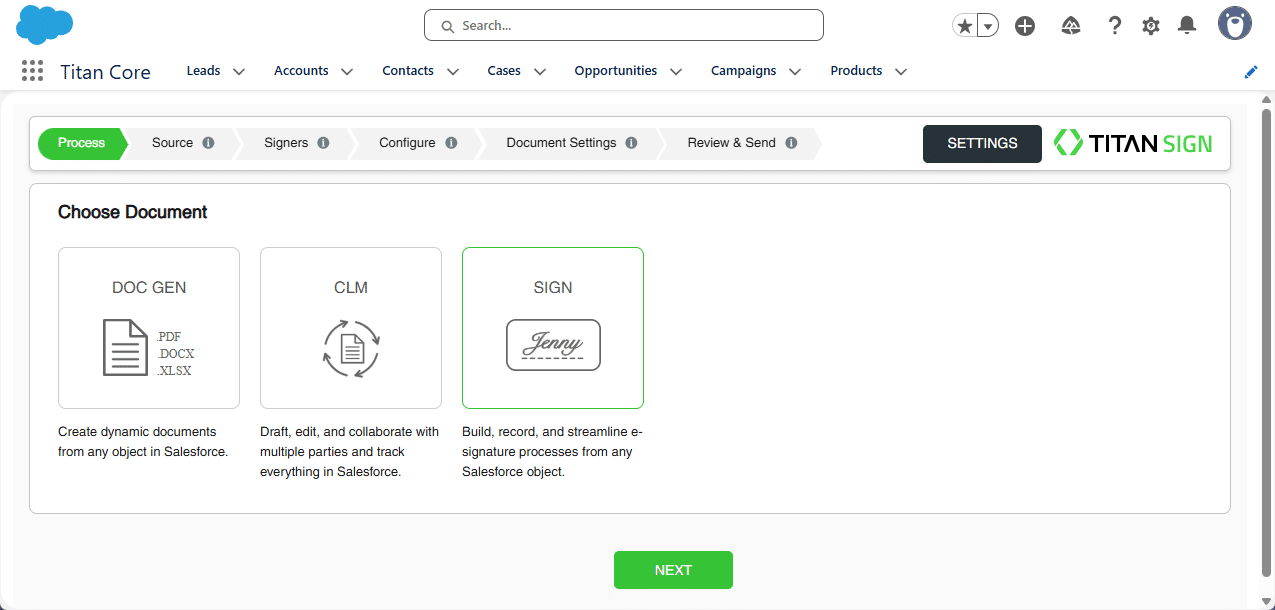
There are three methods you can use:
You can choose to use a configured template document with which users can interact.
All the interactive fields, collaborators, signers, and project definitions that were added to the template using the Titan Sign are compatible with the wizard.

Documents that already has interactive fields are not supported, and you will see the following error: “Titan Document Template is not supported. Please reach out to your Titan admin for that.”
You will be able to add interactive fields to the document when you configure elements.

From Salesforce is the default option.