How can we help you?
You might want to make changes and updates to a template and then replace it in the Sign project when you are done.
You can replace the template with the latest version from within the Titan Sign project and verify that all the field positions are correct. Use this option to replace an existing template with one you changed. If you want to add a new template, create a new project.

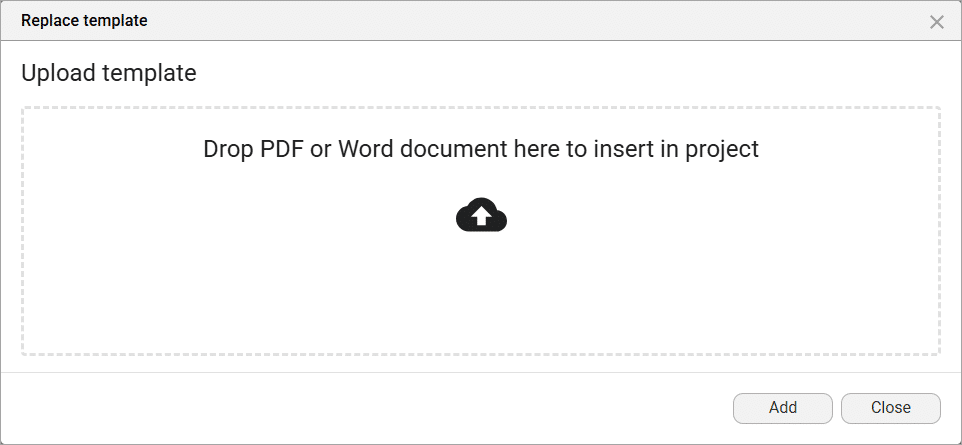
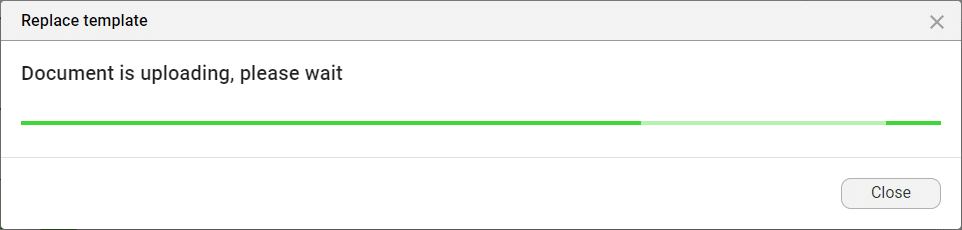
When pre-existing fillable fields are detected, the following message will be shown:
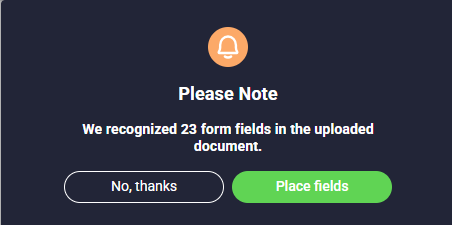
Click the Place Fields button to automatically place the fields in the uploaded PDF.

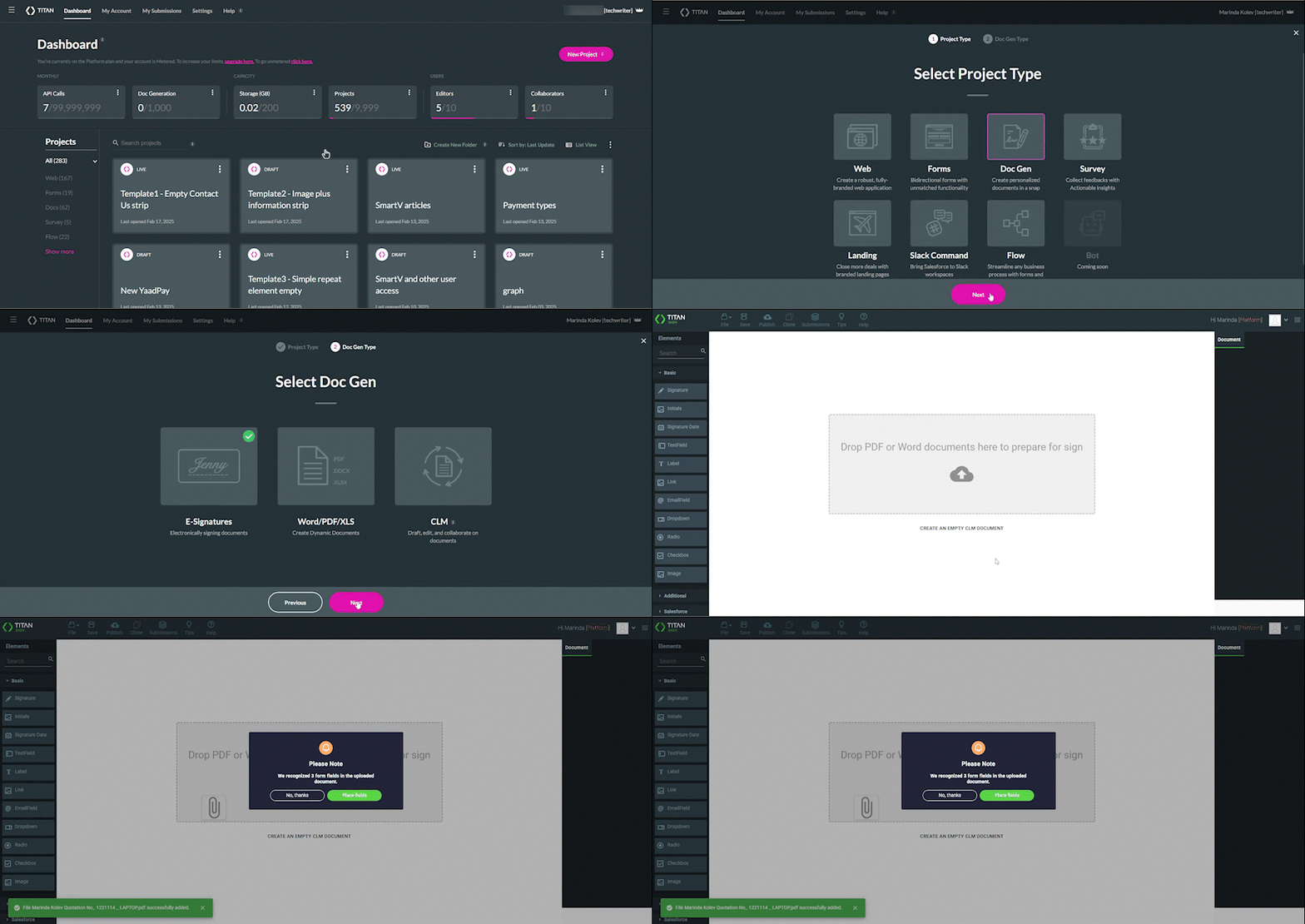
View the quick overview below for more information about the Automatic Field Detection feature.
Learn more about Titan’s native integration with the Salesforce Experience Cloud.
Easily share, manage, and track the progress of e-signatures directly from Salesforce using Titan’s sign solution.
Create automated and connected contract lifecycle processes for Salesforce using Titan’s zero-code CLM application.









