How can we help you?
You may need to send a document to unknown signers. These signers can be external to Salesforce. Now you can!
Use Titan Sign to configure signers that are not known when you configure the process. You can send the sign link during the process. A URL is added to the Titan Sign Document object in Salesforce as a Titan Sign Tracking record.
Prerequisite:
Create the document in MS Word using the Titan Word add-in.
Do the following:
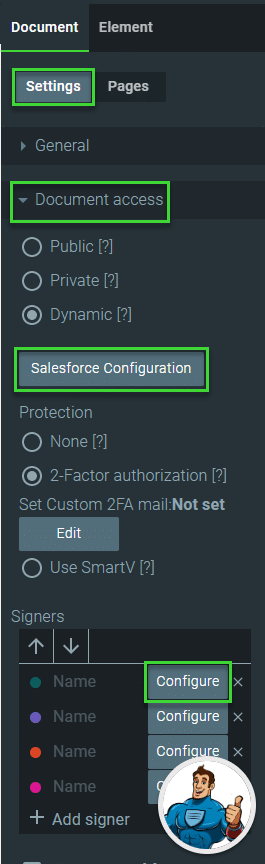

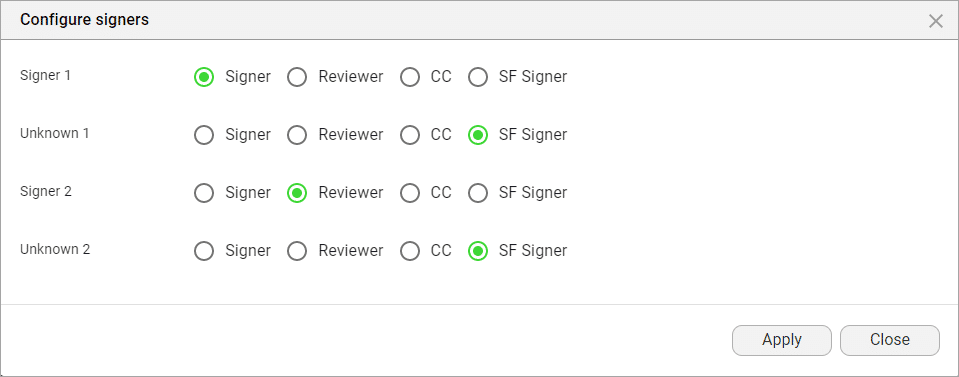
The Signers section changes and Tracking is automatically switched on:

Tracking must be done to send the URL to Titan Sign Document in Salesforce. The URL is added to the signer’s record for the Sign process in Titan Sign Tracking.
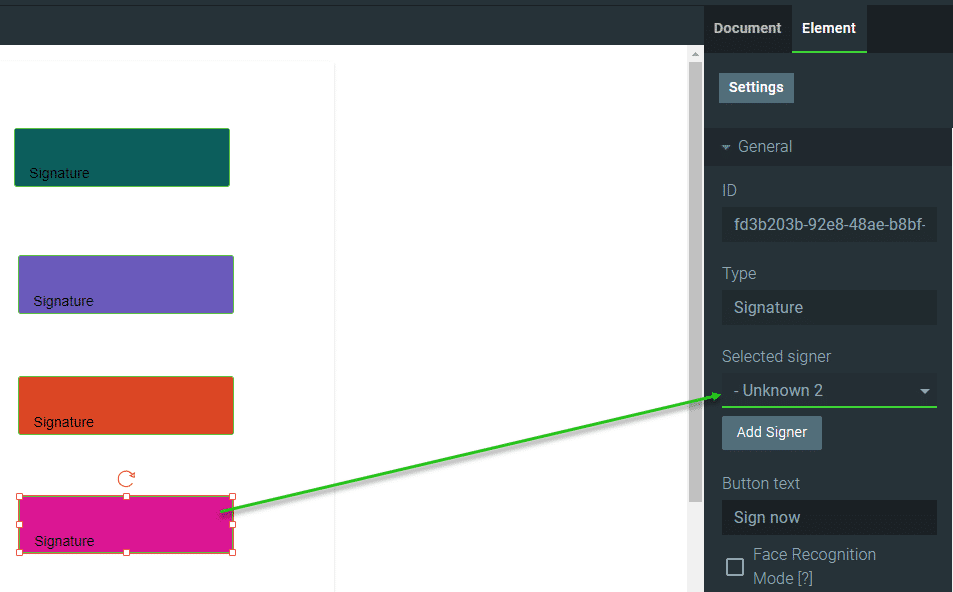
The known signer receives an email with the link to the document. When they signed the document, the following known signer will receive an email with a link to the document.
When an unknown signer has to sign, no more emails are sent, and the URL is created in the Titan Sign Tracking object. The sign process is paused, and a Salesforce user must manually send the URL to the identified signer.
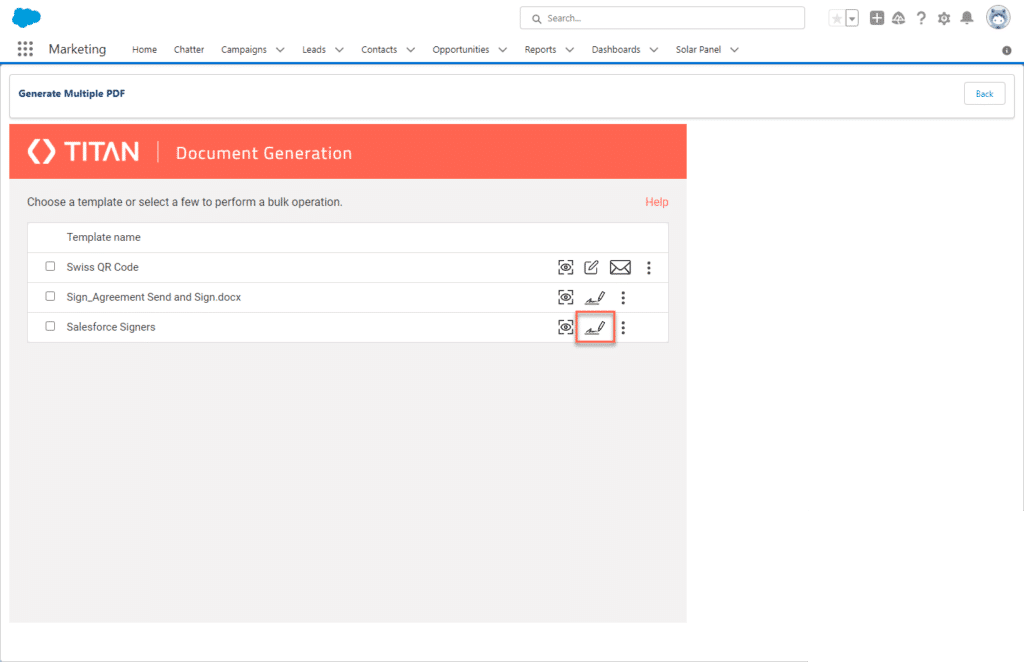
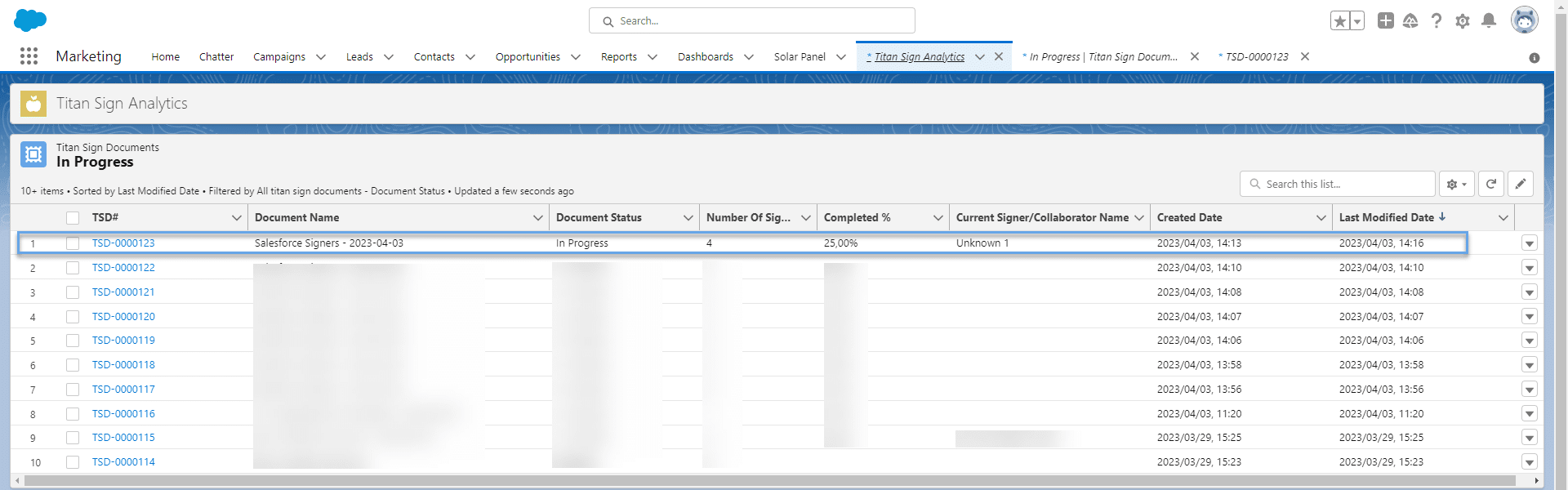
The “Current Signer name” is populated with the label that you created in the Titan Sign builder.











