How can we help you?
Send documents to single or multiple signatories for their approval.
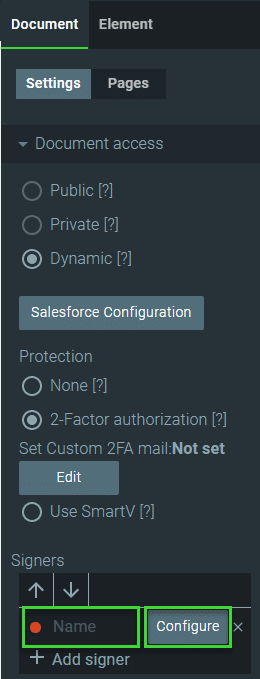
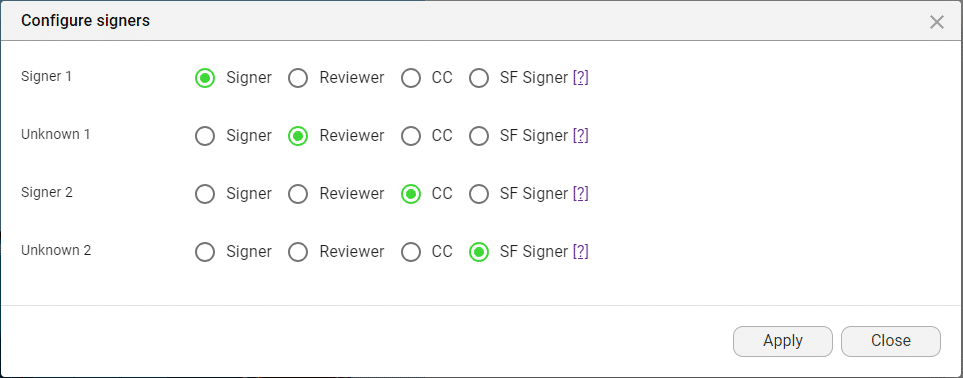
Configuring signers is dynamic, and participants can be added or removed at any stage of the document signature journey. Use Titan Sign to configure the designated signers for a document in a few clicks.
In this video, learn about the different signer types in Titan Sign.
Signers are people who must sign the document.

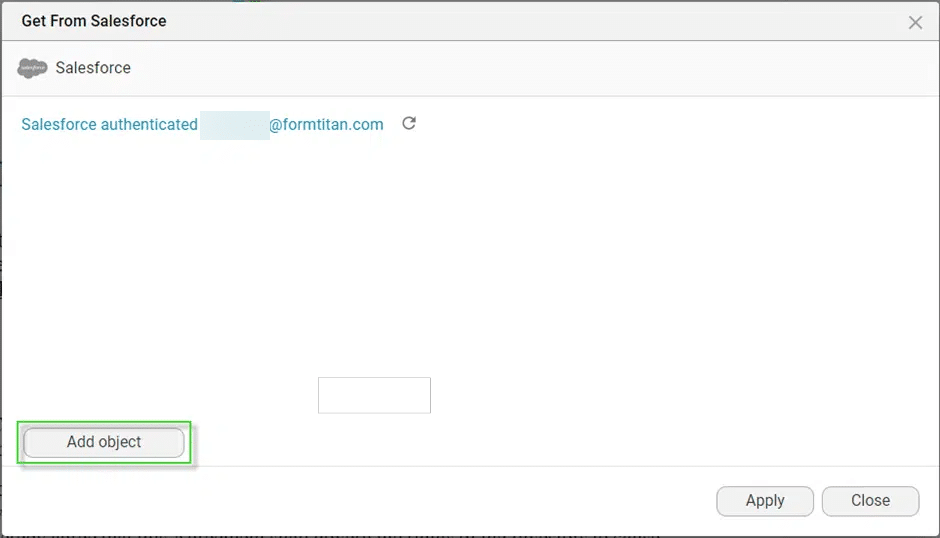
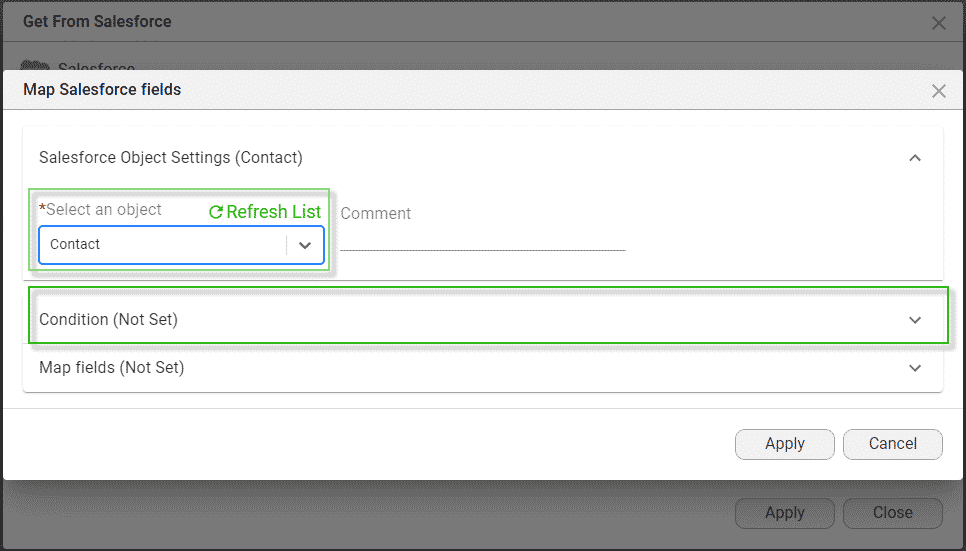
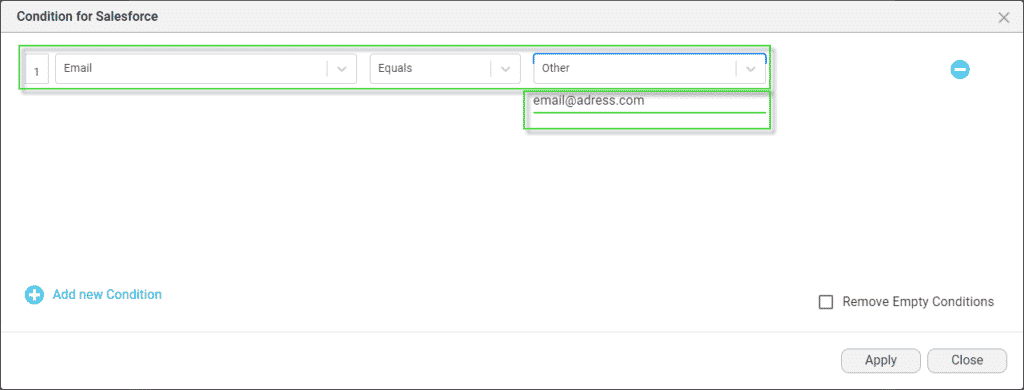
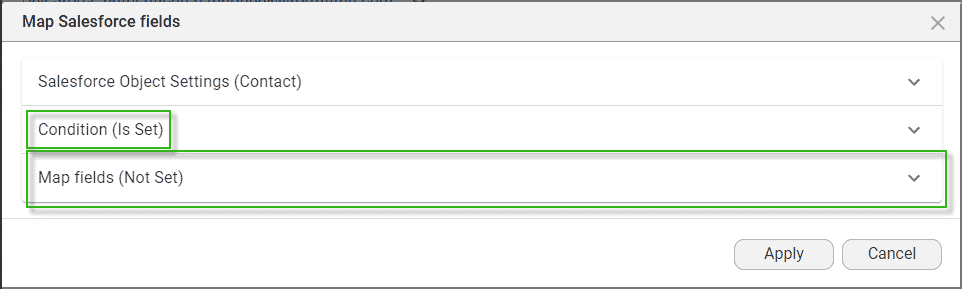
The Conditions for Salesforce screen opens.
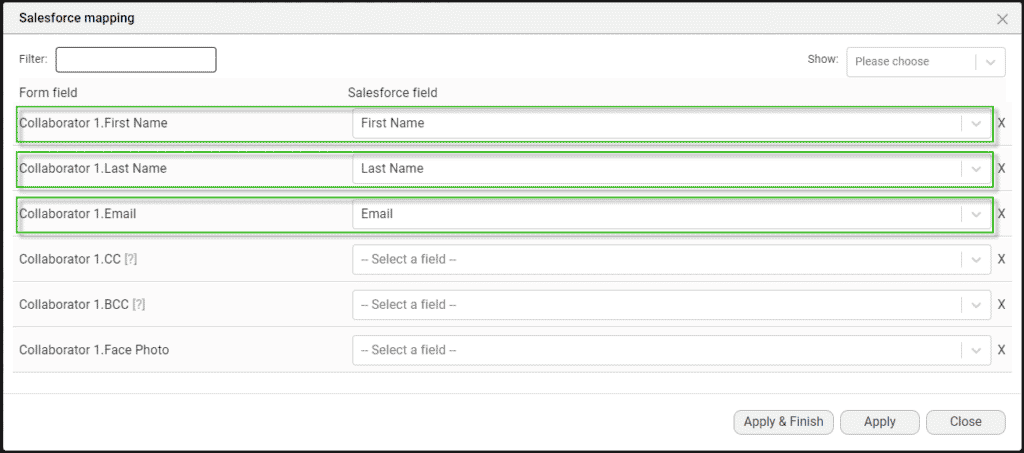
Each signer is assigned a unique color. This color will be used when you drag any elements to the document for this signer. The element’s color will correspond with the signer’s color.


Watch the video on how to add CC and BCC fields in Titan Sign.
Remember to assign interactive fields to a signer.









