How can we help you?
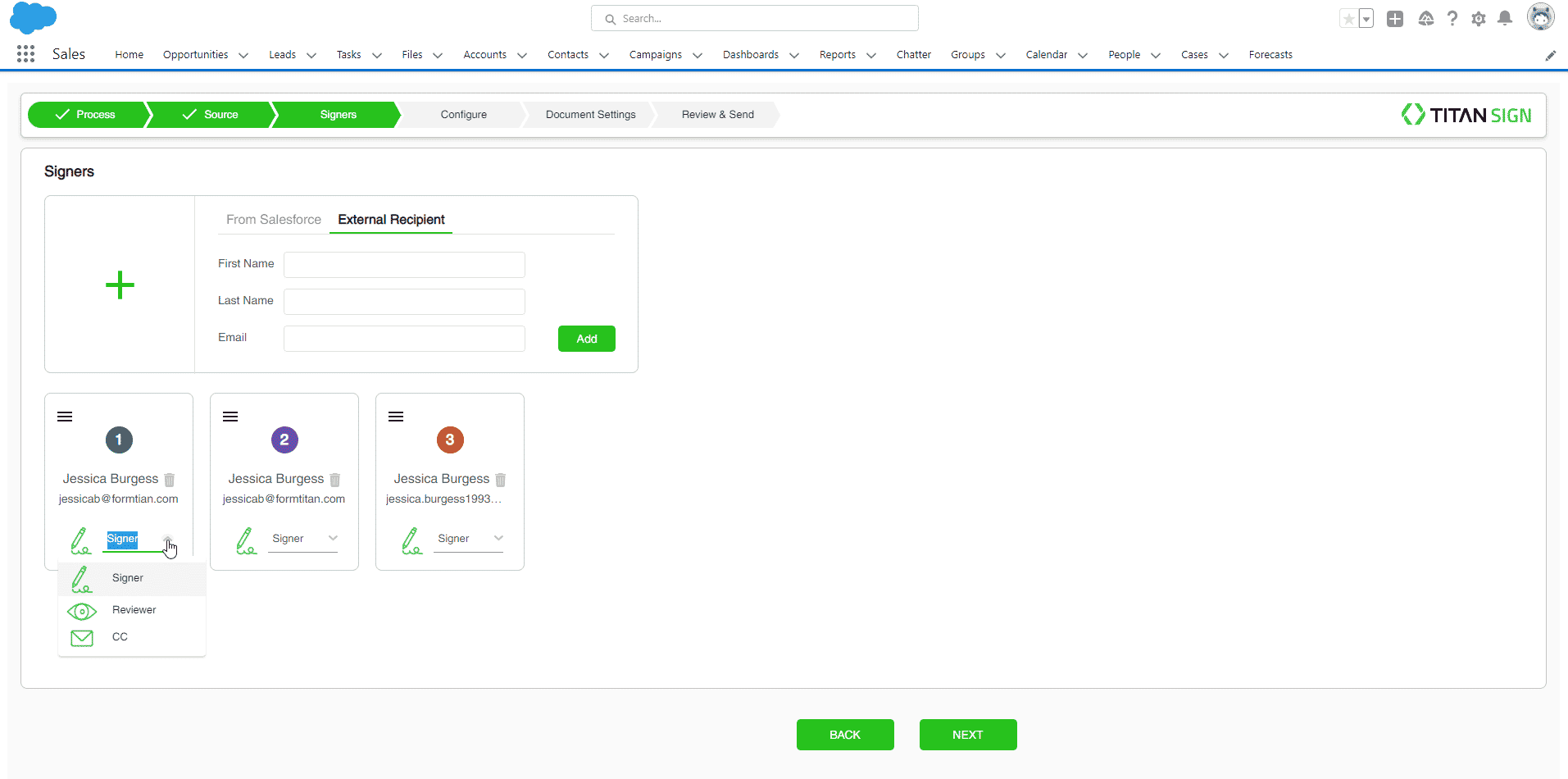
Re-order the signer and change the signer type in just a few clicks. You can add and remove signers or change the signer type at any stage of the signing process.
With Titan Sign Wizard, you can configure signers per document. Signers can provide feedback in their input fields, put the document into draft mode, or reject it. The assigned CC recipient receives the document with the signer, while reviewers do not receive the signed document.
rerequisite:
Set up the signers permissions. Click here for more information.
Signers can fill in the interactive fields assigned to them. Before the signing process starts, you can assign different interactive fields per user.
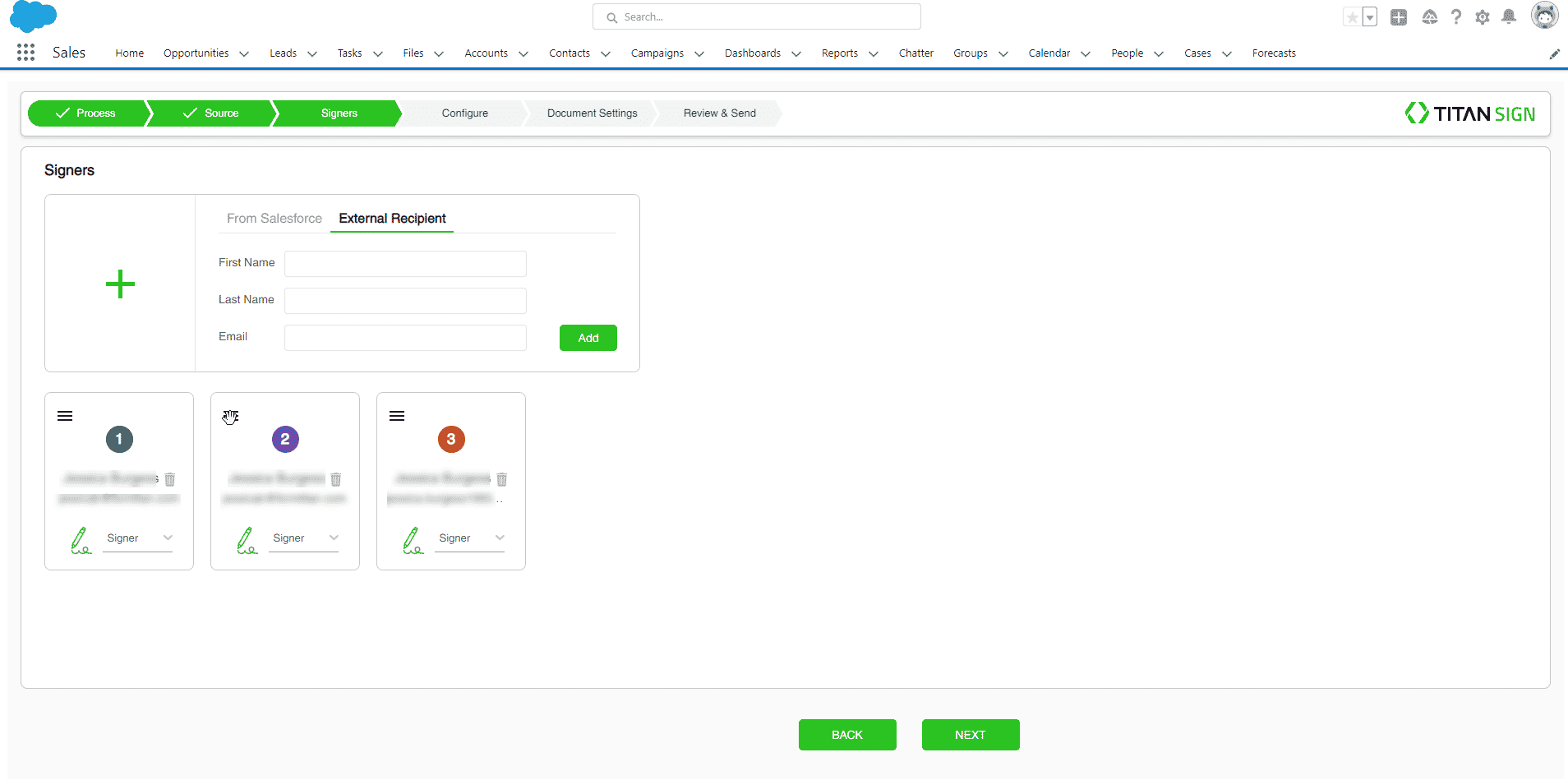

The new signer order is automatically updated.
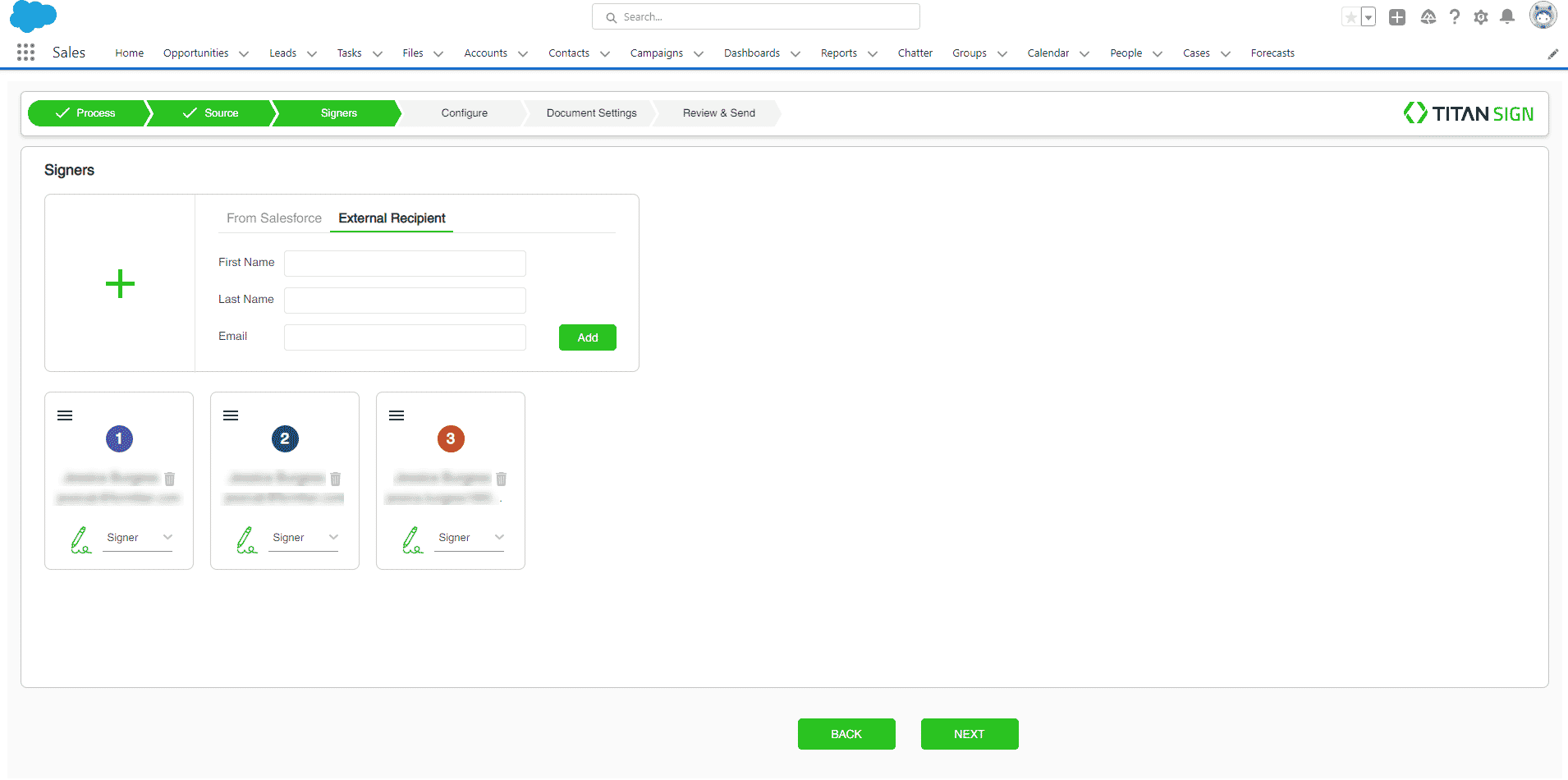
You can assign each signer a different role.