How can we help you?
You may need to send a document to an unknown number of signers, for instance, all the contacts linked to an account.
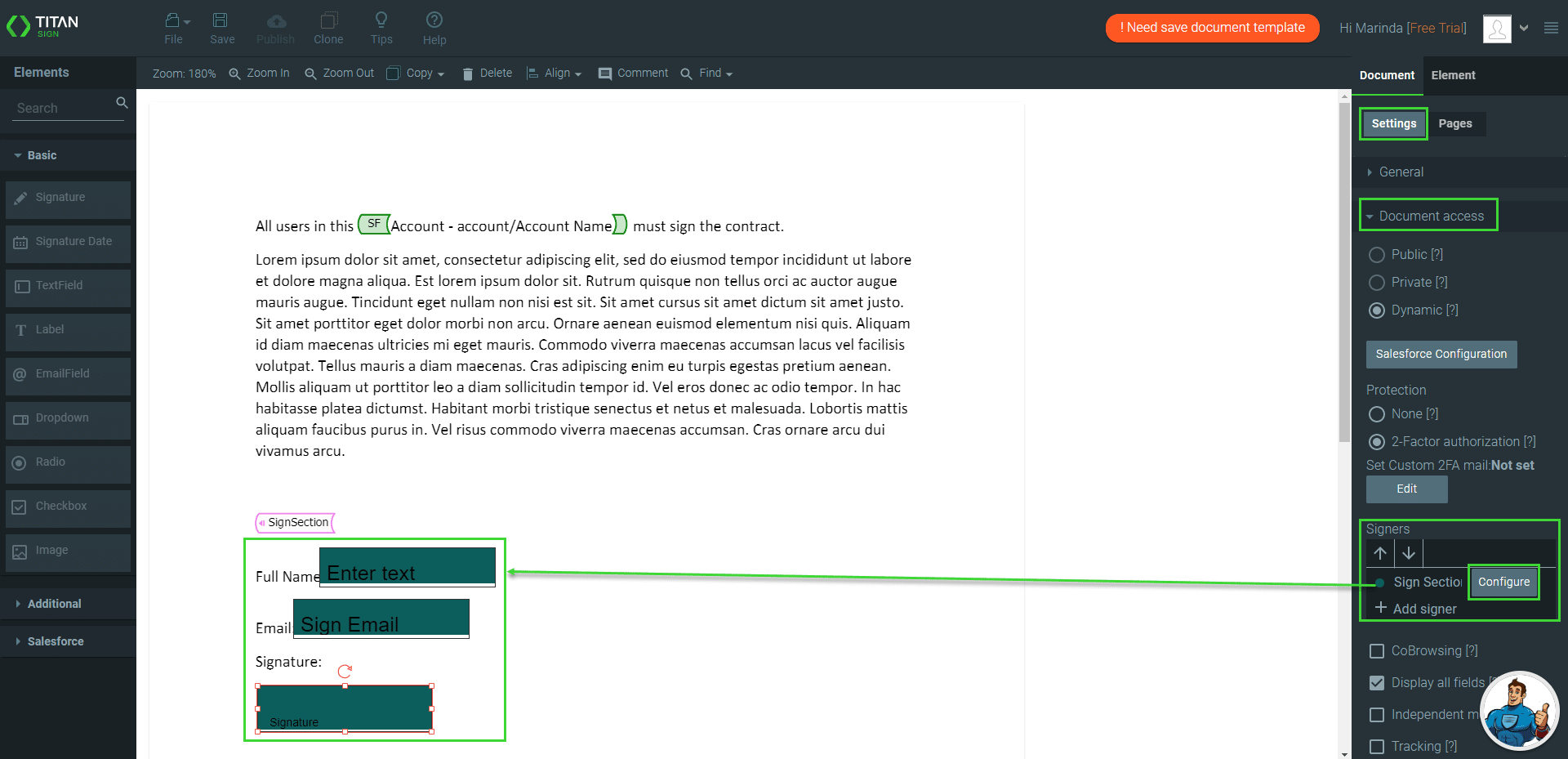
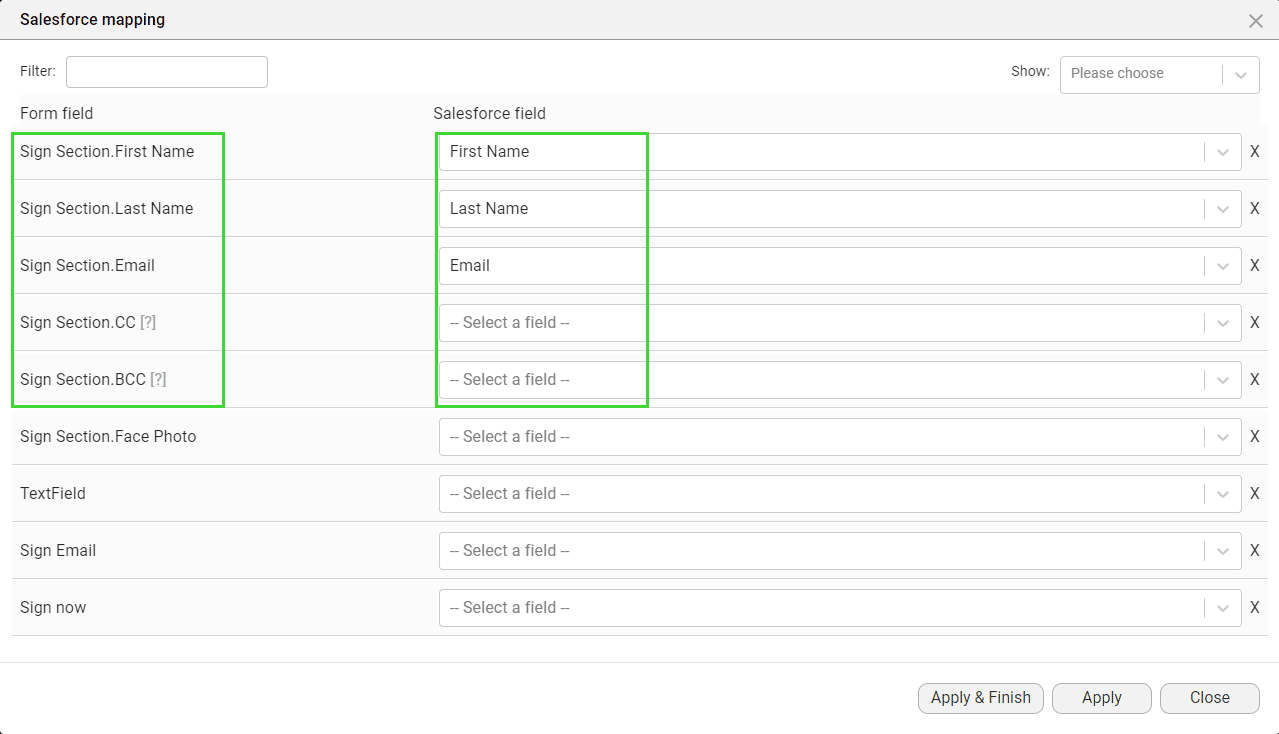
The Titan Word add-in has a feature where you can add a signer section, configure as many input fields and signatures as you need, and send the document to an unknown number of signers.
This simple setup saves time and effort, and Titan will ensure that all the signers with email addresses receive the document to sign.
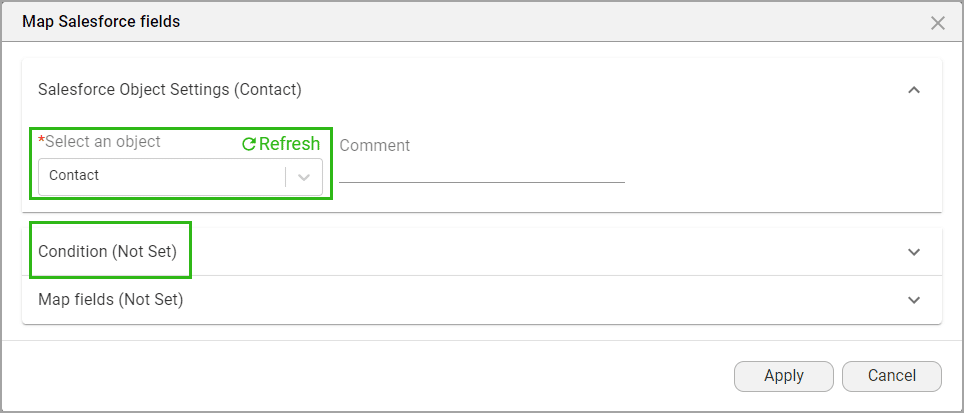
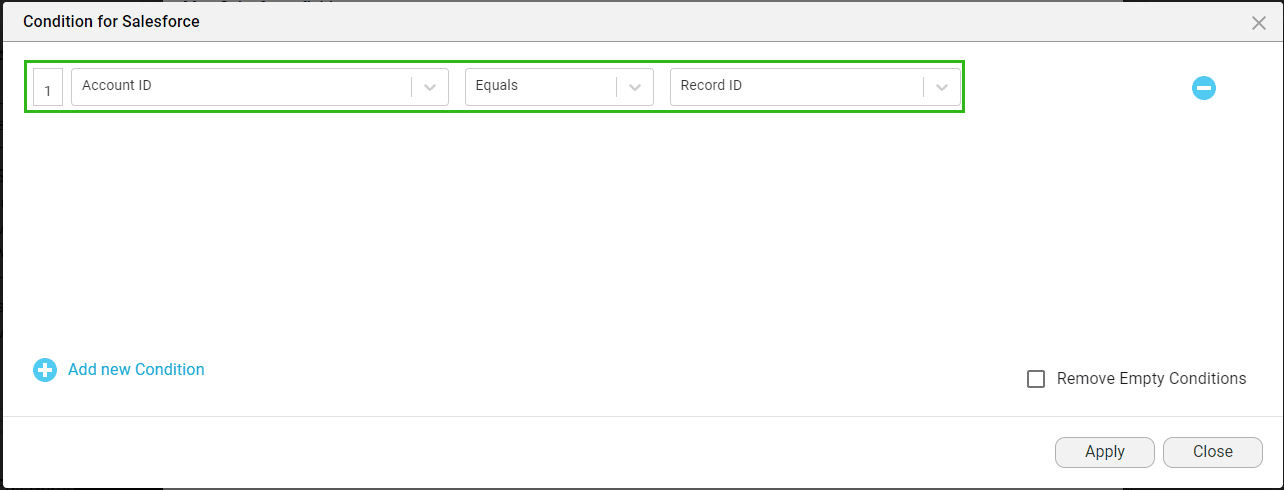
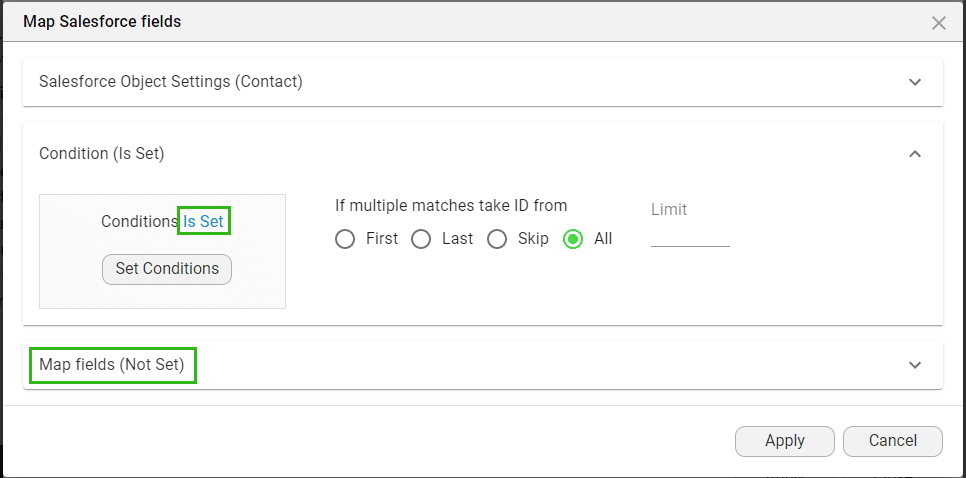
Titan allows you to sort the signers. You can also add conditions that will send the document to a specific subset of signers who meet the specified criteria.
rerequisite:
Create the document in MS Word using the Titan Word add-in.
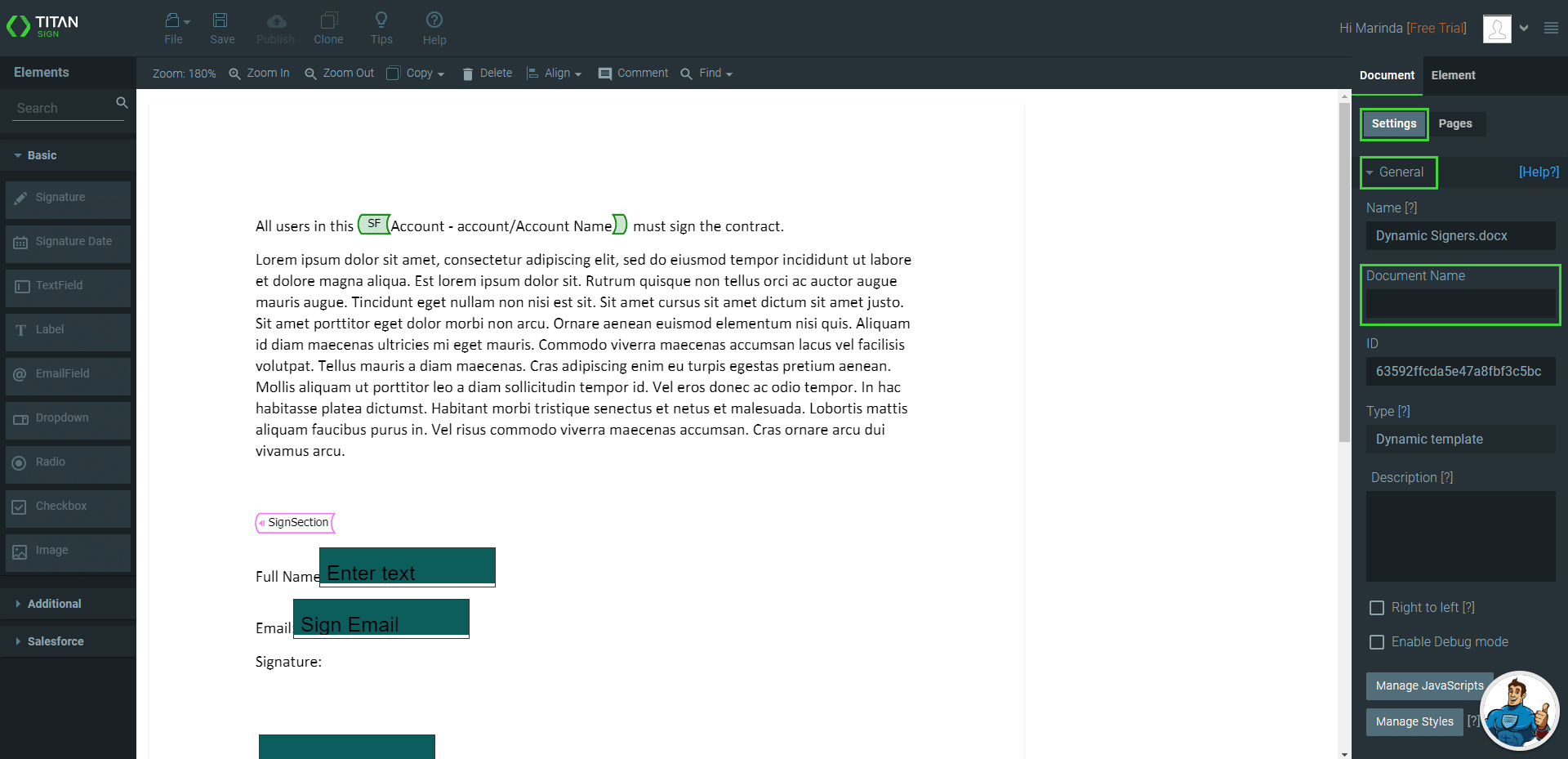
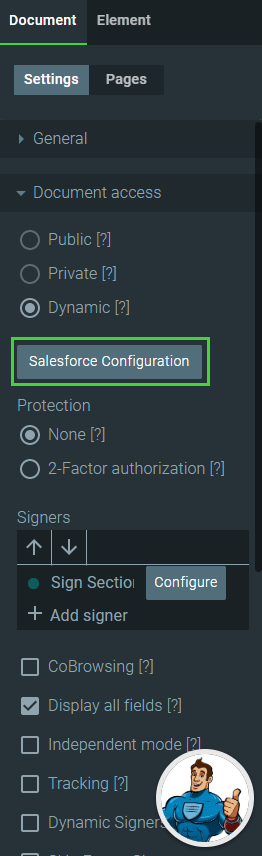
Sign Section is added as a signer by default under Signers.
The interactive elements in the document have the same color as the icon next to Sign Section.