How can we help you?
Use the push function in Titan Survey to transfer or deliver data as it is to Salesforce objects.
Customer responses sync straight back to Salesforce, ensuring complete automation for your Salesforce surveys. This functionality lets you push additional information to a Salesforce object. For instance, if a survey taker gives a negative response, you can add a note or a task to the account manager to follow up on the survey taker. You can update an object or raise a flag that this account or contact requires attention. For more information, please refer to the Titan Survey Architecture.
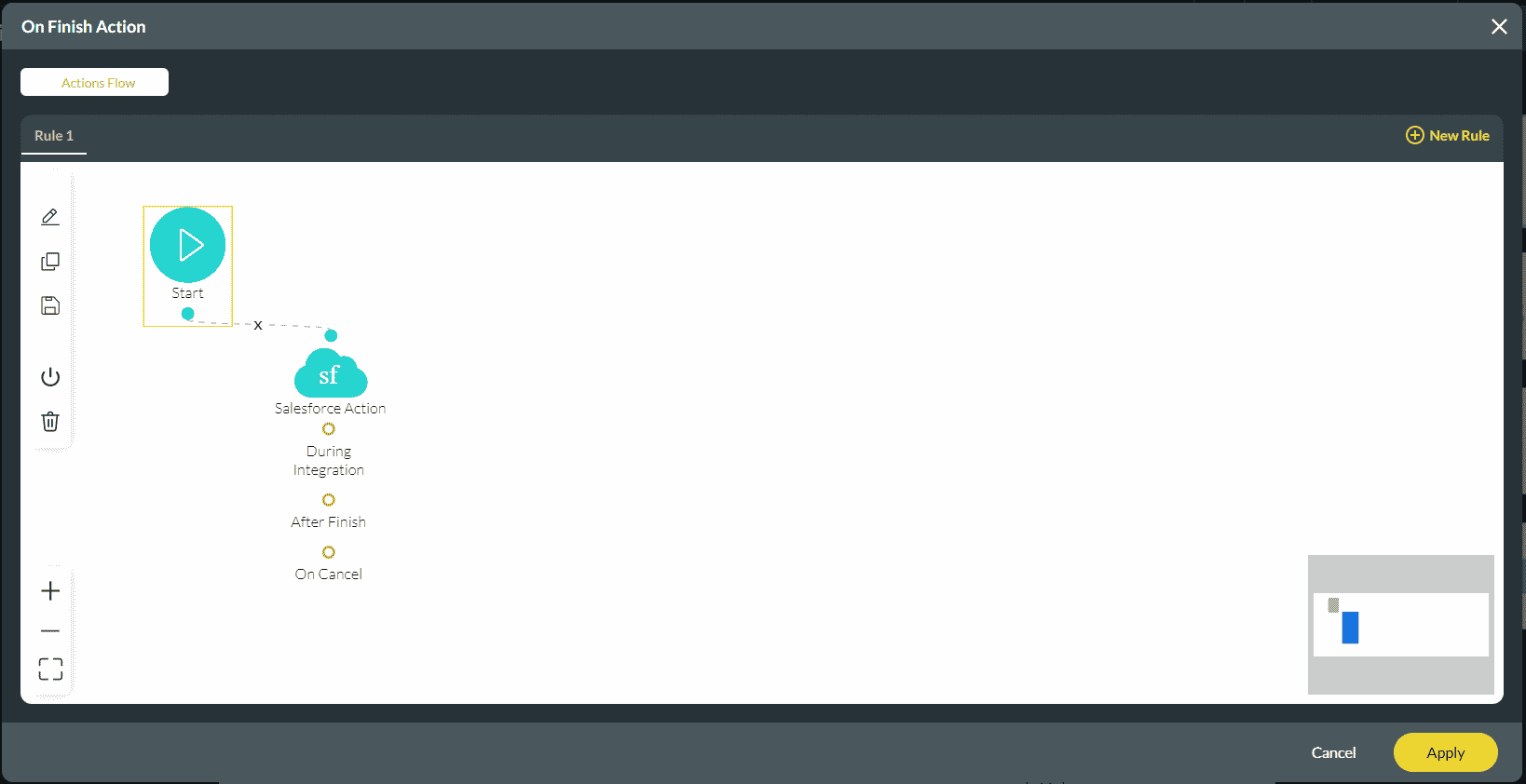
Make sure you have created a push option to perform the Salesforce Action.
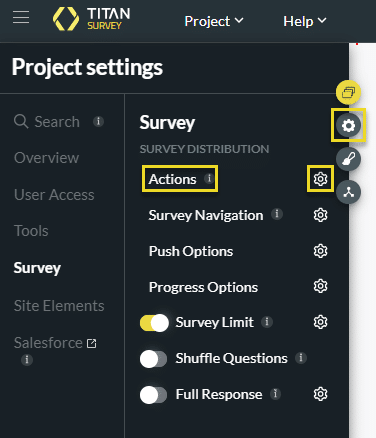
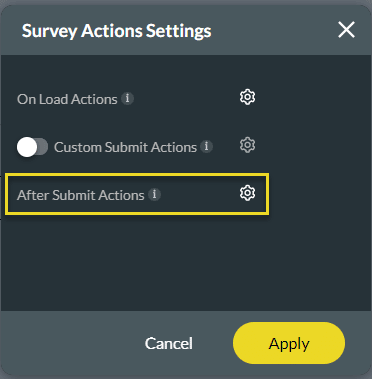
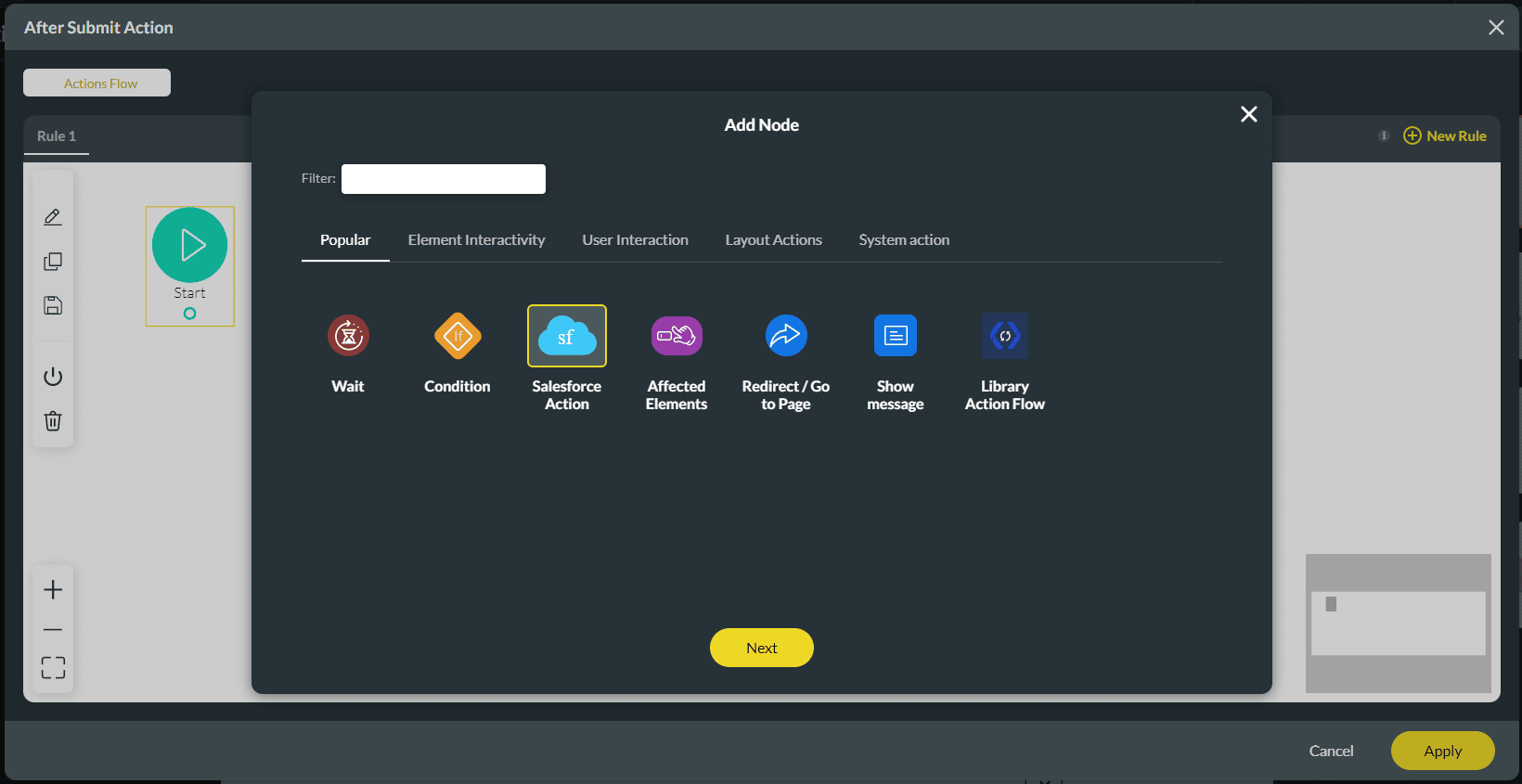
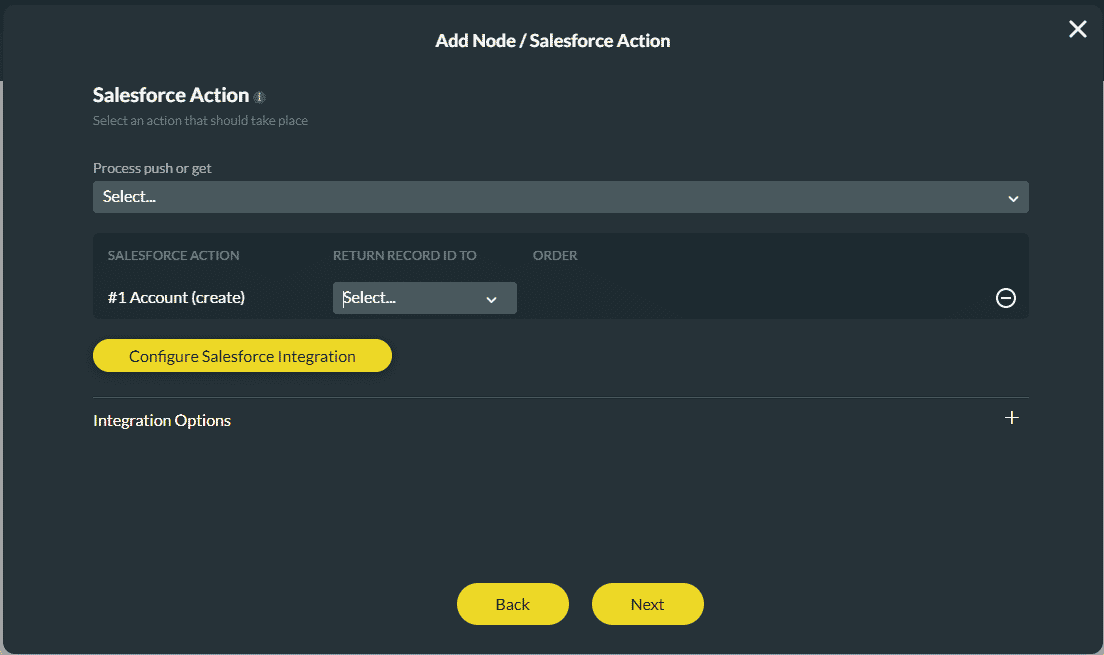
You can customize any action. For instance, you can have multiple conditions or Salesforce actions.
Interested in the Titan/Salesforce Integration? Read about Salesforce Survey Solutions, check out how to create a survey in Salesforce, and learn how Titan Survey rates on the AppExchange.









