How can we help you?
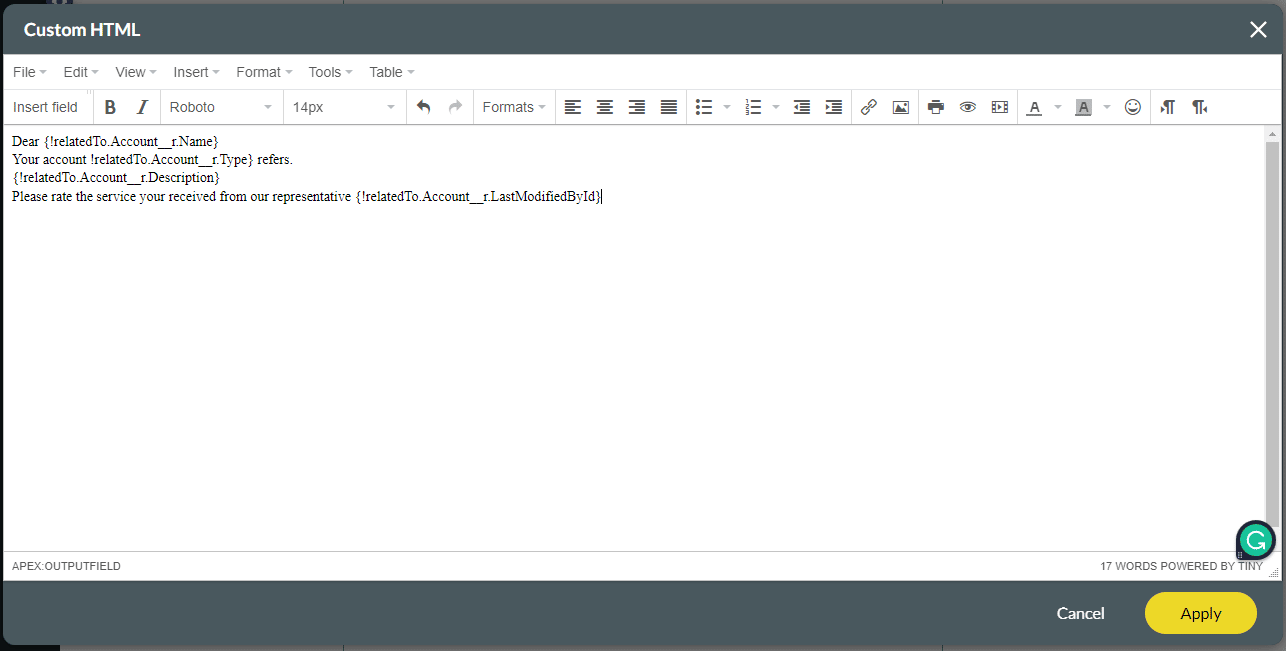
Use the Merge Salesforce Fields formula to incorporate values from a record. For example, you can place a merge field in an email template so that the greeting includes the recipient’s name rather than a generic “Hello!”.
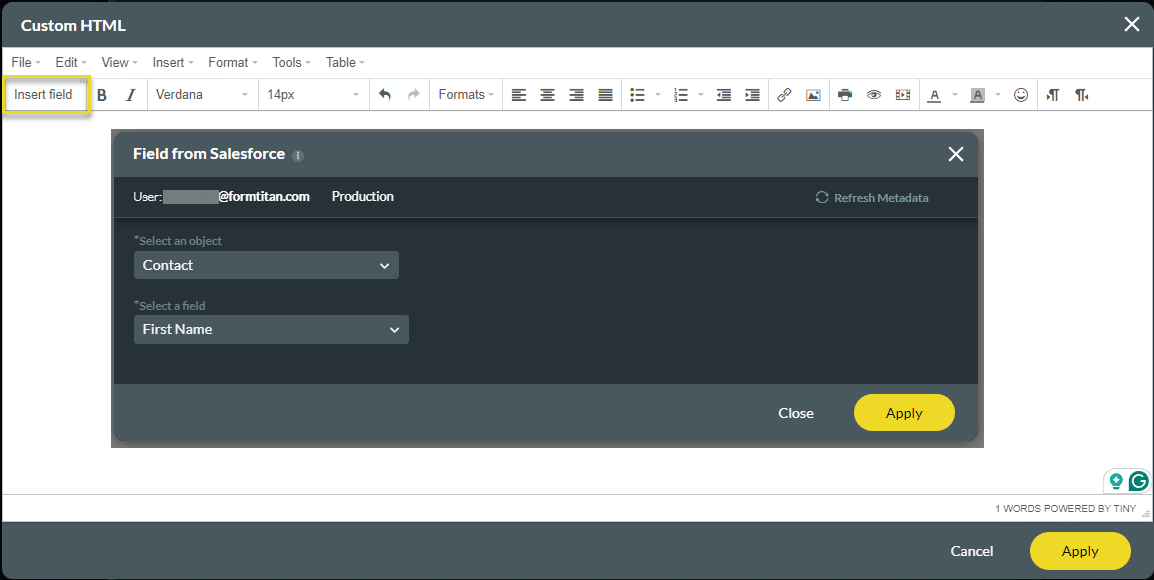
Use Titan Survey’s Insert field functionality to add text or an email subject to an email template, a mail merge template, a custom link, or a formula to incorporate values from Salesforce.
Use Titan Survey to easily create web or email surveys for Salesforce. In this video, we will show you how to merge Salesforce fields in the text or email subject of a Titan Email Survey.
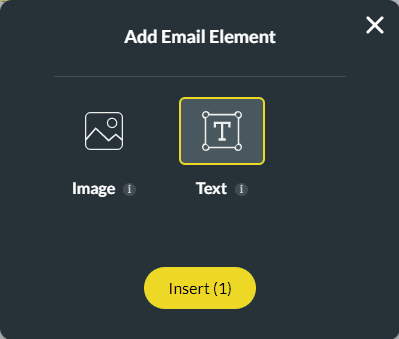
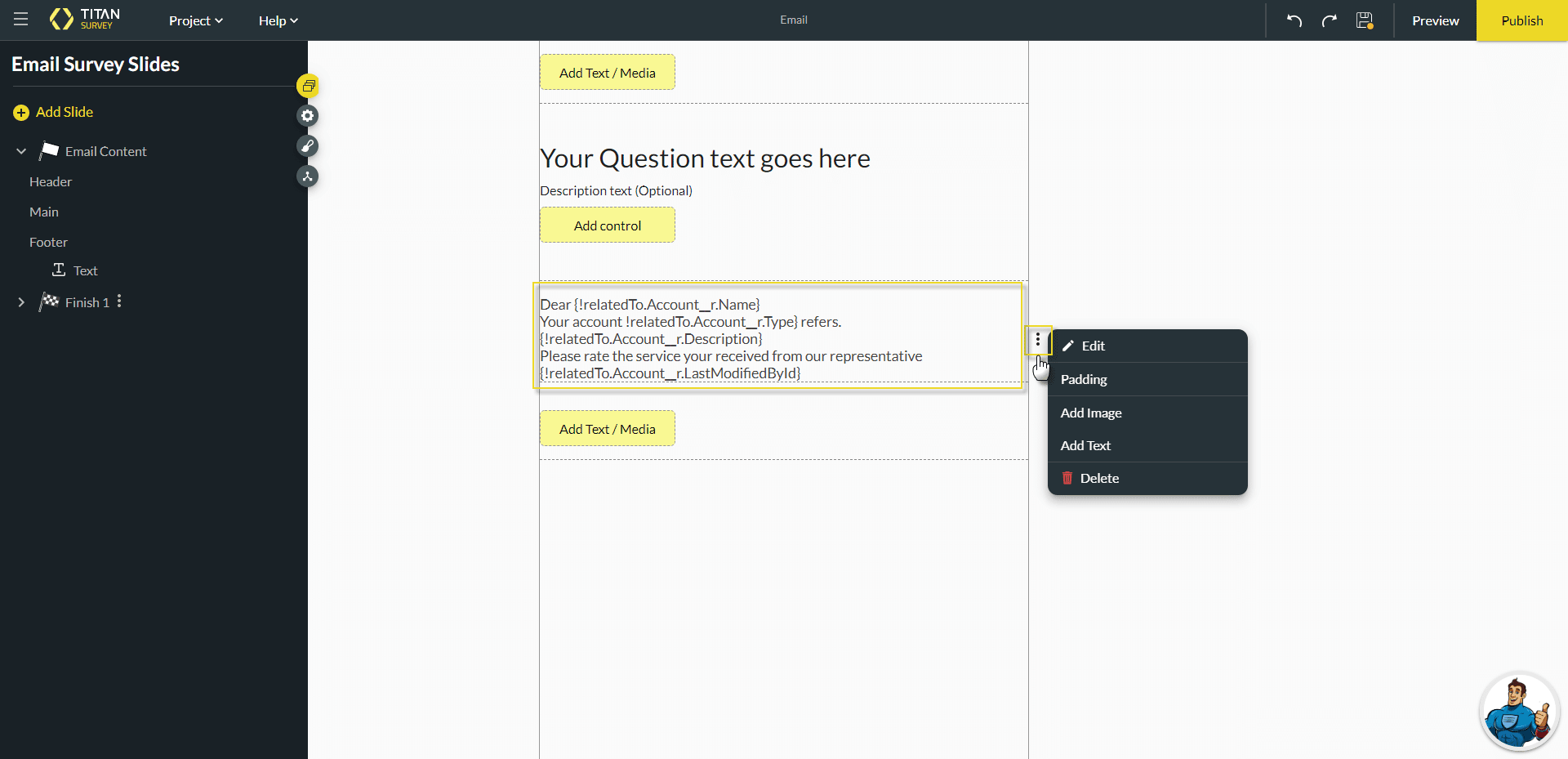
When you open an email survey, there are two Add Text/Media buttons. One is located at the top of the slide, above the question field and the other is found underneath the question fields.
This means that you can add extra text or media (an image or video link) above or below the question.