How can we help you?
Customize your web page with animation using multiple images and configure unique behavior for the animated container.
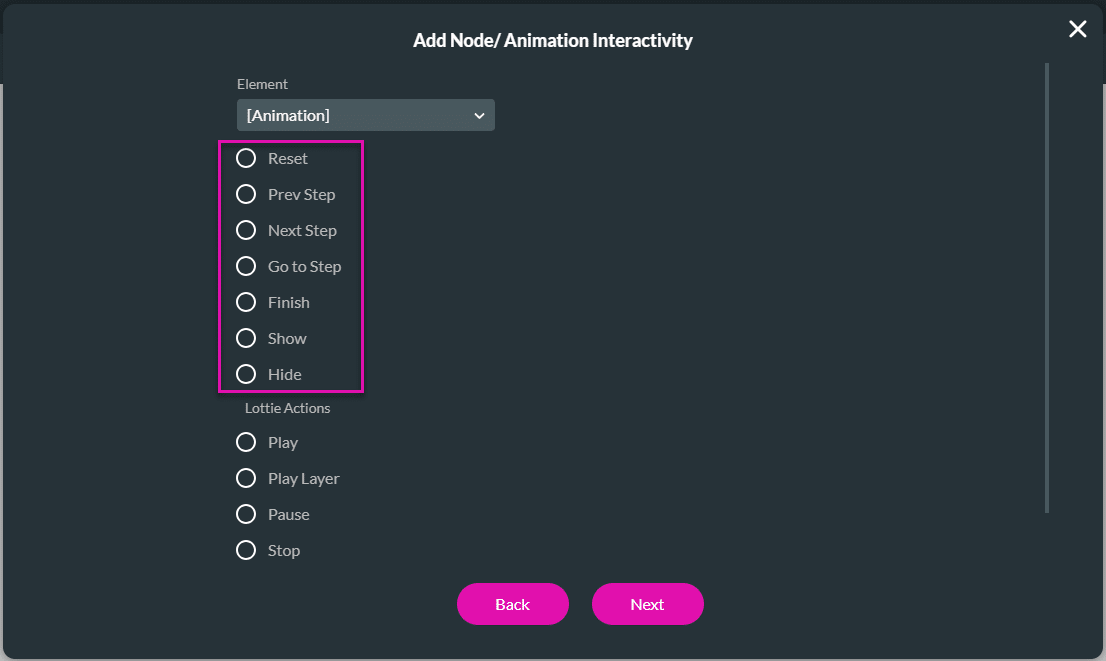
Add the animated container to your web page with Titan Web. You can add interactivity to the multi-image, SVG, or Lottie items. The different images in the container can appear on different triggers; for instance, as a user clicks on the next step in a process, the image in the animation container can show another image.
In this article, we will look at the following:
Prerequisite:
Add an animation container:
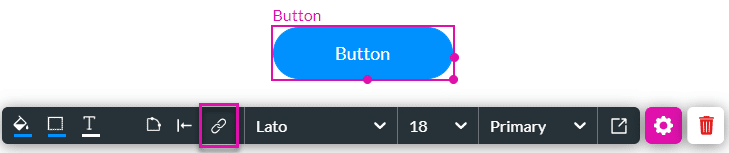
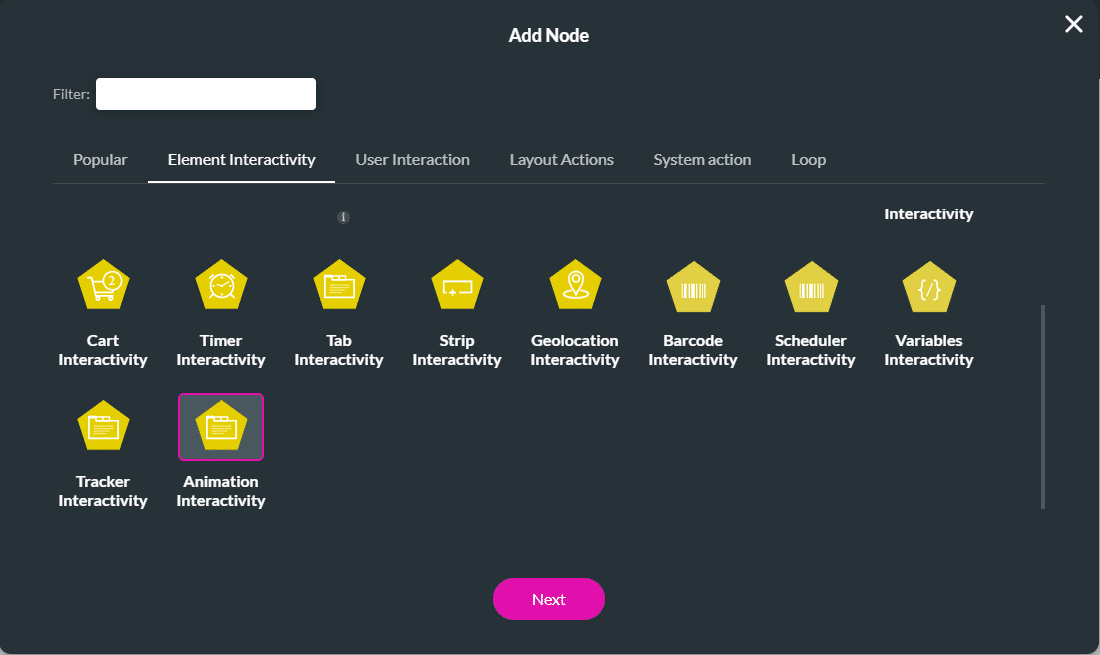
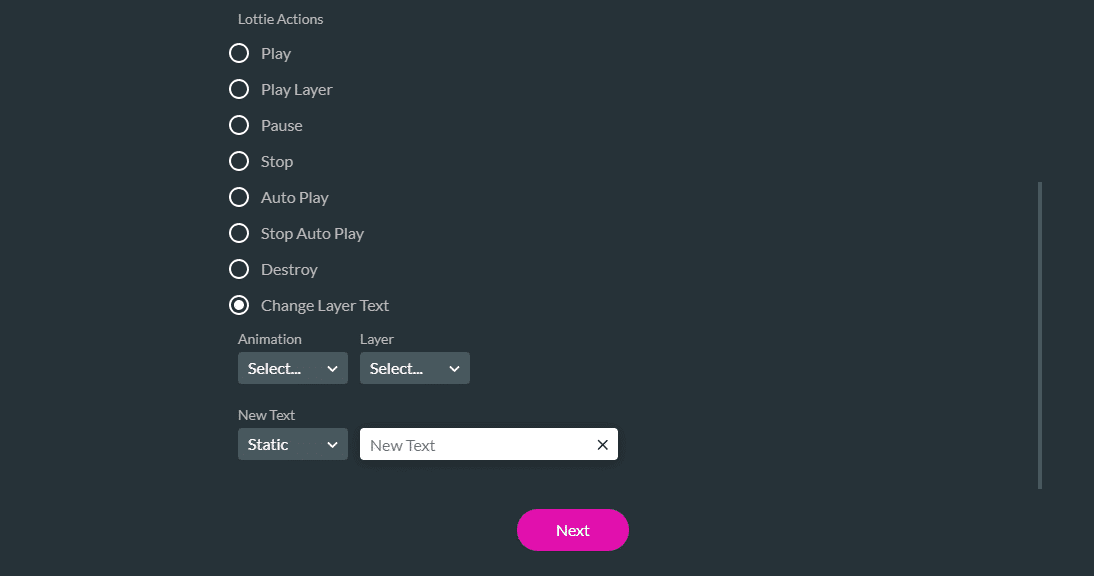
Add animation interactivity to trigger the animation according to your business logic. You can add interactivity to an element, such as a button.