How can we help you?
The Chart Details option is available for the Chart element. This option allows you to view more details from Salesforce of a specific data point. The detailed data is shown in a table in a pop-up modal.
Learn more about charts.


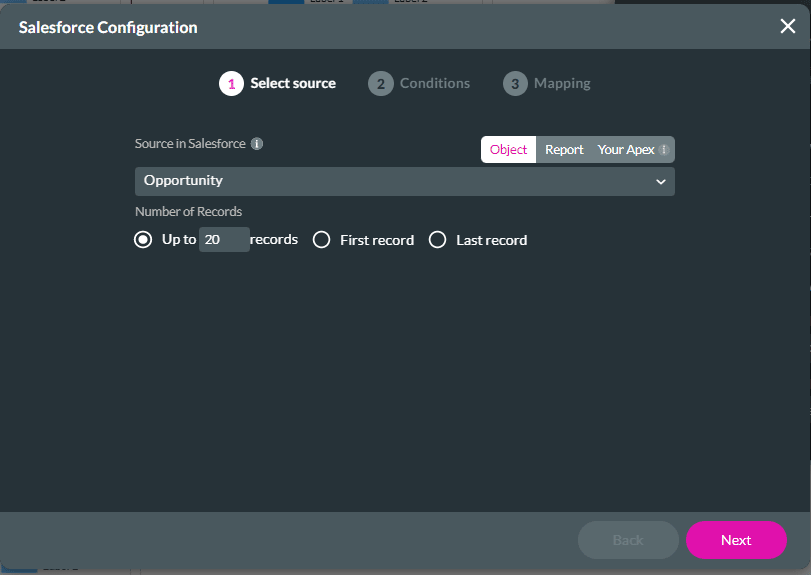
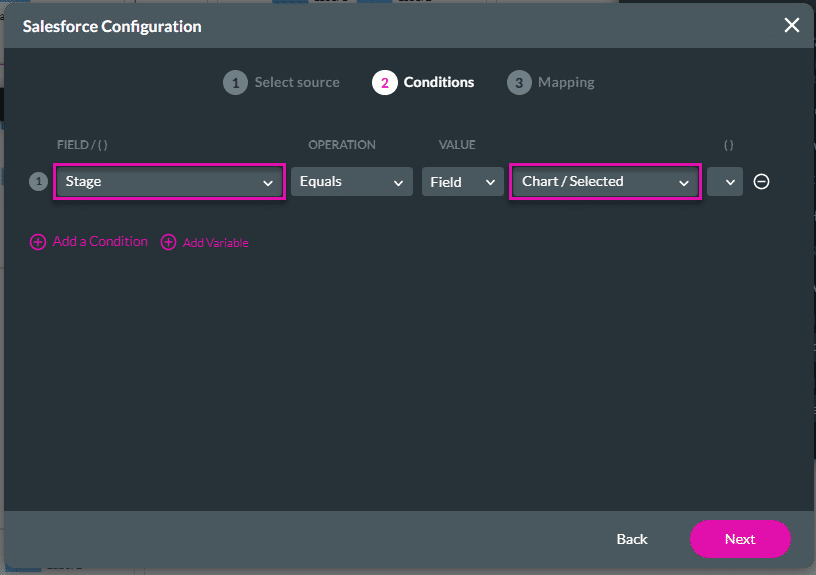
This condition must use the same source that you used when you set up the chart. In this example, the chart was sliced by X = Stage:
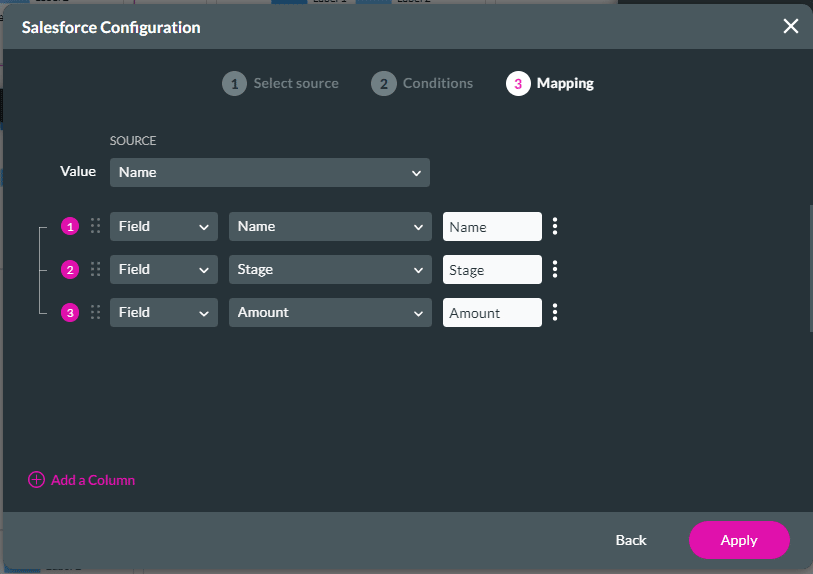


Learn how to show more chart details in a power table.









