How can we help you?
The Direction is available for the Date element. Change the appearance of the date range field by setting the date range to display the months horizontally or vertically.
Prerequisite:
Under Content, make sure that the number is greater than one month. The default is two months:
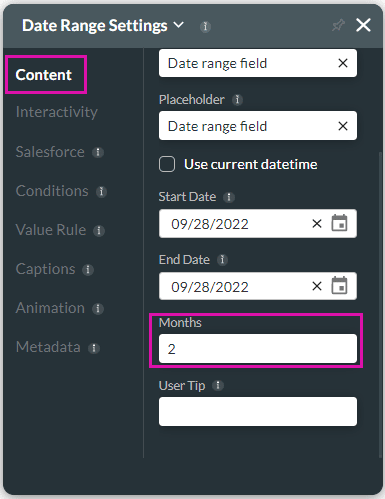
This is the number of months that a user can see in the date range modal that opens. The direction doesn’t change if only one month is specified.
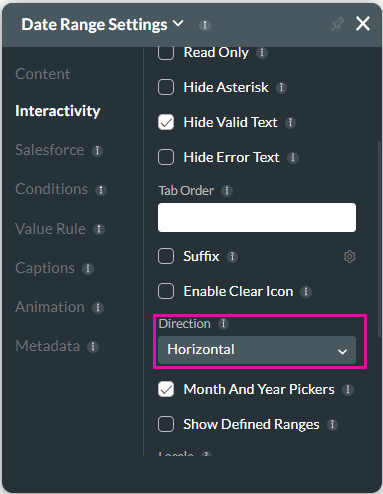
When the user clicks on the Date Range icon, the date range opens in a modal window with the months displayed horizontally or vertically.
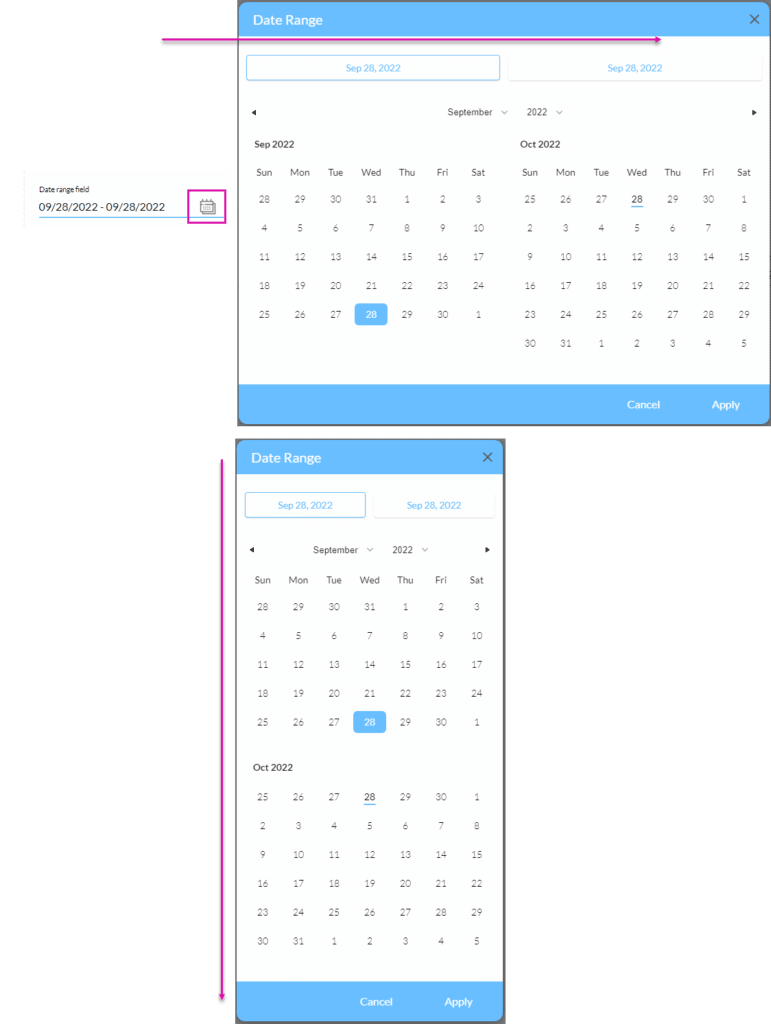
If you add more than two months, the user has to scroll to see all the options, especially when the display is vertical.









