How can we help you?
Edit a document that has been dynamically generated from Salesforce with Titan Web.
Using Titan Web, you can edit a document template that has been dynamically generated by Salesforce. The edit mode for document generation does not impact the original document. This functionality allows your customers to modify your document after it has been uploaded.
Prerequisite:
Upload a document template to Titan.
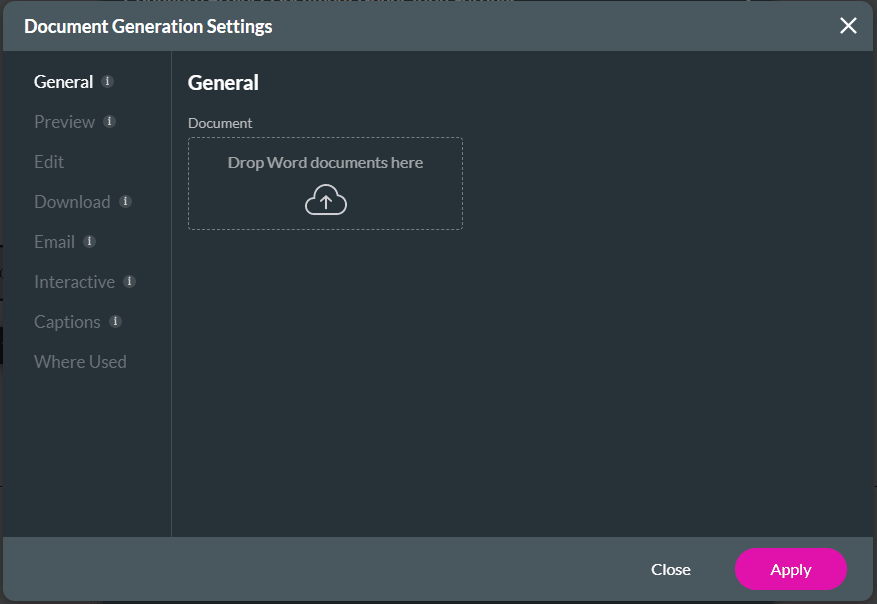
Project Settings > Tools > Document Generation > Templates > Edit > Enable Edit toggle switch
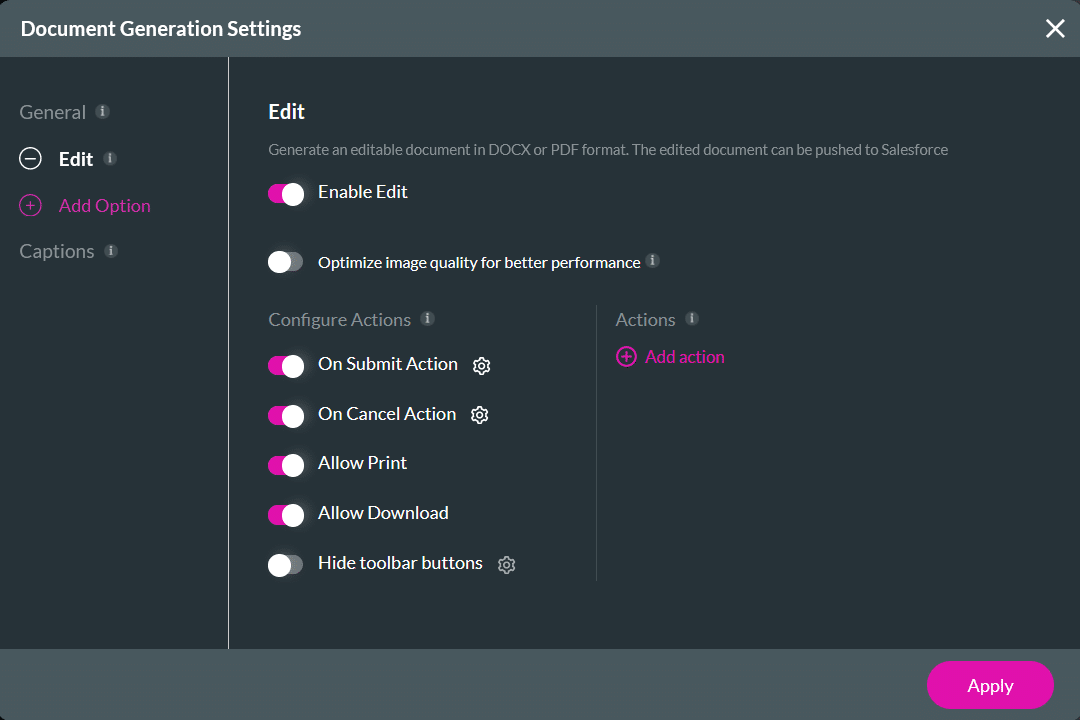
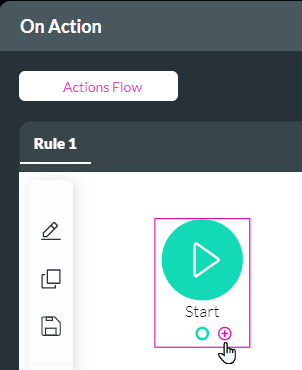

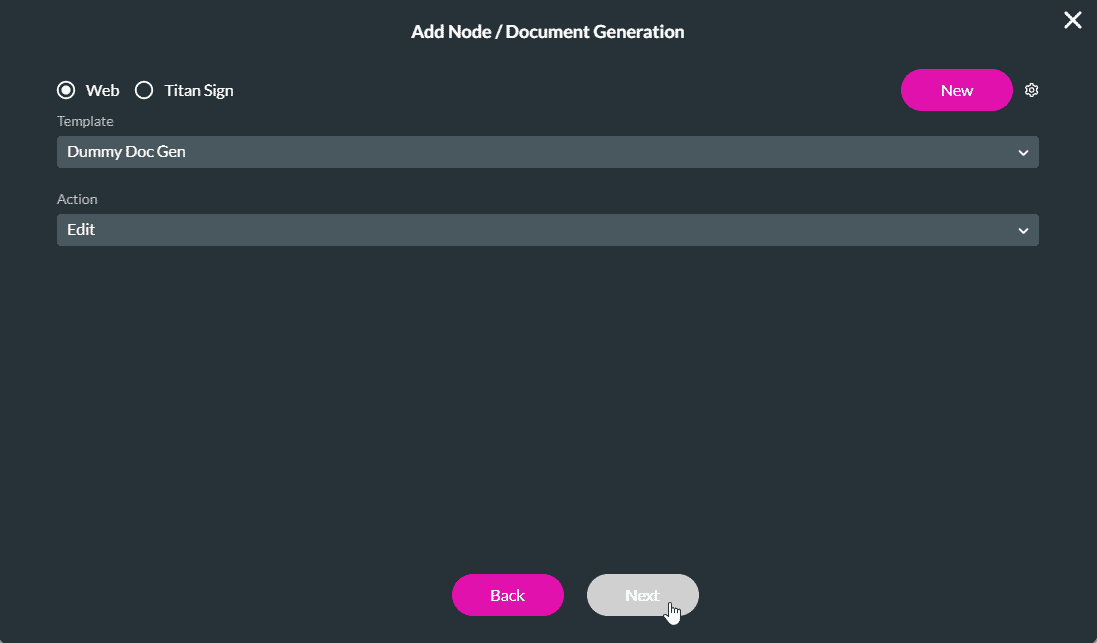
Users can edit the document when they trigger the edit action for the uploaded template. The document they will be editing has already been generated with Salesforce data, and by editing the upload, they are not impacting the original document.
They can use the text formatting tools on the right of the screen to make changes, for instance, font type, color, bold, underlining, or any of the text formatting tools. They can also change the existing text, delete, or add text to the document.

Check out our article on Configuring Actions for Document Generation.









