How can we help you?
Use the Edit Mapping button to configure static values for various elements, such as the multi-select drop-down list and the tab or multi-select picklist containers.
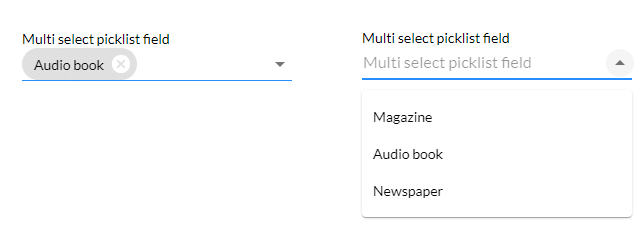
In this example, the multi-select picklist is used. Some screens may look a bit different for other elements, but configuring the static values is, in principle, the same.


The multi-select picklist on the left shows the default option. The multi-select picklist on the left shows all the options when the drop-down arrow is clicked.